Transfer Cloud Data with a Single click!

The ultimate GUI for Cloud Data Sync and File Management.

Effortlessly browse, organize, transfer files across your cloud storages.

100% FREE Mount cloud drives & encrypt your files

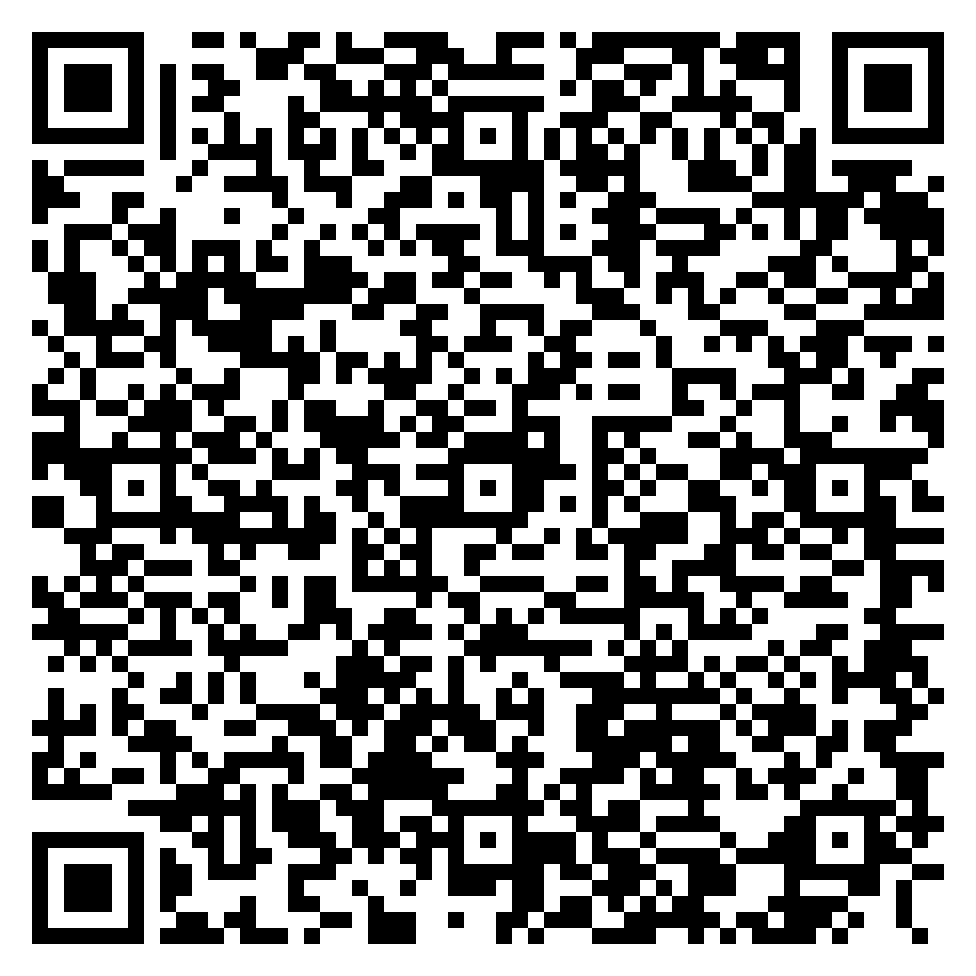
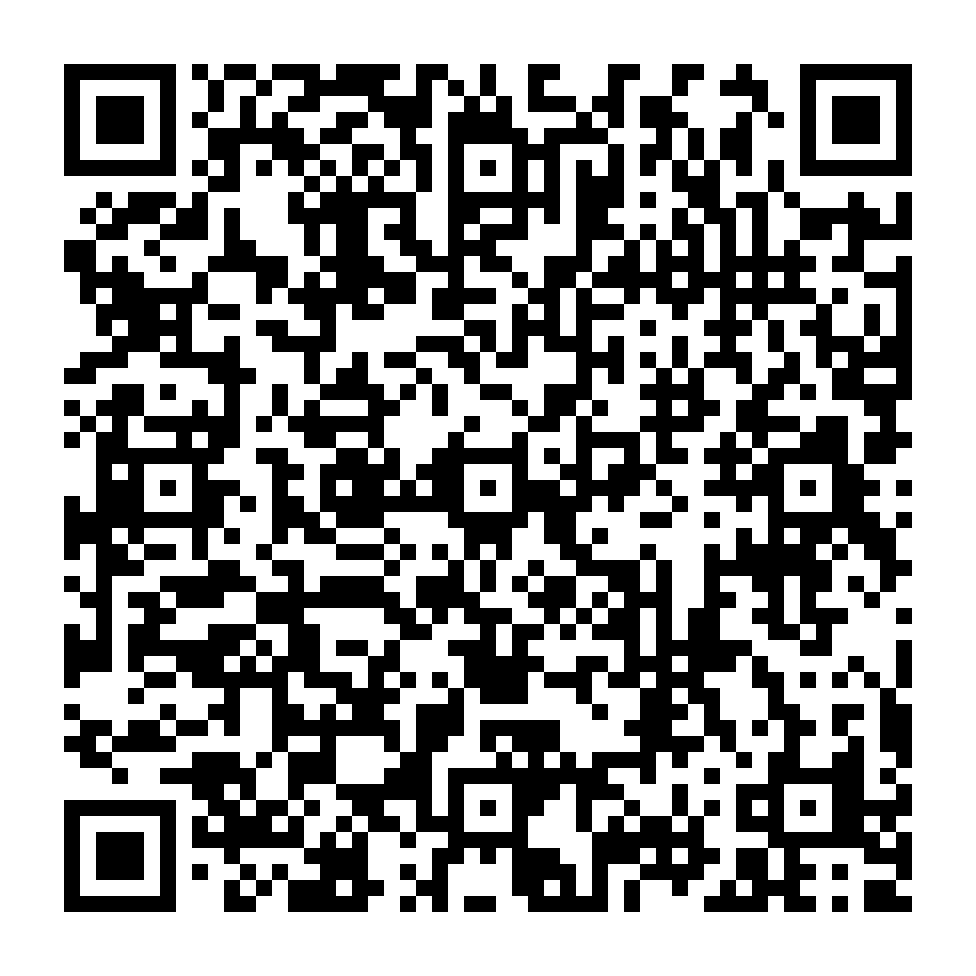
Get RcloneView Mobile on Google Play Scan the QR code to install RcloneView Mobile from Google Play Scan to install RcloneView Mobile coming soon to the App Store Coming soon
Free Mount Free Cloud Encryption

Supported Providers

See More
local file
s3
webDav
ftp
SFTP
http
SMB / CIFS
swift
storj
amazon s3
google drive
google cloud
google photo
azure blob
one drive
azure file storage
box
dropbox
mega
IBM cloud
alibaba
ceph
digital ocean
wasabi
backblaze
pcloud
idrive e2
oracle
minio
cloudflare
iCloud Photos
* The inclusion of these logos does not constitute or imply any endorsement by the respective owners of the trademarks.

FREE
Mount cloud storage as a local disk drive

Mount any of 70+ cloud providers as a native drive in your File Explorer or Finder, and manage remote files just like local ones.

FREE
End-to-end client-side encryption

Encrypt file names and contents on your device before they ever reach the cloud, powered by rclone’s proven Crypt. True zero-knowledge privacy — not even your cloud provider can read your files.

Enhanced
confetti Visual folder comparison and File Management

Easily compare, organize, and manage files across local and cloud storages with an intuitive, GUI-based folder comparison tool.

Enhanced
confetti Easily browse and manage cloud and local files

Navigate and control all your files in one place. Browse, sync, transfer and back up files across cloud and local storages with easy UI and drag-and-drop support.

Embrace the power of 1:N cloud synchronization

Effortlessly perform 1:N sysnchronization among local storage and various cloud storages in a single operation with a user-friendly interface.

Enhanced
confetti Efficient monitoring and logging for file transfers

Keep track of the progress of file transfers across local and cloud storages while running opertions like copy and sync. View detailed logs for completed jobs.

PLUS
crown
Automated synchronization with job scheduling

Schedule recurring storage synchronization tasks at predefined times. Integrates with simulation tools for smarter backup planning and testing.

PLUS
crown
Multi-Window Support for External Rclone Daemons

Connect to external Rclone daemons across different environments and manage remote cloud storages effortlessly in separate RcloneView windows.