Fix Terabox Sync Errors — How to Resolve with RcloneView

Terabox sync jobs that stall, time out, or fail partway through usually trace back to a handful of causes — RcloneView's logs, retry settings, and dry run tool make them straightforward to isolate.
Terabox's free-tier storage makes it a popular backup target, but its API can be less forgiving than larger providers under sustained transfer load, especially with many small files or large batch uploads. When a Terabox job in RcloneView reports errors or simply stops progressing, the fix is rarely to just click run again — it's to identify whether the job is hitting a connection limit, an expired session, or a file-level problem, then adjust the job settings accordingly. RcloneView also syncs and compares folders, not just mounts them, which gives you a way to confirm exactly what did and didn't transfer before retrying.

Manage & Sync All Clouds in One Place
RcloneView is a cross-platform GUI for rclone. Compare folders, transfer or sync files, and automate multi-cloud workflows with a clean, visual interface.
- One-click jobs: Copy · Sync · Compare
- Schedulers & history for reliable automation
- Works with Google Drive, OneDrive, Dropbox, S3, WebDAV, SFTP and more
Free core features. Plus automations available.
Common Terabox Sync Failure Patterns
Most Terabox errors in RcloneView fall into three groups. Connection errors surface as timeouts or refused connections mid-transfer, typically from too many concurrent transfers hitting Terabox's rate limits at once. Authentication errors appear when a Terabox session token has expired, which shows up as sudden failures on a job that previously ran fine. File-level errors — a single file repeatedly failing while the rest of the job completes — usually point to an unsupported filename character or a file that changed on the Terabox side mid-transfer.
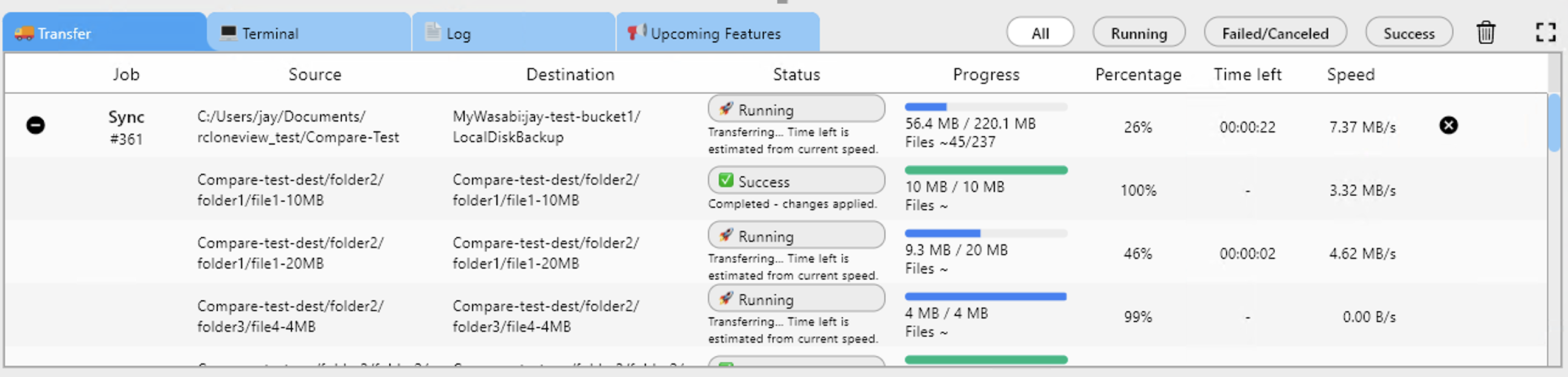
Check the Transferring tab first to see which category you're dealing with: a job that fails immediately on every file suggests authentication, while one that fails intermittently on scattered files points to rate limiting or connection instability.

Reading Logs and Job History
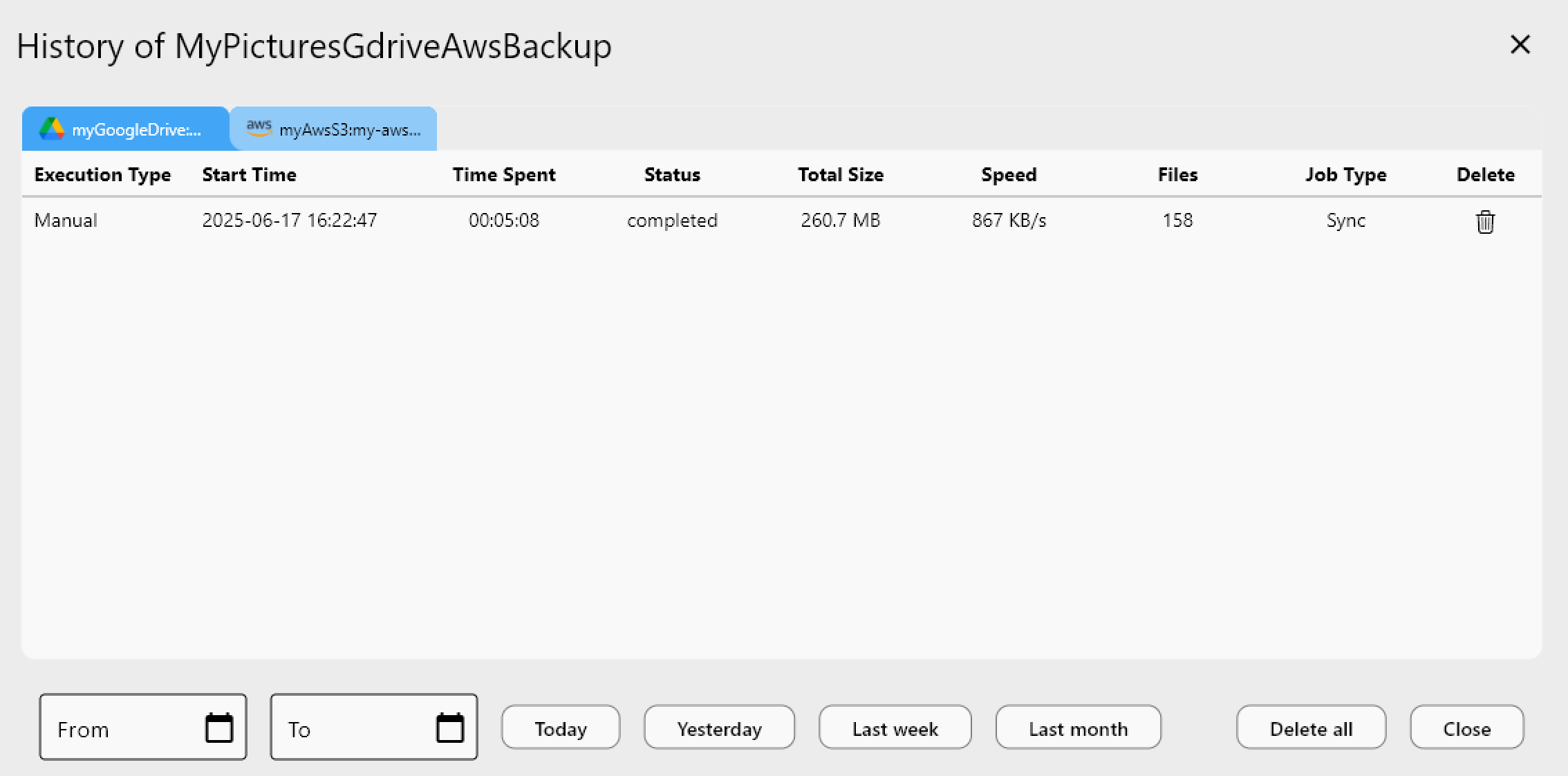
Enable detailed logging under Settings > Embedded Rclone > Enable rclone Logging, and set the log level to DEBUG before reproducing the issue. This captures the exact API response Terabox returned, which is far more useful for diagnosis than the summary error shown in the job dialog. Job History in the Job Manager also records whether a failed run was Completed, Errored, or Canceled, along with total size and file count — useful for spotting whether an error happened near the start (likely authentication) or partway through (likely rate limiting).
If a session has expired, reconnect the Terabox remote through Remote Manager to refresh the credentials before retrying the job.
Adjusting Retry, Transfer Count, and Filters
For rate-limit-driven failures, lower the Number of file transfers and Number of multi-thread transfers in Step 2 of the job wizard — fewer concurrent connections reduce the chance of Terabox throttling the session mid-job. Increasing Retry entire sync if fails from the default of 3 gives transient failures more chances to recover automatically without manual intervention.
If a specific file type consistently fails, add a custom filter in Step 3 to exclude it temporarily, complete the rest of the sync, then investigate that file on its own. Running a dry run afterward confirms the exclusion worked before you commit to the adjusted job.
Getting Started
- Download RcloneView from rcloneview.com.
- Enable DEBUG logging under Settings > Embedded Rclone before reproducing the error.
- Check Job History to identify whether the failure is early (auth) or scattered (rate limits).
- Lower transfer counts or add retries, then confirm the fix with a dry run.
With the right settings tuned to Terabox's limits, sync jobs stop failing silently and start completing reliably.
Related Guides:
- Manage Terabox — Cloud Sync and Backup with RcloneView
- Sync Terabox Free Storage to Other Clouds with RcloneView
- Fix Cloud Sync Stuck or Hanging — How to Resolve with RcloneView
Supported Cloud Providers





























