How to Use a Discount Coupon
Discount Coupon Policy
A discount coupon is issued per user (email address) and can be applied regardless of purchase quantity. It can be used only once.
Use the steps below to apply a discount coupon when you purchase a Plus or Lifetime license.
- Save or copy the discount coupon code from the email you received.
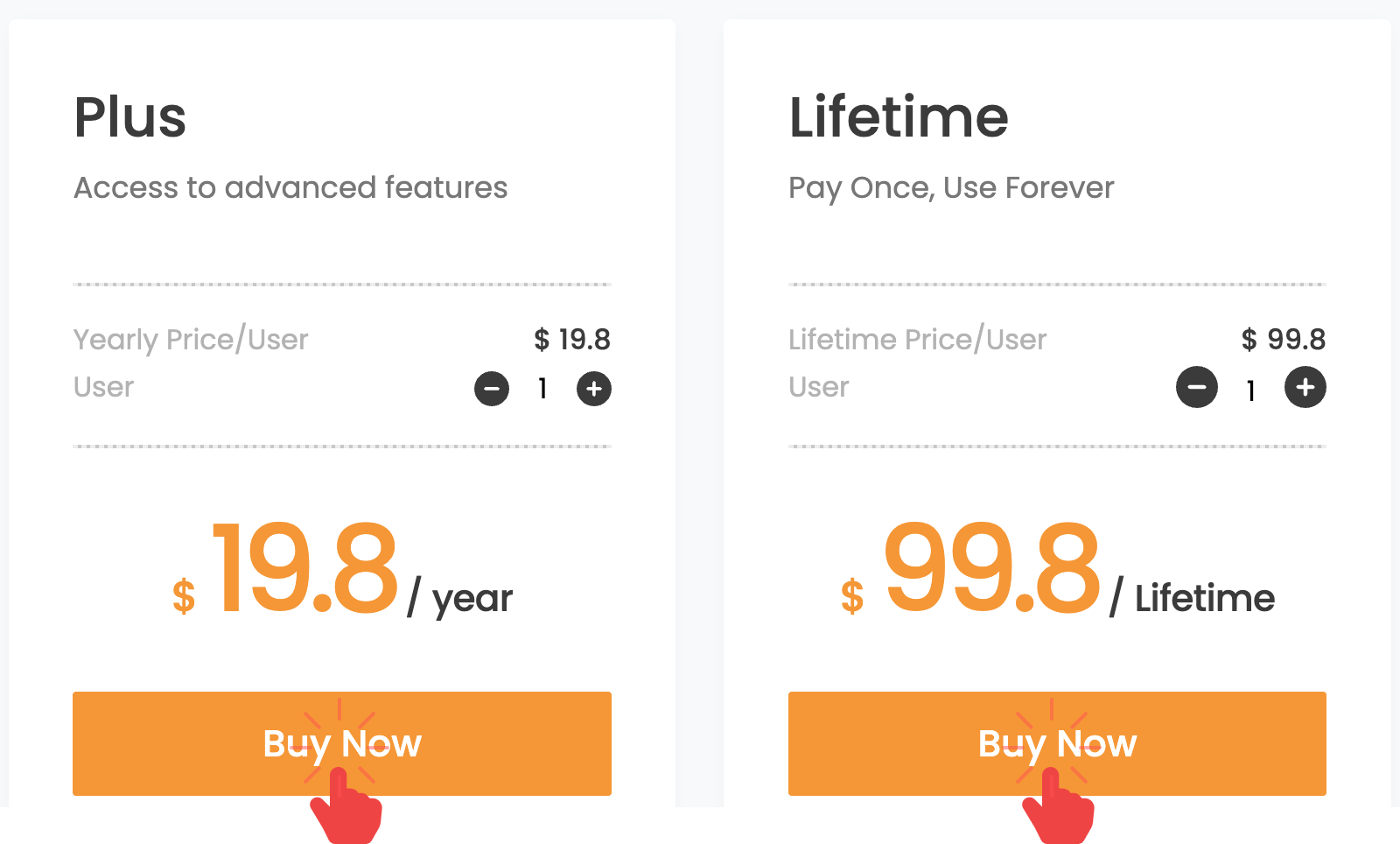
- Go to rcloneview.com and open the Plus purchase page, then click Buy Now for either the Plus or Lifetime license.
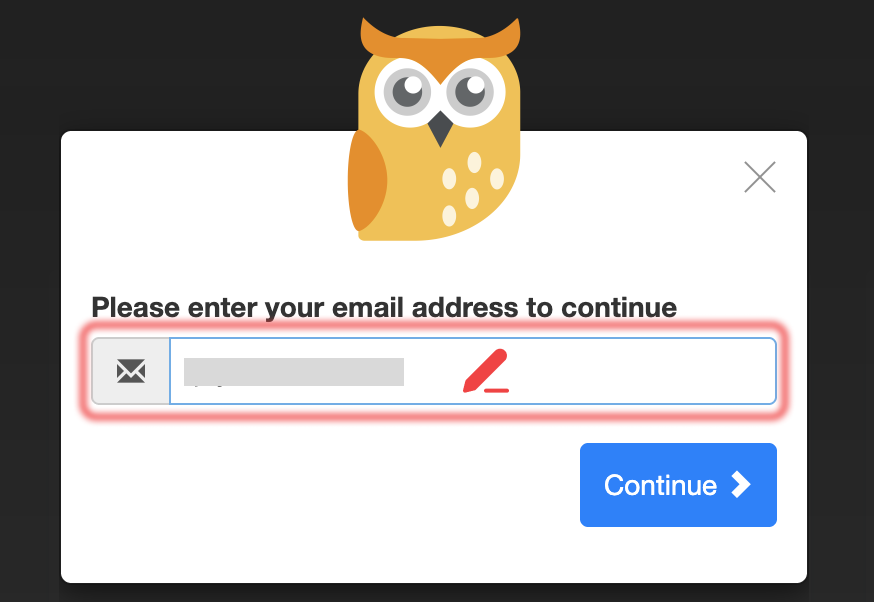
- Enter the email address where you want to receive your license code, then click Continue.
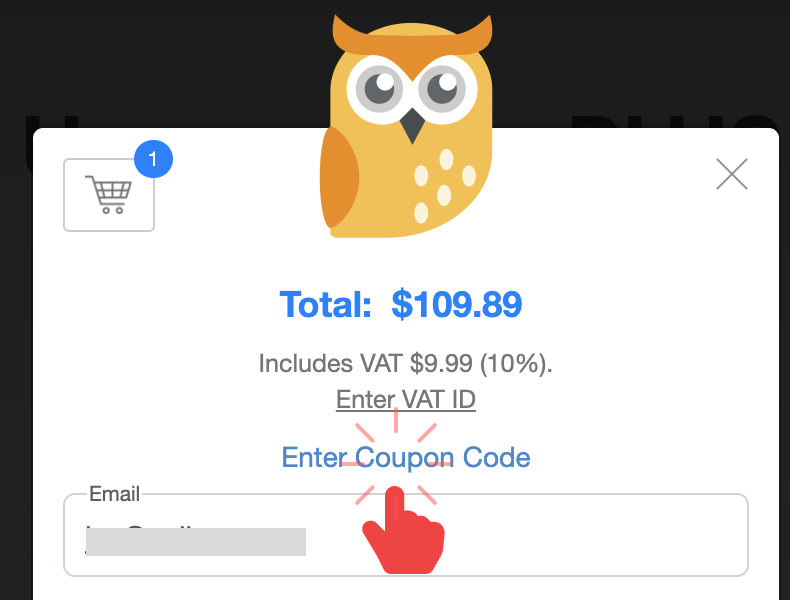
- Click
**Enter Coupon Code**.
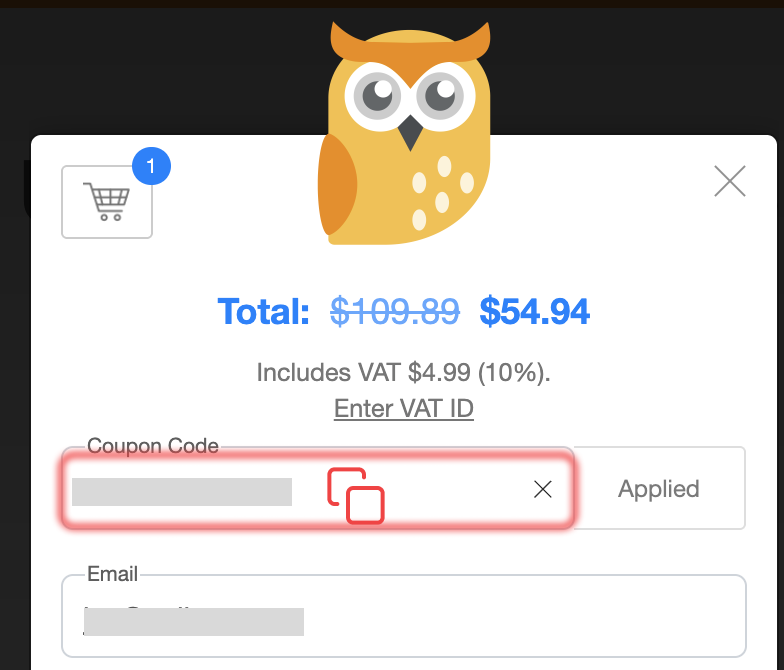
- Paste your saved discount coupon code, click Apply, confirm the discounted total appears, and complete the payment.