Fix Embedded Rclone Crashes — Restart and Recover with RcloneView
When the footer shows "disconnected" instead of a version number, the embedded rclone engine has stopped responding — here's how to bring it back without losing your job history.
RcloneView ships with an embedded rclone binary that talks to the app over a local API address, http://127.0.0.1:5582 by default. Most of the time this connection is invisible — you never think about it because it just works. But if the embedded process gets killed by an OS resource limit, a conflicting local firewall rule, or a corrupted config lock, the footer's connection info stops reporting a version and every remote in your Explorer panels goes unresponsive at once. That's the signal you're dealing with an embedded rclone crash, not a single remote's authentication problem.

Manage & Sync All Clouds in One Place
RcloneView is a cross-platform GUI for rclone. Compare folders, transfer or sync files, and automate multi-cloud workflows with a clean, visual interface.
- One-click jobs: Copy · Sync · Compare
- Schedulers & history for reliable automation
- Works with Google Drive, OneDrive, Dropbox, S3, WebDAV, SFTP and more
Free core features. Plus automations available.
Confirming It's the Embedded Engine, Not a Single Remote
The fastest way to tell the difference: if only one tab or remote fails to load while the rest of your panels work fine, that's a remote-specific issue — bad OAuth token, wrong credentials, provider outage. If every remote in every panel stops responding simultaneously and the footer's rclone version disappears, the embedded process itself has stopped. Check Settings tab > Embedded Rclone; if the version field is blank or shows an error, you've confirmed it.
RcloneView mounts AND syncs 90+ providers from one window, on Windows, macOS, and Linux, and all of that routes through this single embedded process, which is exactly why a crash here looks like a total outage rather than a provider-specific error.
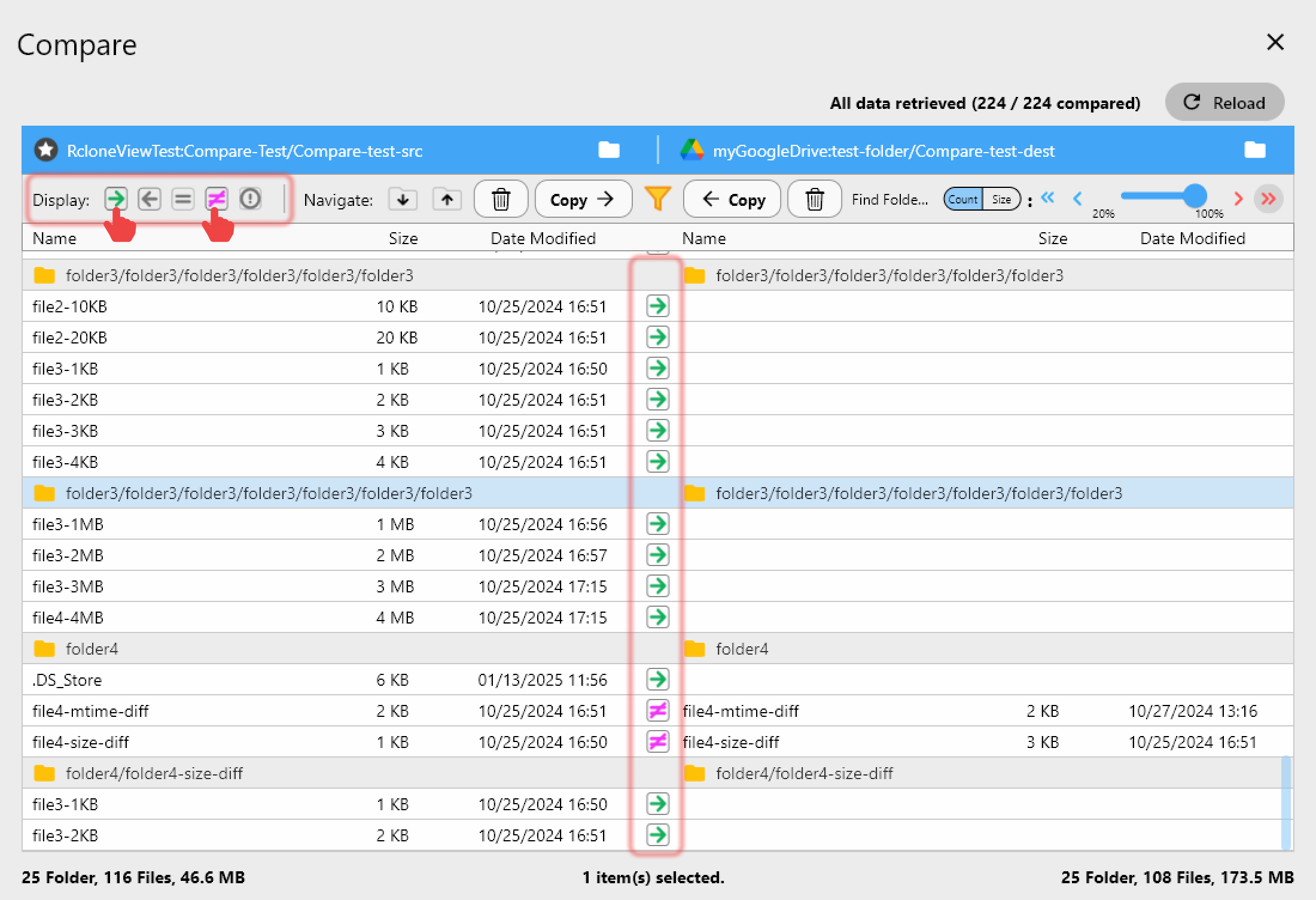
Restarting the Embedded Process
Go to Settings tab > Embedded Rclone and use the restart control there — this relaunches the bundled binary without requiring you to quit and reopen RcloneView itself. Any jobs that were mid-transfer when the crash happened will show as Errored in Job History rather than Completed, so check there afterward and re-run anything that didn't finish; RcloneView's Retry entire sync if fails setting (found in each job's Advanced Settings step) helps absorb this kind of interruption automatically on future runs.
If restarts keep failing, check the rclone binary path under Settings > Embedded Rclone > Local Rclone location. A path pointing at a moved, deleted, or antivirus-quarantined binary will prevent the process from launching even after a restart click.
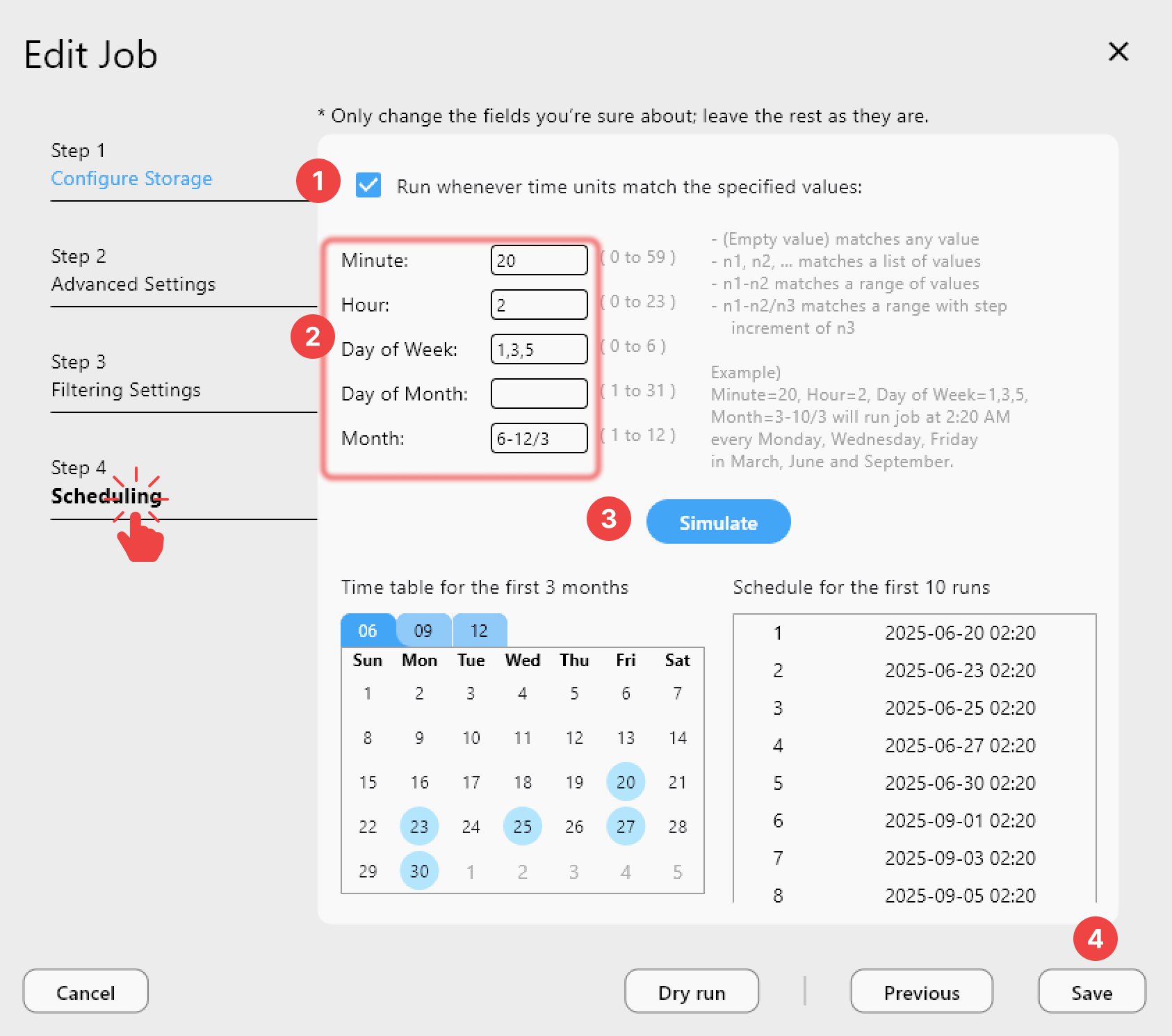
Turning On Logging for Repeat Crashes
A one-time crash rarely needs deep investigation, but a recurring one does. Enable rclone Logging in Settings > Embedded Rclone, set Log level to DEBUG, and restart the embedded process to start a fresh log file. Reproduce the crash, then check the Log tab in the bottom Info View or the log file directly at the path configured under Log folder. If you need help interpreting it, RcloneView's support team accepts log files at rcloneview@bdrive.com — attach the DEBUG-level log rather than a summary, since the exact error line matters.
Also confirm the Global Rclone Flags field in the same settings section doesn't contain a stray or incompatible flag left over from an earlier troubleshooting session — an invalid flag can prevent the embedded process from starting cleanly every time.
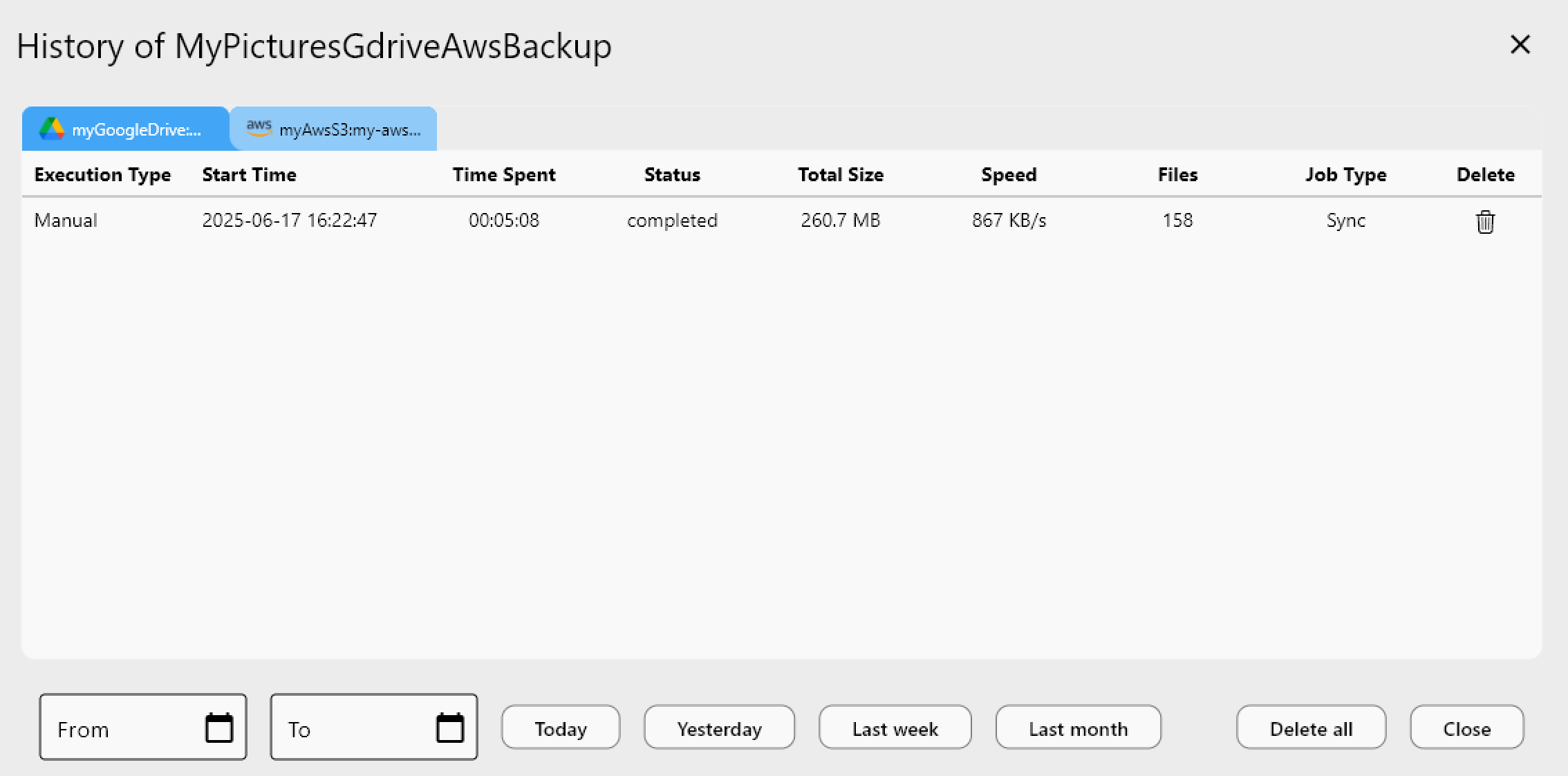
Falling Back to an External Rclone Instance
If the embedded engine keeps crashing on a particular machine — commonly on resource-constrained hardware — you can point RcloneView at an external rclone instance instead. Run rclone rcd --rc-user=<user> --rc-pass=<pass> --rc-addr=127.0.0.1:5572 from a terminal, then add it under Settings tab > Connect Manager > New Connection using that address and credentials. This decouples the rclone process's lifecycle from the RcloneView app, so a GUI issue can't take down your transfer engine, and vice versa.
Getting Started
- Download RcloneView from rcloneview.com if you need a fresh install.
- Check Settings > Embedded Rclone for a blank version field to confirm a crash.
- Use the restart control, then review Job History for anything marked Errored.
- Enable DEBUG logging if the crash repeats, and switch to an external rclone connection if it keeps happening.
A crashed embedded process looks alarming because every remote goes dark at once, but the fix is almost always a restart away — and logging turns a mystery into a one-line diagnosis the next time it happens.
Related Guides:
- Fix Rclone Config Password Errors — Resolve Encrypted Config Issues with RcloneView
- Fix High Memory and CPU Usage in Rclone Transfers with RcloneView
- Rclone Self Update — Keep Your Embedded Engine Current in RcloneView
Supported Cloud Providers





























