Rclone Self Update — Keep Your Embedded Engine Current in RcloneView

RcloneView ships with rclone built in, and can update that embedded binary from inside the app instead of asking you to track a separate download.
RcloneView doesn't just call out to whatever rclone happens to be installed on your system — it ships with its own embedded rclone binary and talks to it over the local rclone RC API. That embedded binary is what actually performs every copy, sync, and mount, so keeping it current matters for picking up new provider fixes, protocol changes, and performance improvements. Rather than requiring a full app reinstall every time rclone cuts a release, RcloneView includes an in-app Self Update capability for the embedded engine.

Manage & Sync All Clouds in One Place
RcloneView is a cross-platform GUI for rclone. Compare folders, transfer or sync files, and automate multi-cloud workflows with a clean, visual interface.
- One-click jobs: Copy · Sync · Compare
- Schedulers & history for reliable automation
- Works with Google Drive, OneDrive, Dropbox, S3, WebDAV, SFTP and more
Free core features. Plus automations available.
Why the Embedded Rclone Version Matters
RcloneView requires a minimum rclone version of v1.69.1 or later, since newer app features depend on RC API capabilities only available from that point onward. Providers occasionally change their APIs, and rclone releases patch those changes — running an outdated embedded binary can mean a remote that used to work suddenly throwing authentication or listing errors that have nothing to do with your RcloneView configuration.

Because the embedded rclone communicates over http://127.0.0.1:5582 on localhost, updating it doesn't touch your remotes, sync jobs, or saved credentials — those live in RcloneView's own configuration, separate from the binary version.
Triggering a Self Update
The self-update action lives alongside the rclone connection details, where RcloneView already shows the currently running rclone version, the local API address, and the host OS. From there, running the update fetches and swaps in the latest compatible rclone build without leaving the app or opening a terminal.
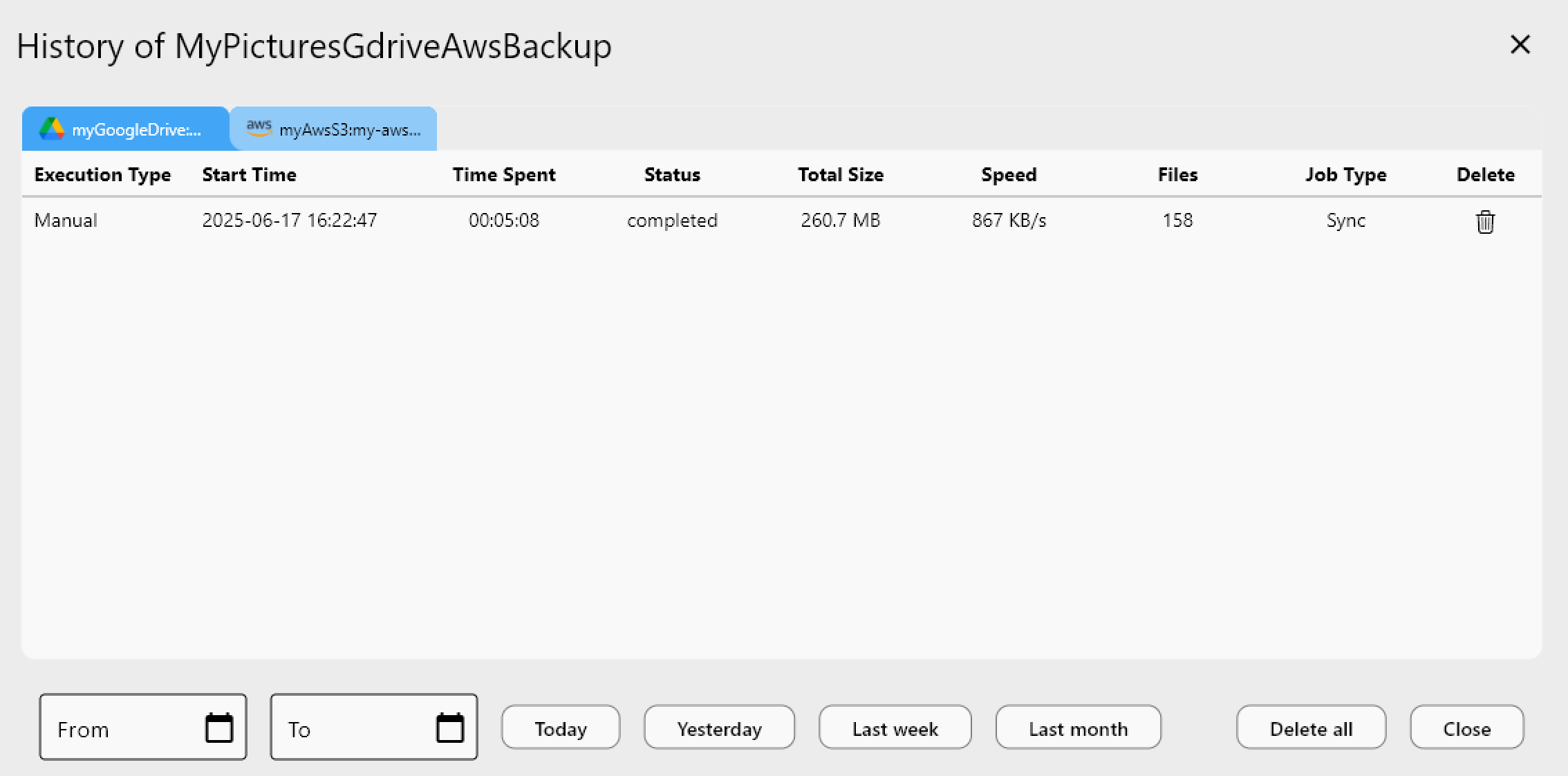
This is worth checking after a support thread or release note mentions a provider-specific fix — updating the embedded binary first is a quick way to rule out version drift before troubleshooting a sync job further.
Combining Self Update with Logging
If a job starts failing right after an update, enabling rclone logging (Settings > Embedded Rclone > Enable rclone Logging) and setting the log level to DEBUG gives you a clear before-and-after record. Restart the embedded rclone process, reproduce the job, and the log file will show exactly which version handled the request — useful when reporting an issue or comparing behavior across versions.
Getting Started
- Download RcloneView from rcloneview.com.
- Open the footer or connection settings to check the currently running embedded rclone version.
- Run the in-app Self Update to fetch the latest compatible rclone build.
- Re-run an existing sync or mount to confirm everything still connects as expected.
Keeping the embedded engine current is a small habit that prevents a surprising share of "it worked yesterday" cloud sync problems.
Related Guides:
- RcloneView Connection Manager — Embedded and External Rclone
- Rclone RC API — Remote Control with RcloneView
- Custom Rclone Flags — Advanced Options in RcloneView
Supported Cloud Providers





























