Fix Proton Drive Sync Errors — Troubleshooting Guide for RcloneView
When a Proton Drive sync stalls or fails to authenticate, the fix is usually in the credential setup or job log — not a bug in the transfer itself.
Proton Drive connects to RcloneView with an email, password, and an optional two-factor code rather than a browser OAuth flow, so most sync failures trace back to that credential handshake or to a job that hasn't been re-tested since your Proton account settings changed. RcloneView surfaces these failures in Job History and the Log tab, which makes isolating the actual cause straightforward once you know where to look.

Manage & Sync All Clouds in One Place
RcloneView is a cross-platform GUI for rclone. Compare folders, transfer or sync files, and automate multi-cloud workflows with a clean, visual interface.
- One-click jobs: Copy · Sync · Compare
- Schedulers & history for reliable automation
- Works with Google Drive, OneDrive, Dropbox, S3, WebDAV, SFTP and more
Free core features. Plus automations available.
Authentication and 2FA Failures
If a Proton Drive remote fails to connect, re-check the email and password entered in Remote Manager first — unlike OAuth providers, there's no browser re-login to fall back on, so a changed Proton password breaks the remote silently until you edit it. If two-factor authentication is enabled on your Proton account, make sure the code is entered promptly, since 2FA codes expire quickly and a stale code produces the same generic authentication error as a wrong password.

RcloneView mounts and syncs Proton Drive from the same window on Windows, macOS, and Linux — so a credential fix applies everywhere you've configured the remote, without reconfiguring per platform.
Sync Jobs Stuck or Failing Mid-Transfer
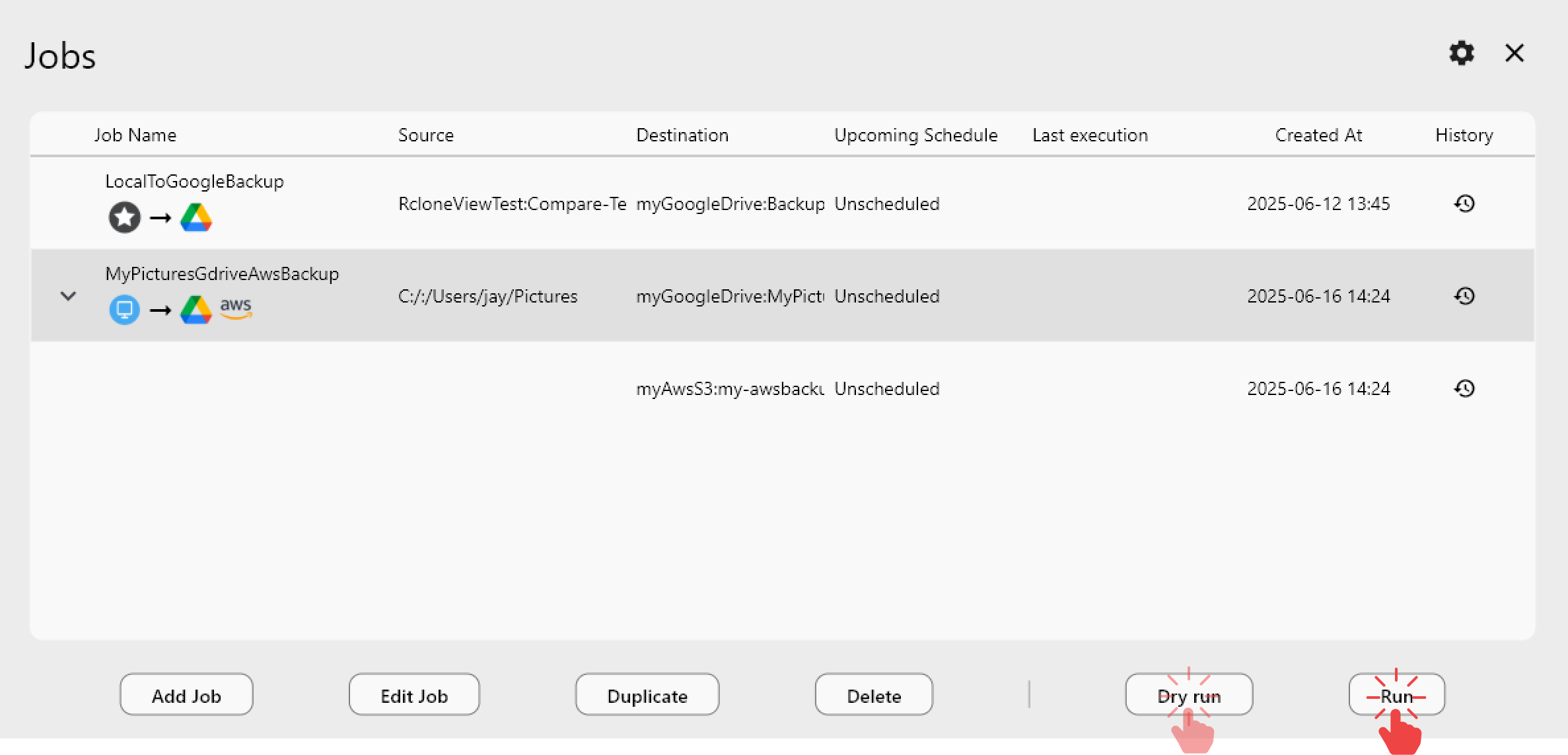
A job that starts but never completes often points to a filter rule excluding more than intended, or a retry count set too low for a flaky connection. Open the job's Advanced Settings and confirm the retry count — the default of 3 attempts handles brief network hiccups, but dropping it to 1 removes that safety net entirely. Run a Dry Run before re-launching the job to see exactly which files it intends to touch.
Reading Job History and Enabling Debug Logs
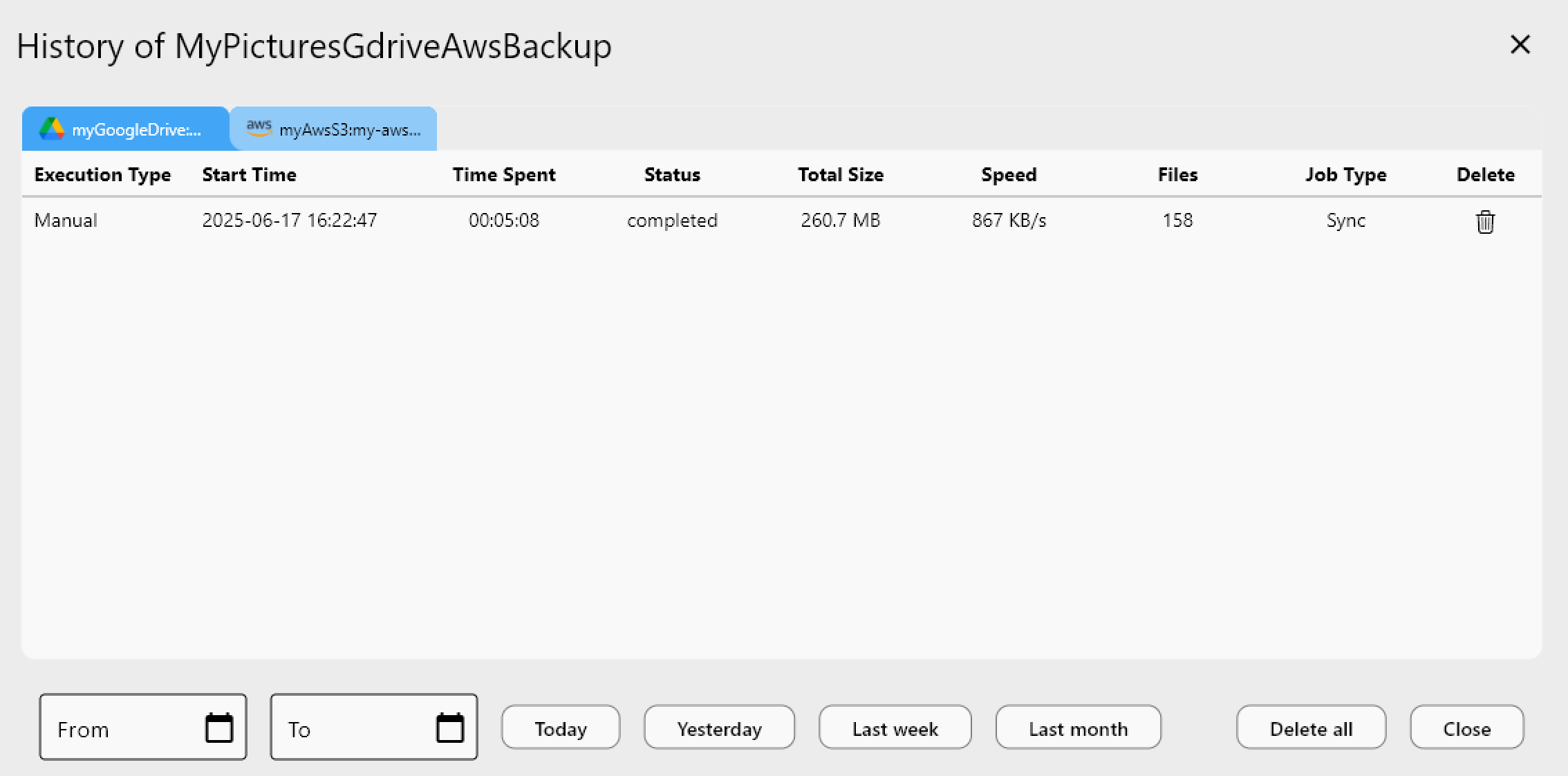
Job History records whether a run Completed, Errored, or was Canceled, along with the exact time it stopped — that timestamp is a reliable way to correlate a failure with a specific file or network event.
For persistent or unclear failures, enable rclone Logging in Settings, set the log level to DEBUG, restart the embedded rclone process, and reproduce the sync. The resulting log file pinpoints exactly which API call failed, which is far more useful than guessing from the error dialog alone.
Getting Started
- Download RcloneView from rcloneview.com if you haven't already.
- Re-enter your Proton Drive email and password in Remote Manager, completing 2FA promptly if prompted.
- Run a Dry Run on the affected sync job to confirm which files are in scope.
- Enable DEBUG logging and reproduce the issue if the failure isn't resolved by a credential refresh.
Most Proton Drive sync errors clear up once the credentials and retry settings are verified — the logs are there for the rest.
Related Guides:
- Manage Proton Drive Files and Cloud Sync with RcloneView
- Encrypt & Back Up Your Hard Drive to Proton Drive with RcloneView
- Proton Drive Meets Your Clouds — Backup & Sync the Easy Way with RcloneView
Supported Cloud Providers





























