Sync Google Drive to Wasabi — Affordable Archive and Backup with RcloneView
Google Drive is convenient for active collaboration, but long-term storage costs add up. Wasabi offers S3-compatible hot storage at half the price—perfect for archiving your Google Drive with RcloneView.
Google Drive is ideal for team collaboration, but unlimited storage comes with retention complexity. Wasabi provides hot cloud storage with predictable pricing and no egress fees. RcloneView automates the process of archiving completed projects, older files, and cold data to Wasabi.

Manage & Sync All Clouds in One Place
RcloneView is a cross-platform GUI for rclone. Compare folders, transfer or sync files, and automate multi-cloud workflows with a clean, visual interface.
- One-click jobs: Copy · Sync · Compare
- Schedulers & history for reliable automation
- Works with Google Drive, OneDrive, Dropbox, S3, WebDAV, SFTP and more
Free core features. Plus automations available.
Connect Google Drive and Wasabi
Setting up both remotes in RcloneView is quick and secure.
Google Drive:
- Click Add Remote → Select Google Drive
- Authorize RcloneView via OAuth
- Grant folder/file access permissions
- Verify connection
Wasabi:
- Click Add Remote → Select Wasabi
- Enter your Wasabi Access Key and Secret Key
- Select your bucket and region
- Test connectivity
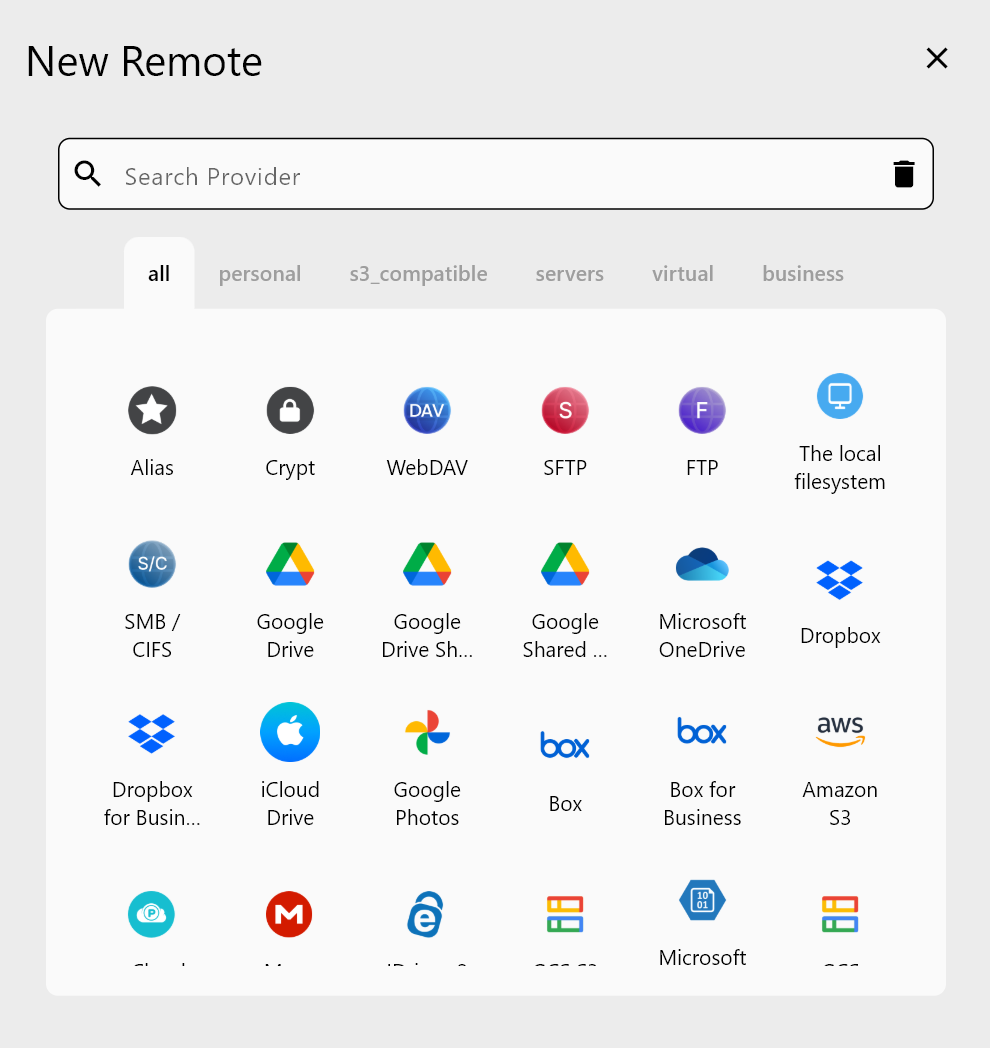
Archive Google Drive to Wasabi Hot Storage
Create a one-time or recurring sync job to move your files. Wasabi's hot storage is immediately accessible—no restore delays like glacier.
Archive scenarios:
- Project completion: Archive client deliverables after project ends
- Storage optimization: Move files older than 90 days to Wasabi
- Compliance backup: Keep searchable copies of business records
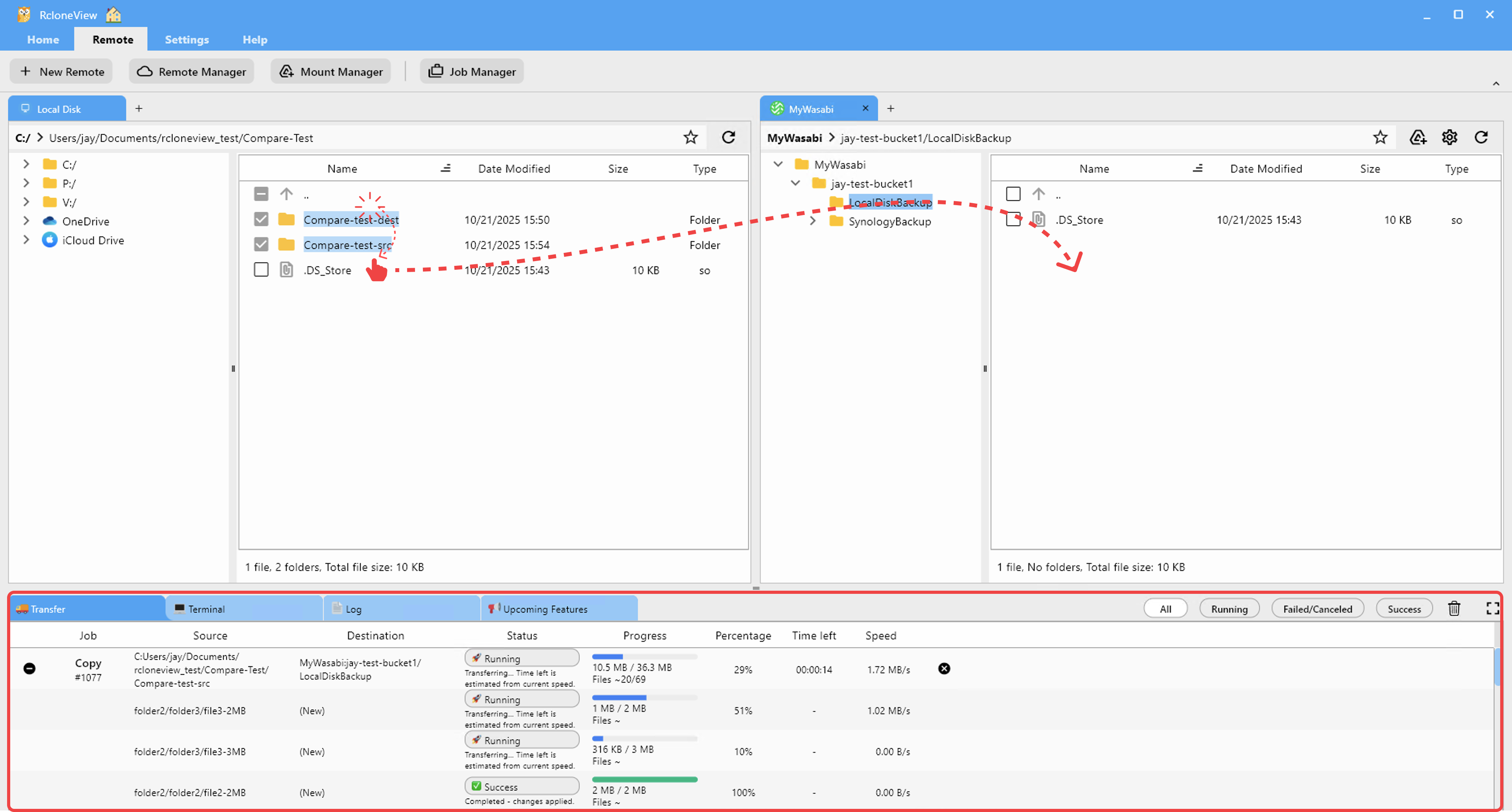
Monitor Real-Time Transfer Performance
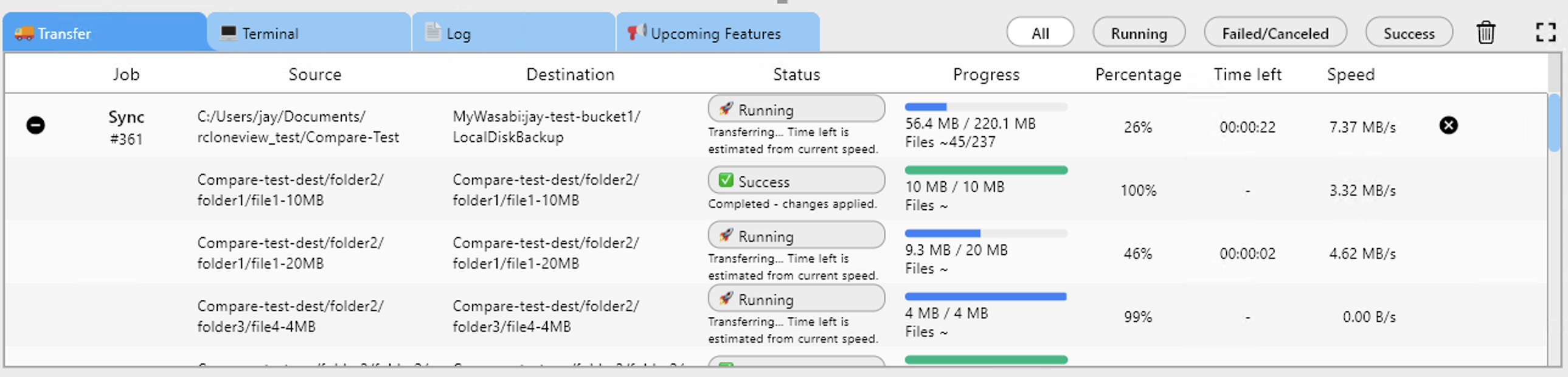
RcloneView displays live metrics for your archive job—transfer speed, files processed, and remaining duration.
Getting Started
- Download RcloneView from rcloneview.com.
- Create a Wasabi account at wasabi.com.
- Add Google Drive as a remote using OAuth authentication.
- Configure your Wasabi bucket as a remote.
- Create a sync or copy job and start archiving.
- Schedule regular backups to keep archives current.
Archive affordably, retrieve instantly—Wasabi and RcloneView make it simple.
Related Guides:
- Sync Google Drive to Backblaze B2 with RcloneView
- Archive Google Drive to S3 Glacier with RcloneView
- Cloud Storage Egress Fees — How to Avoid with RcloneView
Supported Cloud Providers





























