RcloneView vs Cobian Backup — Cloud-First vs Local-First Backup Comparison
RcloneView and Cobian Backup solve backup differently—one optimizes for cloud, the other for local storage. Which matches your strategy?
Both RcloneView and Cobian Backup protect your data, but they serve different philosophies. Cobian Backup focuses on local and NAS backups with strong encryption, while RcloneView prioritizes cloud storage, multi-provider sync, and scalability. Understanding the tradeoffs helps you choose the right tool.

Manage & Sync All Clouds in One Place
RcloneView is a cross-platform GUI for rclone. Compare folders, transfer or sync files, and automate multi-cloud workflows with a clean, visual interface.
- One-click jobs: Copy · Sync · Compare
- Schedulers & history for reliable automation
- Works with Google Drive, OneDrive, Dropbox, S3, WebDAV, SFTP and more
Free core features. Plus automations available.
Architecture: Local-First vs Cloud-Native
Cobian Backup works best with attached storage (external drives, NAS). It's a traditional backup utility—set a schedule, specify sources, pick a destination. Simple and proven.
RcloneView is cloud-native. It treats cloud providers (Google Drive, AWS S3, Dropbox) as first-class citizens. If your infrastructure lives in the cloud, RcloneView fits naturally.

Feature Comparison
| Feature | Cobian Backup | RcloneView |
|---|---|---|
| Cloud storage support | Limited (basic FTP) | Extensive (50+ providers) |
| Multi-cloud sync | No | Yes |
| Real-time sync | No | Optional |
| Incremental backups | Yes | Yes (bisync) |
| Compression | Yes | Via filters |
| Encryption | Yes (native) | Provider or rclone crypt |
| Bandwidth control | Yes | Yes |
| Scheduling | Yes | Yes |
| Web UI | No | Yes |
Performance and Scale

Cobian Backup excels with local backups—minimal overhead, predictable speeds. It's ideal for backing up a workstation to an external drive.
RcloneView shines at cloud scale. Backing up 500 GB to AWS S3 or syncing across three cloud providers? RcloneView handles parallel transfers and cloud-to-cloud operations that would require multiple tools in Cobian.
Cost Implications
Cobian Backup: Purchase one external drive or NAS—done. No ongoing cloud costs.
RcloneView: Requires cloud storage subscriptions (Google Workspace, AWS, Backblaze). But adds flexibility—use cheapest providers per use case (cold storage = Glacier, hot access = Dropbox).
When to Choose Cobian Backup
- Backing up a single workstation or small office
- External drive or NAS is your primary backup target
- Budget is tight and you own hardware
- Need built-in encryption without third-party reliance
- Minimal network dependency preferred
When to Choose RcloneView
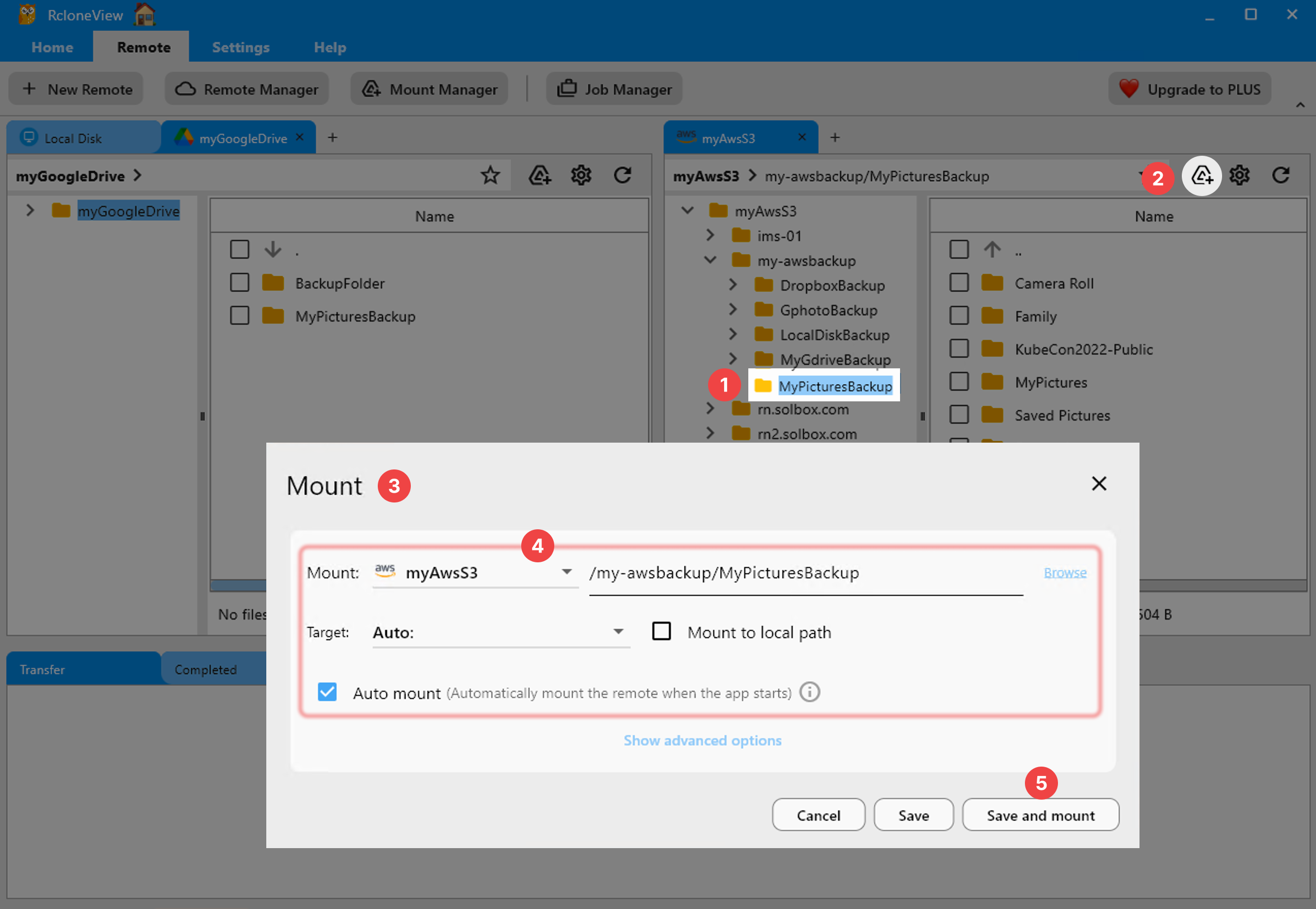
- Backing up to multiple cloud providers
- Distributed team needing shared cloud backups
- Cloud-to-cloud disaster recovery
- Syncing workflows across clouds
- Scale beyond single machine (hundreds of GB+)
- Need real-time sync options
Getting Started with RcloneView
- Download RcloneView from rcloneview.com.
- Add your cloud storage remotes (AWS S3, Google Drive, Backblaze B2).
- Create a backup job pointing to your data source and cloud destination.
- Schedule daily or hourly runs based on change frequency.
- Monitor job history and stats for successful completions.
The best backup tool is the one you'll actually use. RcloneView wins if you're already in the cloud; Cobian Backup wins if hardware-based storage is your comfort zone.
Related Guides:
- RcloneView vs Duplicati — Open-Source Backup Comparison
- RcloneView vs FreeFileSync — Cloud Sync Comparison
- RcloneView vs GoodSync — Multi-Cloud Backup Comparison
Supported Cloud Providers





























