Sync Wasabi to Azure Blob Storage — Cross-Cloud Replication with RcloneView
Implement robust disaster recovery and multi-cloud strategies by replicating data between Wasabi and Azure Blob Storage using RcloneView's cross-cloud synchronization.
Wasabi offers hot cloud storage with predictable pricing and no egress fees, while Azure Blob Storage integrates seamlessly with Microsoft enterprise ecosystems. Combining both platforms through RcloneView creates a resilient, flexible storage architecture. Whether you're building disaster recovery, redundancy, or leveraging different cloud strengths, RcloneView makes cross-cloud replication straightforward.

Manage & Sync All Clouds in One Place
RcloneView is a cross-platform GUI for rclone. Compare folders, transfer or sync files, and automate multi-cloud workflows with a clean, visual interface.
- One-click jobs: Copy · Sync · Compare
- Schedulers & history for reliable automation
- Works with Google Drive, OneDrive, Dropbox, S3, WebDAV, SFTP and more
Free core features. Plus automations available.
Why Sync Wasabi and Azure Blob Storage
A multi-cloud storage strategy delivers substantial benefits:
- Disaster recovery — Mirror critical data across independent cloud providers
- Cost optimization — Leverage Wasabi's no-egress-fee model while maintaining Azure integration
- Vendor independence — Reduce lock-in by distributing data across multiple clouds
- Compliance flexibility — Store data in regions that match regulatory requirements
- Performance improvement — Route traffic to the geographically closest cloud provider
RcloneView handles all the complexity, enabling non-technical teams to manage cross-cloud replication.
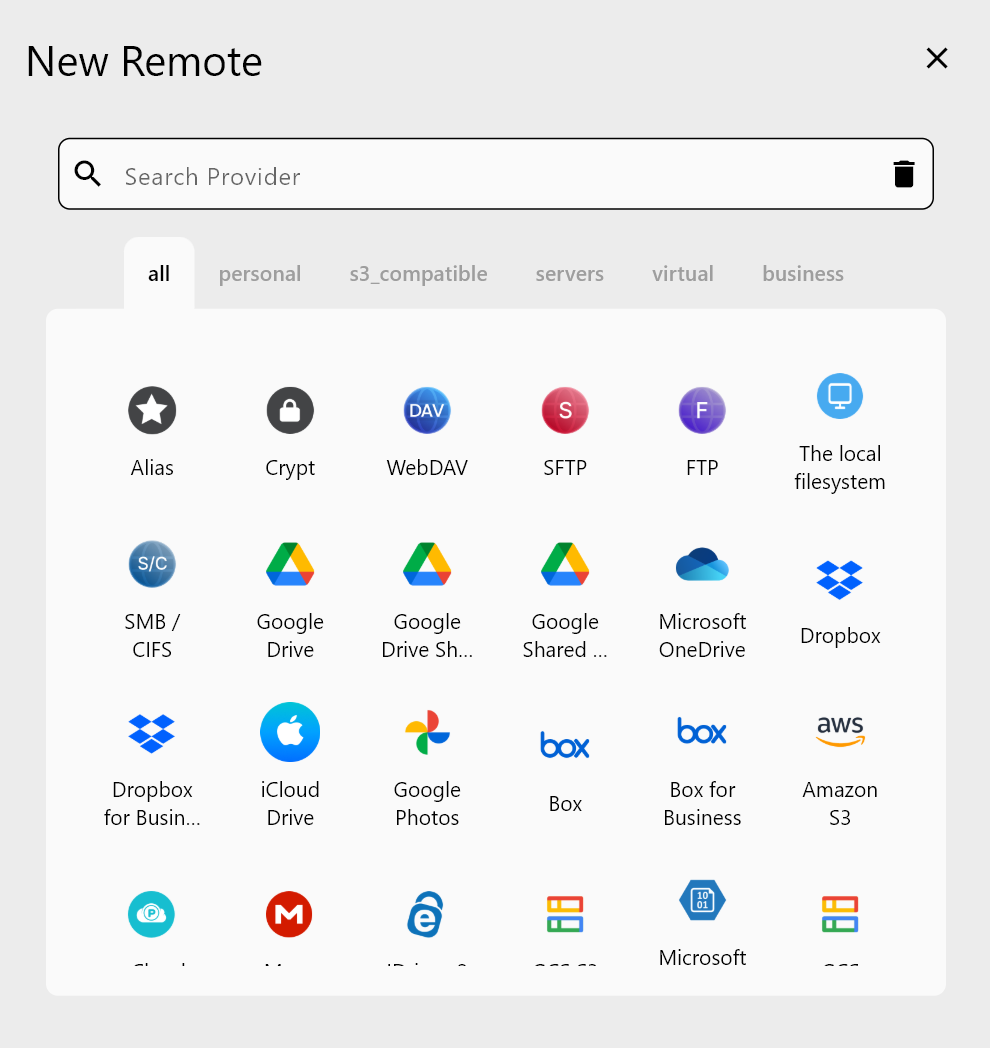
Configuring Wasabi and Azure Blob in RcloneView
Setting up both cloud providers for synchronization is fast and secure:
- Configure Wasabi — Add your Wasabi S3 credentials to RcloneView
- Configure Azure Blob — Connect your Azure Storage Account credentials
- Verify both remotes — Test connectivity to confirm authentication works
- Create a sync job — Define source (Wasabi) and destination (Azure) buckets
RcloneView automatically detects and displays all buckets from both cloud providers, ready for synchronization.
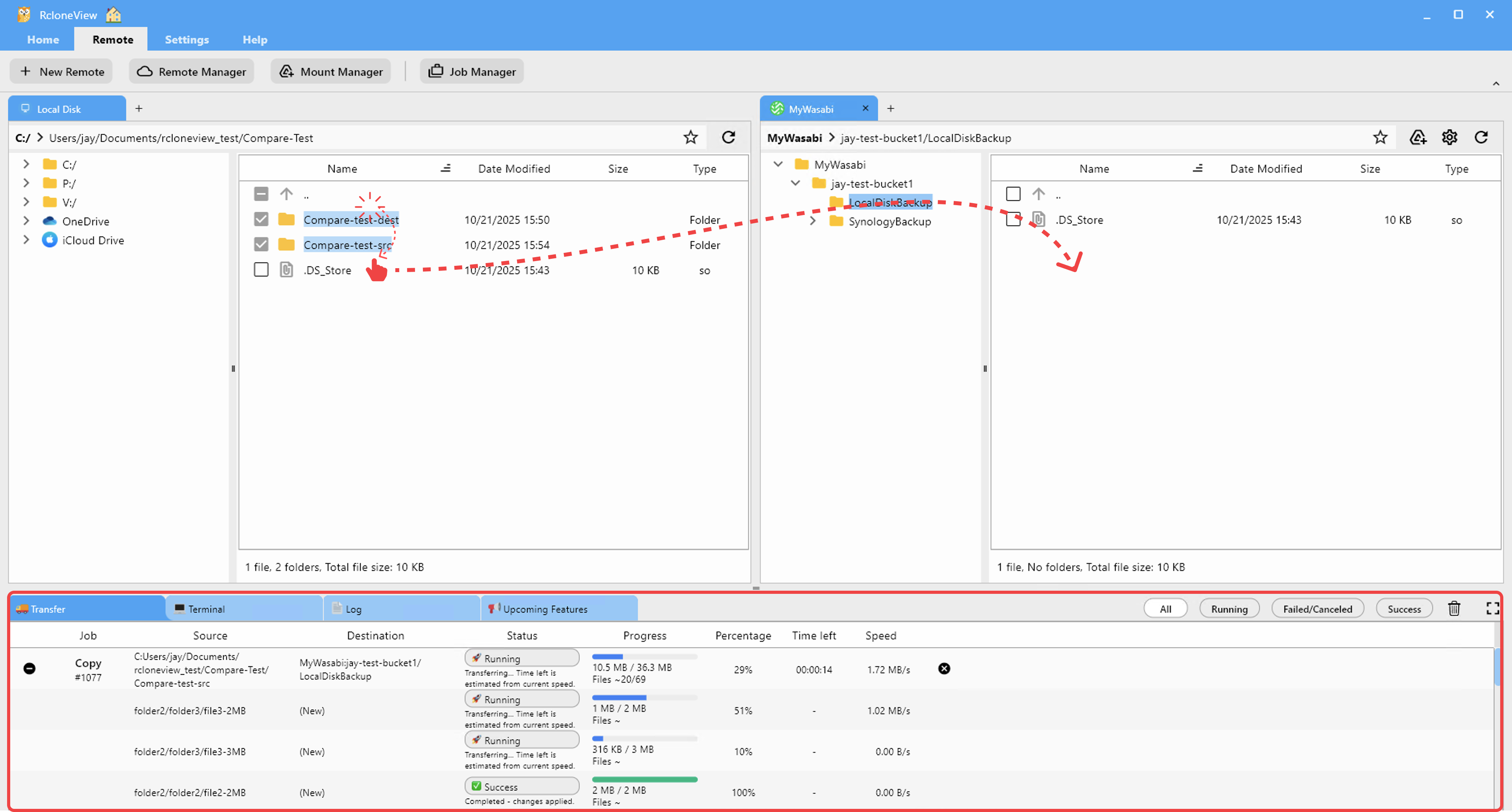
Implementing Continuous Replication
RcloneView supports multiple synchronization strategies for Wasabi-to-Azure replication:
- One-time backup — Copy all Wasabi data to Azure Blob as an initial backup
- Scheduled replication — Run hourly, daily, or weekly syncs to keep Azure current
- Real-time monitoring — Track replication progress and performance metrics
- Bidirectional sync — Keep both clouds in sync for truly distributed architecture
- Selective replication — Sync specific folders or file types using filters
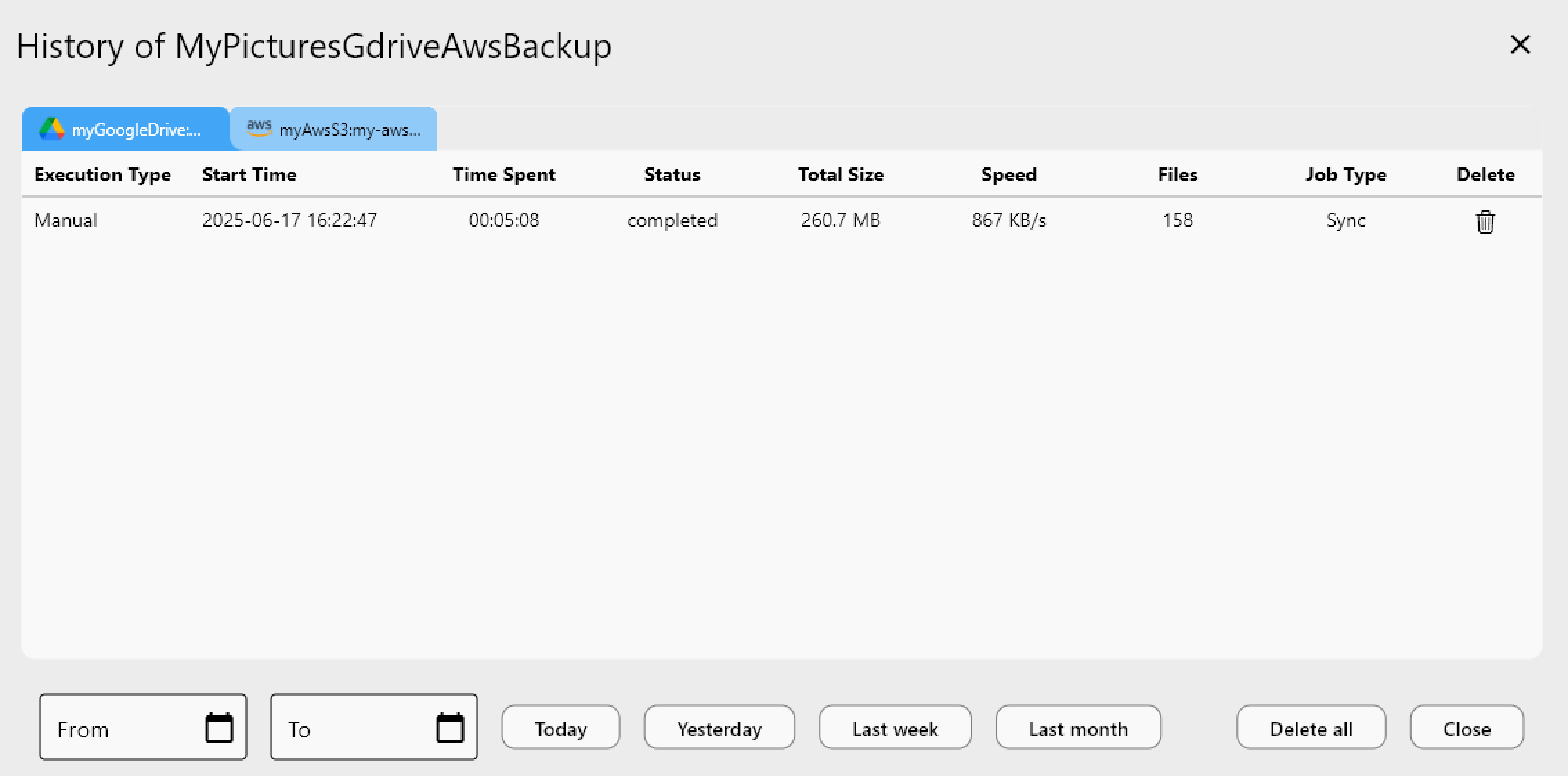
The Job History feature captures all replication activity, providing an audit trail for compliance and troubleshooting.
Getting Started
- Download RcloneView from rcloneview.com.
- Install and configure both Wasabi and Azure Blob Storage credentials.
- Create your first sync job from Wasabi bucket to Azure container.
- Set replication schedule (one-time, hourly, daily, or custom cron).
- Monitor replication and adjust settings as needed.
Build resilience and flexibility into your data infrastructure with Wasabi-to-Azure cross-cloud replication powered by RcloneView.
Related Guides:
- Sync Azure Blob to AWS S3 with RcloneView
- Sync OneDrive to S3 for Enterprise Backup with RcloneView
- Avoid Cloud Storage Egress Fees with RcloneView
Supported Cloud Providers





























