RcloneView vs Syncthing — Cloud Management vs Peer-to-Peer Sync Comparison
Choosing between cloud-centric RcloneView and peer-to-peer Syncthing? Understand the differences and pick the right tool for your workflow.
Both RcloneView and Syncthing solve synchronization problems, but they take fundamentally different approaches. RcloneView centers on cloud storage management and multi-provider workflows, while Syncthing focuses on decentralized, device-to-device synchronization. Understanding these differences is key to selecting the right tool.

Manage & Sync All Clouds in One Place
RcloneView is a cross-platform GUI for rclone. Compare folders, transfer or sync files, and automate multi-cloud workflows with a clean, visual interface.
- One-click jobs: Copy · Sync · Compare
- Schedulers & history for reliable automation
- Works with Google Drive, OneDrive, Dropbox, S3, WebDAV, SFTP and more
Free core features. Plus automations available.
RcloneView: Cloud-Centric Management
RcloneView is purpose-built for managing multiple cloud storage accounts. It excels at comparing files across clouds, moving data between providers, and organizing massive file collections.
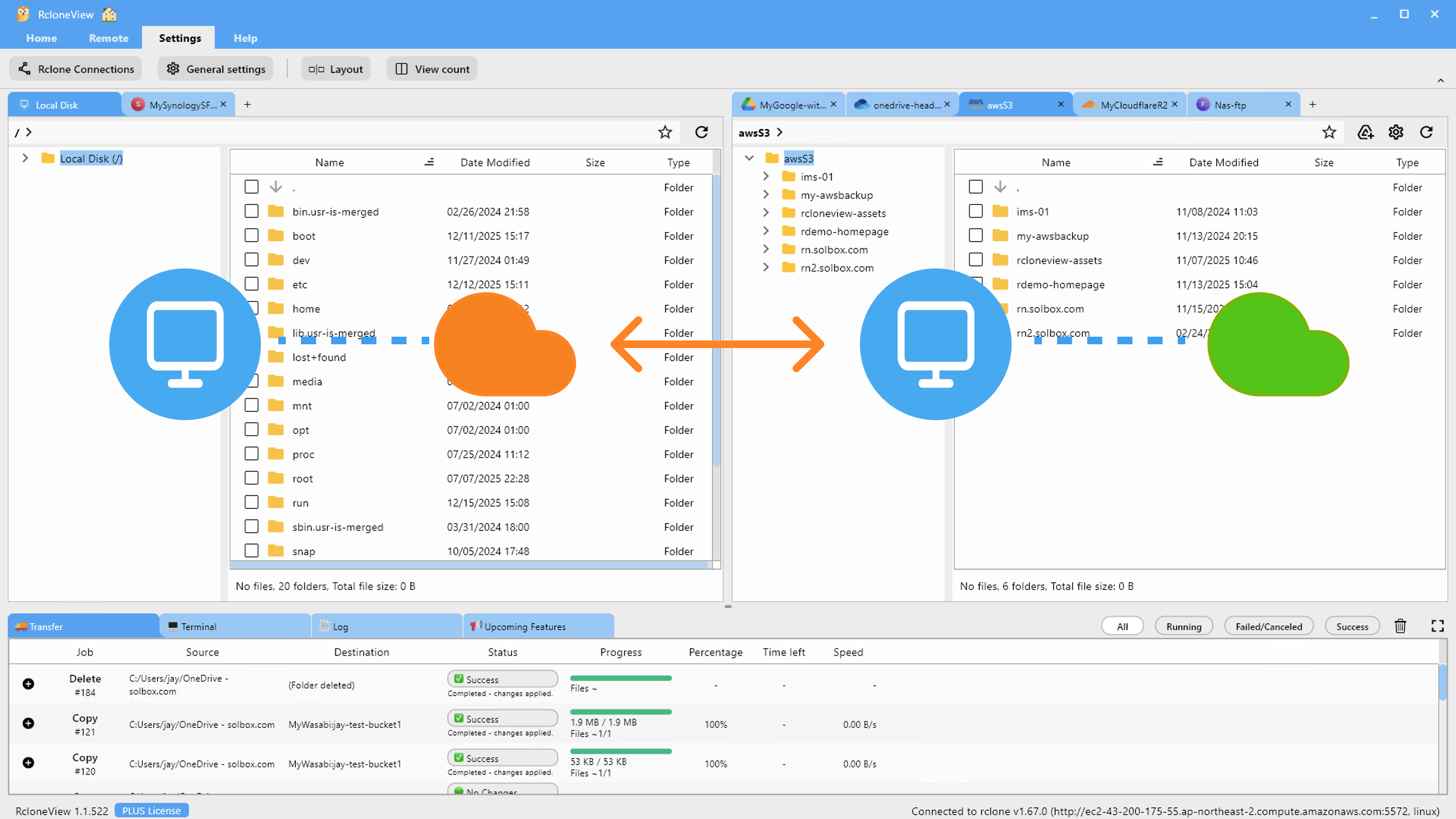
Use RcloneView if you need centralized control over Google Drive, Dropbox, S3, OneDrive, and dozens of other cloud providers—all from a single interface.
Syncthing: Peer-to-Peer Synchronization
Syncthing synchronizes files between your own devices without relying on a central cloud provider. Your files sync directly between computers, phones, and servers you control, with no intermediary service.
This makes Syncthing ideal for privacy-conscious users, air-gapped networks, and scenarios where you want data to remain on your own hardware.
Feature Comparison
RcloneView offers cloud-specific features: cloud-to-cloud transfers, multi-provider backup, remote mounting, and cloud storage optimization. Syncthing offers continuous synchronization, version control, and conflict resolution between devices.
Choose RcloneView if you work with cloud storage providers. Choose Syncthing if you need decentralized device sync without cloud dependency.
Getting Started with RcloneView
- Download RcloneView from rcloneview.com.
- Connect your cloud storage accounts (Google Drive, Dropbox, OneDrive, etc.).
- Browse, compare, and transfer files across all your cloud accounts seamlessly.
- Schedule automated backups and transfers.
Pick the tool that matches your infrastructure.
Related Guides:
- RcloneView vs Resilio Sync Comparison
- RcloneView vs FreeFileSync Comparison
- RcloneView vs Goodsync Comparison
Supported Cloud Providers





























