Cloud Storage for Real Estate — Manage Property Photos and Documents with RcloneView
Real estate teams juggle listings across multiple clouds—RcloneView centralizes photos, contracts, and documents for faster agent access and better client service.
Real estate is a data-intensive business. Agents manage hundreds of property photos, contract templates, client files, and disclosure documents across various cloud accounts. Without proper organization, files get duplicated, lost, or accessed slowly. RcloneView solves this by consolidating multi-cloud storage into a unified workflow.

Manage & Sync All Clouds in One Place
RcloneView is a cross-platform GUI for rclone. Compare folders, transfer or sync files, and automate multi-cloud workflows with a clean, visual interface.
- One-click jobs: Copy · Sync · Compare
- Schedulers & history for reliable automation
- Works with Google Drive, OneDrive, Dropbox, S3, WebDAV, SFTP and more
Free core features. Plus automations available.
Real Estate Cloud Storage Challenges
A typical agency uses Google Drive for contracts, Dropbox for client folders, AWS S3 for archived listings, and sometimes OneDrive for team docs. Agents waste time toggling between services, duplicating files, and searching across clouds. RcloneView eliminates this friction.
Organizing Property Listings and Photos

Create a centralized photo library structure in RcloneView:
/properties
  /2026-listings
    /123-main-street
      /exterior
      /interior
      /floorplans
  /sold-archive
    /2025
    /2024
Use RcloneView's cloud-to-cloud transfers to sync high-resolution photos from agent cameras (Dropbox) to archival storage (AWS S3) automatically. This keeps hot data accessible while reducing cloud storage costs.
Syncing Contracts and Compliance Documents

Real estate contracts require strict version control. Use RcloneView to:
- Sync signed contracts from Google Drive to OneDrive for backup
- Create automated daily backups of disclosure documents
- Archive completed transactions yearly for compliance
Schedule hourly syncs of contract folders—agents always have the latest docs, and compliance records are protected.
Client File Sharing Workflows
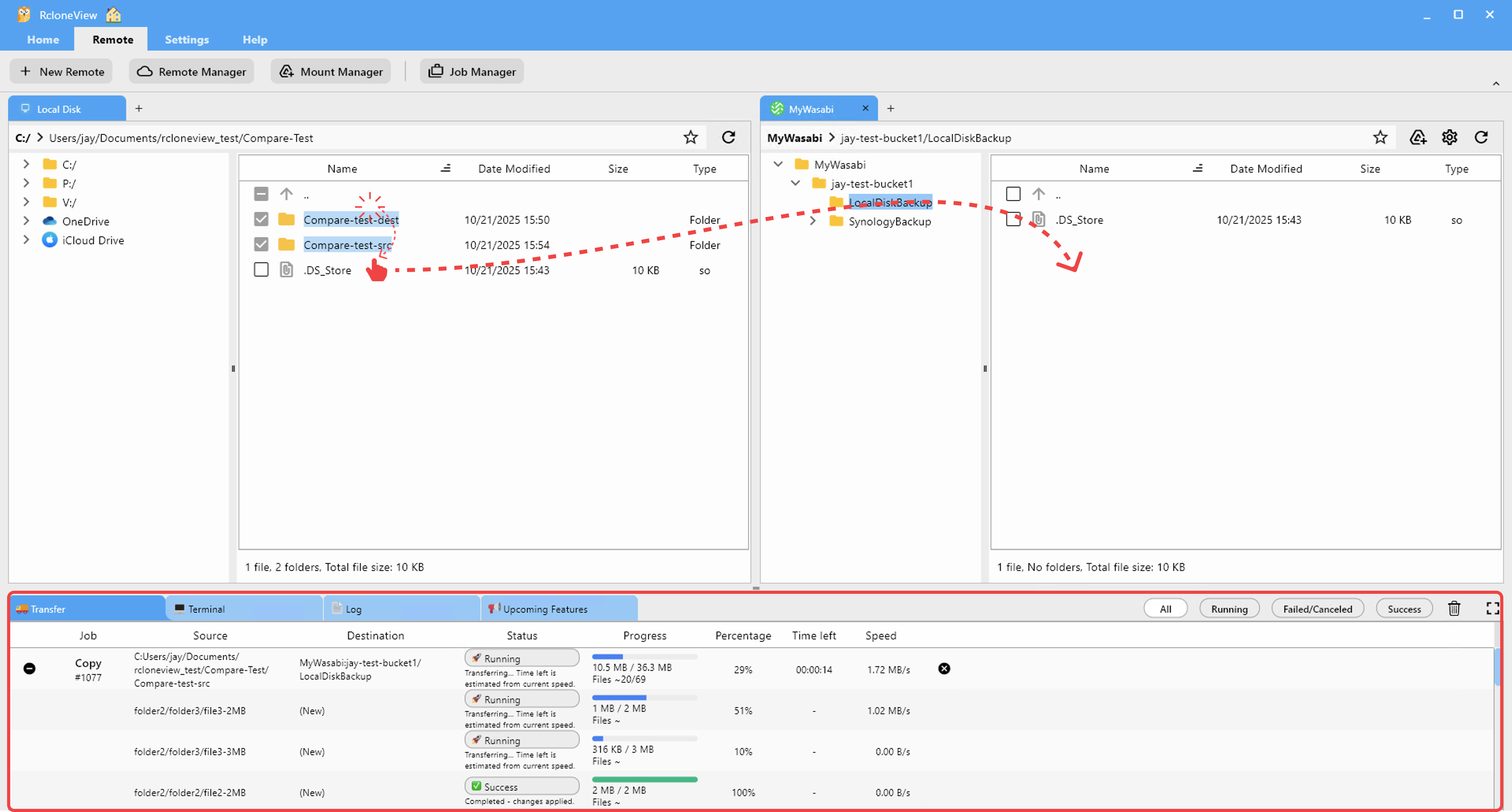
Many brokerages use client portals in Dropbox or Google Drive. RcloneView helps:
- Mirror listings from your MLS database to client-accessible folders
- Sync updates when new photos arrive, instantly refreshing client views
- Archive sold properties to cold storage (AWS Glacier) after closing
This automation keeps clients informed and reduces manual file uploads.
Getting Started
- Download RcloneView from rcloneview.com.
- Add your agency's cloud remotes (Google Drive, Dropbox, AWS S3, OneDrive).
- Create folder structure:
/properties,/contracts,/clients,/archive. - Set up hourly sync jobs for active listings and daily backups for contracts.
- Schedule quarterly archive tasks to move completed deals to cold storage.
Real estate teams that sync smartly serve clients faster and sleep better knowing their data is protected.
Related Guides:
- Cloud Storage for Law Firms — Organize Legal Documents with RcloneView
- Cloud Storage for Construction Project Management — Track Documents in RcloneView
- Cloud Storage for E-Commerce — Sync Product Images Across Clouds
Supported Cloud Providers





























