Cloud Storage for Telecommunications Companies — Secure Multi-Cloud Backup with RcloneView

Telecom operators generate constant streams of call recordings, network logs, and subscriber data — RcloneView keeps that data backed up and organized across every cloud you use.
A regional ISP or mobile carrier doesn't produce one kind of file — it produces call detail records, voicemail recordings, network monitoring logs, billing exports, and customer support attachments, often scattered across a data center, a NAS appliance, and two or three cloud accounts picked for cost or compliance reasons. RcloneView gives IT and network operations teams a single window to move, sync, and verify that data without stitching together separate tools for each storage target.

Manage & Sync All Clouds in One Place
RcloneView is a cross-platform GUI for rclone. Compare folders, transfer or sync files, and automate multi-cloud workflows with a clean, visual interface.
- One-click jobs: Copy · Sync · Compare
- Schedulers & history for reliable automation
- Works with Google Drive, OneDrive, Dropbox, S3, WebDAV, SFTP and more
Free core features. Plus automations available.
Consolidating Call Recordings and Network Logs
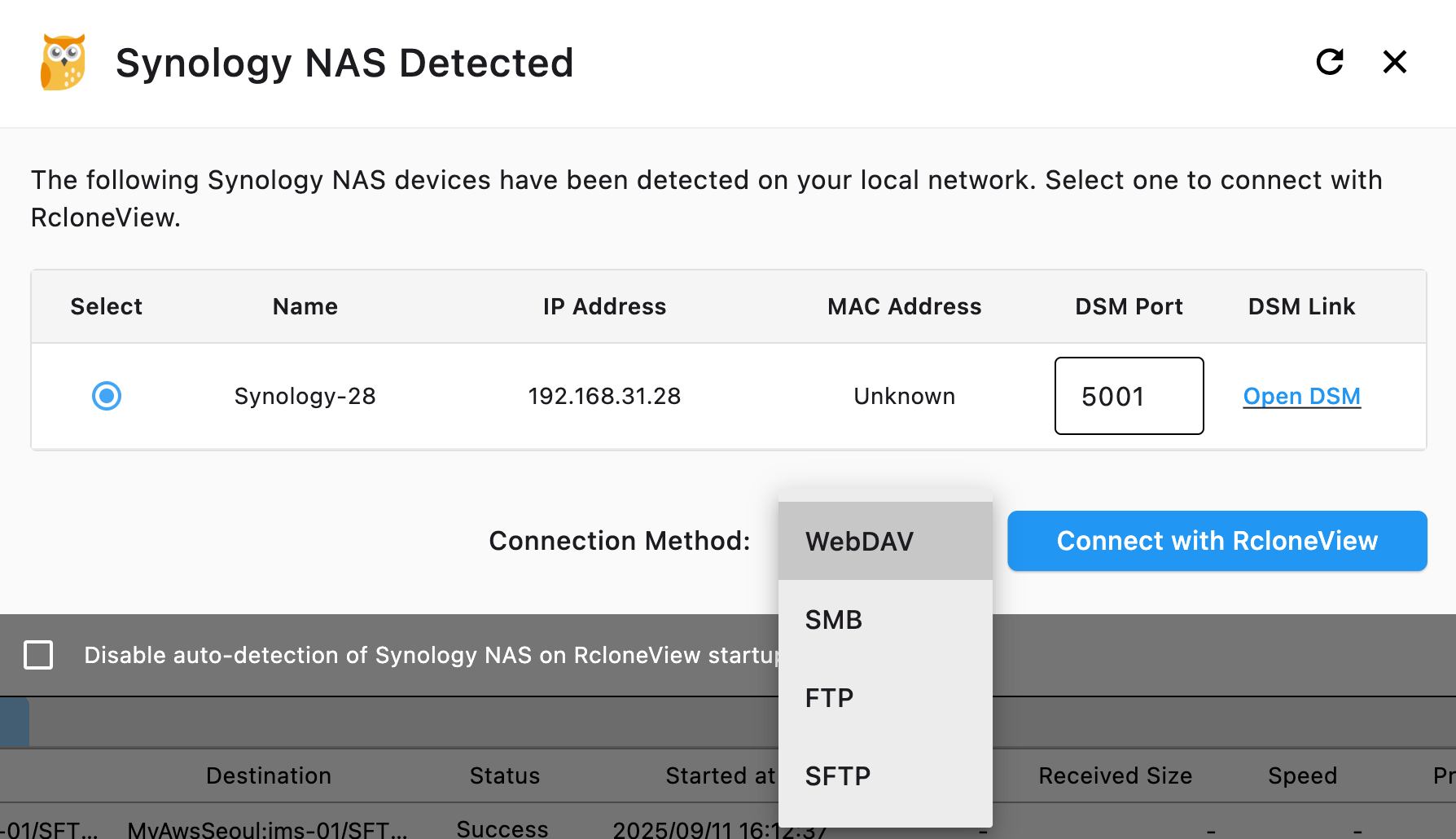
Voice and network logging systems typically write to local storage or an on-premises NAS first, then need to move that data off-site for retention. Set up a sync job in RcloneView from your local recording folder or Synology/QNAP NAS to a cloud destination like Amazon S3, Backblaze B2, or Wasabi, and let it run on a schedule with the PLUS license so nothing depends on someone remembering to run a manual export.
Filtering rules matter here: use the Max File Age and custom filter options in Step 3 of the Sync wizard to exclude temporary or in-progress log files, and set a max file size if certain recording formats shouldn't be archived automatically.
Protecting Subscriber Data with Encryption
Customer records and billing data carry real compliance weight. RcloneView supports rclone's Crypt virtual remote, which encrypts file names and contents before they leave your machine, so subscriber data stored in the cloud stays unreadable without your encryption key. Connect S3, Azure, or Backblaze B2 with full read/write on the FREE license, then layer a Crypt remote on top for anything that needs to stay confidential in transit and at rest.
Monitoring Transfers Across Sites
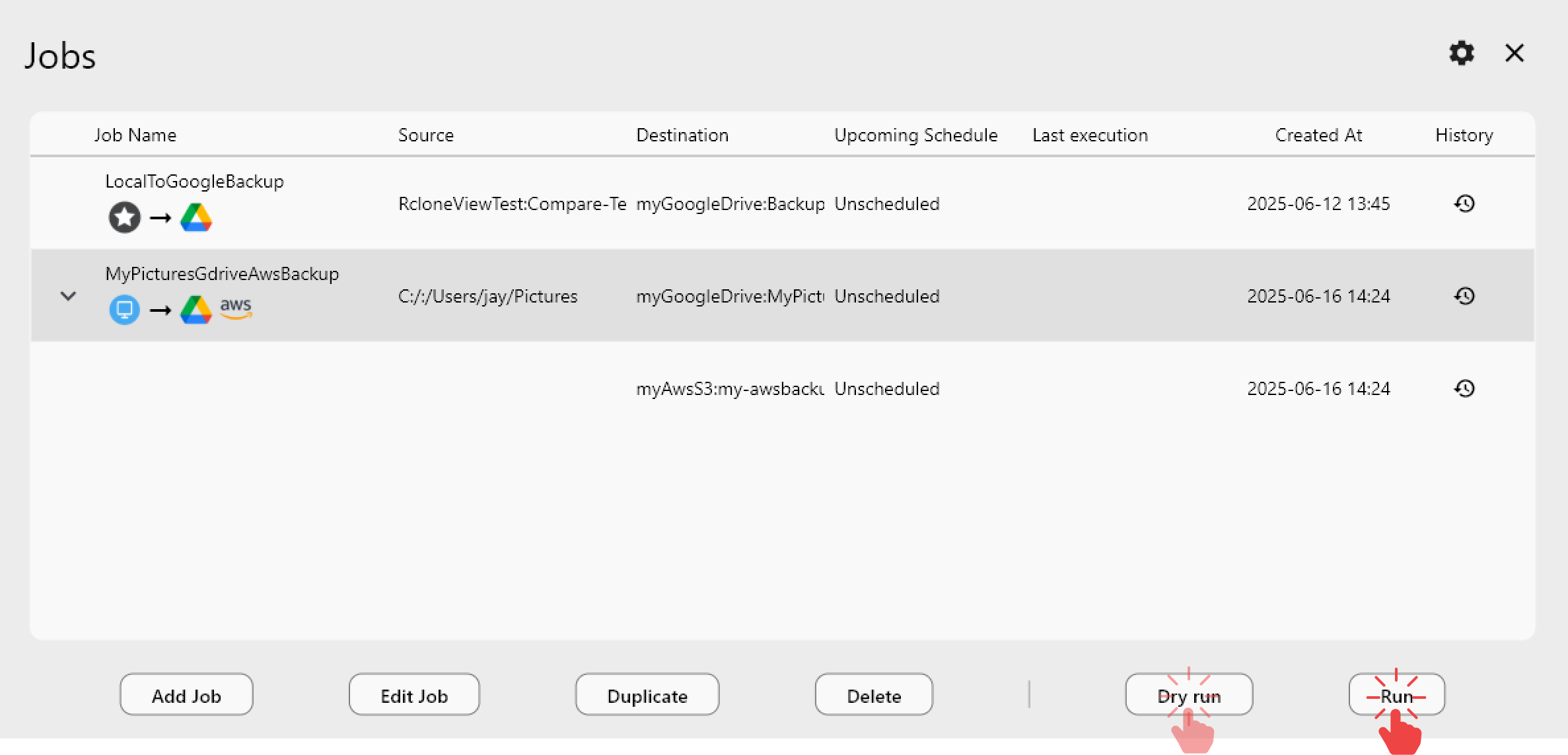
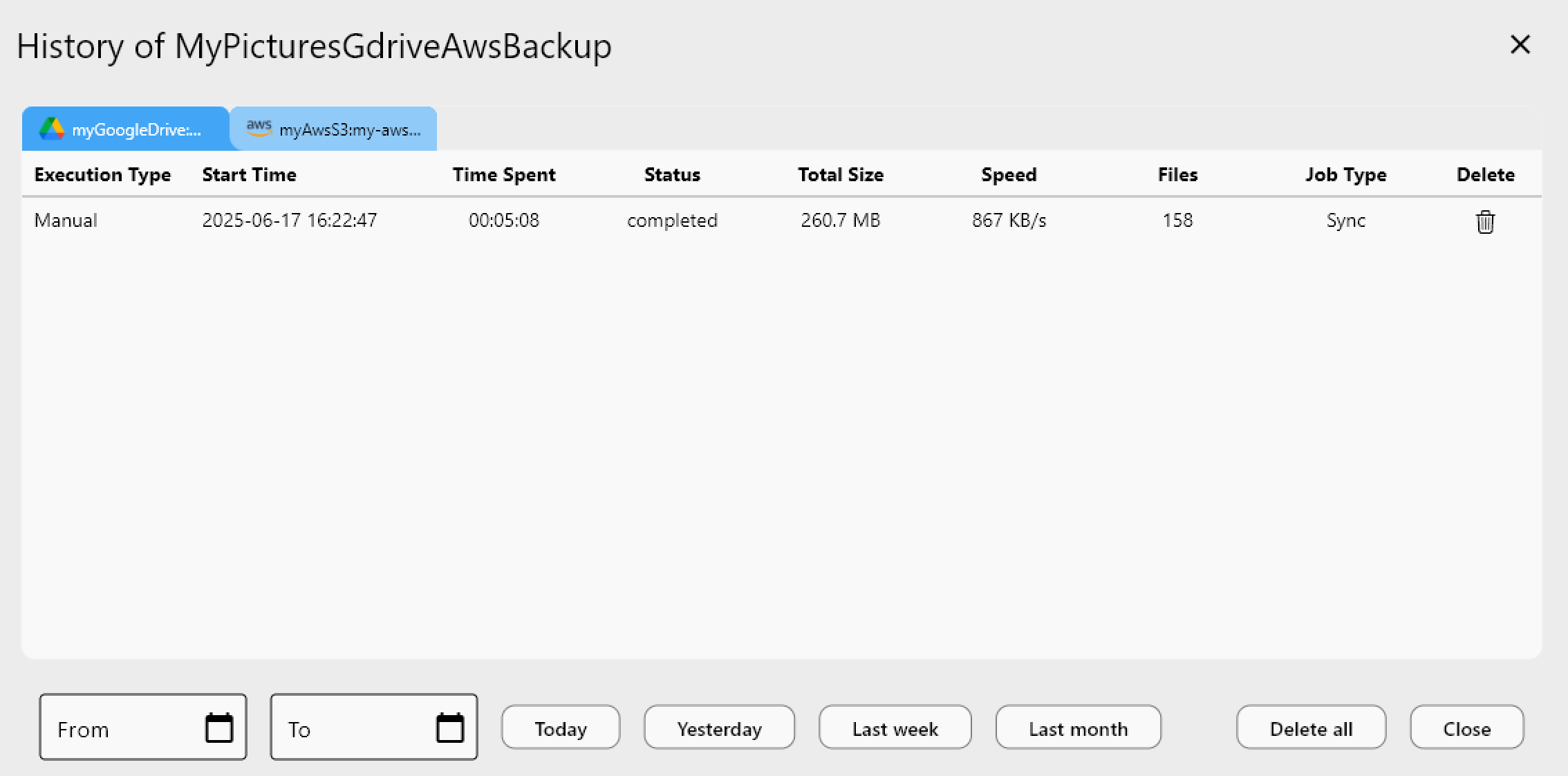
Telecom infrastructure is rarely centralized, and neither is the data it produces. RcloneView's Job Manager tracks every scheduled sync — from a regional office pushing logs to a central archive, to a full 1:N job mirroring the same dataset to two providers for redundancy. The Job History view logs execution type, duration, transfer speed, and status for every run, which makes it straightforward to prove a retention job actually completed when an audit asks for evidence.
Getting Started
- Download RcloneView from rcloneview.com.
- Connect your NAS or local recording storage as a remote alongside your cloud provider of choice.
- Set up a scheduled sync job with filters matched to your retention policy.
- Add a Crypt remote for any dataset that needs encryption before it leaves your network.
With recordings, logs, and subscriber data flowing through one interface, telecom teams spend less time babysitting exports and more time on the network itself.
Related Guides:
- Cloud Storage for Energy and Utilities — RcloneView
- Cloud Storage for Government and Public Sector — RcloneView
- Encrypt Cloud Backups — Crypt Remote Guide for RcloneView
Supported Cloud Providers





























