Fix Citrix ShareFile Sync Errors — Resolve Connection Issues with RcloneView

Citrix ShareFile's Root Folder ID requirement and enterprise session handling cause most connection and sync failures — here's how to diagnose and fix them in RcloneView.
Citrix ShareFile configures differently than most cloud storage remotes, and that extra setup step is where most connection problems start. Empty folder listings, sync jobs that fail partway through, and remotes that silently stop authenticating are almost always traceable to one of a handful of causes. RcloneView surfaces enough detail in its Log tab and Job History to pin down which one you're dealing with.

Manage & Sync All Clouds in One Place
RcloneView is a cross-platform GUI for rclone. Compare folders, transfer or sync files, and automate multi-cloud workflows with a clean, visual interface.
- One-click jobs: Copy · Sync · Compare
- Schedulers & history for reliable automation
- Works with Google Drive, OneDrive, Dropbox, S3, WebDAV, SFTP and more
Free core features. Plus automations available.
Diagnosing the Root Folder ID Misconfiguration
Unlike OAuth-only remotes such as Google Drive or Dropbox, a Citrix ShareFile remote in RcloneView requires a Root Folder ID entered during setup. If this value is wrong, missing, or points to a folder your account no longer has access to, the remote will often connect successfully but return an empty file list, which looks like a sync failure even though the connection itself is fine. Open Remote Manager, edit the ShareFile remote, and re-verify the Root Folder ID against the value shown in your ShareFile admin console before assuming the sync job itself is broken.

Re-entering the correct ID and reloading the Explorer panel (F5 / Cmd+R) is usually enough to confirm whether the problem was configuration or something further down the sync pipeline.
Fixing Authentication and Session Timeout Errors
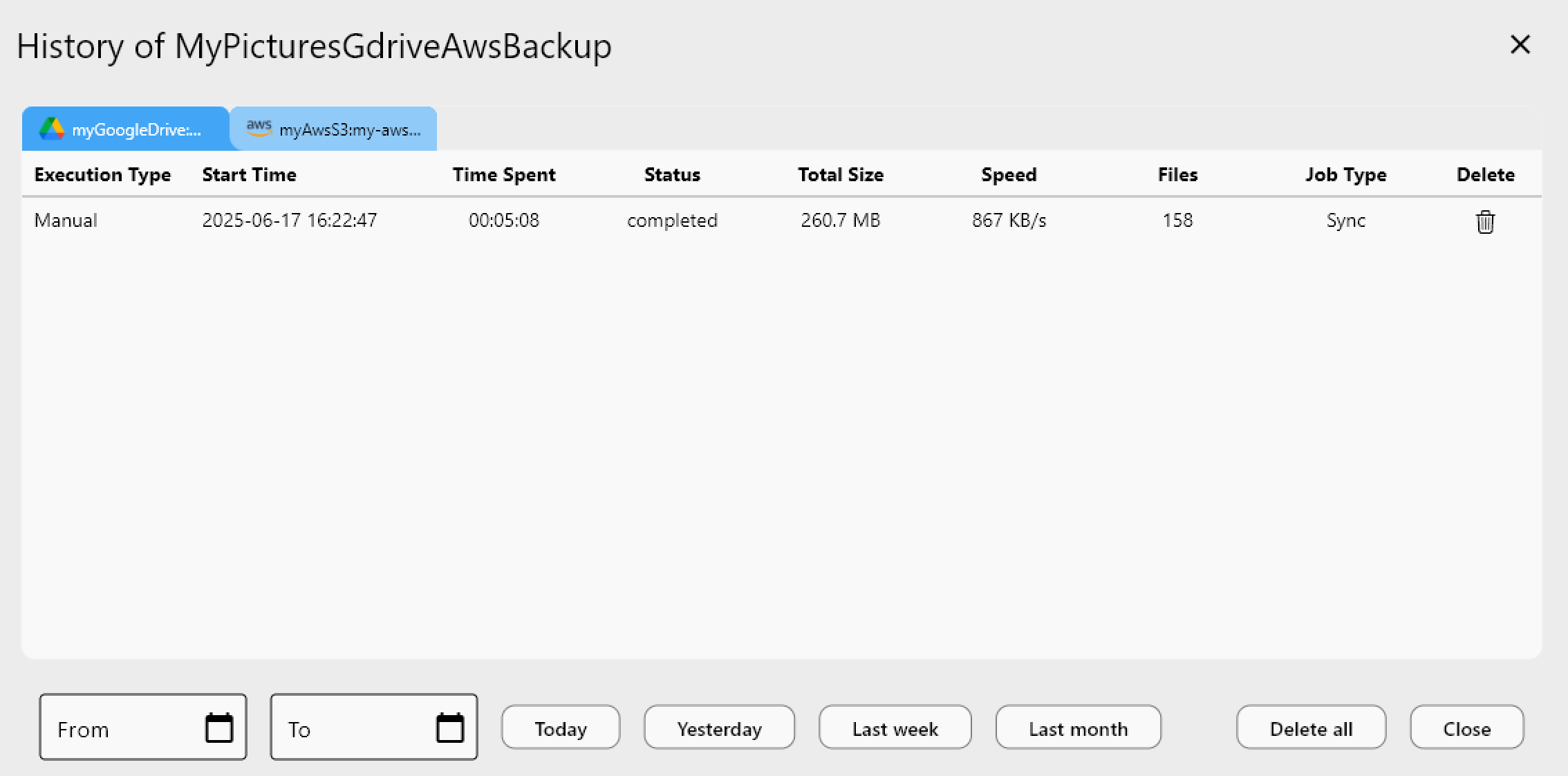
Enterprise ShareFile tenants often enforce shorter session lifetimes than consumer cloud services, so a remote that worked yesterday can suddenly report authentication errors mid-transfer. When this happens, re-authenticate the remote from Remote Manager rather than restarting the whole job — RcloneView will refresh the credential and pick the transfer back up. If timeouts keep recurring on the same large folder, check whether your ShareFile admin has a strict idle-session policy, since that's a tenant-side setting no client configuration can work around.
Resolving Sync Job Failures on Shared Team Folders
ShareFile's shared and admin-managed folders sometimes carry permission restrictions that differ from a user's personal space, causing individual files within an otherwise healthy sync job to fail while the rest complete normally. Running a Dry Run first shows exactly which files the job intends to touch, making it easy to spot a shared-folder permission gap before it interrupts a live transfer. Unlike mount-only tools, RcloneView also syncs and compares folders — on the FREE license — so you can pair a Dry Run with Folder Compare to isolate exactly which paths are causing the mismatch.
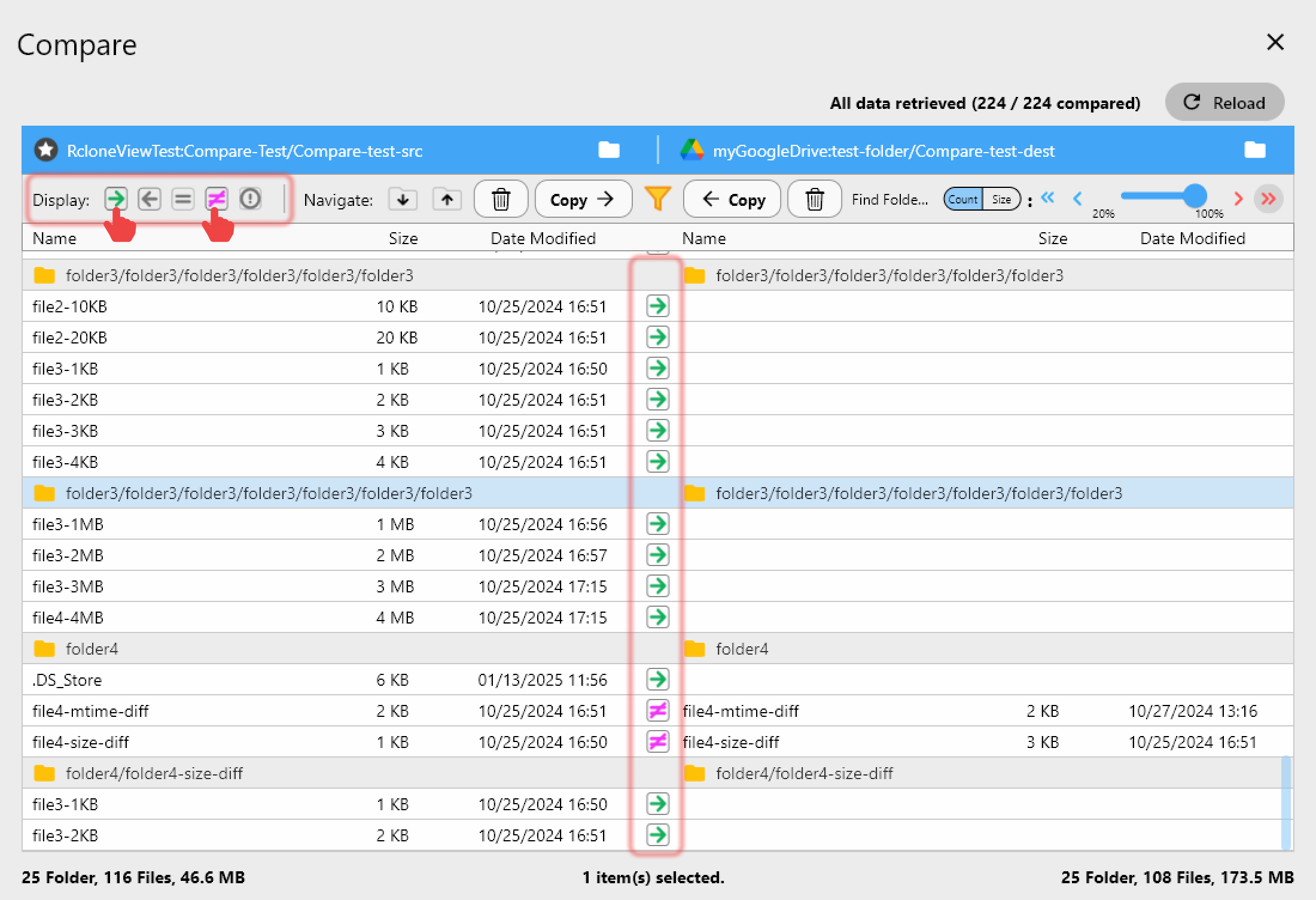
If retries continue to fail on the same subset of files, narrowing the job's scope with a custom filter and re-running it separately from the bulk sync isolates the problem folder without blocking the rest of the transfer.
Getting Started
- Download RcloneView from rcloneview.com.
- Confirm the Root Folder ID on your ShareFile remote matches your ShareFile admin console.
- Re-authenticate the remote if you're seeing mid-transfer authentication errors.
- Run a Dry Run against the affected sync job to identify which specific files or folders are failing.
Most Citrix ShareFile sync errors trace back to configuration or permissions rather than the transfer engine itself, and a quick pass through these checks resolves the majority of cases.
Related Guides:
- Manage Citrix ShareFile Storage — Sync and Backup Files with RcloneView
- Migrate Citrix ShareFile to OneDrive and SharePoint — Transfer Files with RcloneView
- Resolve Cloud Sync Conflicts — How to Resolve with RcloneView
Supported Cloud Providers





























