Fix IONOS Object Storage Connection Errors — Endpoint and Key Problems Resolved with RcloneView

Most IONOS Object Storage connection failures come down to the endpoint, the region, or the key pair — and RcloneView gives you a GUI-based way to check each one.
IONOS Object Storage is accessed through rclone's S3 protocol, which means a single mistyped endpoint or a swapped key can produce errors that look unrelated. RcloneView lets you inspect the remote, read the logs, and test commands in the built-in terminal without leaving the app.

Manage & Sync All Clouds in One Place
RcloneView is a cross-platform GUI for rclone. Compare folders, transfer or sync files, and automate multi-cloud workflows with a clean, visual interface.
- One-click jobs: Copy · Sync · Compare
- Schedulers & history for reliable automation
- Works with Google Drive, OneDrive, Dropbox, S3, WebDAV, SFTP and more
Free core features. Plus automations available.
Check the Endpoint and Region First
S3-compatible providers require an Access Key, Secret Key, and an endpoint. If the endpoint does not match the region where the bucket was created, requests fail even though the keys are correct. Typical symptoms are timeouts, "no such host" messages, or a bucket that cannot be found.
Open Remote Manager from the Remote tab, edit the IONOS remote, and compare the endpoint against the one shown in your IONOS control panel for that bucket's region.

Re-enter and Test the Key Pair
Access denied or signature errors usually mean the Access Key or Secret Key was pasted with extra whitespace, or the key was regenerated. Re-enter both values, save, and browse the remote root in an Explorer panel.
If you prefer the command line, open the Terminal tab and run rclone listremotes, then rclone about "yourremote:" to confirm the remote responds. The terminal uses the same configuration as the GUI, so the result tells you exactly what the app sees.
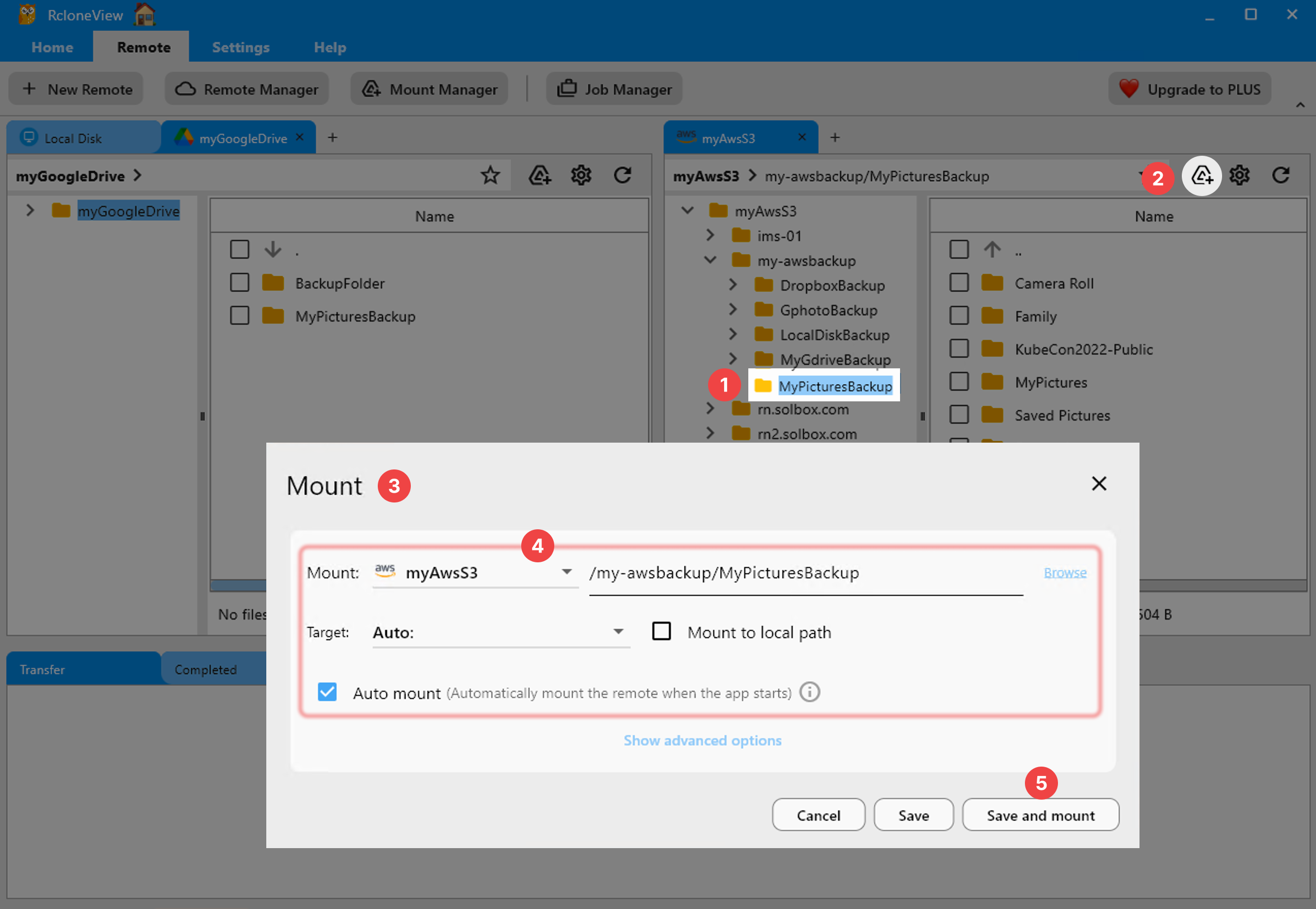
Capture Logs for Stubborn Errors
When the cause is still unclear, open Settings > Embedded Rclone, enable rclone Logging, set the level to DEBUG, and restart the embedded rclone. Reproduce the failure and read the log: it shows the exact request and the response code. Also check Global Rclone Flags in the same settings page, since a leftover flag can change connection behavior.
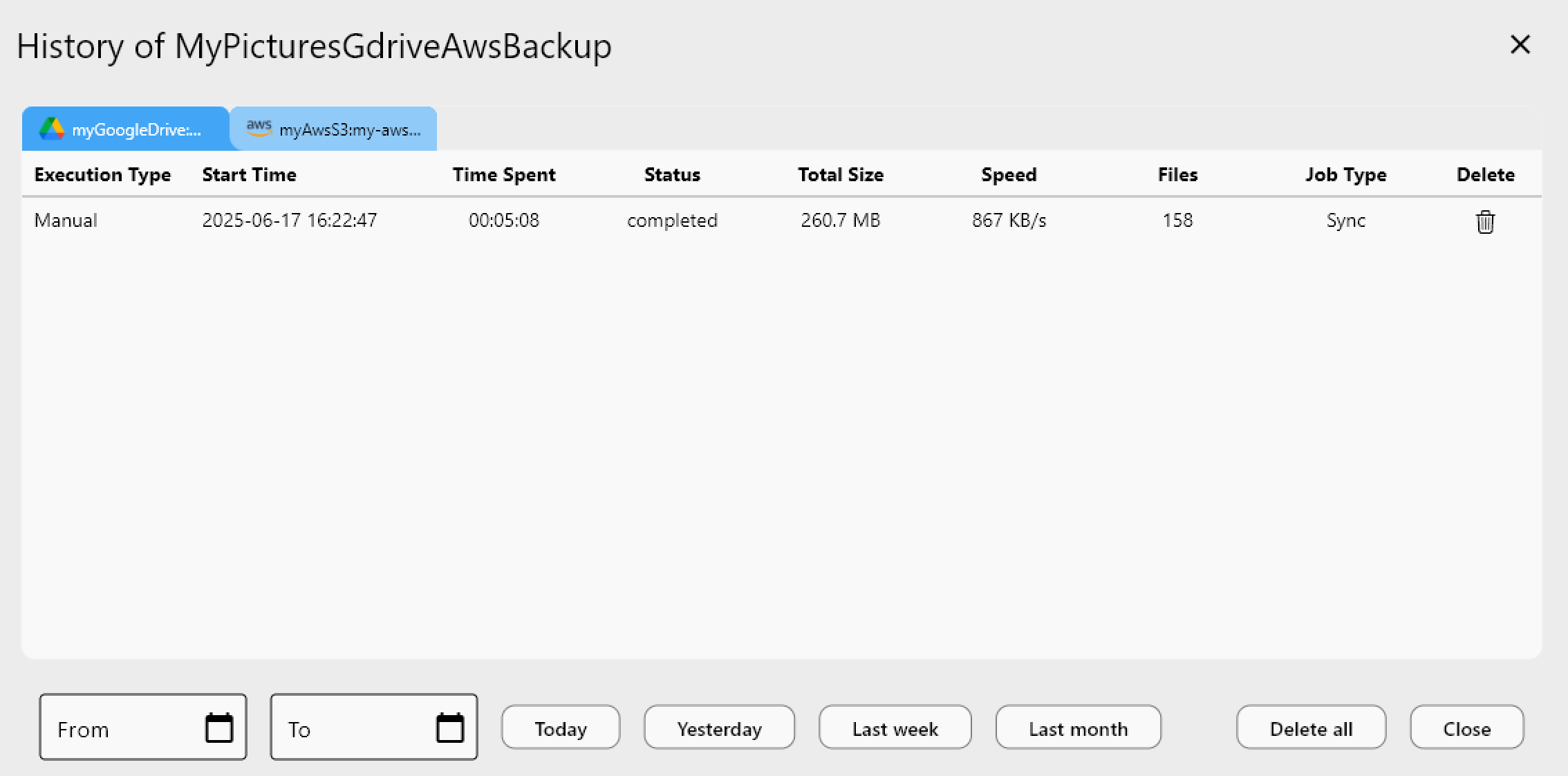
Confirm Recovery With a Dry Run
Once the remote lists correctly, rerun your sync job with a Dry Run to preview copies and deletions. Reduce concurrent transfers in Step 2 if errors appear only under heavy load, and keep retries at the default of 3.
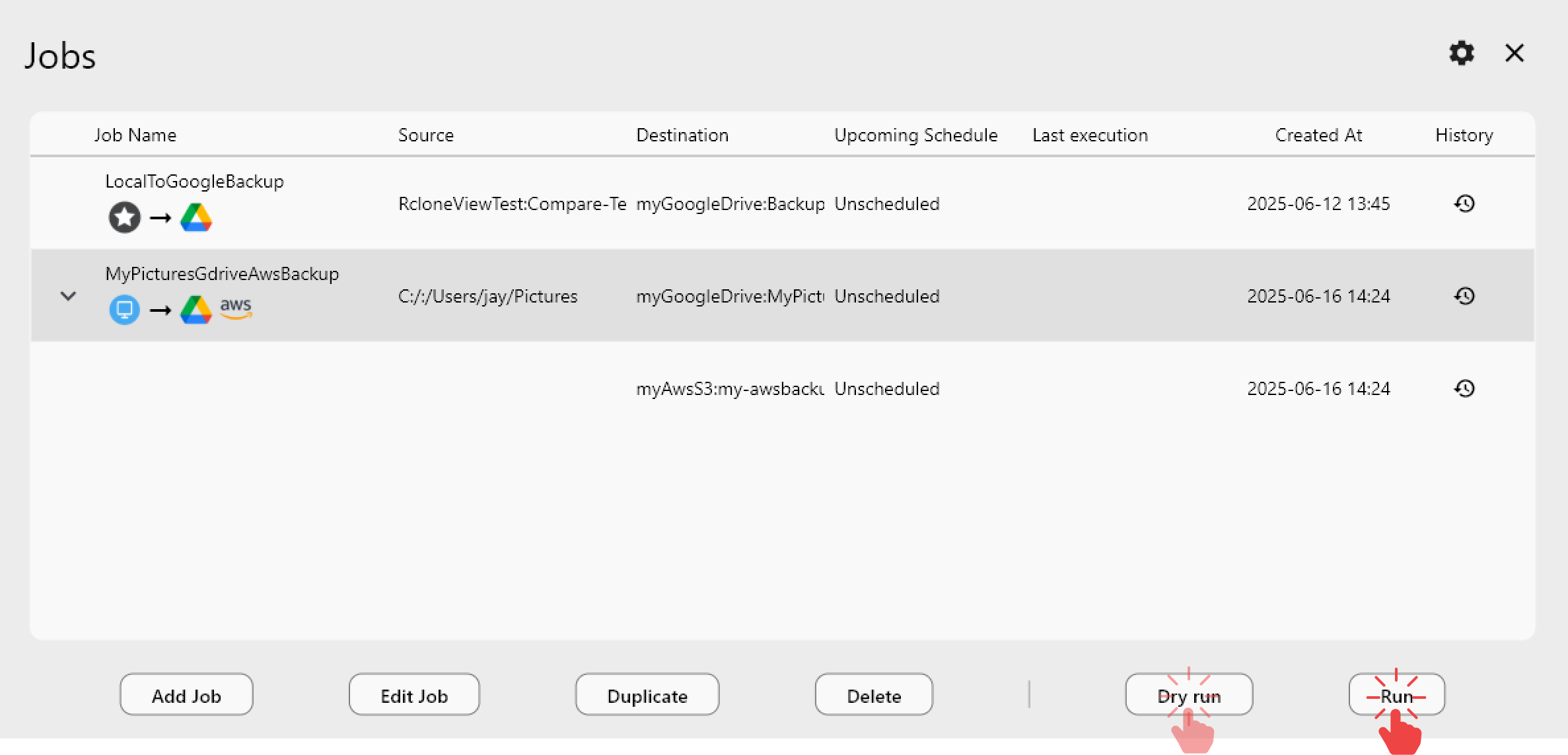
Getting Started
- Download RcloneView from rcloneview.com.
- Verify the IONOS endpoint matches your bucket's region in Remote Manager.
- Re-enter the Access Key and Secret Key, then test with
rclone aboutin the Terminal tab. - Enable DEBUG logging if needed, then confirm with a Dry Run.
Checking endpoint, keys, and logs in order turns a confusing connection error into a short checklist.
Related Guides:
- Manage IONOS Object Storage — Cloud Sync with RcloneView
- Fix S3 Access Denied Permission Errors with RcloneView
- Fix MinIO Connection and Authentication Errors with RcloneView
Supported Cloud Providers





























