Fix SMB Network Share Mount Errors — Resolve Connection Issues with RcloneView
SMB/CIFS network share errors in RcloneView commonly stem from authentication mismatches, protocol version conflicts, or firewall blocking. Here's how to diagnose and fix each case.
SMB (Server Message Block) / CIFS is the protocol Windows uses for network file sharing — NAS devices, Windows file servers, and Samba shares all use it. RcloneView connects to SMB shares as a remote, letting you sync between SMB and cloud storage or mount SMB shares alongside other cloud providers. But SMB connections are sensitive to network configuration: authentication mode, dialect version, and firewall rules all affect whether the connection succeeds. This guide walks through the most common SMB errors and their fixes.

Manage & Sync All Clouds in One Place
RcloneView is a cross-platform GUI for rclone. Compare folders, transfer or sync files, and automate multi-cloud workflows with a clean, visual interface.
- One-click jobs: Copy · Sync · Compare
- Schedulers & history for reliable automation
- Works with Google Drive, OneDrive, Dropbox, S3, WebDAV, SFTP and more
Free core features. Plus automations available.
Common SMB Error Messages in RcloneView
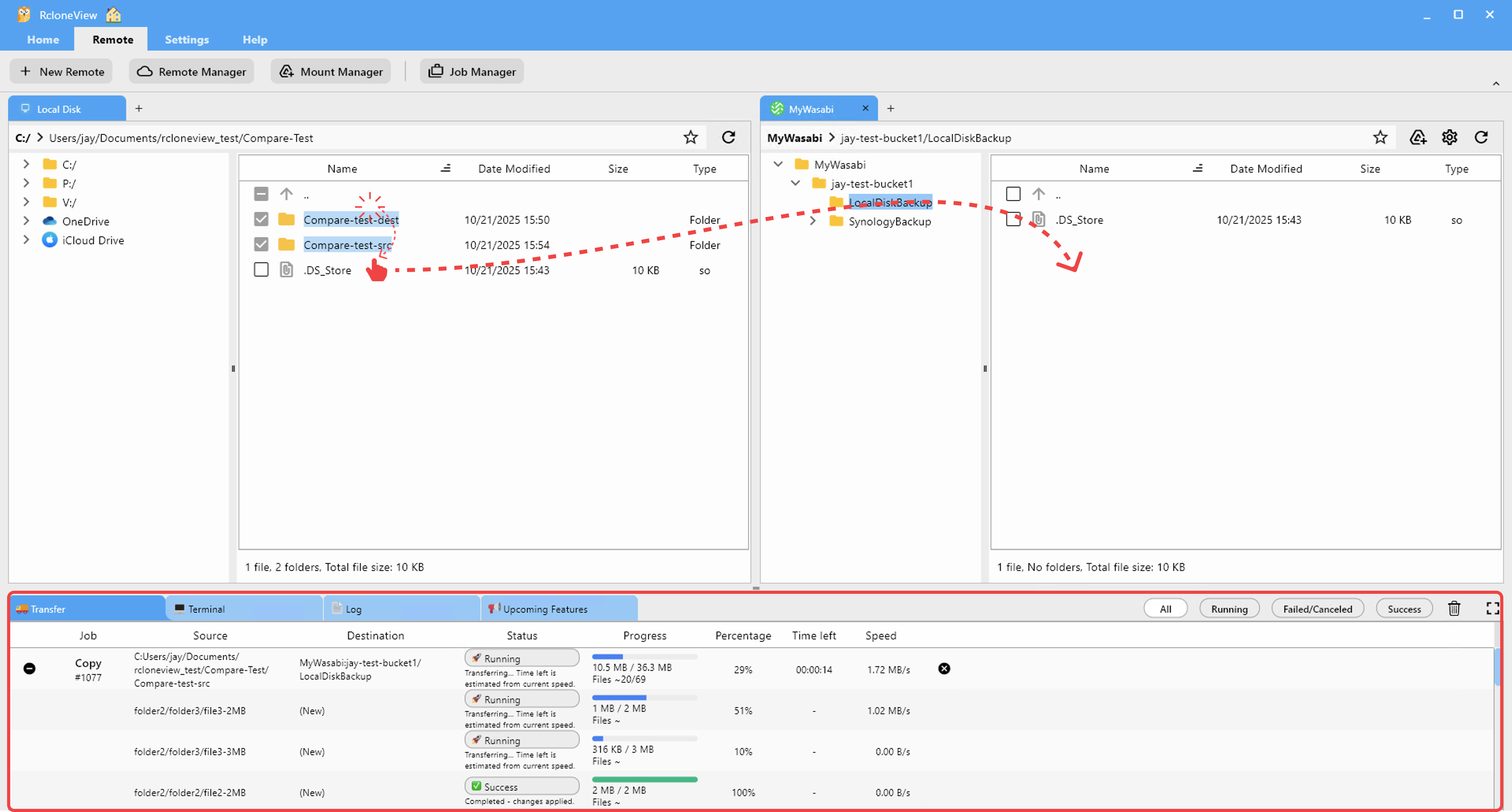
Check the Log tab after a failed SMB connection attempt. Common error signatures include:
NT_STATUS_LOGON_FAILURE— username or password is incorrectNT_STATUS_ACCESS_DENIED— credentials are correct but the share permissions deny accessconnection refusedorno route to host— firewall blocking port 445 (SMB)SMB negotiation failed: Protocol negotiate error— protocol version mismatch between client and serverNT_STATUS_IO_TIMEOUT— SMB server is unreachable or unresponsive
Each error points to a different root cause and fix.

Fixing Authentication and Permission Errors
For NT_STATUS_LOGON_FAILURE, verify the username format. SMB authentication requires the username in the correct format for the server:
- Domain accounts:
DOMAIN\usernameorusername@domain.com - Local accounts on a NAS: just
username(no domain prefix) - Guest access: leave username and password blank, or use
guest
For NT_STATUS_ACCESS_DENIED, the credentials are valid but the share's ACL doesn't grant the authenticated user access. Log into the NAS or Windows server admin panel and verify the share permissions include read (or read/write) access for your account.
Fixing Protocol Version Issues
Older NAS devices and Samba servers may not support the latest SMB3 dialect that rclone negotiates by default. In RcloneView's Remote Manager, edit the SMB remote and set the SMB version field explicitly: try SMB2 or SMB1 for legacy hardware. Note that SMB1 is disabled by default on Windows 10/11 and Windows Server 2016+ for security reasons — avoid using SMB1 where possible.
For Samba servers (Linux NAS, Synology, QNAP running Samba), check the smb.conf file's min protocol and max protocol settings. Ensure Samba is configured to offer at least SMB2.
Fixing Firewall and Connectivity Issues
SMB requires TCP port 445. If RcloneView shows connection refused or no route to host, check:
- The server firewall (Windows Firewall, NAS firewall) allows inbound TCP 445 from your client IP
- Your router or network switch isn't blocking inter-VLAN traffic on port 445
- For remote SMB over the internet: SMB should be tunneled through VPN, not exposed directly
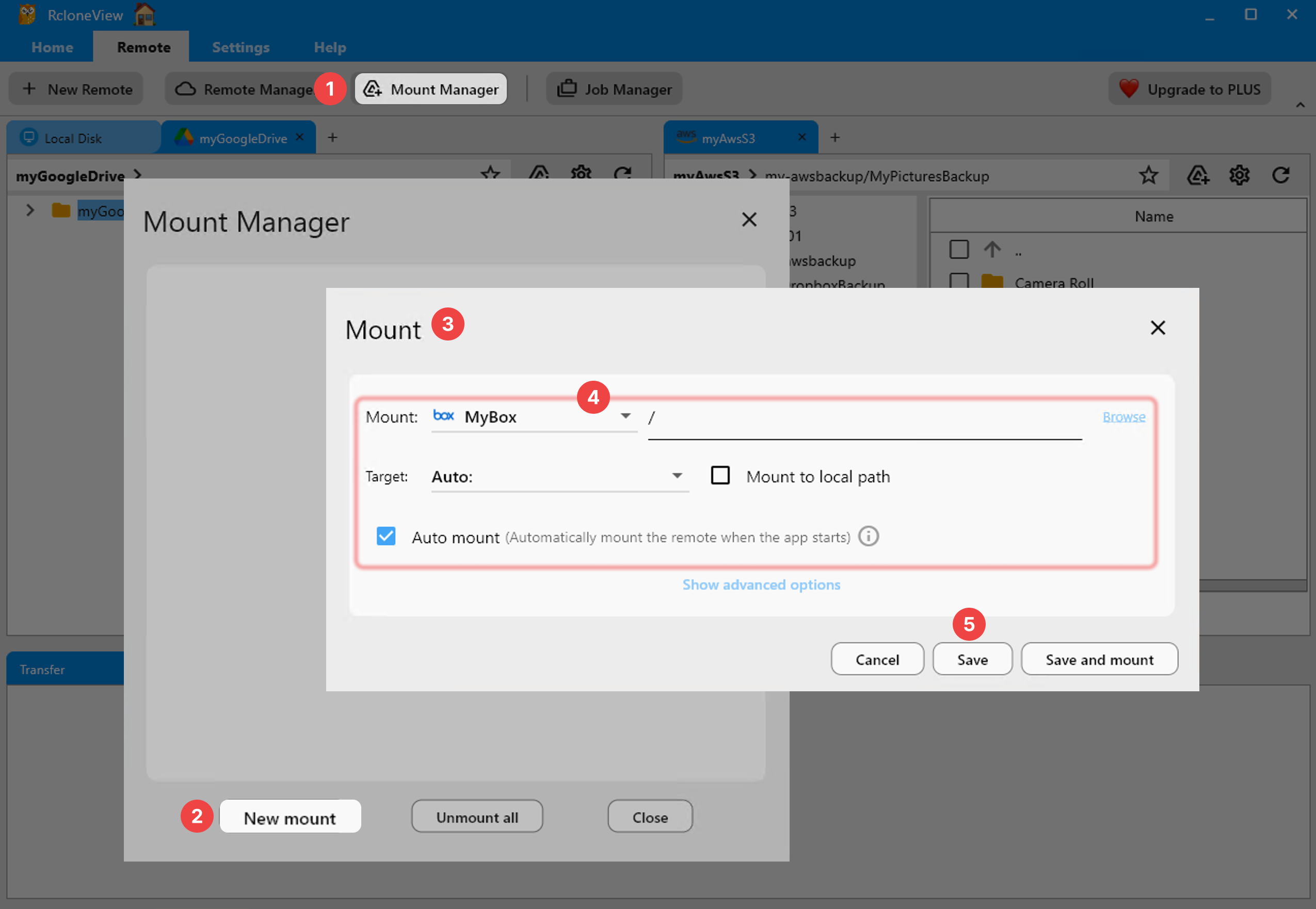
Use the RcloneView Terminal tab to run rclone about smb-remote: after fixing the configuration — a successful response confirms the connection is working.
Getting Started
- Download RcloneView from rcloneview.com.
- Check the Log tab for the specific SMB error code after a failed connection.
- Fix authentication, protocol version, or firewall issues as indicated by the error.
- Re-test the connection through Remote Manager before creating sync or mount jobs.
SMB errors in RcloneView are almost always solvable without reinstalling anything — the right configuration change gets your network share connected and syncing reliably.
Related Guides:
- Mount SFTP and SMB as Local Drives with RcloneView
- Fix SFTP Connection Refused and Timeout Errors with RcloneView
- Troubleshoot Rclone Errors with RcloneView
Supported Cloud Providers





























