Migrate pCloud to Jottacloud — Transfer Files with RcloneView

Move a pCloud library into Jottacloud cloud to cloud, with a preview first and a verification pass at the end.
A photographer consolidating client archives, or a family moving shared folders to a new provider, faces the same chore: thousands of files sitting in one cloud that need to land in another. Downloading everything to a laptop and uploading it again is slow and fragile. RcloneView connects pCloud and Jottacloud in one window, runs the copy between them, and offers Dry Run and Folder Compare to confirm the result. RcloneView mounts AND syncs 90+ providers from one window, on Windows, macOS, and Linux.
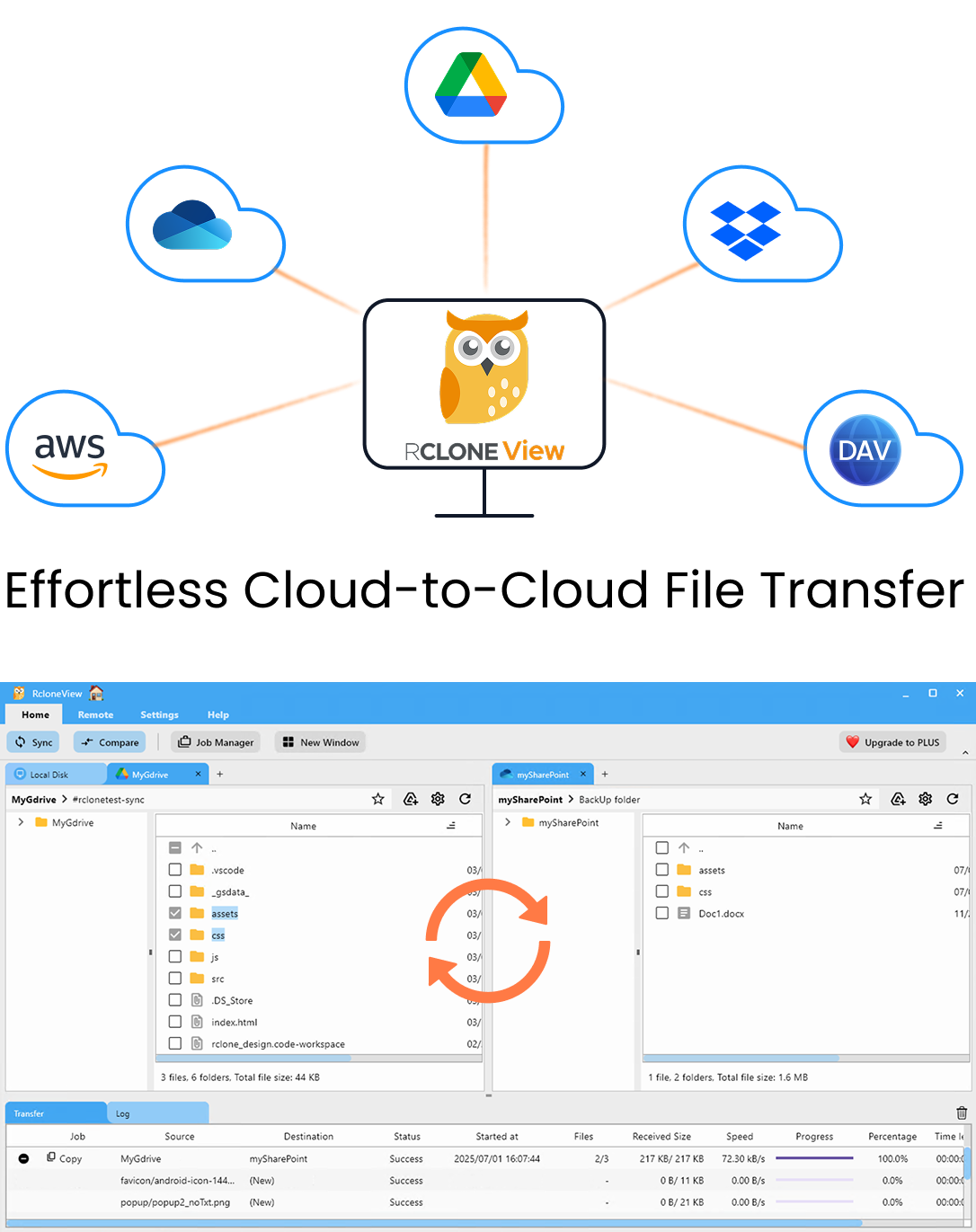
Manage & Sync All Clouds in One Place
RcloneView is a cross-platform GUI for rclone. Compare folders, transfer or sync files, and automate multi-cloud workflows with a clean, visual interface.
- One-click jobs: Copy · Sync · Compare
- Schedulers & history for reliable automation
- Works with Google Drive, OneDrive, Dropbox, S3, WebDAV, SFTP and more
Free core features. Plus automations available.
Connect pCloud and Jottacloud as Remotes
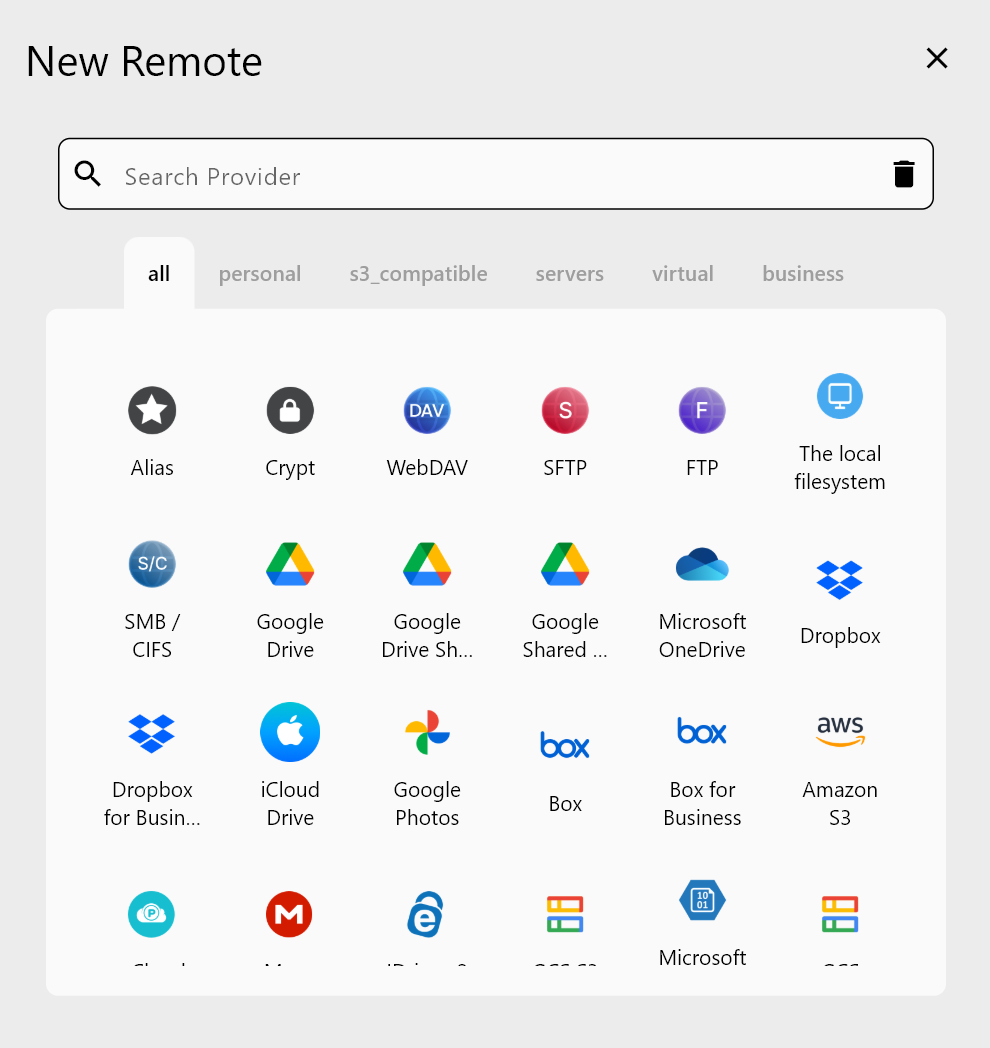
Open the Remote tab and choose New Remote. pCloud signs in through OAuth: your browser opens, you approve access, and RcloneView connects automatically. Add Jottacloud as the second remote by following the on-screen prompts for that provider.
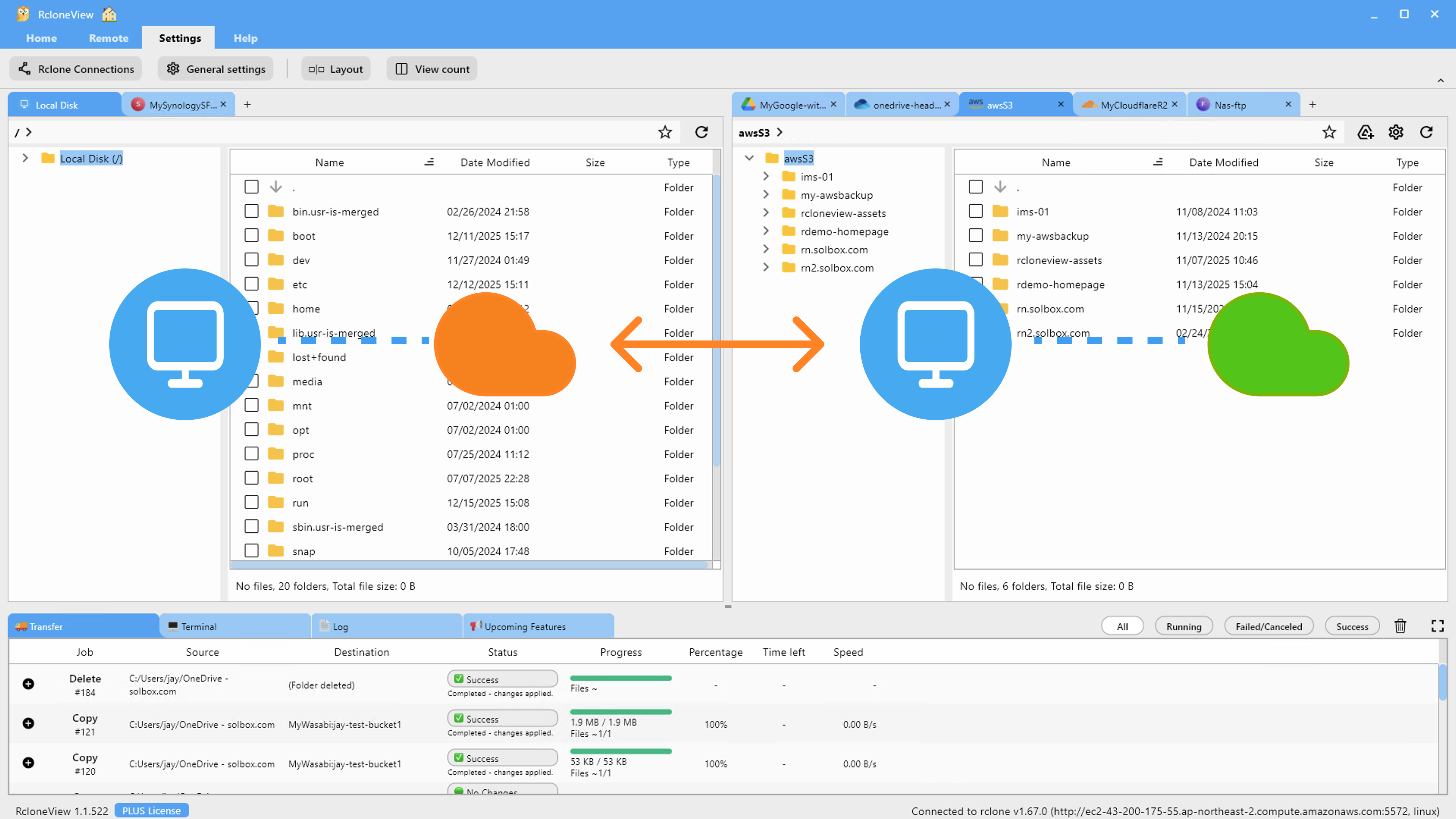
When both appear in Remote Manager, open them in two Explorer panels side by side. Browsing the source and destination first helps you decide which folders to move and where they should go.
Plan the Copy With Filters and a Dry Run
Step 3 of the job wizard lets you limit the transfer by max file size, max file age, or folder depth. Predefined filters cover Music, Video, Image, and Document files, and custom rules can exclude patterns such as .git/ folders or .iso files, which is handy for skipping installers and disk images.
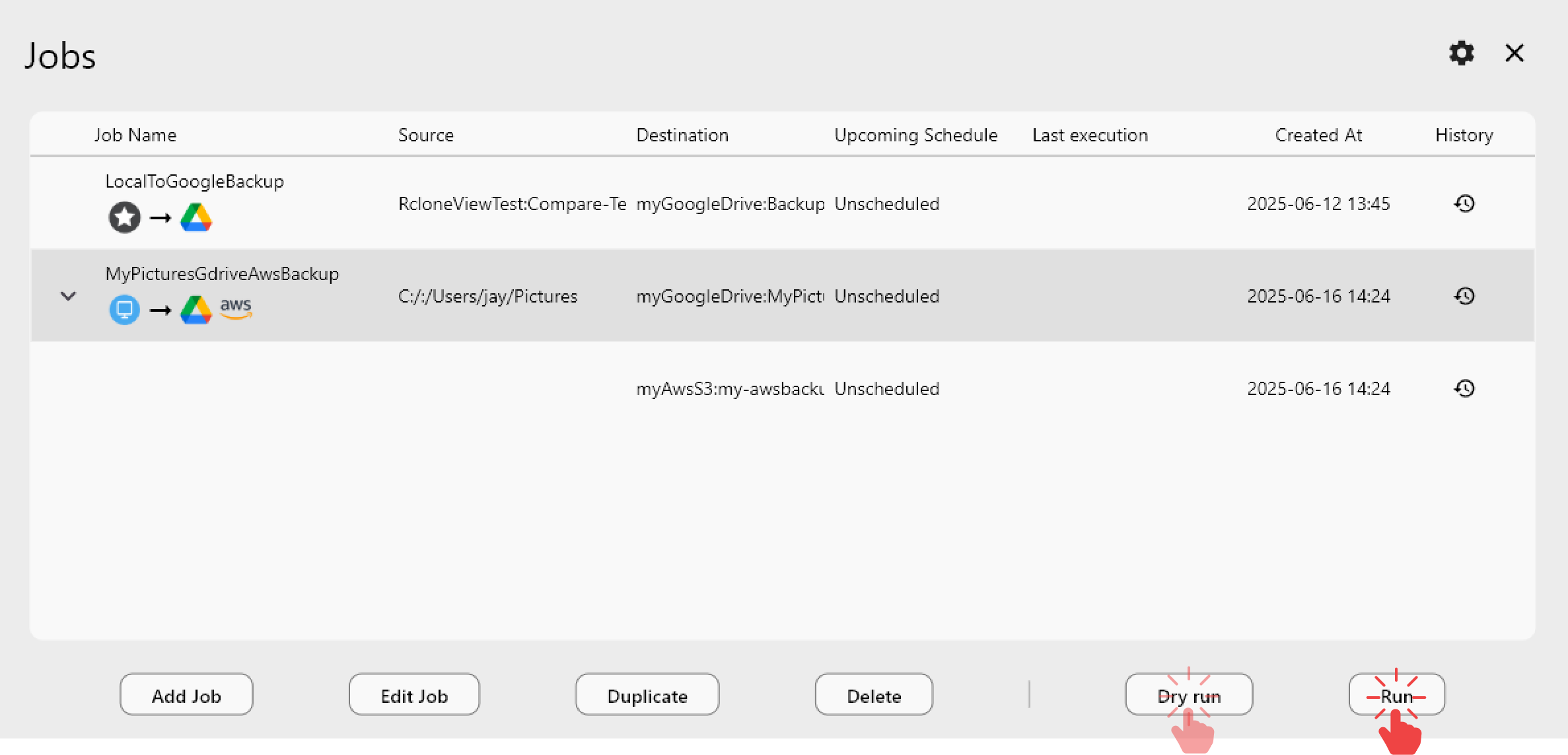
Run a Dry Run before the real job. It lists the files that would be copied or deleted without changing either side. For a migration, choose a Copy job rather than a mirroring sync, so nothing already in Jottacloud is removed.
Run the Transfer and Watch Progress
Start the job and follow it in the Transferring tab, which shows progress, speed, and file counts. For a large library, raise the number of file transfers in Step 2, but keep the equality checkers modest if either backend responds slowly. "Retry entire sync if fails" defaults to 3, which absorbs transient network errors.
If one session is not enough, save the job in Job Manager and run it again later. A Copy job only transfers files that are missing or different, so repeat runs pick up where the last one stopped.
Verify With Folder Compare
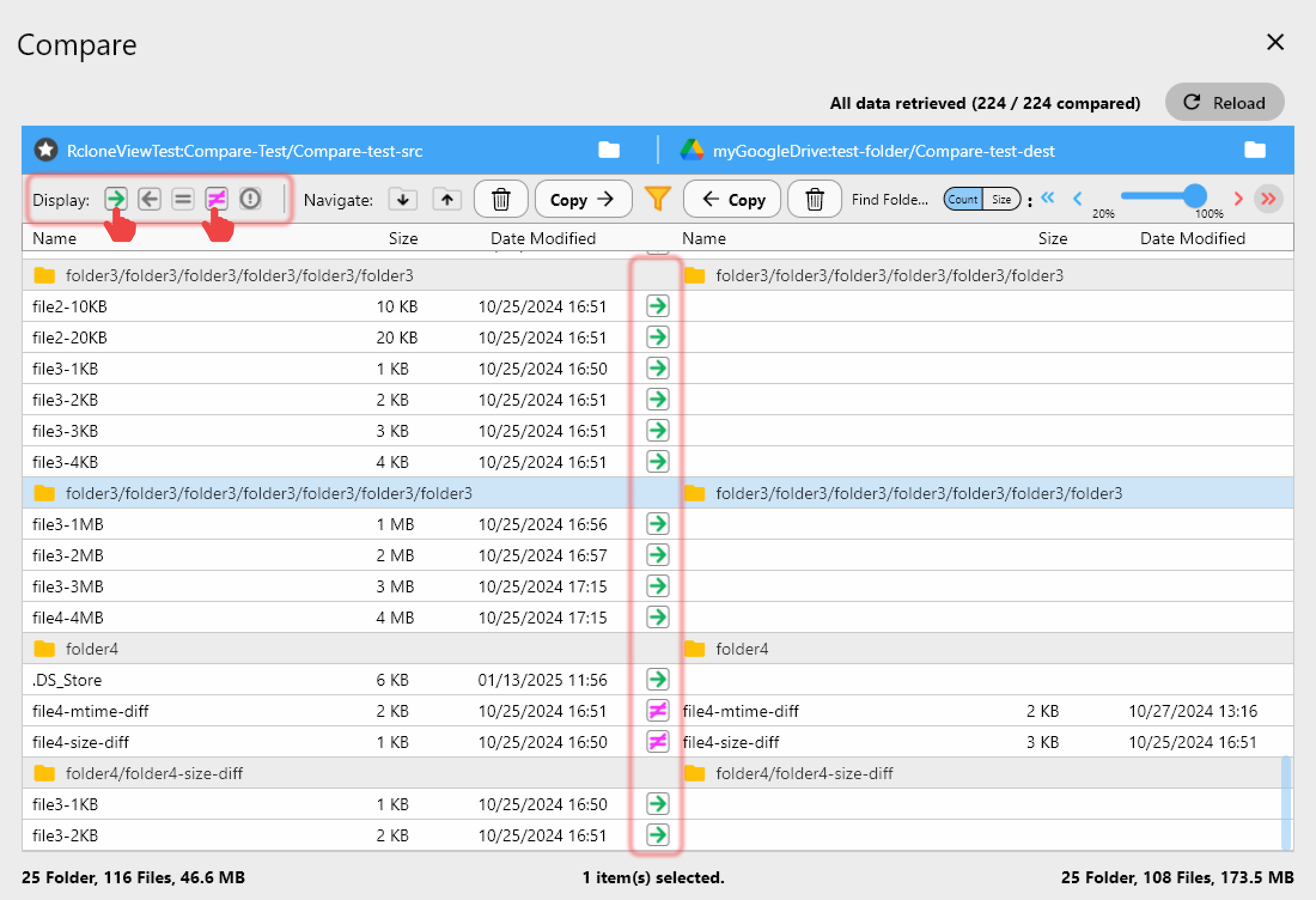
Once the job completes, open Compare with pCloud on the left and Jottacloud on the right. Filters for left-only, right-only, and different files show what is left to move, and the copy-right action transfers any stragglers. Job History keeps the status, size, speed, and file count of each run as a record of the migration.
Getting Started
- Download RcloneView from rcloneview.com.
- Add pCloud (OAuth) and Jottacloud as remotes.
- Create a Copy job with filters, then run a Dry Run.
- Run the job, then confirm the result with Folder Compare.
Keep the pCloud account untouched until Compare shows both sides match.
Related Guides:
- Manage pCloud Storage — Sync and Backup Files with RcloneView
- Manage Jottacloud Storage — Sync and Backup Files with RcloneView
- Migrate Jottacloud to pCloud with RcloneView
Supported Cloud Providers