Cloud Storage for Home Inspectors — Protect Reports and Photos with RcloneView

Every inspection produces hundreds of photos and a signed report. RcloneView helps you keep that record backed up, organized, and retrievable years later.
A typical home inspection produces hundreds of photos, moisture and thermal images, and a finished PDF report delivered to the client and often to an agent. If a buyer raises a dispute three years later, that file set is your evidence. Many solo inspectors and small firms keep it on a single laptop or one consumer cloud account. RcloneView gives you a desktop interface for copying that archive to more than one cloud, checking that the copies match, and finding an old job quickly.
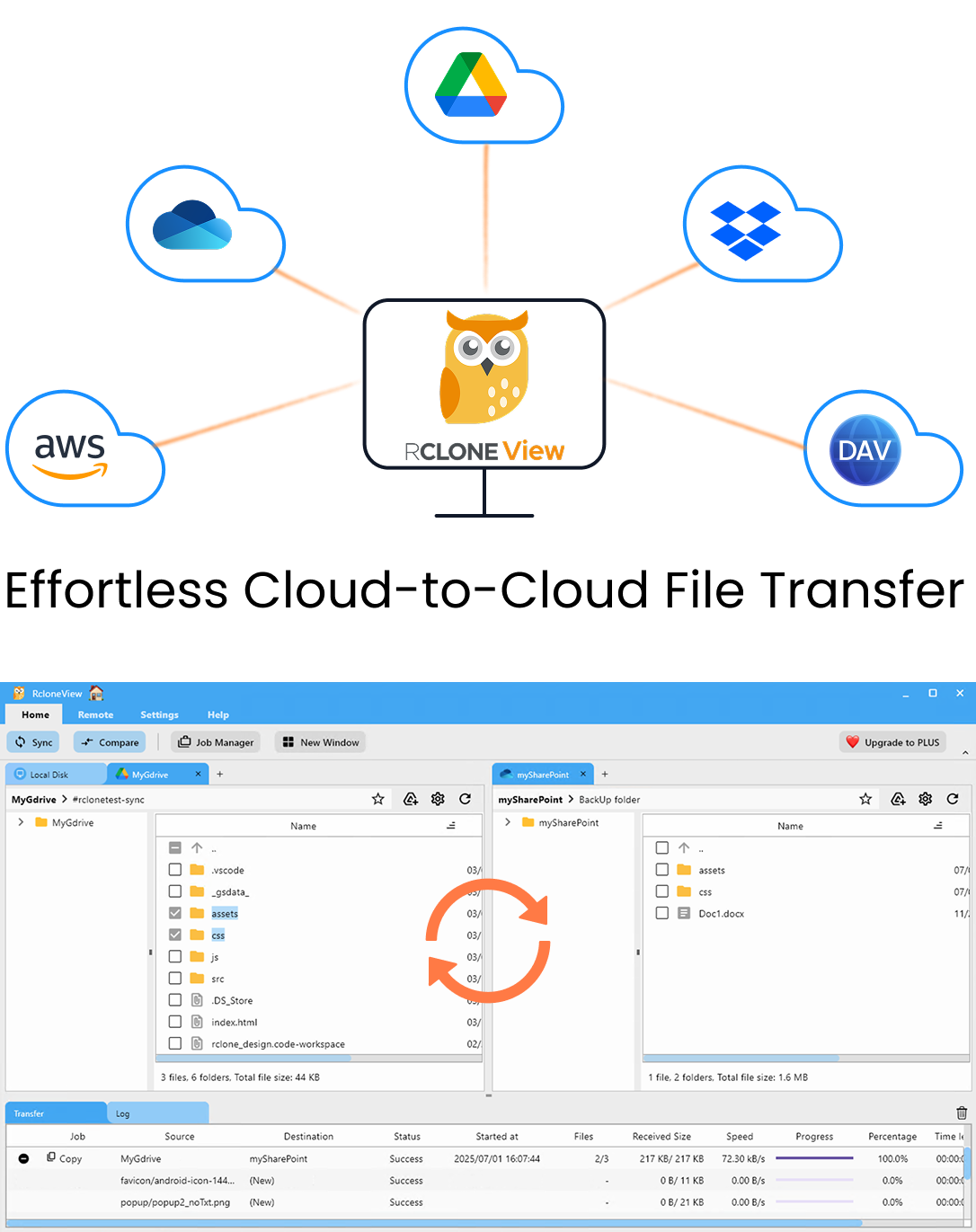
Manage & Sync All Clouds in One Place
RcloneView is a cross-platform GUI for rclone. Compare folders, transfer or sync files, and automate multi-cloud workflows with a clean, visual interface.
- One-click jobs: Copy · Sync · Compare
- Schedulers & history for reliable automation
- Works with Google Drive, OneDrive, Dropbox, S3, WebDAV, SFTP and more
Free core features. Plus automations available.
Organize the Job Archive Across Clouds
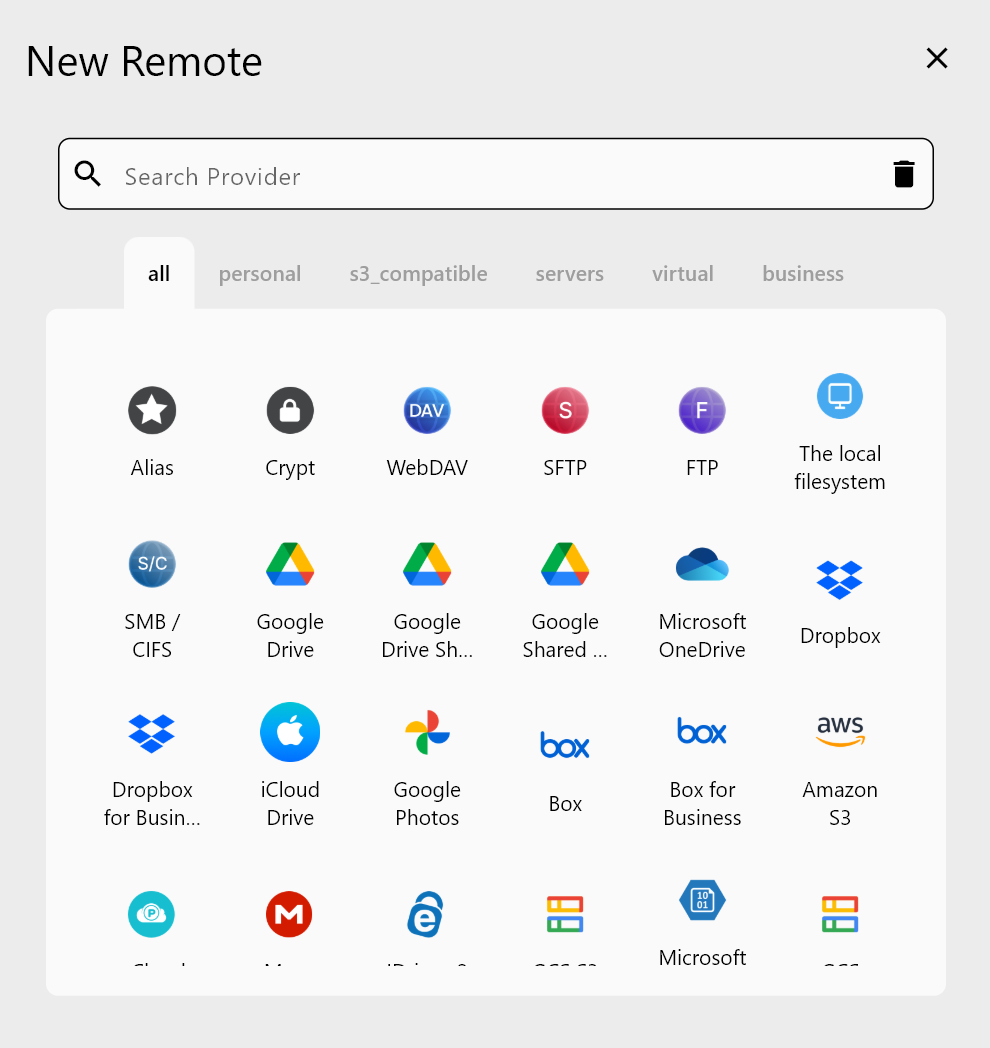
Start by connecting the storage you already use. Google Drive, Dropbox, and OneDrive sign in through a browser OAuth login. For a long-term archive, add an object storage remote such as Backblaze B2, Wasabi, or Amazon S3 with your access keys. Connect S3, Azure, or Backblaze B2 with full read/write on the FREE license.
A simple layout helps: one folder per year, then one folder per property address and date. When the files are well organized, a later records request takes minutes to answer.
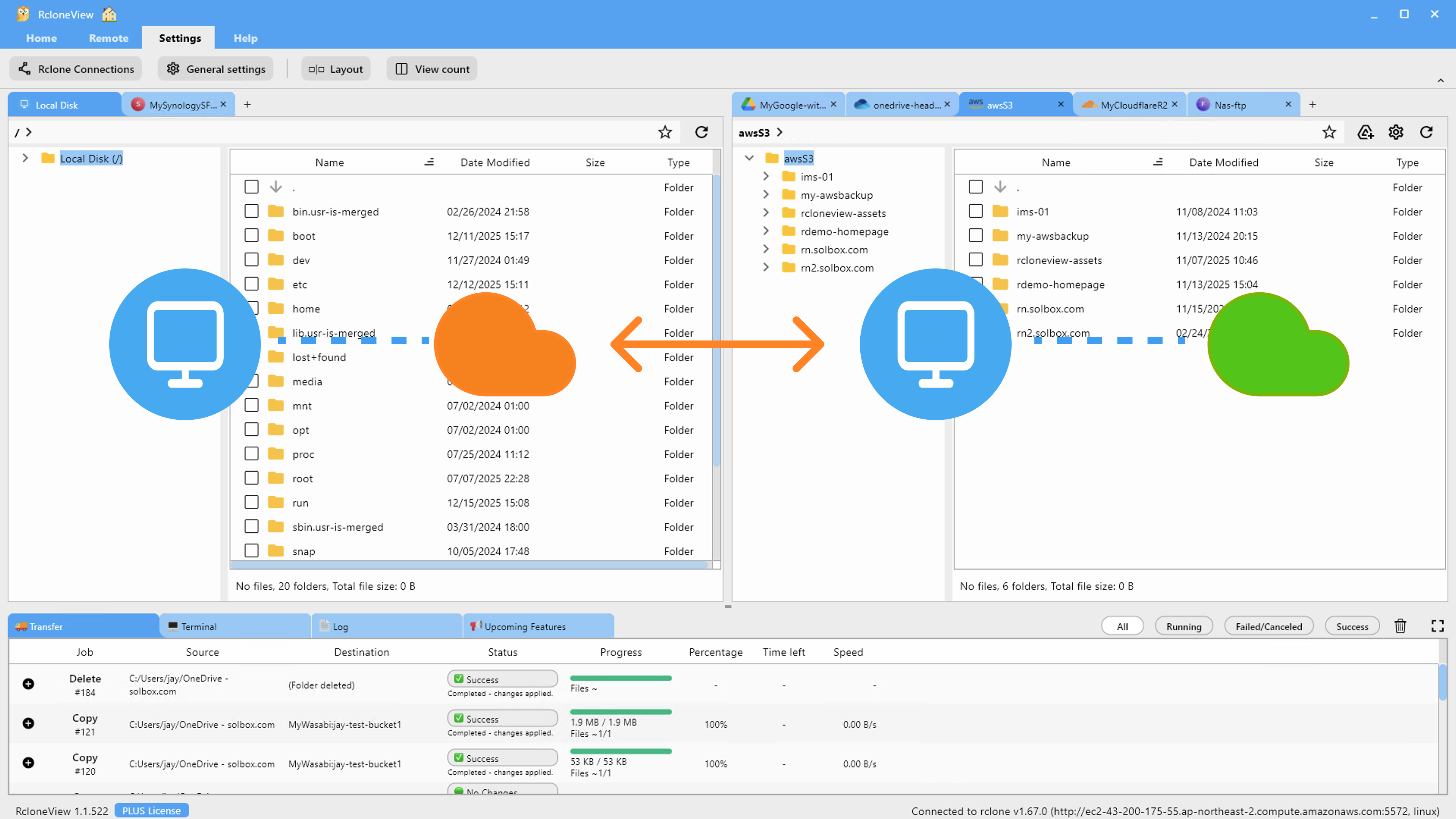
Send Each Day's Inspections to Two Destinations
RcloneView's sync wizard supports 1:N synchronization on the FREE license. One source folder, such as your laptop's Inspections folder, can go to several destinations in a single job. For example, send it to Google Drive for everyday access and to Backblaze B2 as a second copy. Use the one-way "Modifying destination only" direction so the source is never changed.
Step 3 combines predefined filters with custom rules. For example, you can exclude the temporary export files your report software leaves behind, or set a max file age so only recent jobs are copied. Run a Dry Run first to see exactly what will be copied.
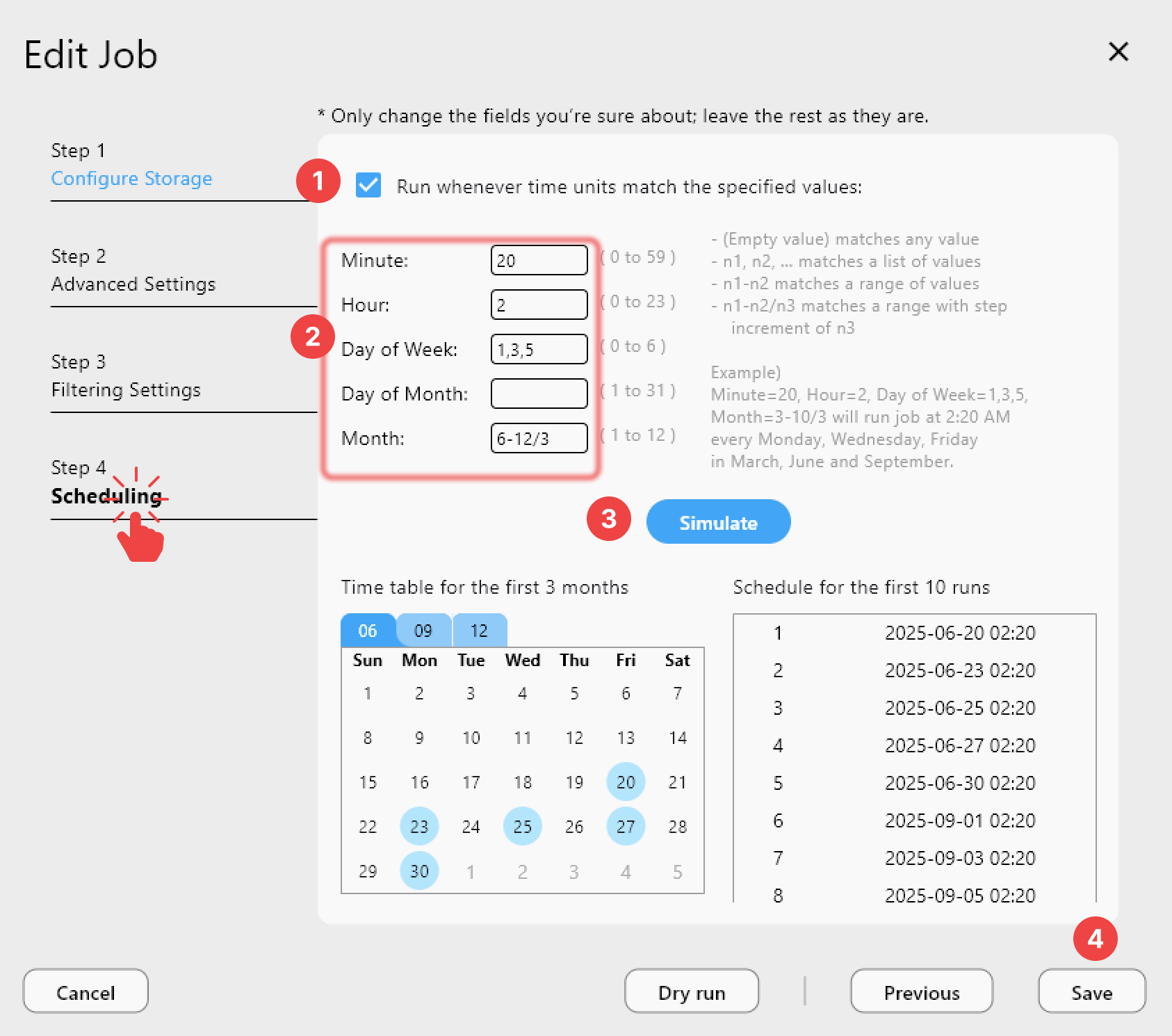
Automate the End-of-Day Backup
Inspectors are on the road all day, so a backup that depends on remembering to click a button tends to get skipped. With a PLUS license, Step 4 adds crontab-style scheduling, for example every weekday at 8 PM. The Simulate schedule preview shows the next run times. Job History logs each run with status, size, and file count, which is useful when an insurer asks how you protect your records.
Encrypt Client Data and Verify Copies
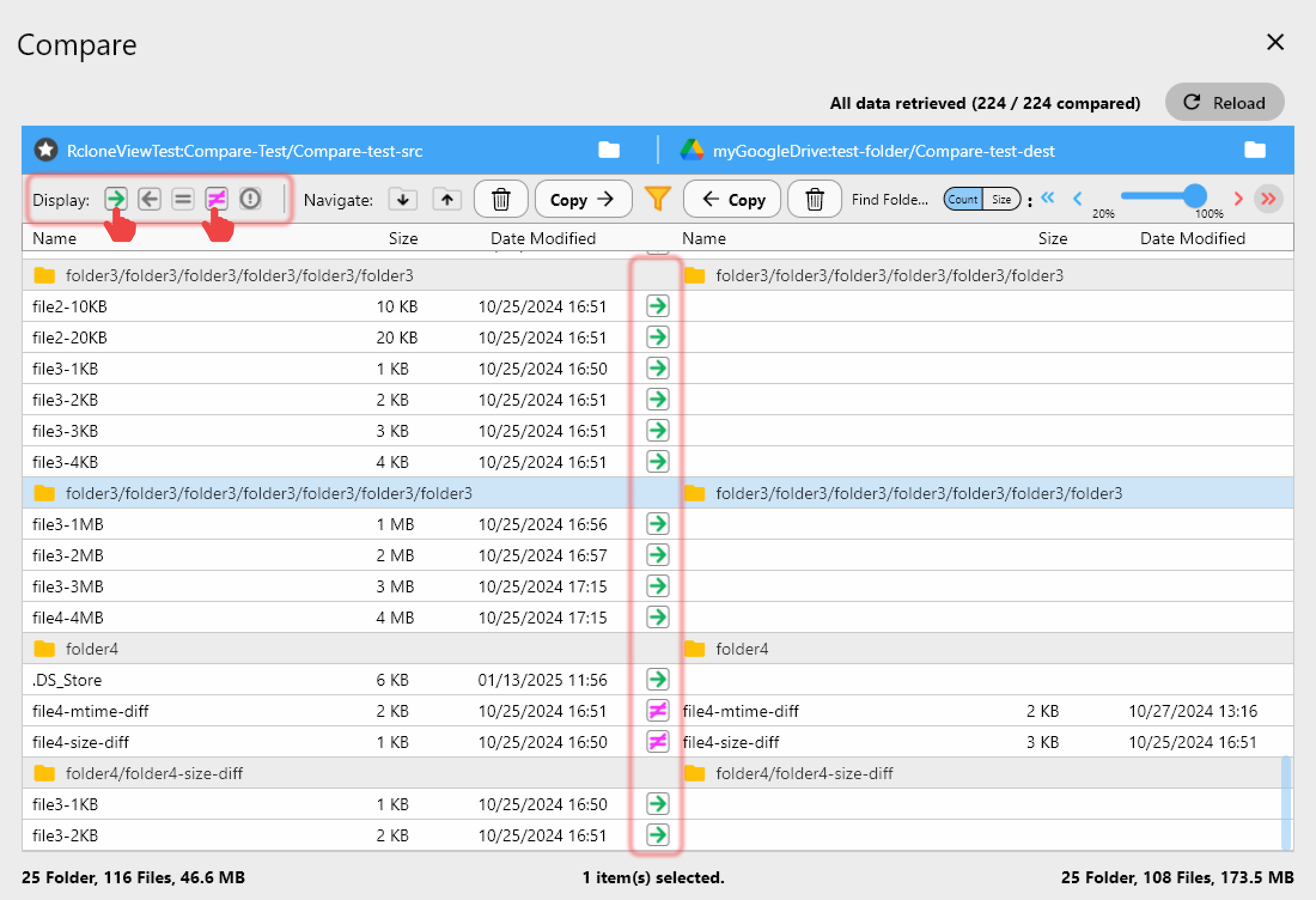
Reports contain client names, addresses, and photos of home interiors. A Crypt remote layered over your archive bucket encrypts file names and contents before they leave your computer. After a large upload, use Folder Compare to check your local folder against the cloud copy. Any left-only or different files show up in the results, and Copy right fills the gaps.
Getting Started
- Download RcloneView from rcloneview.com.
- Add your everyday cloud plus one object storage remote for the long-term archive.
- Create a one-way 1:N sync job from your
Inspectionsfolder and check it with Dry Run. - Add a Crypt remote for client privacy and, with PLUS, schedule the job to run every evening.
With a tested, verified backup routine, a records request from years back becomes a quick search through organized folders.
Related Guides:
- Cloud Storage for Real Estate — Manage Property Photos and Documents with RcloneView
- Cloud Storage for Property Management — Centralize Listings and Documents with RcloneView
- Cloud Storage for Insurance Agencies — Secure Policy Documents with RcloneView
Supported Cloud Providers