Migrate iCloud Drive to pCloud — Transfer Files with RcloneView

Move your iCloud Drive folders into pCloud with a copy job you can preview, watch, and verify, without staging everything on a local disk first.
People leave iCloud Drive for pCloud for practical reasons: a household that mixes Windows, Linux, and Mac machines, or a freelancer who wants one storage account that works the same on every desktop. iCloud Drive has no built-in export to another cloud service, so most migrations turn into "download it all to a Mac, then upload it again." RcloneView connects both services at once and copies files between them through rclone, so the transfer runs cloud-to-cloud from one window.
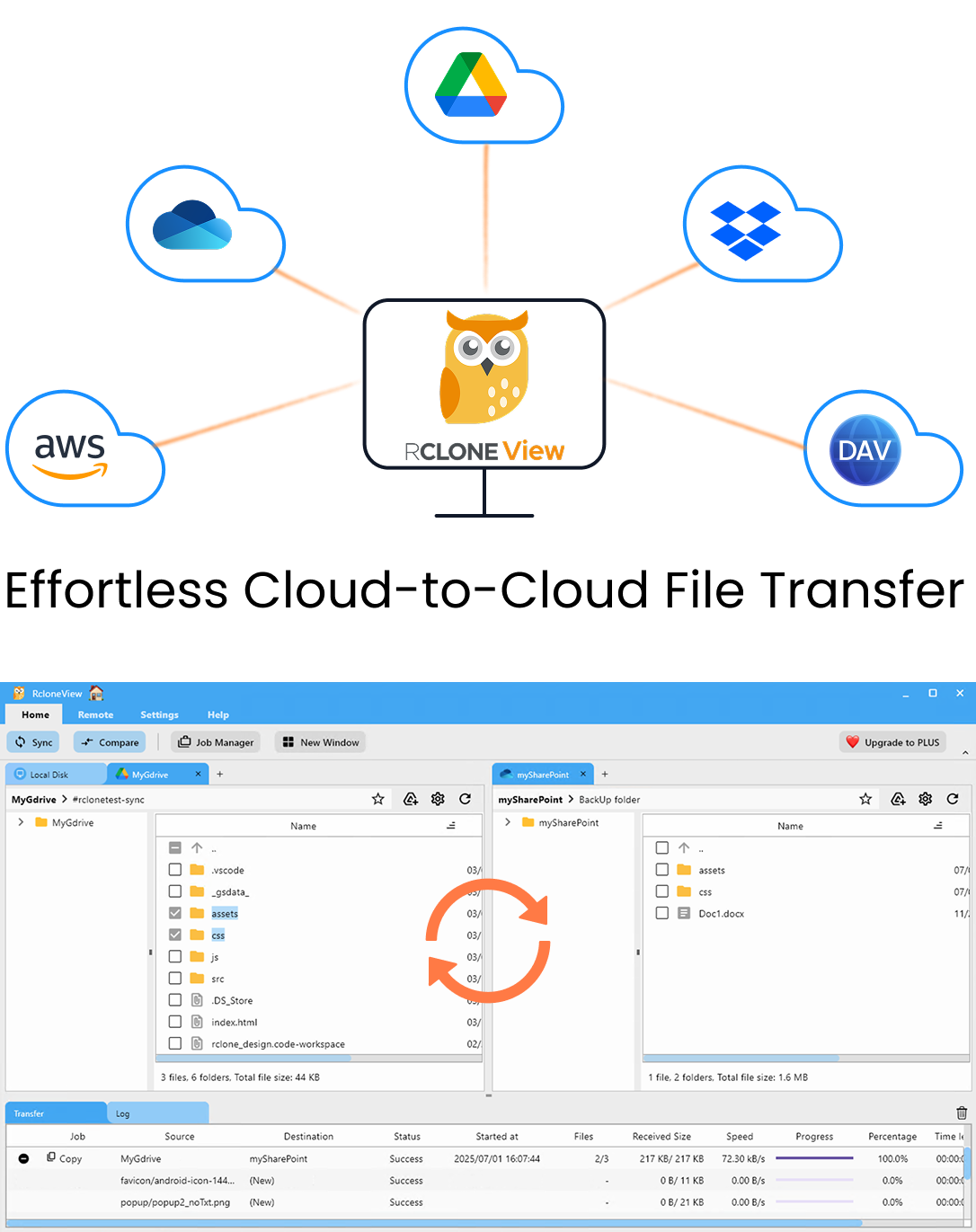
Manage & Sync All Clouds in One Place
RcloneView is a cross-platform GUI for rclone. Compare folders, transfer or sync files, and automate multi-cloud workflows with a clean, visual interface.
- One-click jobs: Copy · Sync · Compare
- Schedulers & history for reliable automation
- Works with Google Drive, OneDrive, Dropbox, S3, WebDAV, SFTP and more
Free core features. Plus automations available.
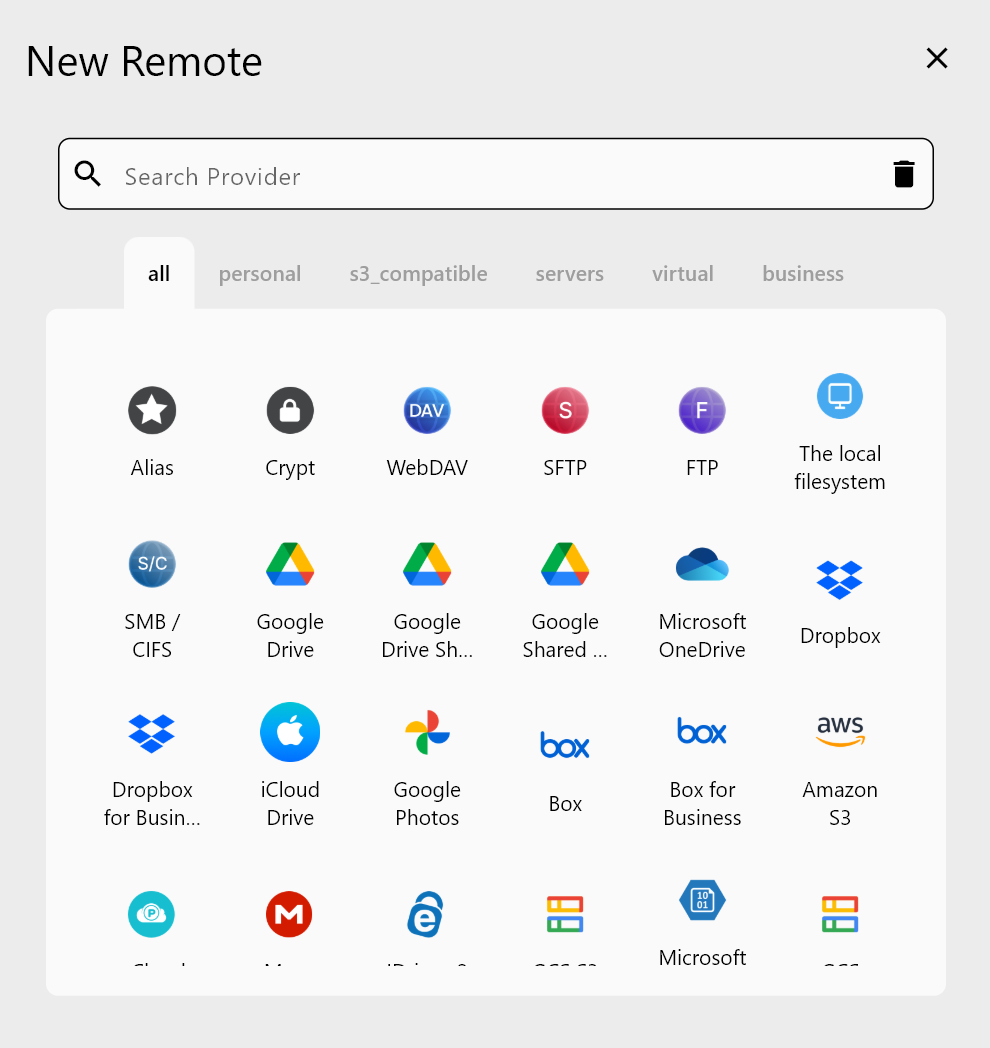
Connect iCloud Drive and pCloud as Remotes
iCloud Drive support requires rclone v1.69 or later. RcloneView ships with an embedded rclone binary that meets this requirement, so there is nothing extra to install. Open the Remote tab, click New Remote, choose iCloud Drive, and enter your Apple account credentials. Then add pCloud. It signs in through a browser OAuth login, so you do not have to generate any API keys.
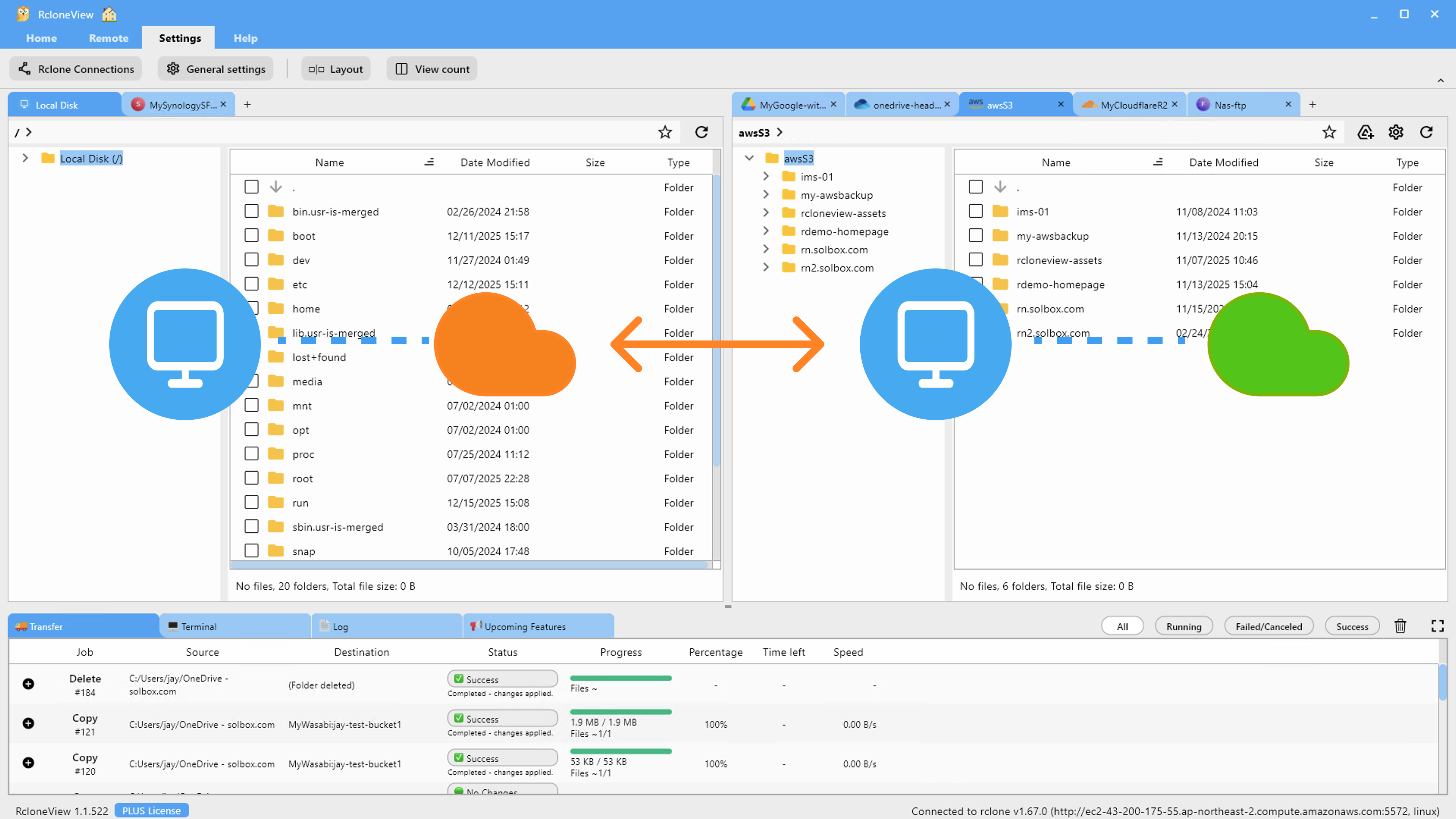
With both remotes connected, open two Explorer panels side by side. Right-click a top-level iCloud Drive folder and choose Get Size to see how much data you are about to move. That number tells you whether your pCloud plan has room before the first file is copied.
Build a Copy Job and Preview It with Dry Run
For a migration, a Copy job is the cautious choice: it adds files to pCloud and never deletes anything there. Choose Sync only if pCloud must mirror iCloud Drive exactly, including deletions.
In Job Manager, create the job with an iCloud Drive folder as the source and a pCloud folder as the destination. In Step 2, keep the retry setting at its default of 3 so a dropped connection doesn't end the run. Step 3 lets you leave out data you no longer need. Custom filters can exclude .iso images or .git/ folders, and a max file age keeps old clutter behind.
Run a Dry Run before the real transfer. Take a designer moving 300 GB of client projects: the dry run lists every file that would be copied, so you can confirm the folder layout before spending hours on the transfer.
Run the Transfer and Track Progress
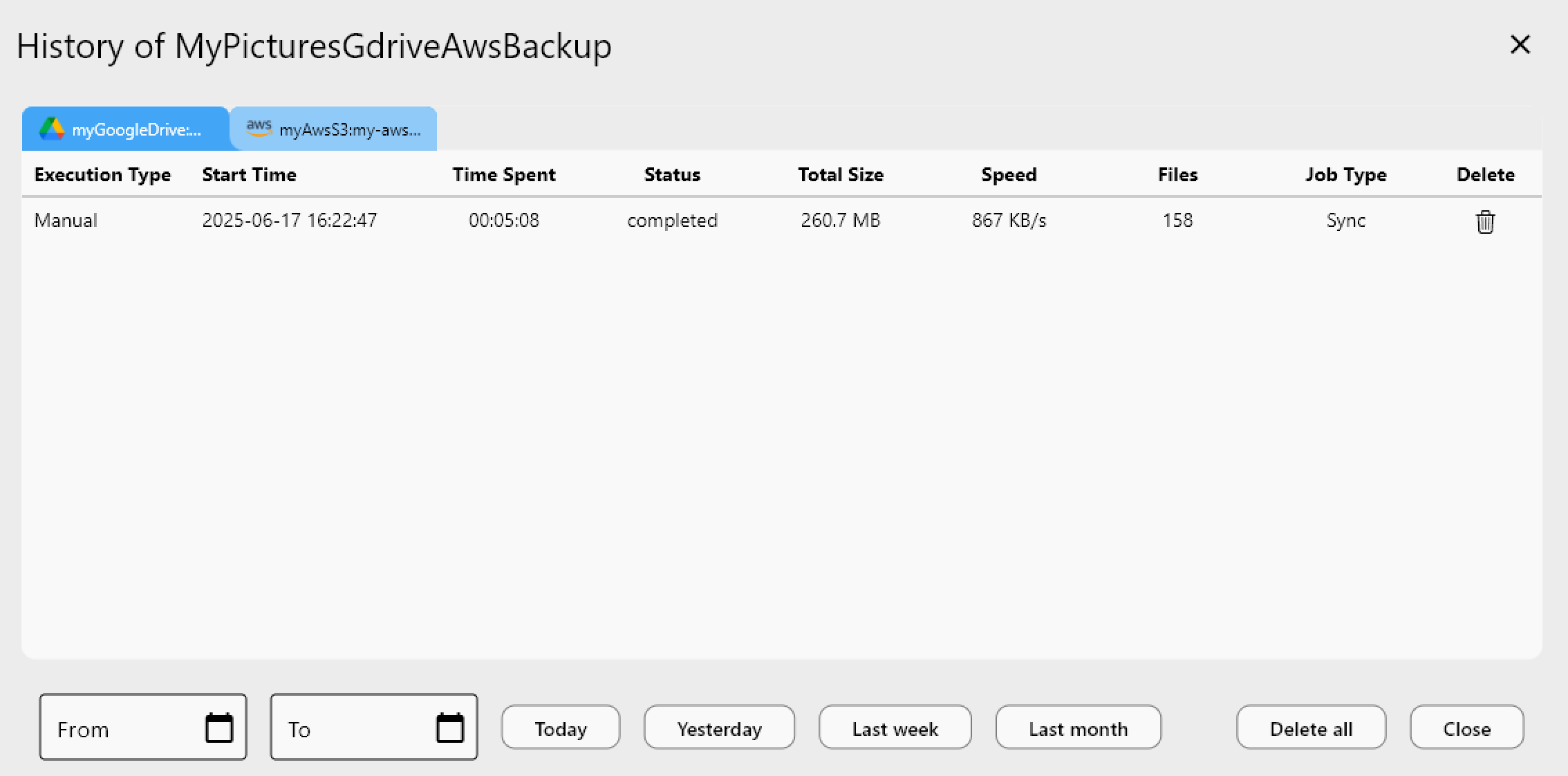
Start the job and watch the Transferring tab, which shows progress, speed, and file counts. For a large library, create one job per top-level folder (Documents, Desktop, project folders). If a batch fails, you rerun only that batch. Every run is recorded in Job History with its status, total size, and file count, so you have a record of what moved and when.
Verify the Result with Folder Compare
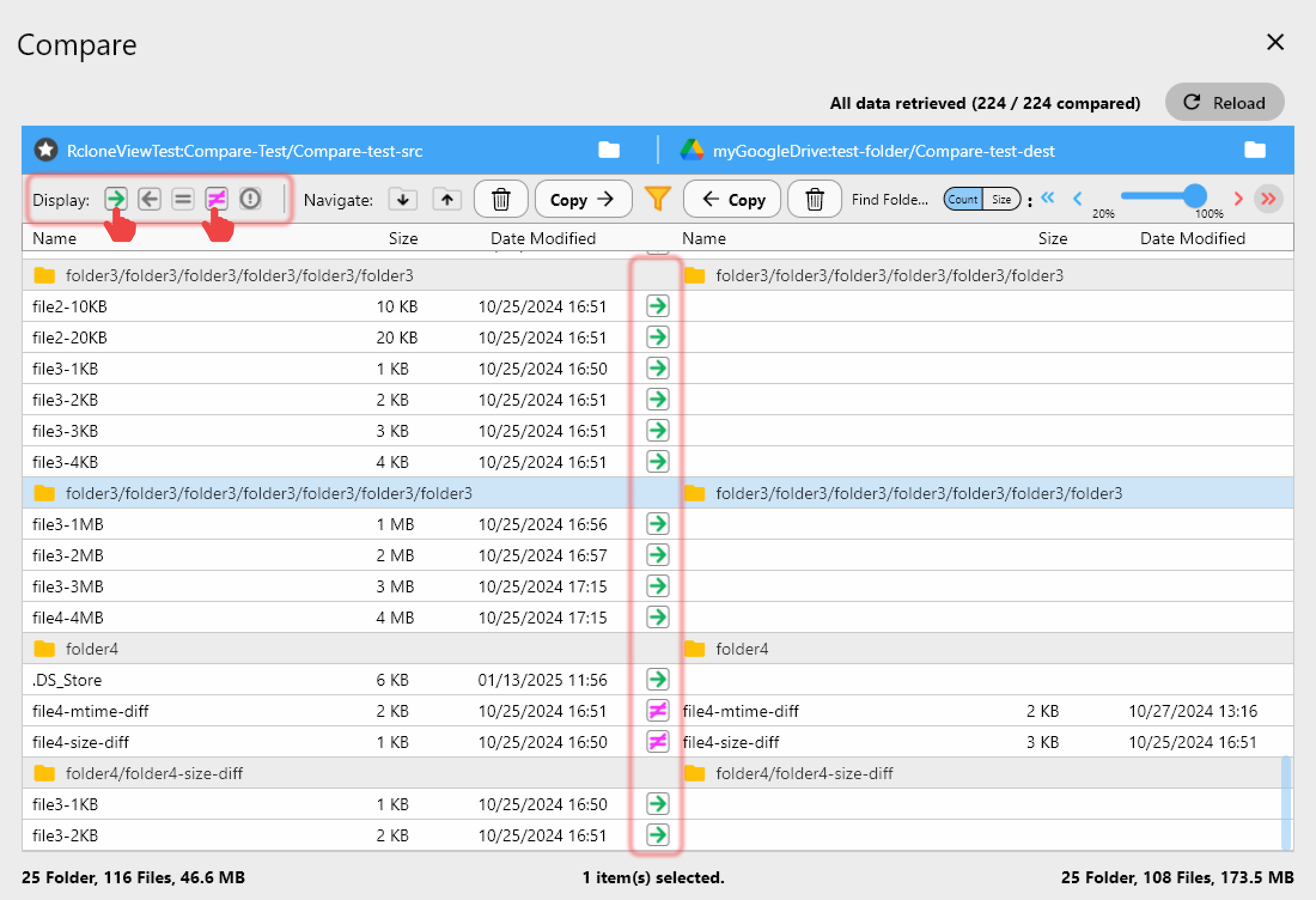
Click Compare and open the iCloud Drive folder on the left and the pCloud folder on the right. Filter for left-only and different files to find anything that was skipped, then use Copy right to send the missing files across. Once both sides show as equal, you can retire the old storage with confidence.
Getting Started
RcloneView mounts and syncs 90+ providers from one window, on Windows, macOS, and Linux.
- Download RcloneView from rcloneview.com.
- Add iCloud Drive (the embedded rclone v1.69+ is included) and pCloud through its OAuth login.
- Create a Copy job from iCloud Drive to pCloud and check it with Dry Run.
- Run the job, then confirm the result with Folder Compare before you downsize your iCloud plan.
A verified, folder-by-folder migration gets your files into pCloud with every folder accounted for.
Related Guides:
- Manage iCloud Drive Storage — Sync and Backup Files with RcloneView
- Manage pCloud Storage — Sync and Backup Files with RcloneView
- Migrate iCloud Drive to Dropbox — Transfer Files with RcloneView
Supported Cloud Providers