Fix iCloud Photos Sync Errors — How to Resolve with RcloneView
iCloud Photos is configured as a separate remote type from iCloud Drive, and its library-based structure causes a distinct set of sync issues. Here's how to resolve the most common ones in RcloneView.
iCloud Photos is handled by rclone as its own dedicated remote package, separate from iCloud Drive, because Apple exposes photo libraries through a different API than general file storage. That separation means the errors you hit — and the fixes — differ from a standard iCloud Drive setup. This guide covers the authentication, listing, and sync issues specific to iCloud Photos when working in RcloneView.

Manage & Sync All Clouds in One Place
RcloneView is a cross-platform GUI for rclone. Compare folders, transfer or sync files, and automate multi-cloud workflows with a clean, visual interface.
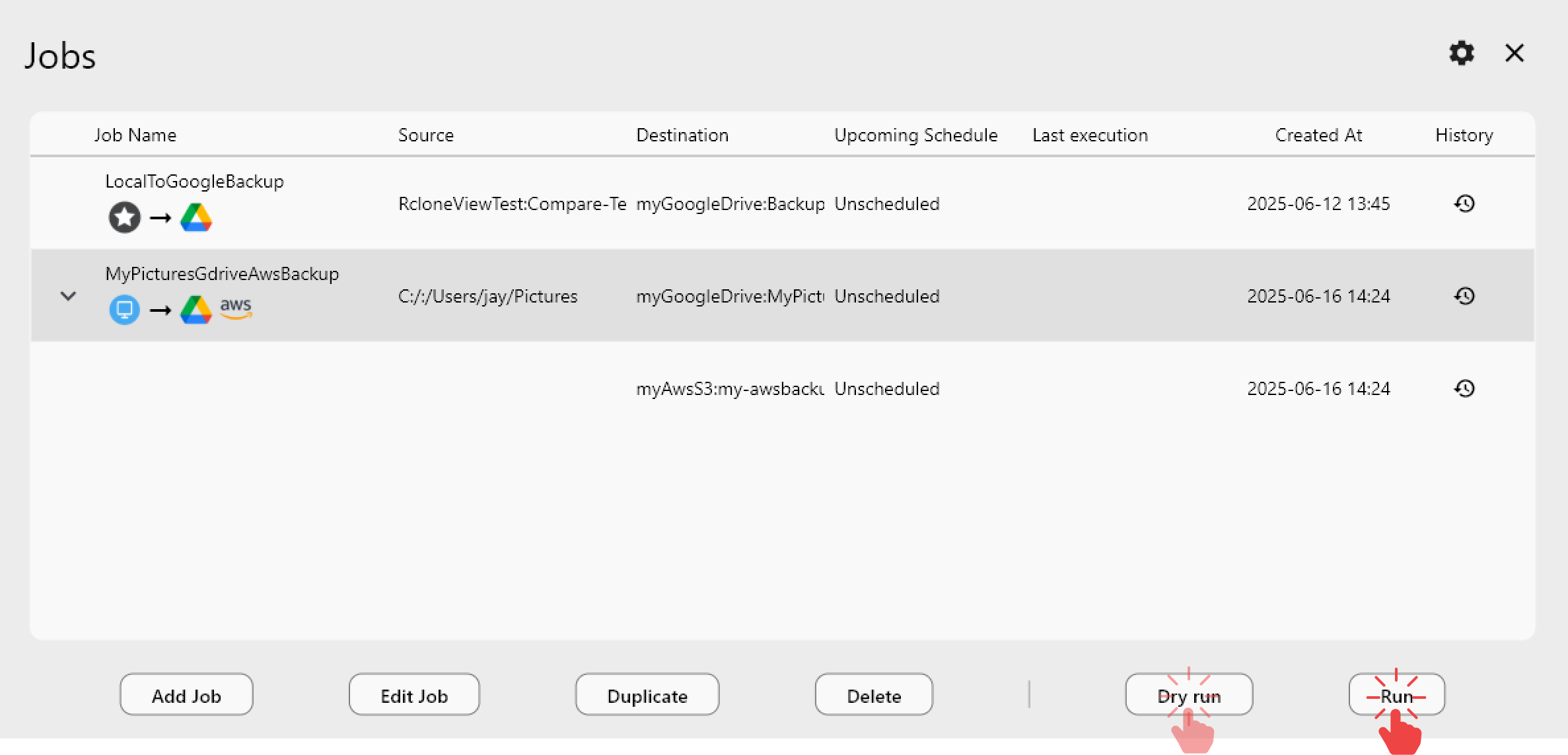
- One-click jobs: Copy · Sync · Compare
- Schedulers & history for reliable automation
- Works with Google Drive, OneDrive, Dropbox, S3, WebDAV, SFTP and more
Free core features. Plus automations available.
Authentication Errors When Adding the Remote
When you create a new iCloud Photos remote via Remote tab → New Remote, RcloneView prompts for your Apple ID email and password, and then a two-factor authentication code if your account has 2FA enabled (which Apple requires for the vast majority of accounts now). If the remote fails to authenticate, double-check the Apple ID email for typos first — this is the single most common cause. If your account has an app-specific password requirement due to enhanced security settings, generate one at appleid.apple.com and use it instead of your normal password when prompted.

Session expiry is another frequent cause of authentication failures on iCloud Photos specifically, since Apple's photo library sessions tend to time out faster than iCloud Drive sessions. If a previously working remote suddenly starts throwing auth errors, delete and re-add the remote through Remote Manager rather than trying to repair the existing configuration.
Missing Albums or Incomplete Photo Listings
Because iCloud Photos organizes content into albums, shared albums, and smart albums rather than a plain folder tree, some folder structures may not appear the way you expect when browsing the remote in the Explorer panel. If an album seems to be missing entirely, refresh the panel with F5 or Reload from the right-click menu — iCloud Photos listings can lag behind recent changes made from an iPhone or iPad. For very large libraries, high-resolution originals stored only in iCloud (not yet cached to a device) can also slow down listing responses noticeably.
Slow or Stalled Transfers During Backup
When backing up an iCloud Photos library to another cloud or a local drive, transfers can appear to stall on large libraries because each photo request goes through Apple's servers individually rather than in bulk. Lowering the Number of file transfers and Number of equality checkers in the sync job's Advanced Settings step reduces how aggressively RcloneView polls the iCloud Photos API, which in practice produces steadier — if slightly slower — transfers than leaving both settings at their defaults for this particular remote type.
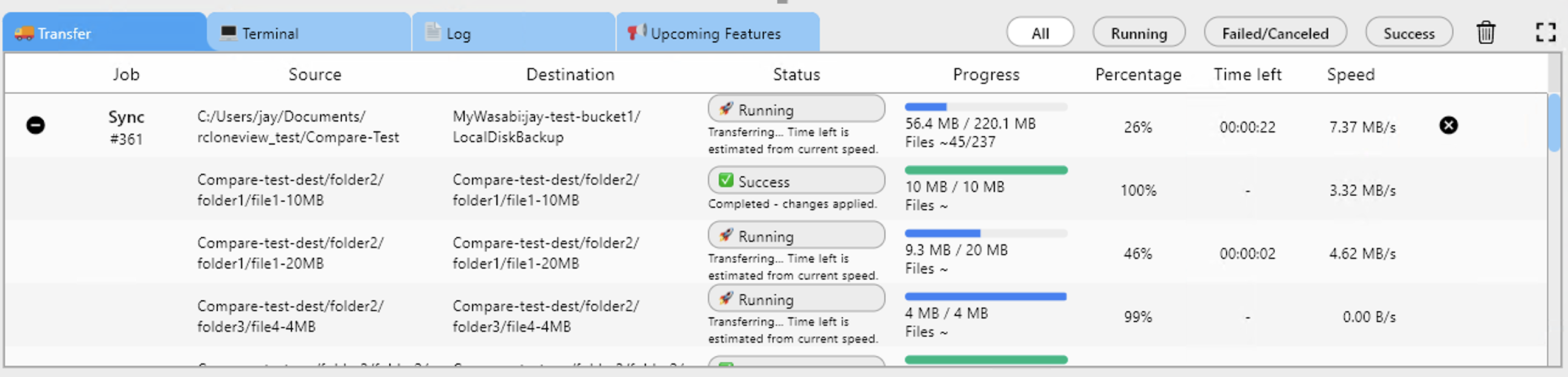
RcloneView mounts and syncs 90+ providers from one window on Windows, macOS, and Linux, so once the iCloud Photos remote is stable, backing it up to any other supported cloud uses the same sync workflow as every other provider.
Getting Started
- Download RcloneView from rcloneview.com.
- Re-verify your Apple ID email and generate an app-specific password if 2FA or enhanced security is enabled.
- Reload the remote panel if albums appear missing, rather than assuming data loss.
- Reduce file transfer and checker concurrency for large libraries to avoid stalled transfers.
With authentication and concurrency settings tuned correctly, iCloud Photos becomes just another reliable source in your regular RcloneView backup routine.
Related Guides:
- Manage iCloud Photos — Sync and Backup Files with RcloneView
- Fix iCloud Drive Sync Errors — How to Resolve with RcloneView
- RcloneView on macOS Sonoma — Cloud Storage Sync and Backup
Supported Cloud Providers





























