Manage Hetzner Storage Box — Sync and Backup with RcloneView
European cloud storage meets multi-cloud flexibility. Hetzner Storage Box offers competitive pricing and GDPR compliance—now manage it effortlessly alongside your other cloud accounts in RcloneView.
Hetzner Storage Box is a trusted choice for European businesses seeking reliable, affordable cloud backup. Whether you're using SFTP or WebDAV, RcloneView bridges your Hetzner account to your entire cloud ecosystem, letting you sync, backup, and archive without leaving your dashboard.

Manage & Sync All Clouds in One Place
RcloneView is a cross-platform GUI for rclone. Compare folders, transfer or sync files, and automate multi-cloud workflows with a clean, visual interface.
- One-click jobs: Copy · Sync · Compare
- Schedulers & history for reliable automation
- Works with Google Drive, OneDrive, Dropbox, S3, WebDAV, SFTP and more
Free core features. Plus automations available.
Connect Hetzner Storage Box via SFTP
Adding a Hetzner Storage Box remote is straightforward in RcloneView. SFTP gives you direct server access with industry-standard encryption.
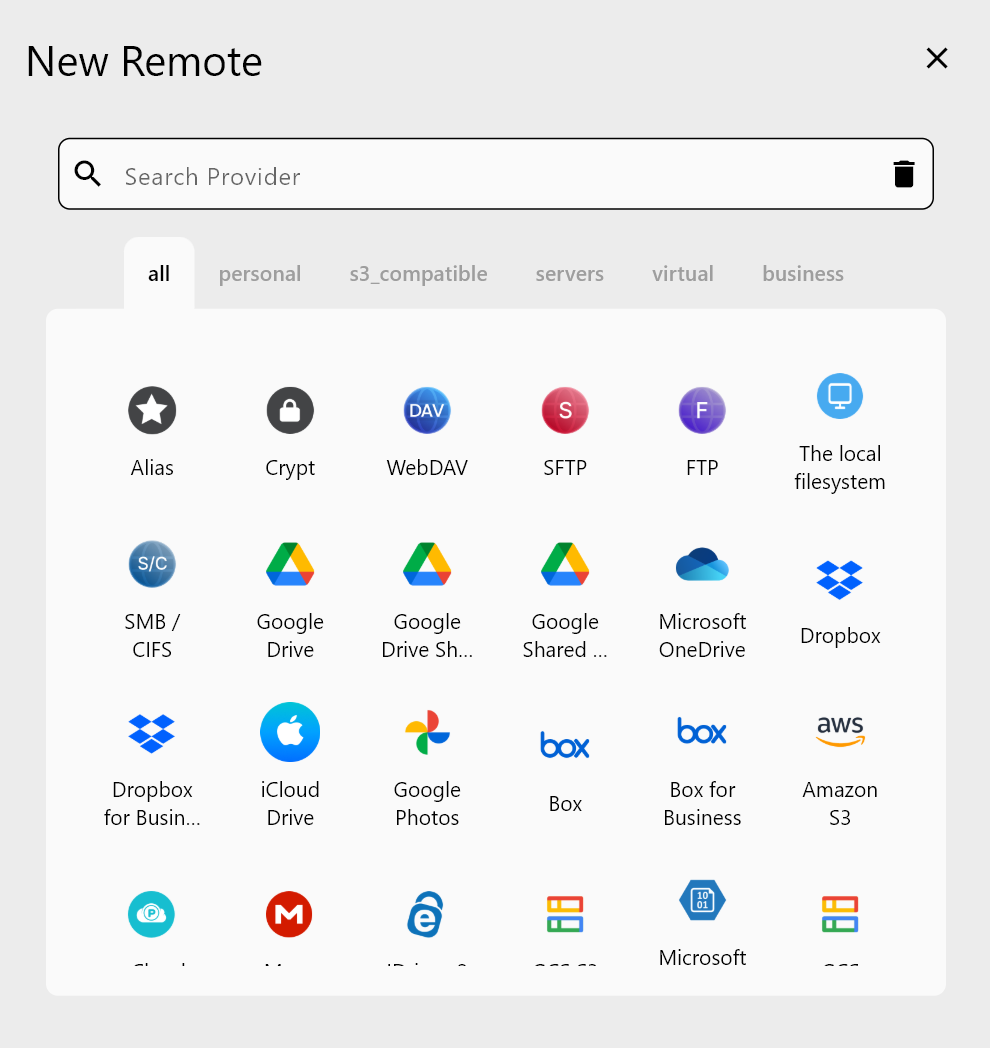
- Open RcloneView and click Add Remote
- Select SFTP from the provider list
- Enter your Hetzner credentials:
- Host:
u[account-id].your-storagebox.de - Username: Your Hetzner login
- Password: Your Hetzner password or SSH key
- Host:
- Set port to 22 (standard SFTP)
- Click Test Connection to verify
Sync Hetzner to AWS S3 or Other Clouds
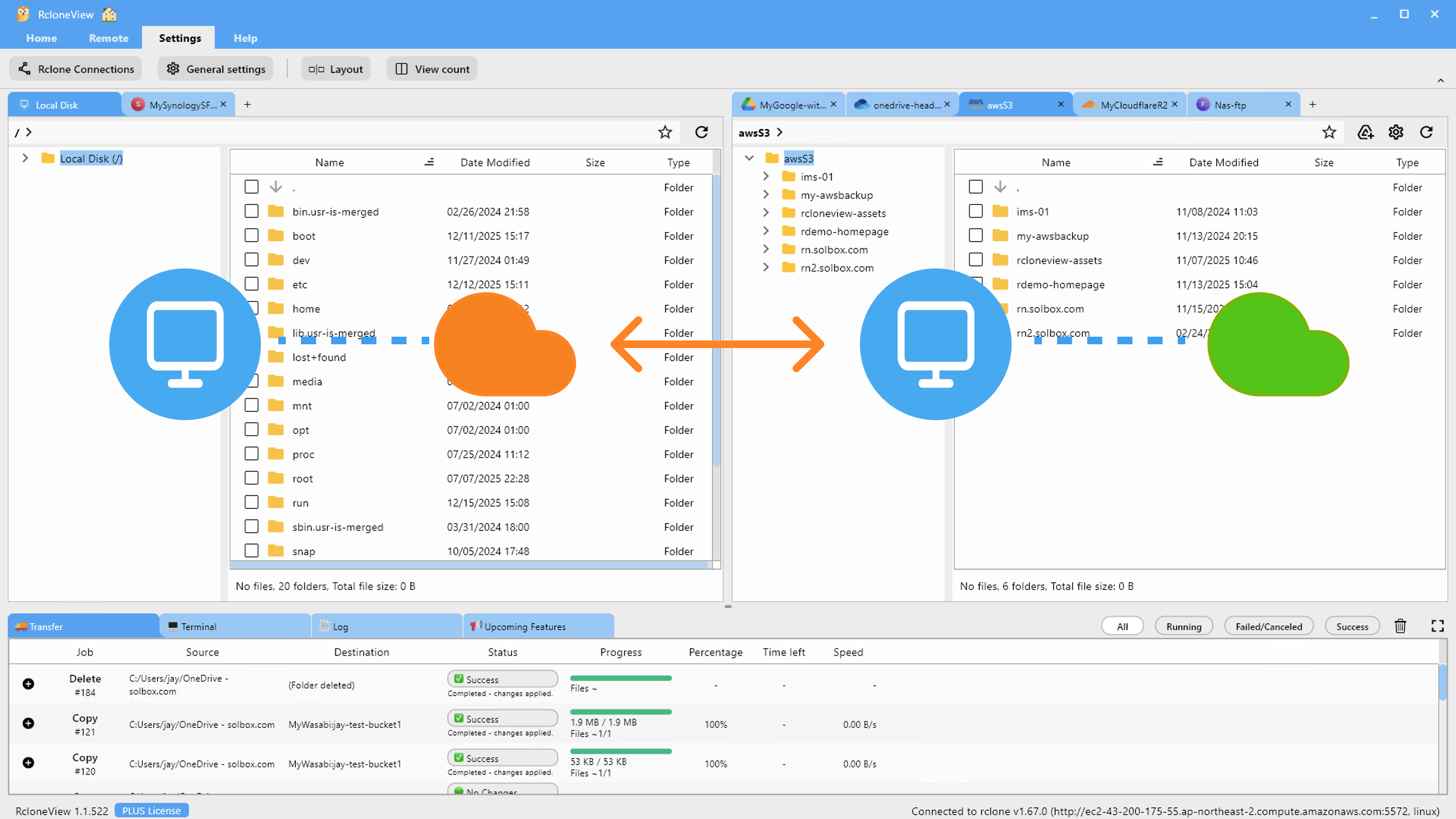
Once your Hetzner Storage Box is connected, you can create cloud-to-cloud sync jobs instantly.
Use cases:
- Backup to S3: Archive frequently accessed files from Hetzner to Amazon S3 Glacier for long-term retention
- Multi-cloud redundancy: Mirror data across Hetzner and Backblaze B2
- Hybrid workflows: Sync Hetzner Storage Box with Google Drive for team access
Real-Time Monitoring and Scheduling
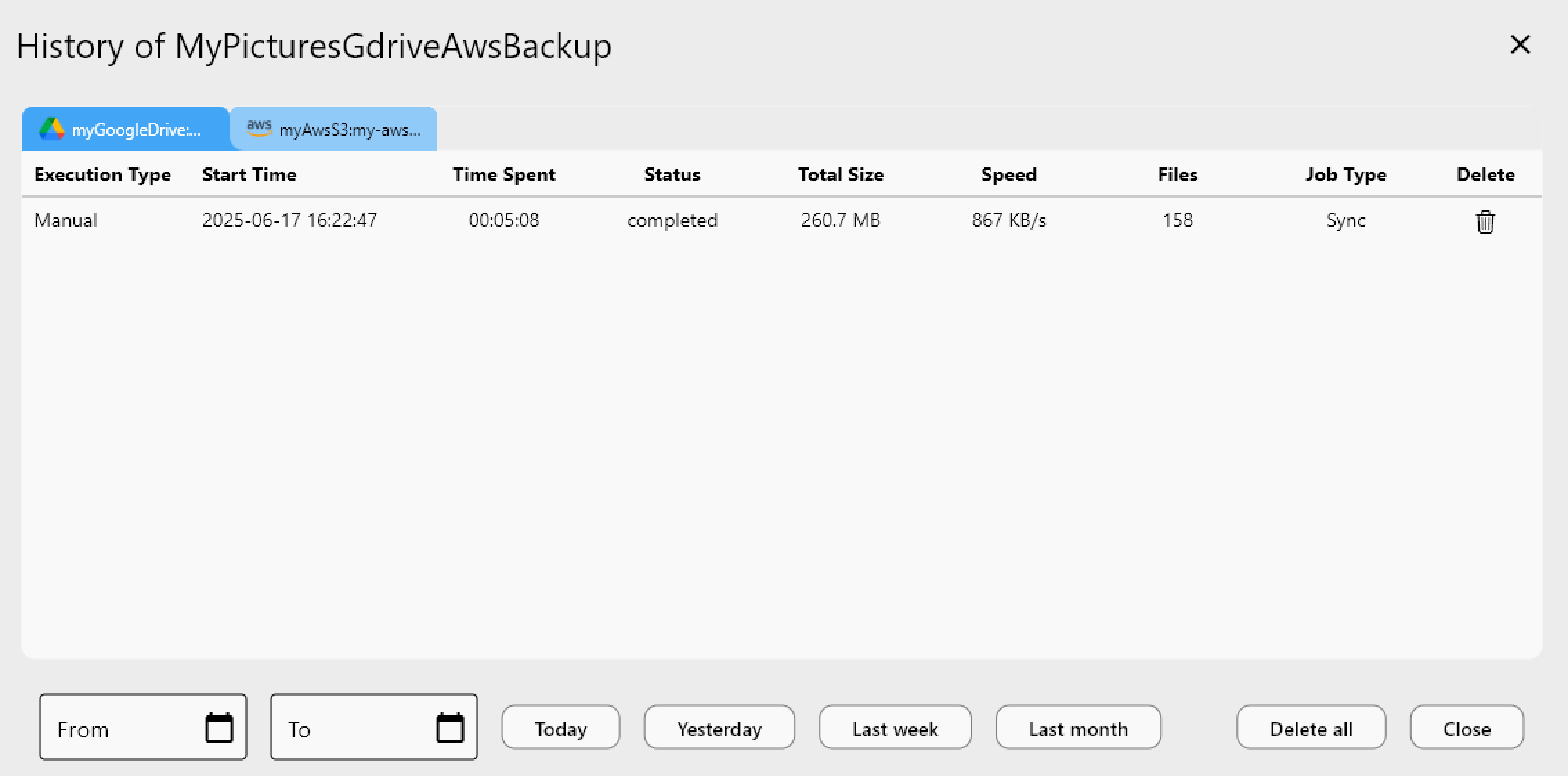
RcloneView's job scheduler lets you automate Hetzner backups on your timeline. Monitor transfer speeds, error rates, and file counts in real-time.
Getting Started
- Download RcloneView from rcloneview.com.
- Create a Hetzner Storage Box account (if you don't have one) at hetzner.com.
- Add your Hetzner remote using SFTP or WebDAV credentials in RcloneView.
- Create your first sync or backup job to another cloud provider.
- Schedule recurring jobs or run one-time transfers as needed.
Manage your European cloud storage with confidence—RcloneView handles the complexity so you focus on your data.
Related Guides:
- Manage SFTP Server — Cloud Sync with RcloneView
- Connect WebDAV Server — Cloud Sync with RcloneView
- Manage OVH Cloud Object Storage — Sync with RcloneView
Supported Cloud Providers





























