Migrate Amazon S3 to Cloudflare R2 — Zero Egress Fee Migration with RcloneView
AWS egress costs eating your budget? Cloudflare R2 eliminates per-gigabyte bandwidth charges while maintaining S3 API compatibility. Migrate with confidence using RcloneView.
Amazon S3 is powerful but egress fees add up quickly—especially for high-bandwidth workloads. Cloudflare R2 offers S3-compatible object storage with zero egress charges. RcloneView simplifies the migration process, handling massive datasets efficiently while preserving your access patterns.

Manage & Sync All Clouds in One Place
RcloneView is a cross-platform GUI for rclone. Compare folders, transfer or sync files, and automate multi-cloud workflows with a clean, visual interface.
- One-click jobs: Copy · Sync · Compare
- Schedulers & history for reliable automation
- Works with Google Drive, OneDrive, Dropbox, S3, WebDAV, SFTP and more
Free core features. Plus automations available.
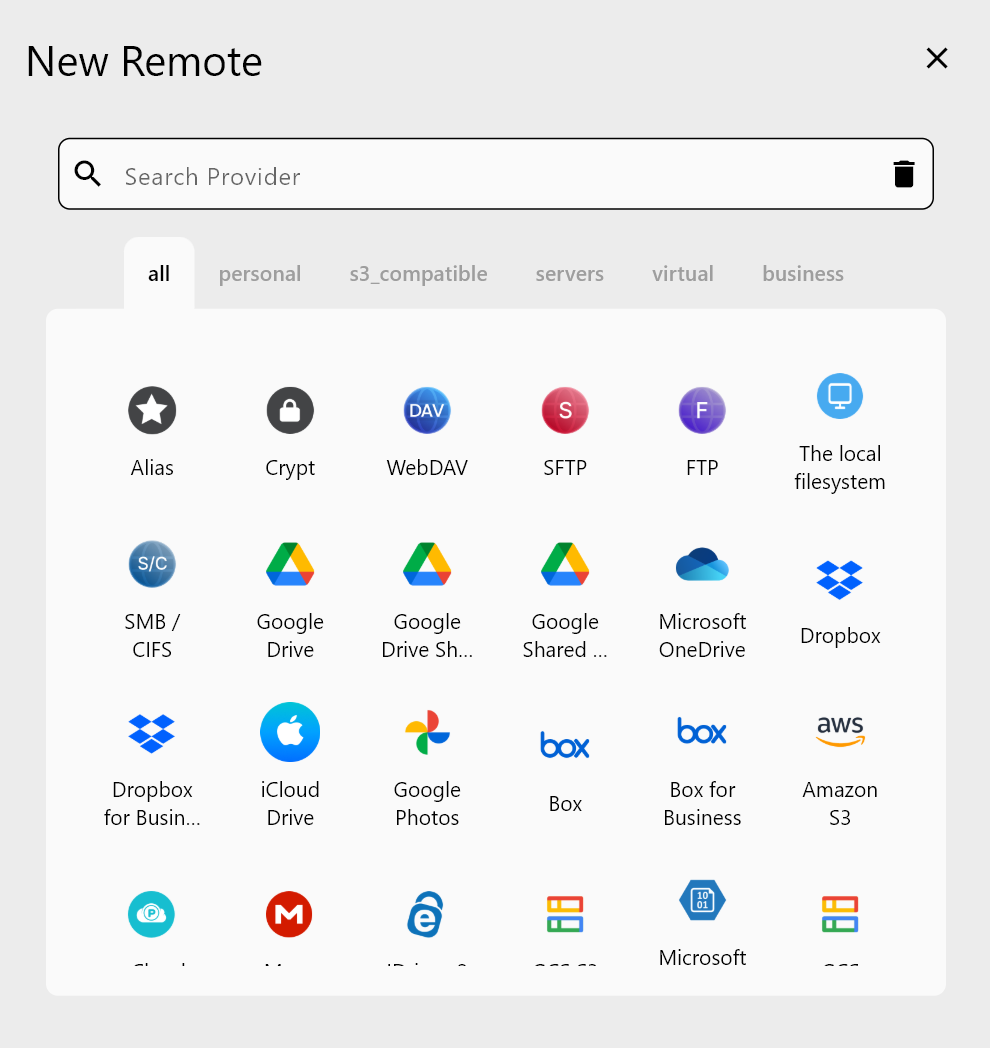
Add Both S3 and Cloudflare R2 to RcloneView
Start by configuring both storage backends in RcloneView.
For AWS S3:
- Click Add Remote → Select Amazon S3
- Enter your AWS Access Key ID and Secret Access Key
- Select your S3 bucket region
- Test the connection
For Cloudflare R2:
- Click Add Remote → Select S3 Compatible
- Set endpoint to your R2 domain
- Add your R2 API token credentials
- Verify connection
Plan Your Migration Strategy
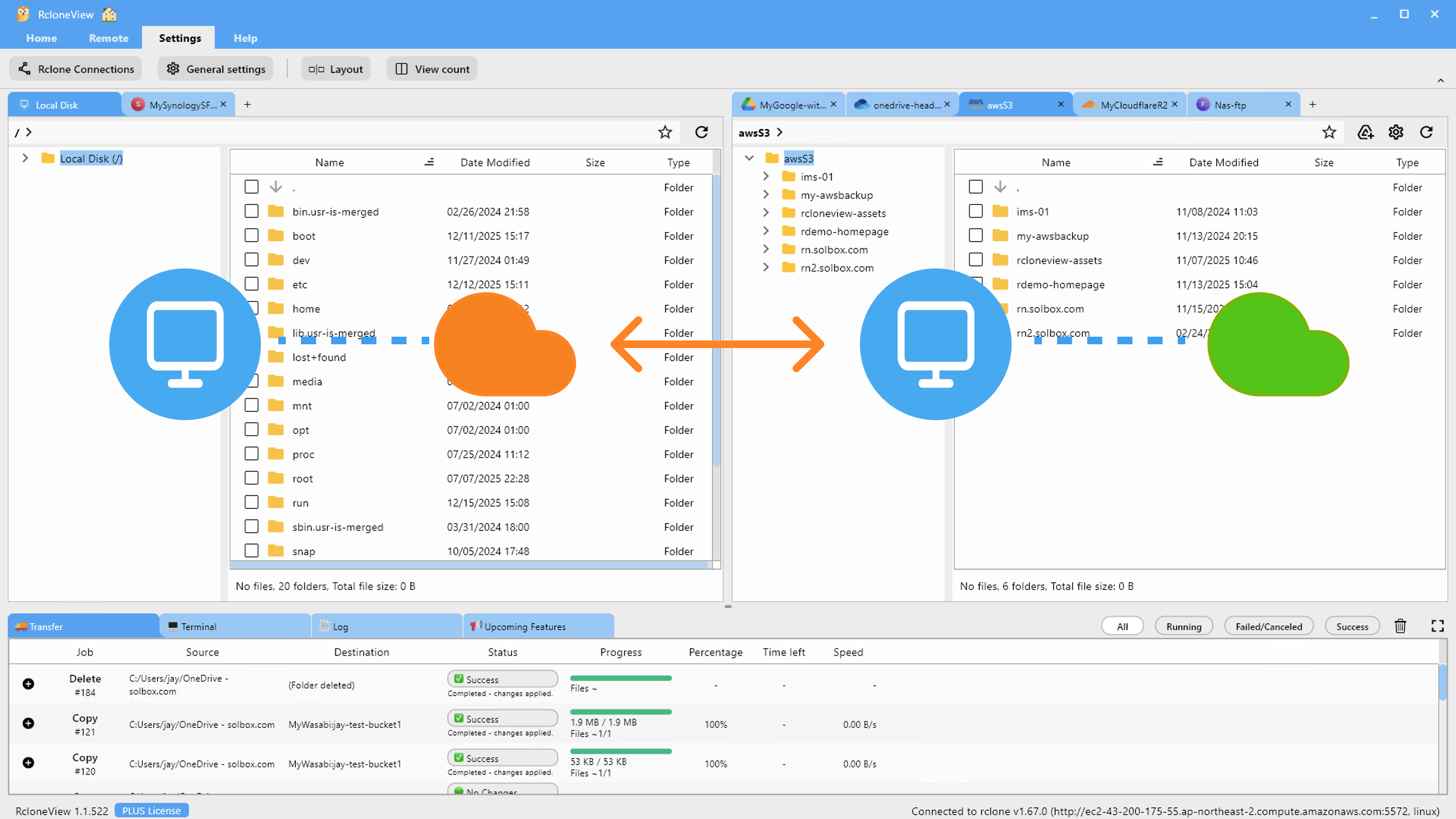
Large S3 migrations require careful planning. RcloneView supports multiple strategies:
- Direct transfer: Fast bucket-to-bucket migration (R2 has free egress from AWS)
- Incremental sync: Migrate data gradually while maintaining S3 as live
- Filtered migration: Move specific prefixes or file types first
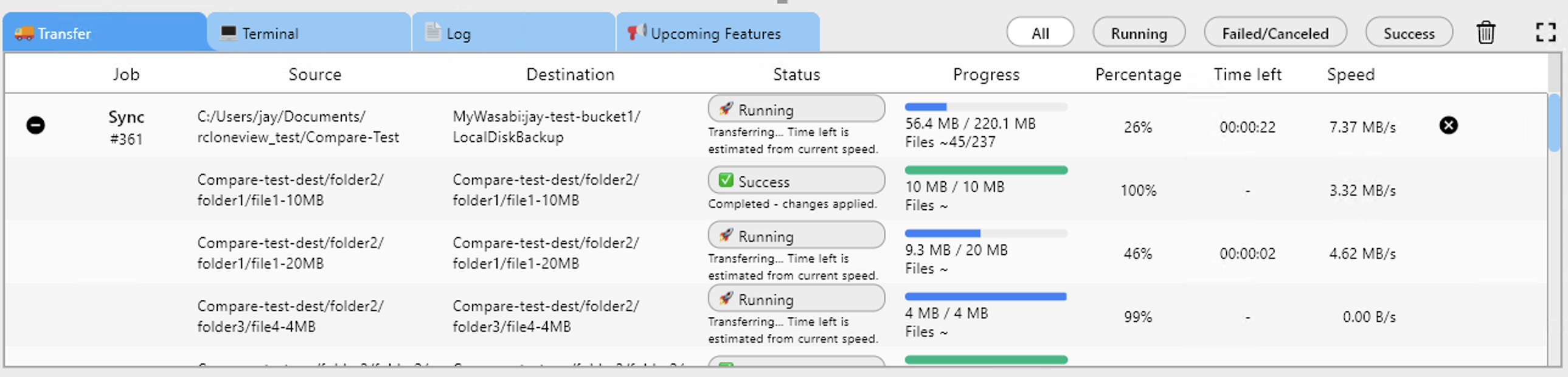
Monitor Migration Progress Real-Time
RcloneView provides live progress tracking, error reporting, and performance metrics. Watch transfer speeds, completion percentage, and identify any failed objects instantly.
Getting Started
- Download RcloneView from rcloneview.com.
- Set up an AWS S3 remote with your credentials.
- Create a Cloudflare R2 account at cloudflare.com.
- Configure your R2 bucket as an S3-compatible remote in RcloneView.
- Create a migration job and run the transfer.
- Verify data integrity once complete.
Save thousands on egress fees—your cloud budget will thank you.
Related Guides:
- Cloud Storage Egress Fees — How to Avoid with RcloneView
- Sync Azure Blob to AWS S3 with RcloneView
- Manage Google Cloud Storage — Sync with RcloneView
Supported Cloud Providers





























