Migrate Citrix ShareFile to Box — Transfer Files with RcloneView

Move a ShareFile folder tree into Box cloud-to-cloud, preview every change first, and verify the result side by side — all from one GUI.
When an organization consolidates on Box, the ShareFile archive of contracts, client deliverables, and project folders has to move with it. Downloading everything to a laptop and re-uploading is slow and error-prone. RcloneView connects to both services as remotes and runs the transfer through rclone, so files move directly between the two clouds while you watch progress in one window.
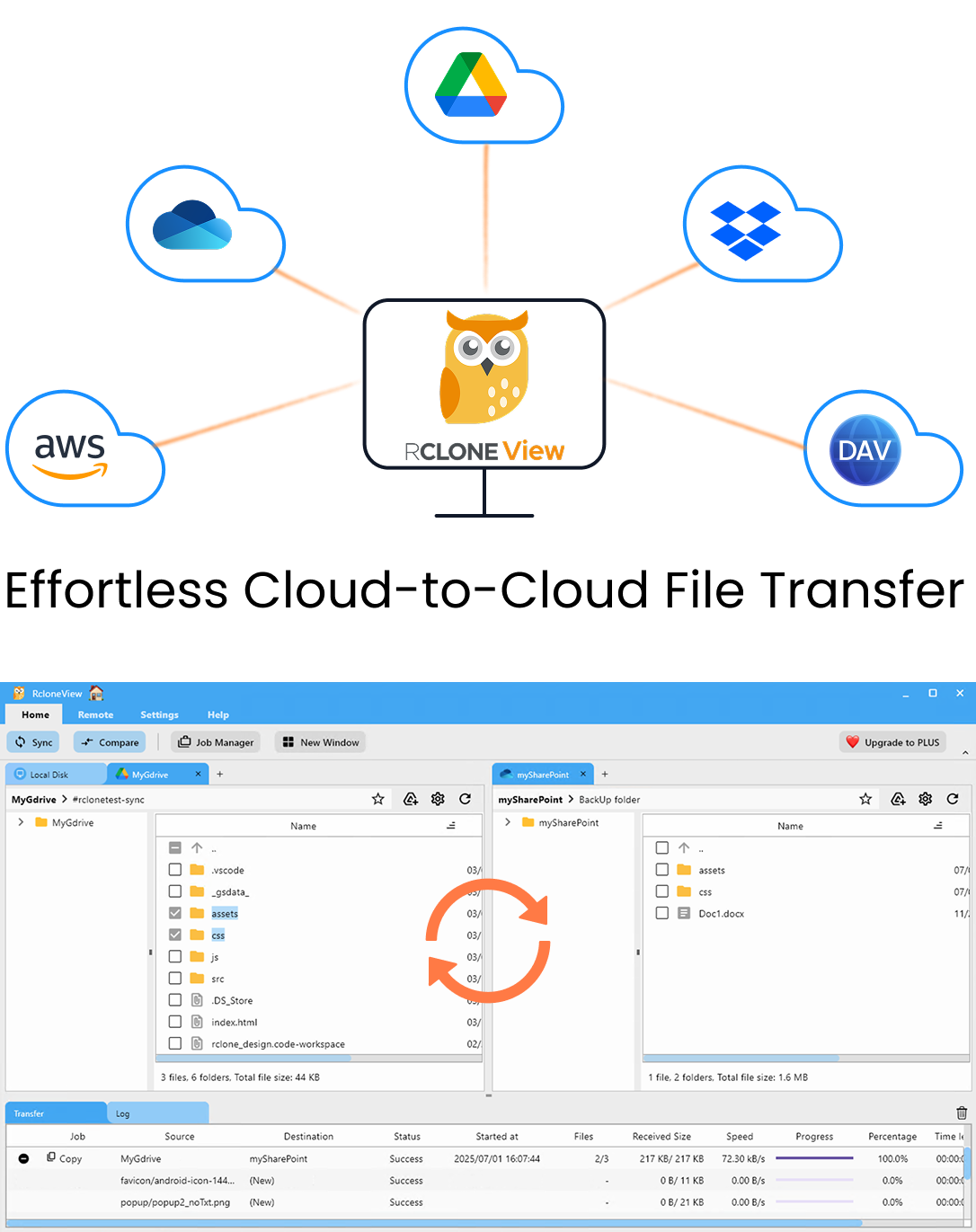
Manage & Sync All Clouds in One Place
RcloneView is a cross-platform GUI for rclone. Compare folders, transfer or sync files, and automate multi-cloud workflows with a clean, visual interface.
- One-click jobs: Copy · Sync · Compare
- Schedulers & history for reliable automation
- Works with Google Drive, OneDrive, Dropbox, S3, WebDAV, SFTP and more
Free core features. Plus automations available.
Connect Citrix ShareFile and Box
Open Remote tab > New Remote and choose Citrix ShareFile. Besides signing in, ShareFile needs a Root Folder ID, which tells rclone which folder to treat as the top of the remote. If you plan to migrate department by department, a separate remote per root folder keeps each job small and easy to audit.
Next, add Box. Box uses OAuth: RcloneView opens your browser, you sign in, and the connection is stored with no API key to copy. If your organization uses Box for Business, set box_sub_type = enterprise during setup so the remote targets the enterprise account.
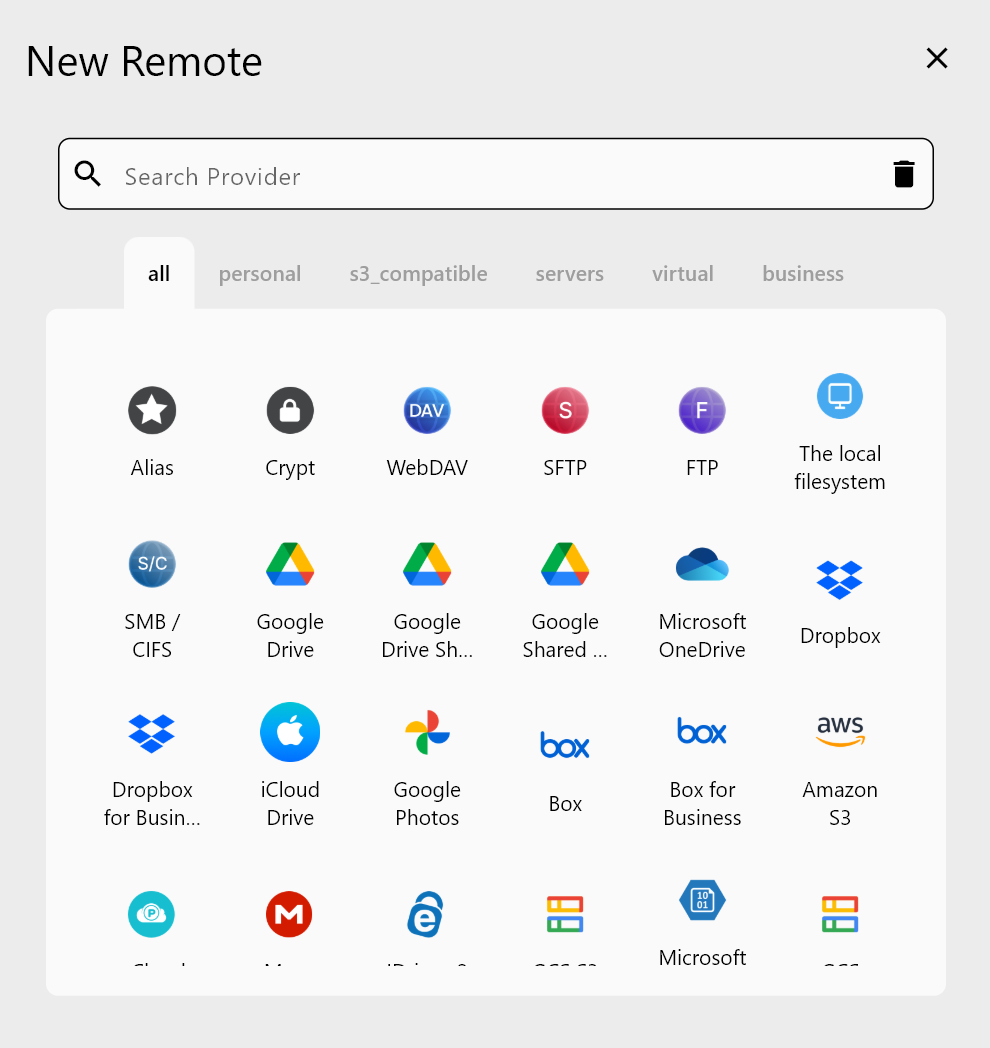
Open ShareFile in the left panel and Box in the right panel. Browsing both side by side is a quick sanity check that you see the expected folders before anything moves.
Plan the Transfer and Preview It
For a one-off migration, a Copy job is the cautious choice: it adds files to Box without removing anything already there. Create it from Home tab > Sync or the Job Manager, pick the ShareFile folder as source and a Box folder as destination, and give the job a name such as sharefile-legal-to-box.
In the Advanced Settings step, leave checksum off for this pair: checksum comparison needs a hash type both sides share, and ShareFile (MD5) and Box (SHA-1) use different ones, so rclone compares by size and modification time instead. Keep the number of equality checkers modest if listing feels slow. In the Filtering step you can exclude large installers (.iso) or legacy folders you have decided not to keep.
Before running, use Dry Run. It lists the files that would be copied without transferring anything, so a law office moving 40,000 client documents can confirm the scope first.
Run, Monitor, and Verify
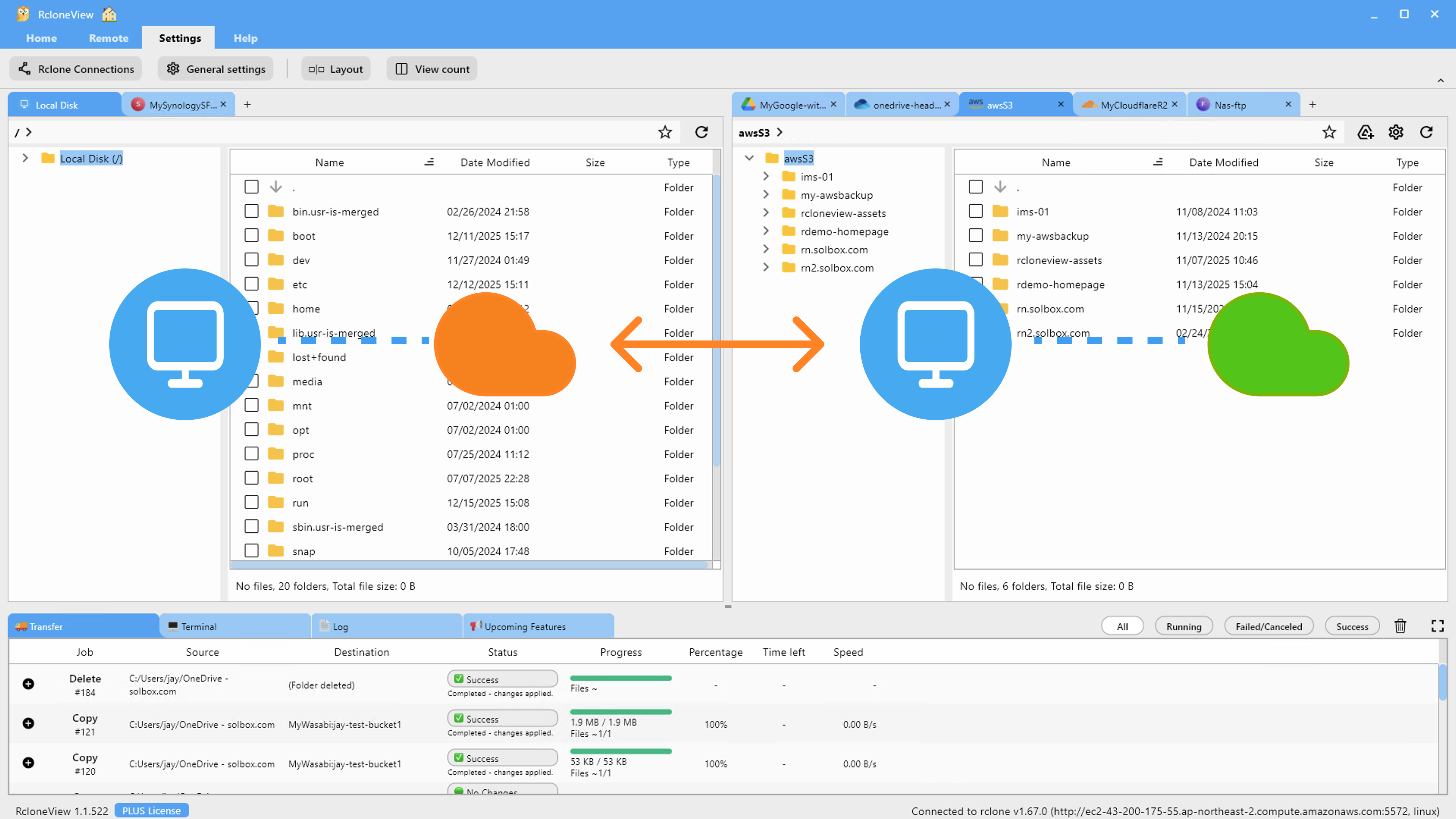
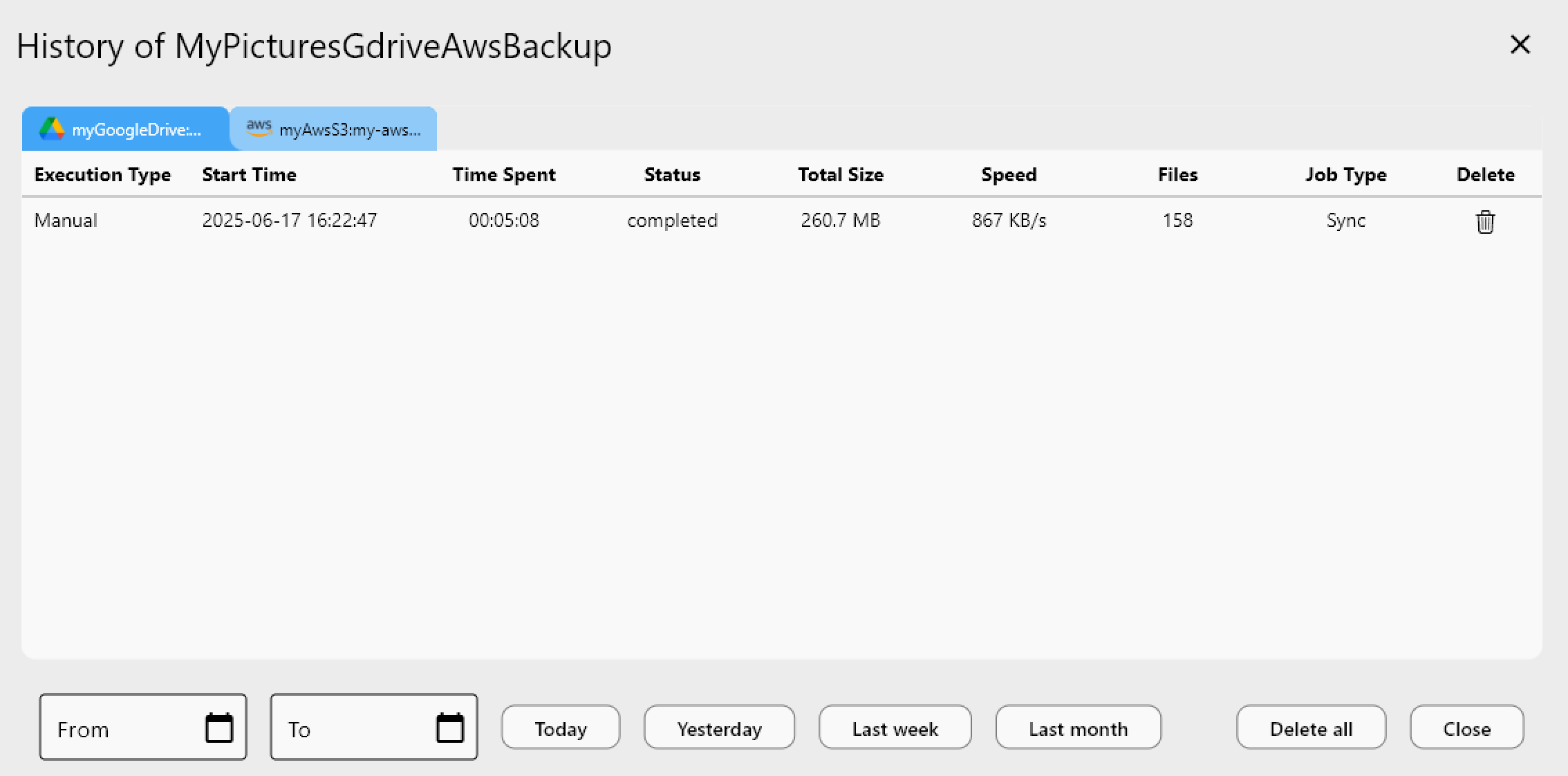
Start the job and follow progress, speed, and file counts in the Transferring tab. Large migrations can be split into several jobs, one per top-level folder, so one failure doesn't block everything else. Each run is recorded in Job History with status, total size, and file count, which gives you an audit trail for the migration.
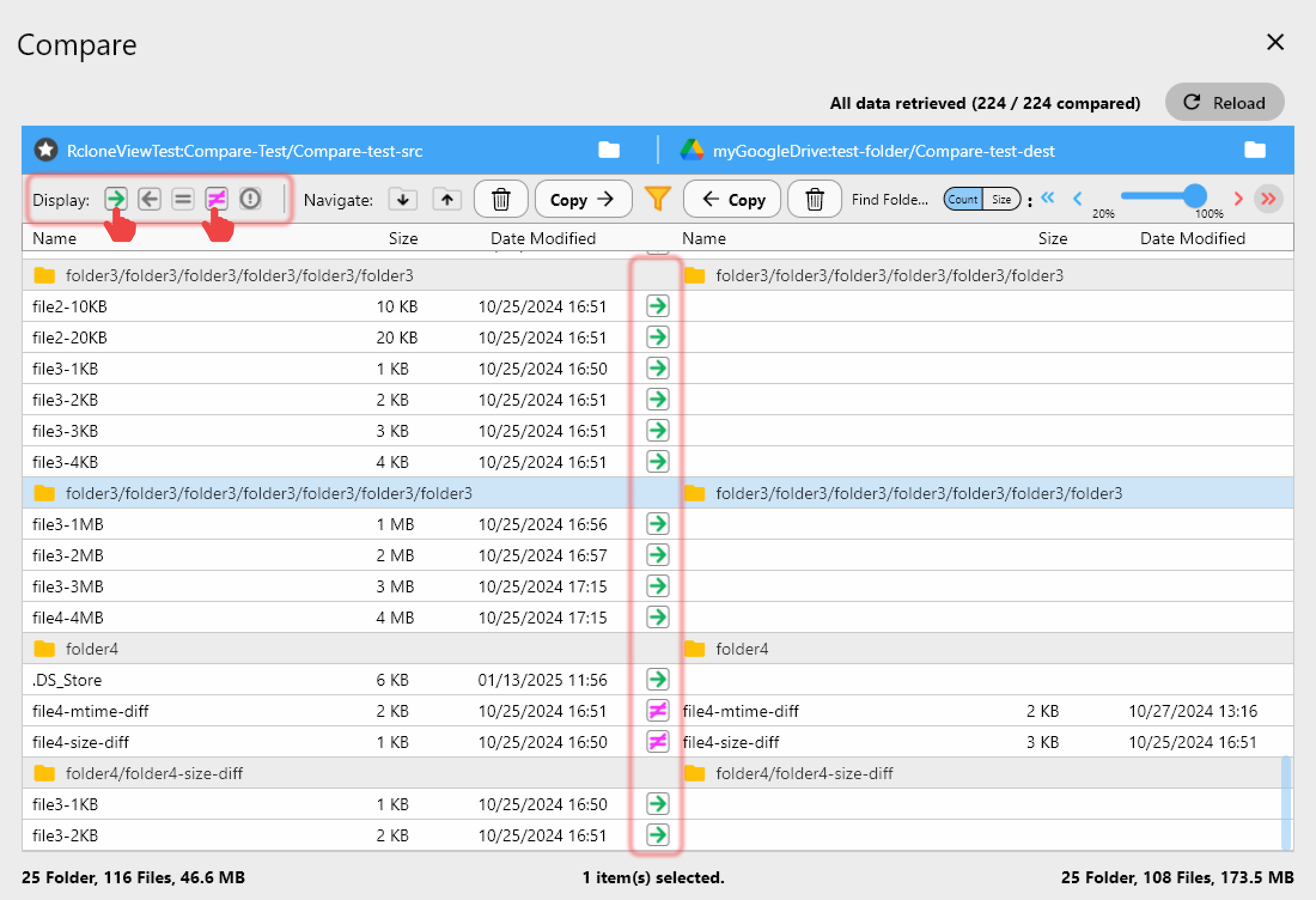
When the jobs finish, open Folder Compare on the source and destination. Filter for left-only files to spot anything that didn't arrive, then use Copy right to fill the gaps.
Getting Started
RcloneView runs on Windows, macOS, and Linux, and it can mount and sync 90+ providers from one window.
- Download RcloneView from rcloneview.com.
- Add Citrix ShareFile (with its Root Folder ID) and Box as remotes.
- Create a Copy job from ShareFile to Box and run a Dry Run first.
- Run the job, then confirm the result with Folder Compare and Job History.
A planned, verified migration lets your team switch to Box without wondering whether a folder was left behind.
Related Guides:
- Manage Citrix ShareFile Storage — Sync and Backup Files with RcloneView
- Manage Box Storage — Sync and Backup Files with RcloneView
- Migrate Citrix ShareFile to Google Drive with RcloneView
Supported Cloud Providers