Cloud Storage for Sports Organizations — Team File Management with RcloneView
Sports teams and organizations managing scouting footage, game analytics, broadcast assets, and player data across multiple cloud platforms can use RcloneView to unify storage and automate file workflows.
Modern sports organizations produce and depend on enormous volumes of digital content: match footage, GPS tracking data, scouting reports, broadcast packages, social media assets, and player medical records. This data is spread across different cloud platforms — Google Drive for staff collaboration, Dropbox for media agency handoffs, Amazon S3 for video archive storage, and specialized analytics platforms. Managing this multi-cloud environment manually creates bottlenecks and risks data loss. RcloneView, a GUI client built on rclone, provides a single interface for 90+ cloud services, giving sports operations teams a centralized tool for moving, syncing, and protecting their data.

Manage & Sync All Clouds in One Place
RcloneView is a cross-platform GUI for rclone. Compare folders, transfer or sync files, and automate multi-cloud workflows with a clean, visual interface.
- One-click jobs: Copy · Sync · Compare
- Schedulers & history for reliable automation
- Works with Google Drive, OneDrive, Dropbox, S3, WebDAV, SFTP and more
Free core features. Plus automations available.
Managing Game Footage and Scouting Archives
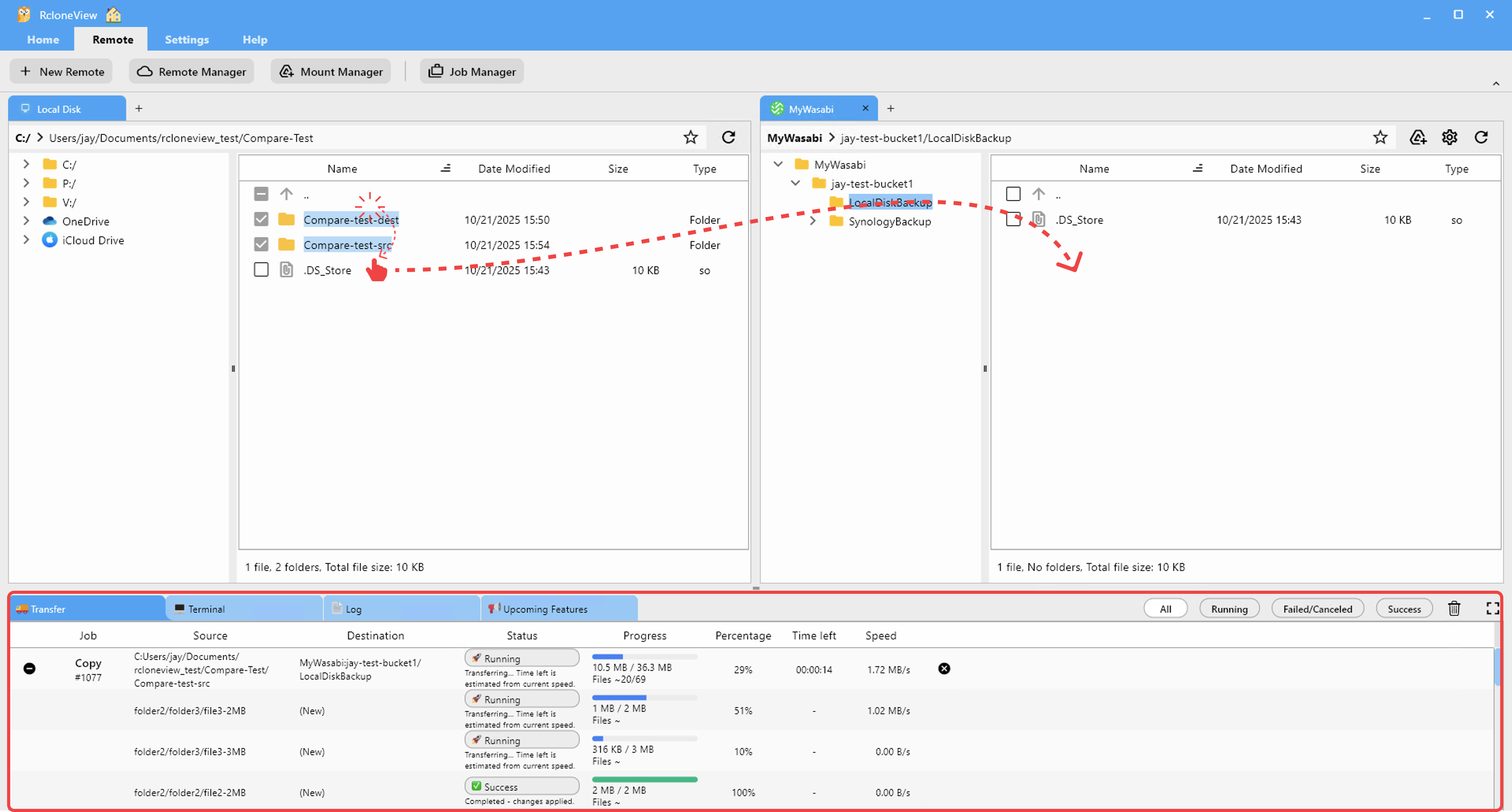
A professional soccer club's analysis department might capture 20–30 hours of match and training footage weekly. Raw footage arrives on local drives from camera operators, then needs to move to cloud storage for analysis team access. RcloneView handles bulk uploads from local drives to cloud storage (Google Drive, Dropbox, Amazon S3) using its Upload file operation or sync jobs, and the dual-panel File Explorer lets analysts browse cloud-stored footage alongside the local drive.
For long-term archiving, sync jobs can automatically move footage older than a certain date from active Google Drive storage to Amazon S3 or Backblaze B2 for cost-effective retention. File-age filters in the sync wizard's Filtering step define the cutoff, and scheduled sync (PLUS license) runs the archival automatically on a weekly or monthly basis.
Distributing Media Assets to Partners
Sports organizations frequently distribute assets to broadcast partners, sponsors, and media agencies. When these partners use different cloud platforms, RcloneView's cloud-to-cloud transfer capability lets you push assets from your internal Google Drive directly to a partner's Dropbox or Box account — no local download needed.
RcloneView's 1:N sync feature is particularly useful here: a single job can push the same press kit or highlight package from your master storage to multiple partner destinations simultaneously. Configure the job once with multiple destinations and run it when new content is ready for distribution.

Protecting Performance Analytics Data
Analytics files — GPS data exports, video tagging databases, biometric readings — are critical operational assets that need reliable backup. Schedule-based sync jobs (PLUS license) in RcloneView create a consistent backup routine without requiring manual intervention each day. Configure a nightly job to mirror the analytics platform's export folder to Amazon S3 or Backblaze B2, and Job History records each run with timestamps and file counts for accountability.
For sensitive player health and medical data, rclone Crypt virtual remotes provide client-side encryption before files reach the cloud. This adds a layer of protection for data that needs confidentiality beyond what the cloud provider itself offers.

Getting Started
- Download RcloneView from rcloneview.com.
- Connect your organization's cloud platforms — Google Drive, Dropbox, Amazon S3 — as remotes.
- Create scheduled sync jobs to archive footage and analytics data to long-term storage.
- Use 1:N sync to distribute media assets to multiple partner cloud accounts in a single job.
Sports organizations that manage their cloud storage through RcloneView gain a GUI-driven workflow that keeps footage, analytics, and media assets organized, backed up, and accessible across every platform in their ecosystem.
Related Guides:
- Cloud Storage for Media and Entertainment Studios with RcloneView
- Manage Digital Assets Across Multiple Clouds with RcloneView
- Multi-Cloud Backup Strategy with RcloneView
Supported Cloud Providers





























