Number of Equality Checkers — Tune Sync Comparisons for Slow Backends in RcloneView

Before a sync copies anything, it has to decide which files already match. The checker count controls how hard that step pushes your storage.
Every Sync job in RcloneView starts by comparing source and destination files to work out what actually needs transferring. That work is done by equality checkers, and Step 2 of the sync wizard lets you set how many run in parallel. The default of 8 suits most cloud providers, but a small SFTP server, a WebDAV share, or a provider with tight API limits often behaves better with fewer.
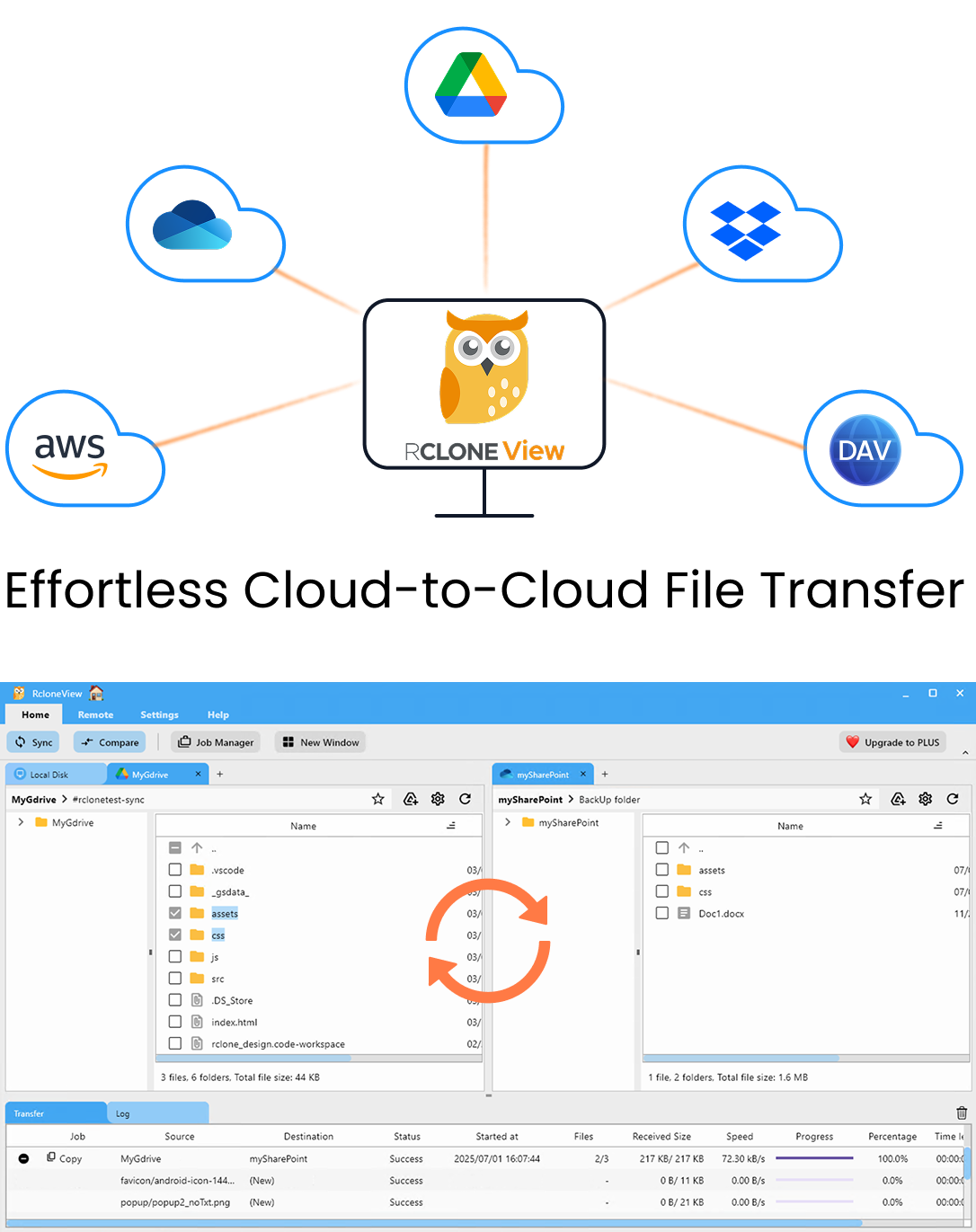
Manage & Sync All Clouds in One Place
RcloneView is a cross-platform GUI for rclone. Compare folders, transfer or sync files, and automate multi-cloud workflows with a clean, visual interface.
- One-click jobs: Copy · Sync · Compare
- Schedulers & history for reliable automation
- Works with Google Drive, OneDrive, Dropbox, S3, WebDAV, SFTP and more
Free core features. Plus automations available.
What Equality Checkers Do
A checker looks at a file on both sides and decides whether it is the same. By default the comparison uses size and modification time. If you tick Enable checksum in the same step, files are compared by hash and size instead, which is stricter but asks the backend for hashes on every file.
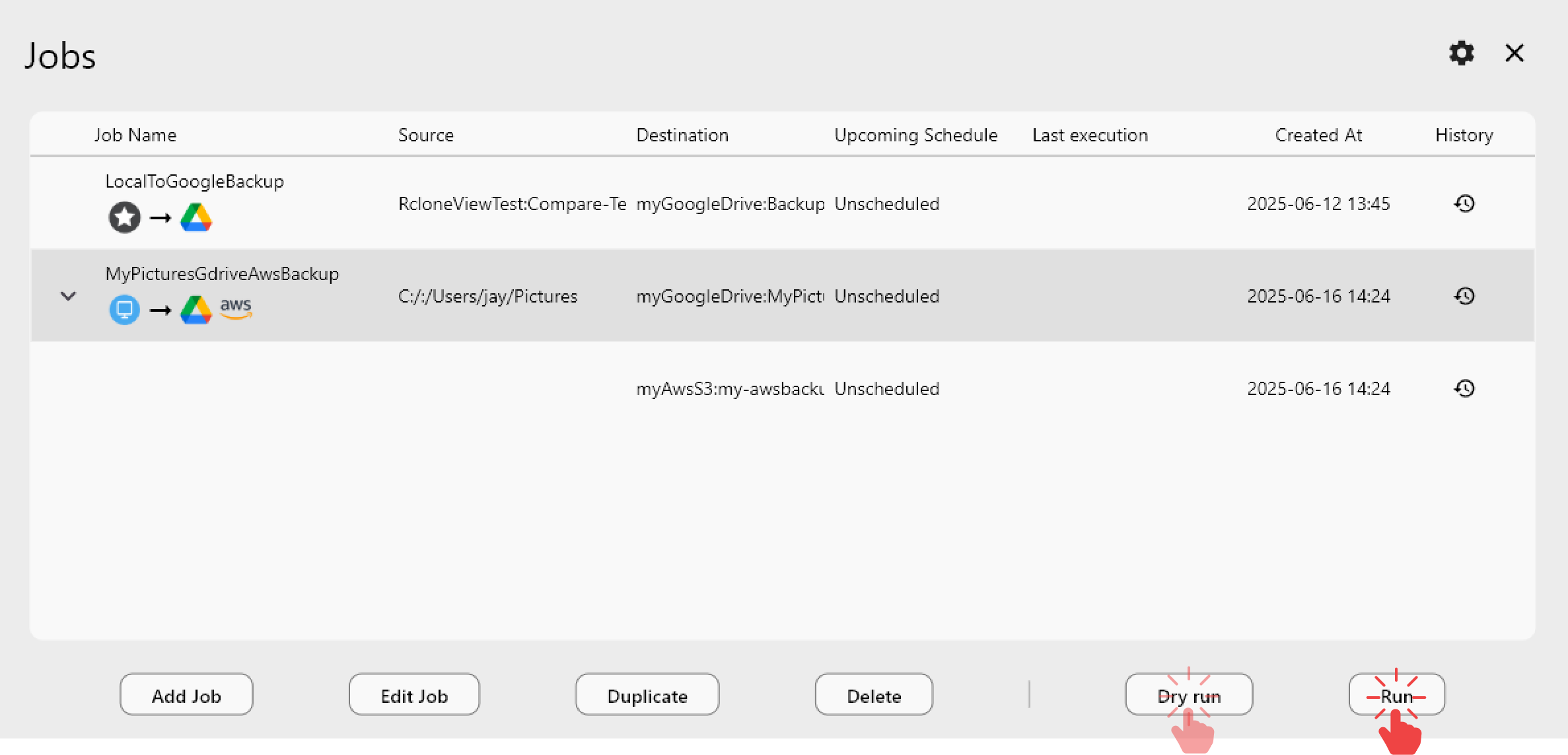
Checkers are separate from Number of file transfers, which controls how many files are copied at once. A sync of 200,000 small files where most are unchanged spends far more time checking than transferring, so the checker count can matter more than the transfer count.
When to Lower the Checker Count
RcloneView's guidance is to use 4 or fewer for slow backends. Typical cases:
- SFTP or FTP on a modest server. Parallel checks mean more simultaneous connections, and a small VPS or older NAS may refuse or throttle extra sessions.
- WebDAV shares that answer metadata requests slowly.
- Cloud providers with strict request limits, where bursts of parallel requests trigger rate-limit errors and retries.
Lowering checkers trades raw parallelism for steadier progress. If the log shows repeated retries or connection errors during the comparison phase, drop to 4, then 2, and rerun.
When the Default Is Fine
S3-compatible object storage such as Amazon S3, Wasabi, or Cloudflare R2 usually handles 8 checkers without complaint, and local disks or a fast LAN NAS rarely need tuning. RcloneView mounts AND syncs 90+ providers from one window, on Windows, macOS, and Linux, so it is common for one machine to need different checker values per job: leave the S3 job at default and lower only the SFTP one.
Measure the Change with Dry Run and Job History
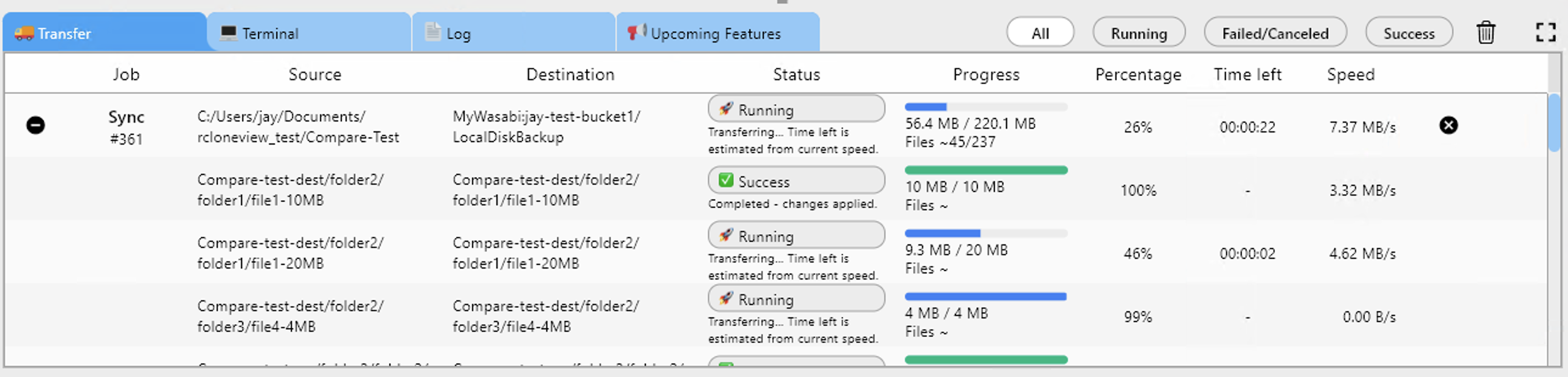
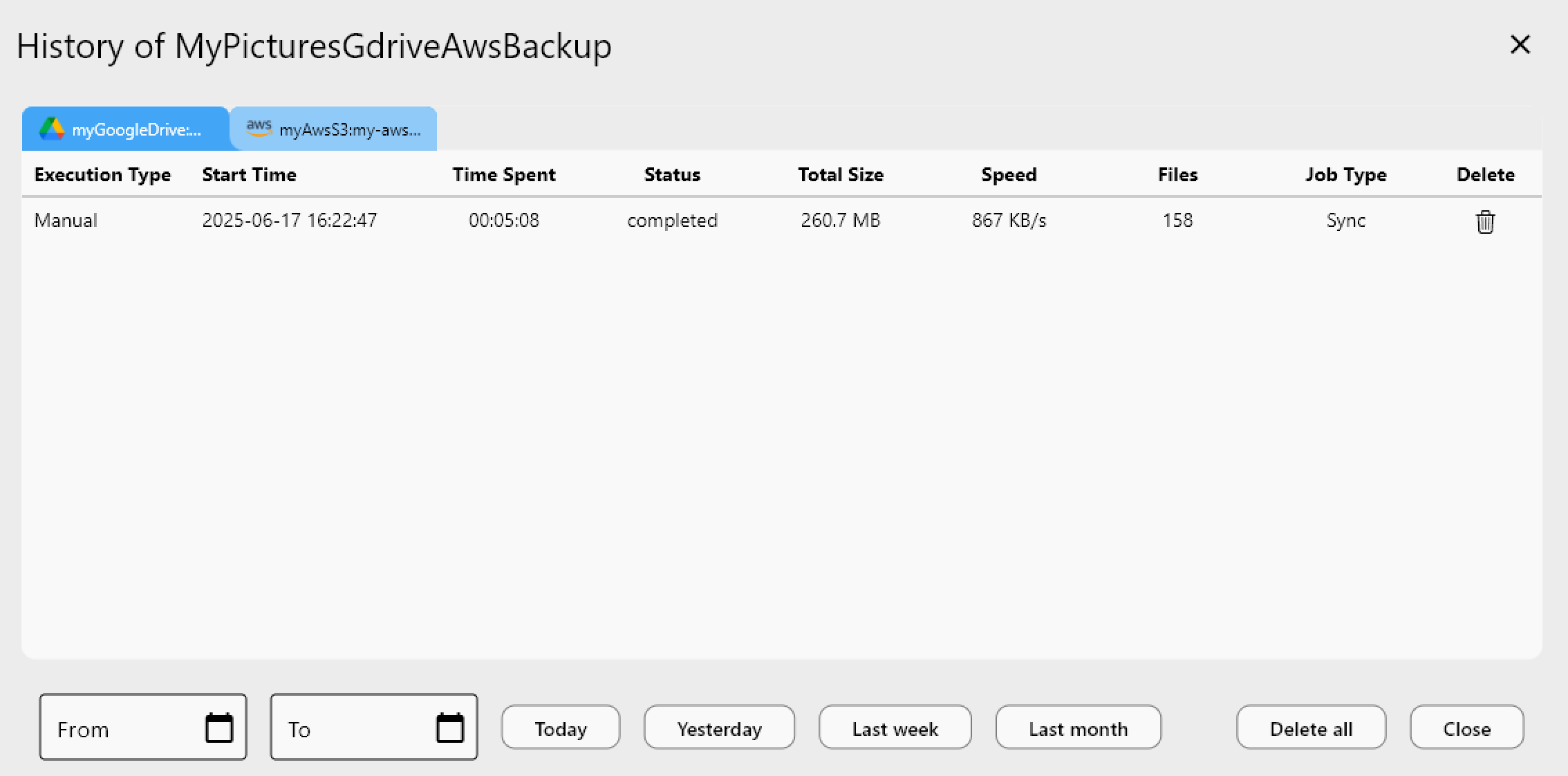
Change one setting at a time. Run a Dry Run to confirm the job's scope, then execute the sync and open Job History, which records Time Spent, Status, and file counts for each run. Comparing two runs of the same job with different checker values shows whether the change helped. If the retry setting (Retry entire sync if fails, default 3) keeps kicking in, that is another sign the backend wants fewer parallel requests.
Getting Started
- Download RcloneView from rcloneview.com.
- Open Job Manager and edit the sync job that targets your slow remote.
- In Step 2, set Number of equality checkers to 4 and decide whether you need Enable checksum.
- Run the job, then compare Time Spent and status against earlier runs in Job History.
A few minutes of tuning turns a sync that stalls on its comparison phase into one that finishes steadily.
Related Guides:
- Speed Up Cloud Transfers — Multi-Threaded Uploads and Parallel Streams in RcloneView
- Fix Slow Cloud Transfers — Speed Up Sync and Copy in RcloneView
- Checksum-Verified Cloud Migrations with RcloneView (Drive, Dropbox, S3, R2)
Supported Cloud Providers