Max Folder Depth and Max File Size Filters — Control What Gets Synced in RcloneView

Two number fields in the sync wizard decide how deep a job reaches and how big a file can be before it is left behind.
Not every sync job needs the whole tree. A design team may want only the top-level delivery folders on a client's Dropbox, not every nested working folder. A home user backing up Documents to OneDrive may want to leave out a few 30 GB disk images. RcloneView handles both cases in Step 3 of the sync wizard with Max folder depth and Max file size, and both are available on the FREE license.
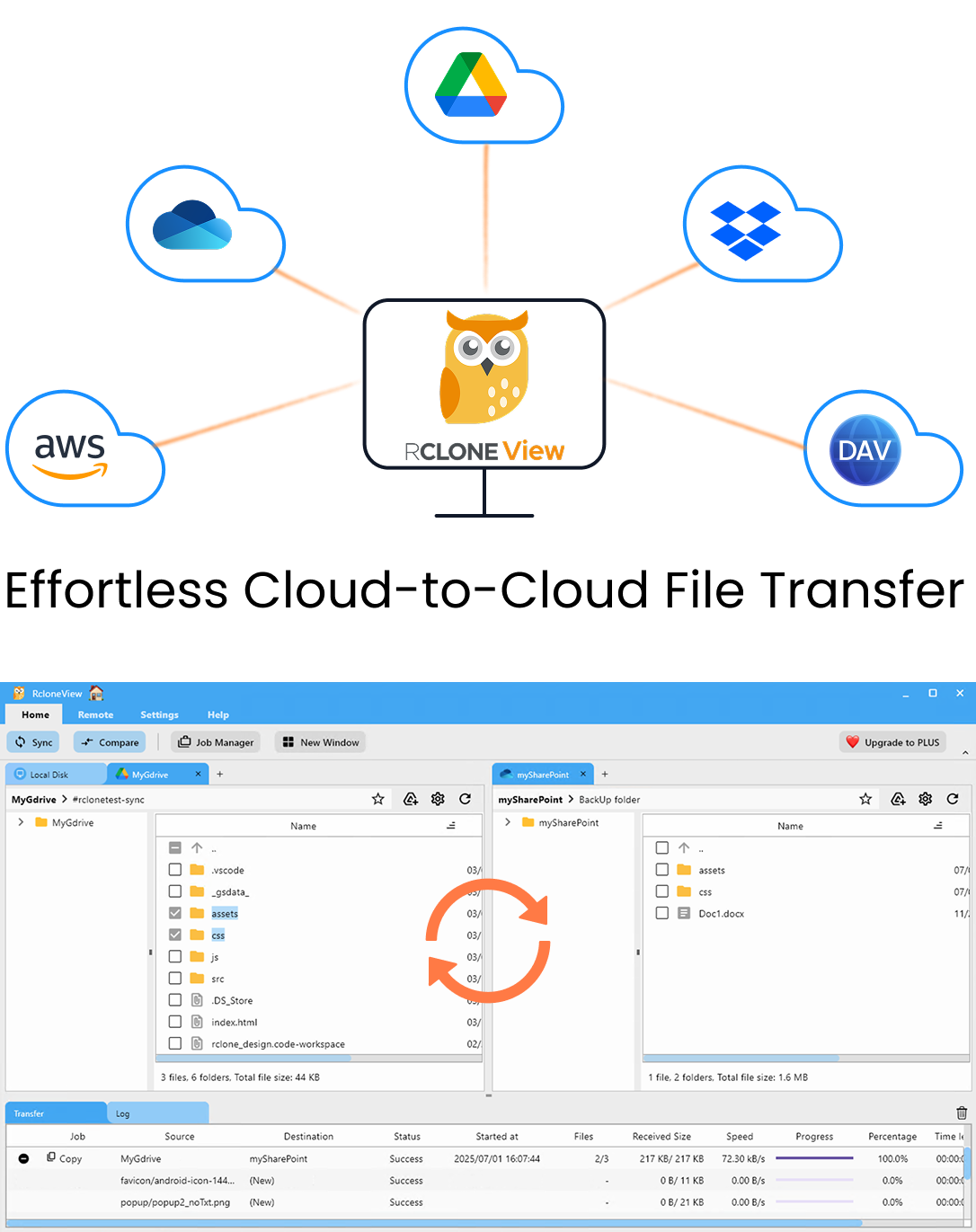
Manage & Sync All Clouds in One Place
RcloneView is a cross-platform GUI for rclone. Compare folders, transfer or sync files, and automate multi-cloud workflows with a clean, visual interface.
- One-click jobs: Copy · Sync · Compare
- Schedulers & history for reliable automation
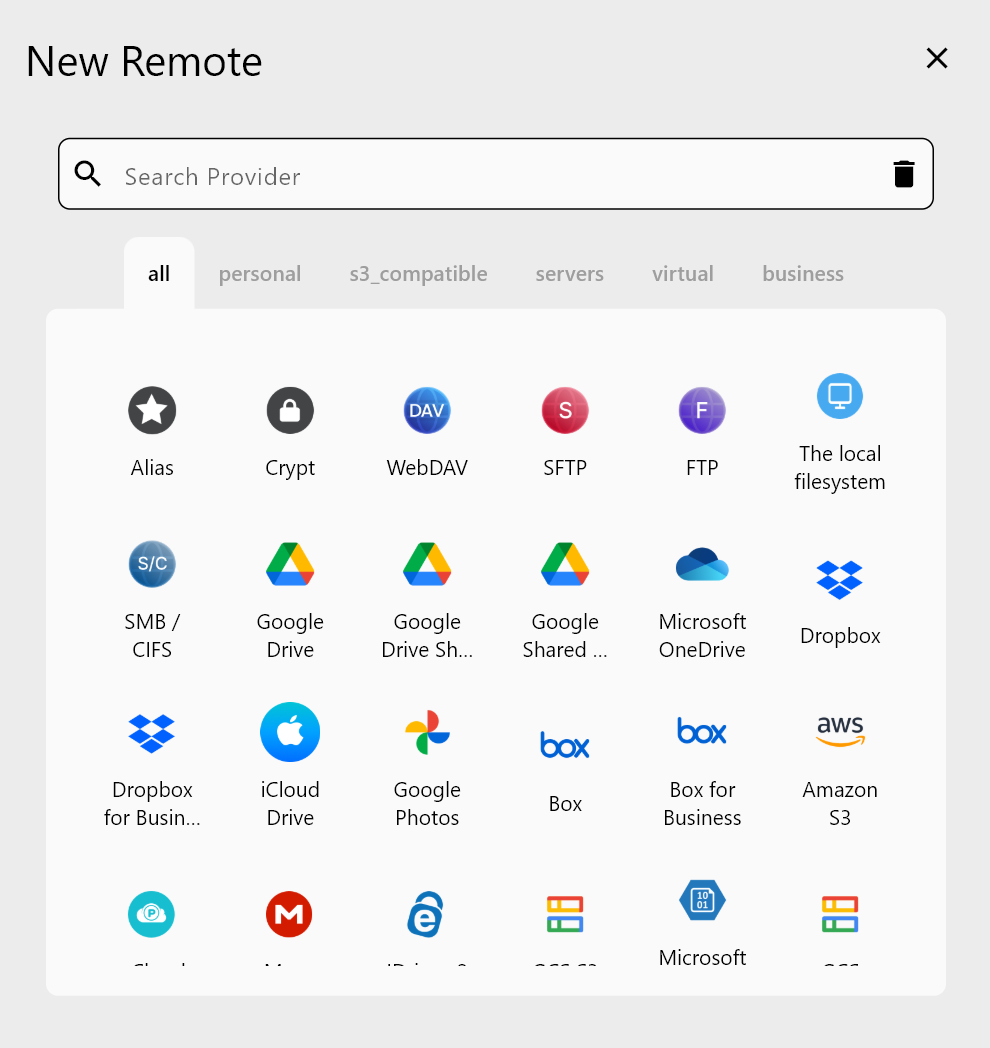
- Works with Google Drive, OneDrive, Dropbox, S3, WebDAV, SFTP and more
Free core features. Plus automations available.
Max Folder Depth: Limit How Far a Job Reaches
Max folder depth sets how many folder levels below the source the job processes. Anything deeper is skipped. A low value turns a large, sprawling source into a shallow sync of the top levels.
This helps when the important files sit near the top. For example, an agency's Clients/ folder might hold one folder per client with final deliverables, plus nested working/ and cache/ trees that run ten levels deep. A depth limit keeps the deliverables and skips the clutter without a long list of exclusion rules.
Depth limits apply silently. A depth limit left over from a test run makes deeper subfolders vanish from later syncs without an error. If files are missing from a destination, check this field first.
Max File Size: Keep Oversized Files Out
Max file size is entered in MB, and any file larger than the value is excluded. Common uses:
- Leave out ISO images, VM disks, and raw video when backing up a working folder.
- Keep a sync to a smaller free-tier account within its limits.
- Keep a nightly office-files job quick by skipping the occasional huge export.
The field sets an upper limit only. To leave out a known file type no matter its size, add a custom rule such as .iso in the same step.
Combine Them with Other Filters
Both fields work together with the rest of Step 3: Max file age (units y, d, h, m, s), the predefined Music, Video, Image, Document, Google Docs, and Box Docs filters, and custom rules. A job can sync only documents under 50 MB, changed in the last 30 days, within the top three folder levels.
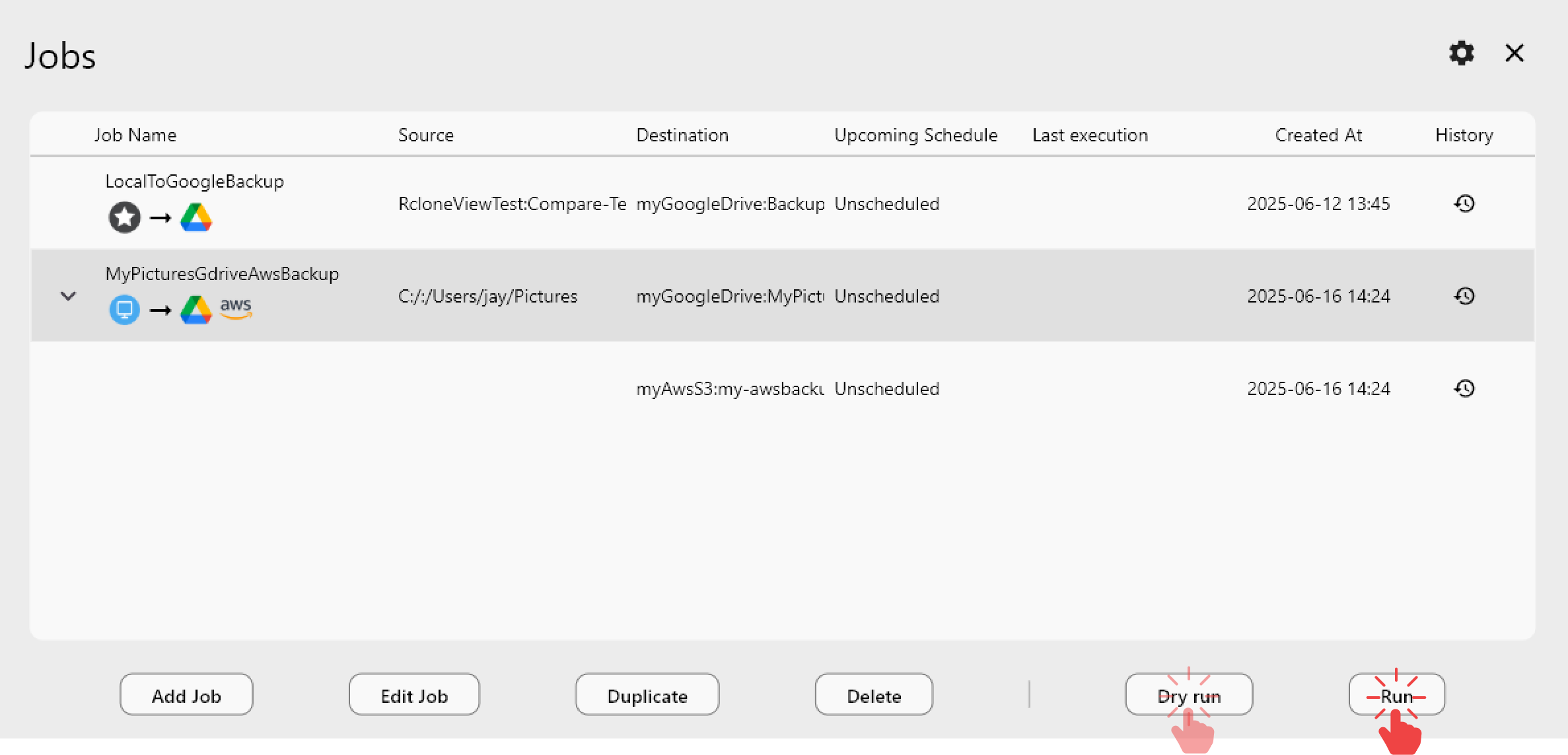
Filters change what a one-way sync considers part of the source, so run a Dry Run first. It lists the files that will be copied and deleted, so you can catch a limit that is too tight before anything changes.
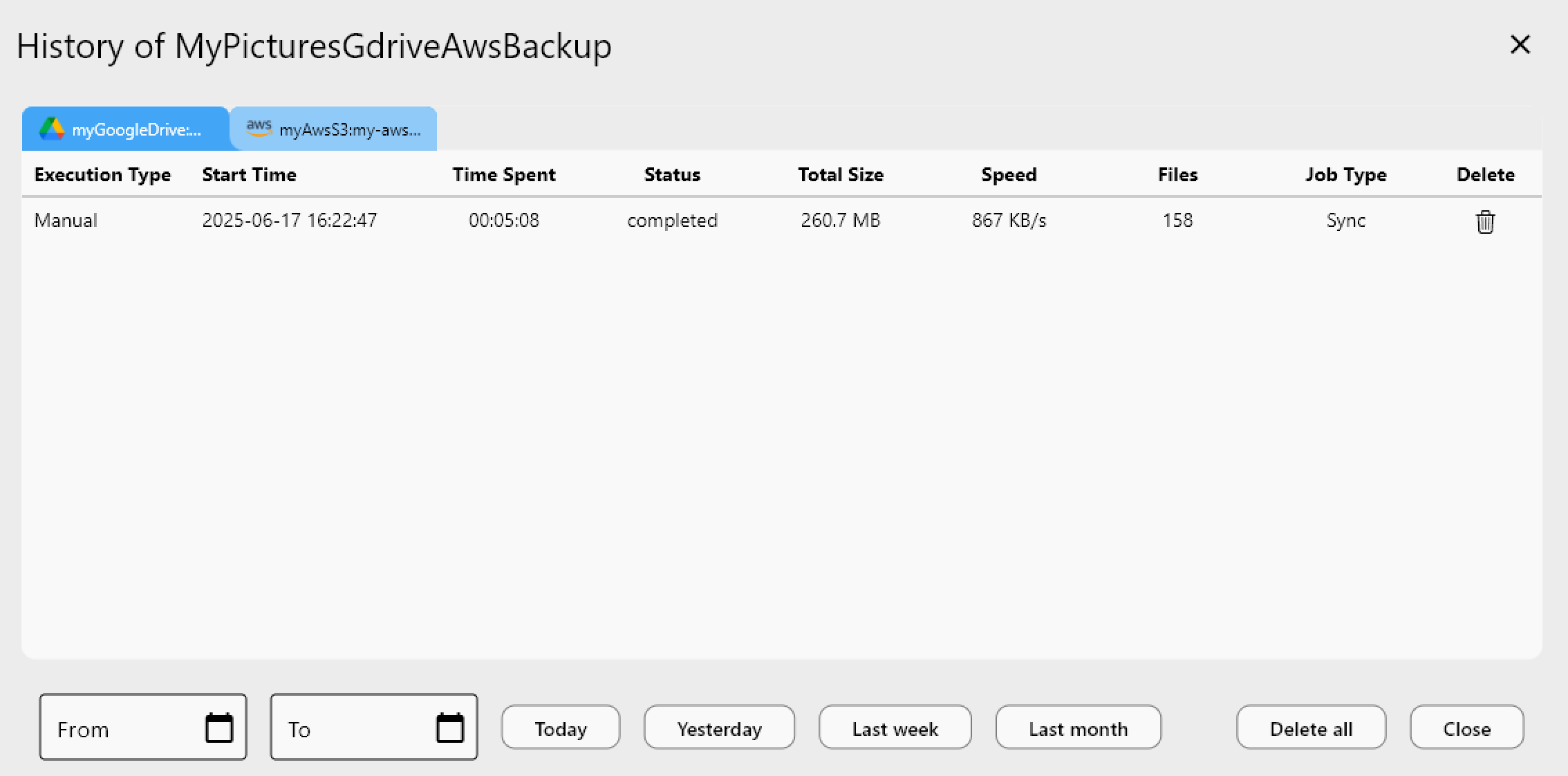
After the job runs, Job History shows the file count and total size of each run. A sudden drop usually means a filter is set wrong.
Getting Started
RcloneView mounts and syncs 90+ providers from one window, on Windows, macOS, and Linux.
- Download RcloneView from rcloneview.com.
- Open Sync, pick a source and destination, and name the job.
- In Step 3, set Max folder depth and Max file size in MB.
- Run a Dry Run, check the file list, then save the job in Job Manager.
Smaller, focused jobs finish sooner, use less storage, and are easier to check.
Related Guides:
- Predefined Filters for Syncing File Types
- Min Age and Max Age Time-Based Filters
- Fix Sync Filters Not Excluding Files
Supported Cloud Providers