Cloud Storage Full? Clean Up and Free Space Across All Your Accounts with RcloneView
Running out of cloud storage space? Discover how to reclaim gigabytes by identifying bloated folders, removing duplicates, and optimizing your cloud accounts.
When your cloud storage reaches its limit, it's not just an inconvenience—it blocks uploads, slows productivity, and forces expensive upgrades. RcloneView helps you quickly identify what's consuming space and clean it up across all your accounts in one place.

Manage & Sync All Clouds in One Place
RcloneView is a cross-platform GUI for rclone. Compare folders, transfer or sync files, and automate multi-cloud workflows with a clean, visual interface.
- One-click jobs: Copy · Sync · Compare
- Schedulers & history for reliable automation
- Works with Google Drive, OneDrive, Dropbox, S3, WebDAV, SFTP and more
Free core features. Plus automations available.
Find the Space Hogs
RcloneView's file browser and sorting features let you instantly see which files and folders are taking up the most space. Sort by size, date modified, or file count to spot bloated folders you may have forgotten about.
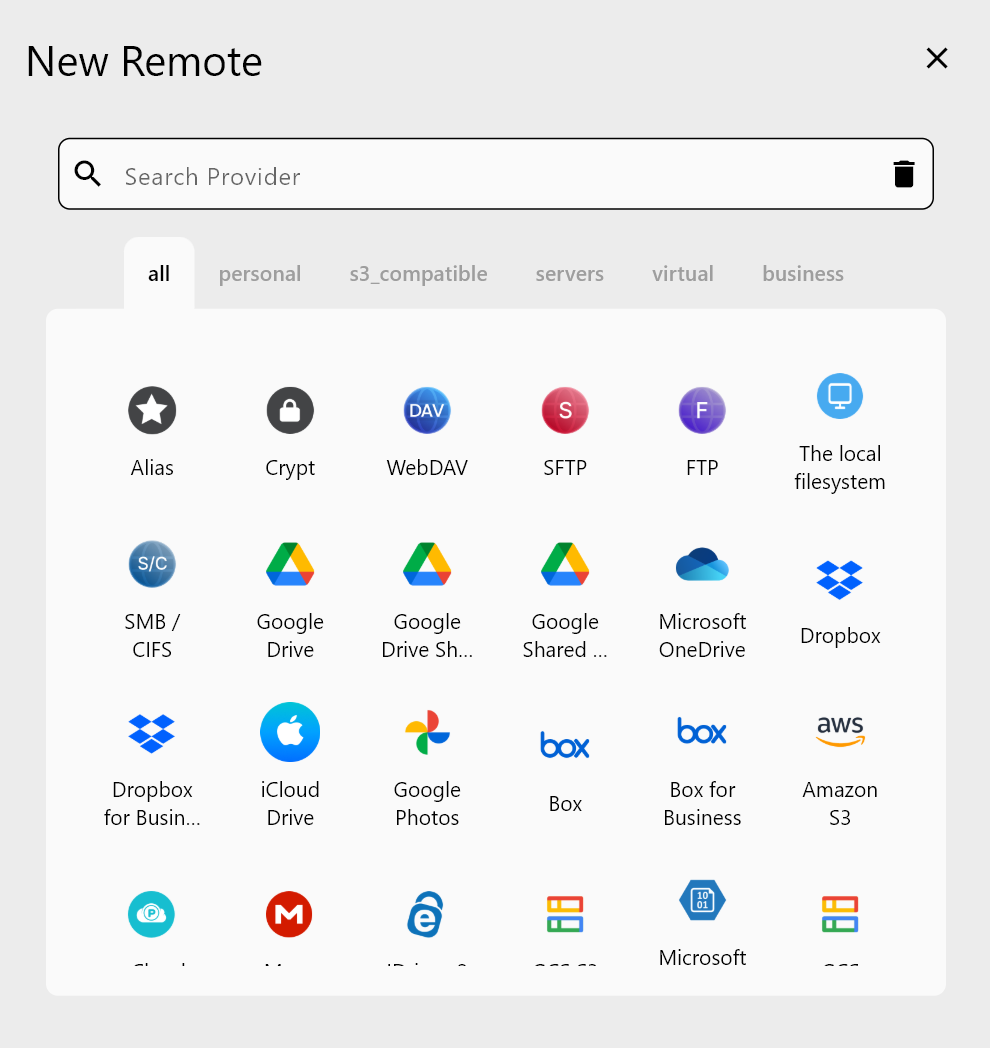
Common culprits include old project backups, duplicate downloads, and archived email attachments. With a clear view of your storage landscape, you can make informed decisions about what to delete.
Identify Duplicate Files and Remove Them
Duplicates accumulate quickly—accidentally uploaded files, backup copies, and version bloat silently consume space. RcloneView's comparison tools help you spot duplicates across your cloud accounts.
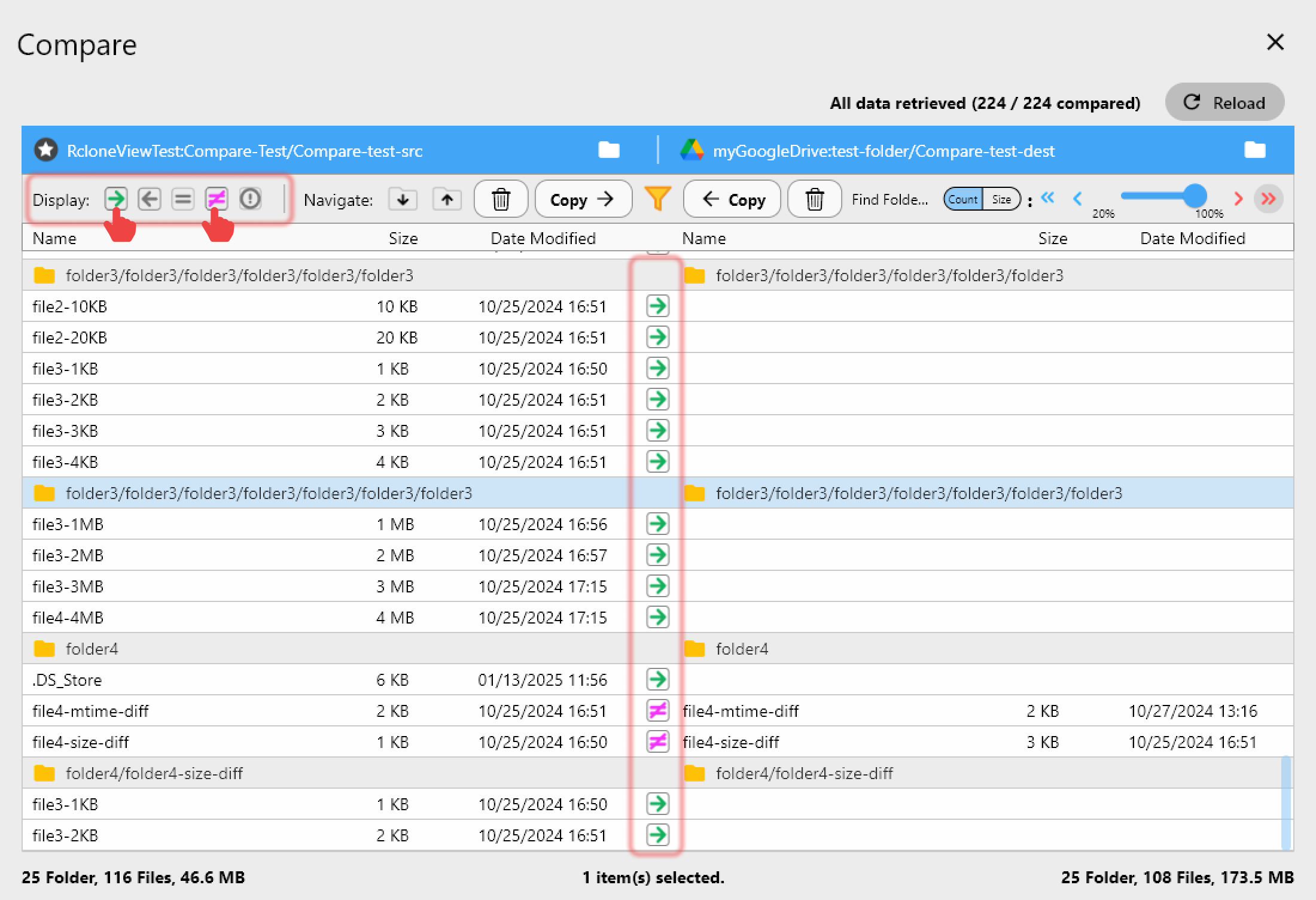
Once identified, you can safely delete duplicates and reclaim substantial storage space without losing important data.
Bulk Delete Old Files
Use RcloneView's filtering and selection tools to target files by age, extension, or naming pattern. Filter for files older than a specific date, then bulk-delete them in a single operation.
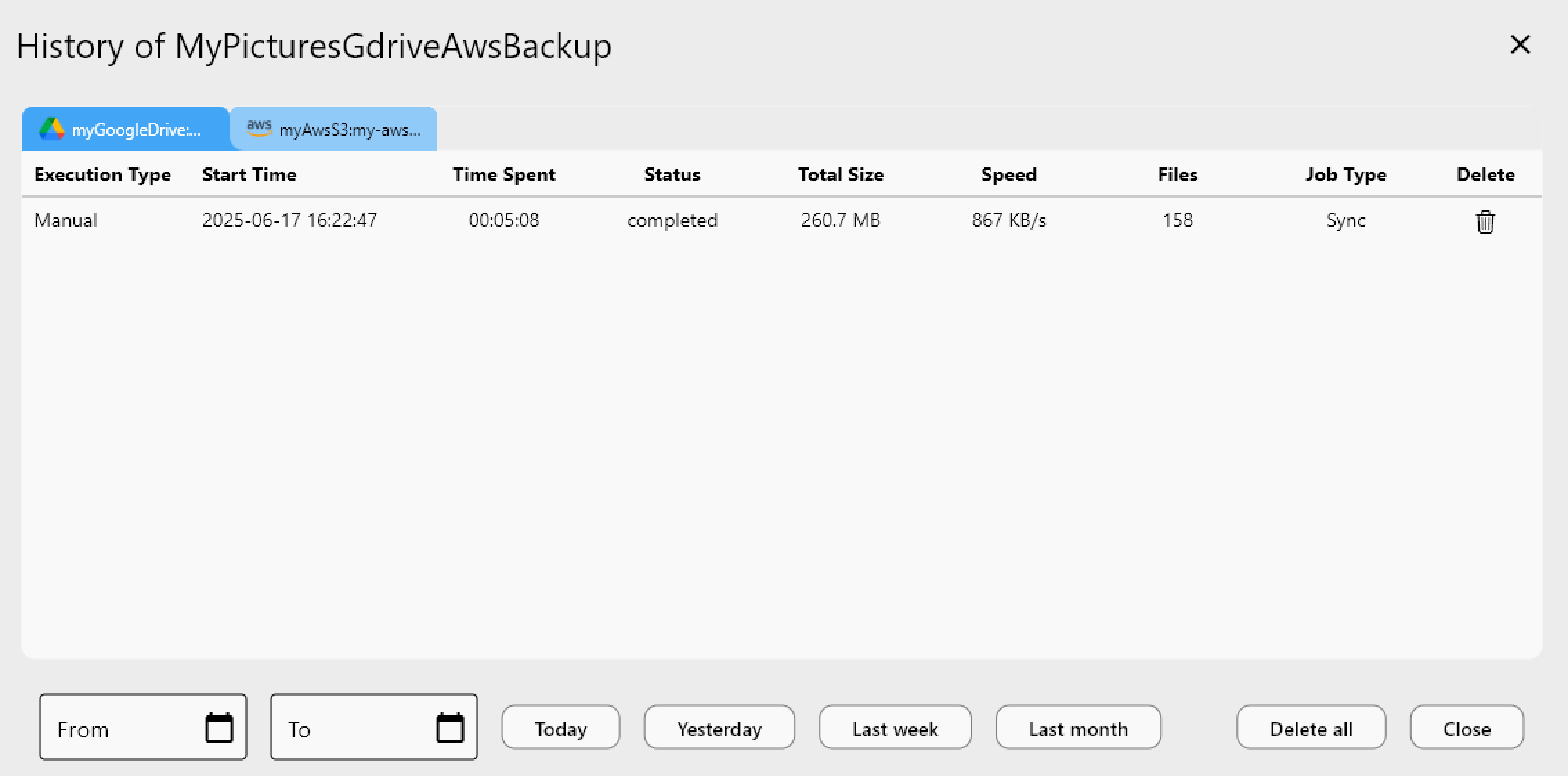
This approach is especially useful for temporary files, downloads, and archived content you no longer need.
Getting Started
- Download RcloneView from rcloneview.com.
- Connect to your cloud accounts and navigate to the folders consuming the most space.
- Use sorting and filtering to identify files to delete, then remove them in bulk.
- Monitor your storage recovery in real-time.
Reclaim your cloud storage today and eliminate the need for expensive upgrades.
Related Guides:
- Find Unused Files and Reduce Cloud Costs
- Avoid Cloud Storage Egress Fees
- Using Filters and Include/Exclude Patterns
Supported Cloud Providers





























