RcloneView on Debian Linux — Cloud Storage Sync and Backup
Install RcloneView on Debian Linux using the official .deb package and start managing 90+ cloud providers from a desktop GUI — no command-line rclone configuration required.
Debian is the foundation for Ubuntu, Linux Mint, and dozens of other distributions, making it one of the most common Linux base systems in the world. Users running Debian Stable (Bookworm), Debian Testing, or Debian-based desktops have a straightforward path to installing RcloneView through the official .deb package. This guide covers installation, desktop integration, and getting your first cloud sync running.

Manage & Sync All Clouds in One Place
RcloneView is a cross-platform GUI for rclone. Compare folders, transfer or sync files, and automate multi-cloud workflows with a clean, visual interface.
- One-click jobs: Copy · Sync · Compare
- Schedulers & history for reliable automation
- Works with Google Drive, OneDrive, Dropbox, S3, WebDAV, SFTP and more
Free core features. Plus automations available.
System Requirements for Debian
Before installing RcloneView, confirm your Debian system meets these requirements:
- Desktop environment required: RcloneView is a GUI application built with Flutter — it requires X11 or Wayland. It cannot run on headless Debian servers.
- Architecture: x86_64 (AMD64) or aarch64 (ARM64)
- Dependencies: GTK+ 3.0 (
libgtk-3-0) andlibayatana-appindicator3-1for system tray support - FUSE: Required for mount functionality — install
fuse3for best compatibility
For Debian desktop systems (GNOME, KDE, XFCE, or any X11/Wayland session), these dependencies are typically already present.

Install RcloneView on Debian
Download the official .deb package for your architecture from rcloneview.com/src/download.html. RcloneView provides separate .deb packages for x86_64 and aarch64.
Install the package using dpkg:
sudo dpkg -i rclone_view-<version>-linux-x86_64.deb
sudo apt-get install -f
The second command resolves any missing dependencies automatically. RcloneView appears in your application launcher after installation. It includes an embedded rclone binary — no separate rclone installation is required.
If the system tray icon doesn't appear in your desktop environment, install the AppIndicator extension for GNOME Shell, or use libappindicator3-1 as an alternative to libayatana-appindicator3-1.
Connect Cloud Storage and Configure Sync Jobs
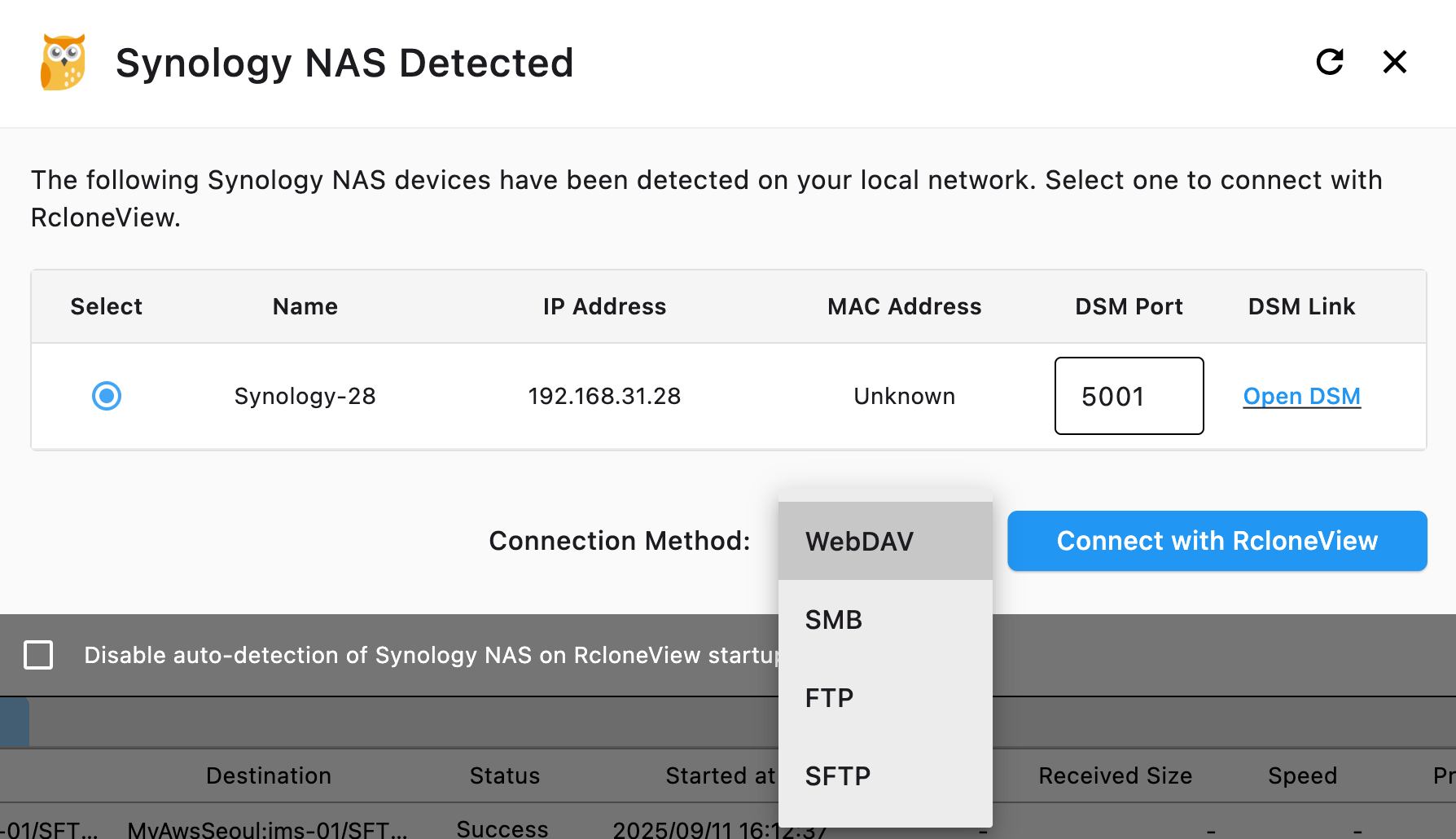
Once RcloneView launches, connect your cloud providers via Remote tab > New Remote. Debian users frequently connect to Google Drive, Nextcloud (via WebDAV), SFTP servers, and S3-compatible storage like Wasabi or Cloudflare R2. The connection wizard handles OAuth browser authentication for services like Google Drive and Dropbox automatically.
For SFTP connections to Linux servers, enter the host address, username, and either a password or SSH key path. RcloneView's SFTP support covers the most common Linux server backup scenarios.

Enable Cloud Drive Mounting on Debian
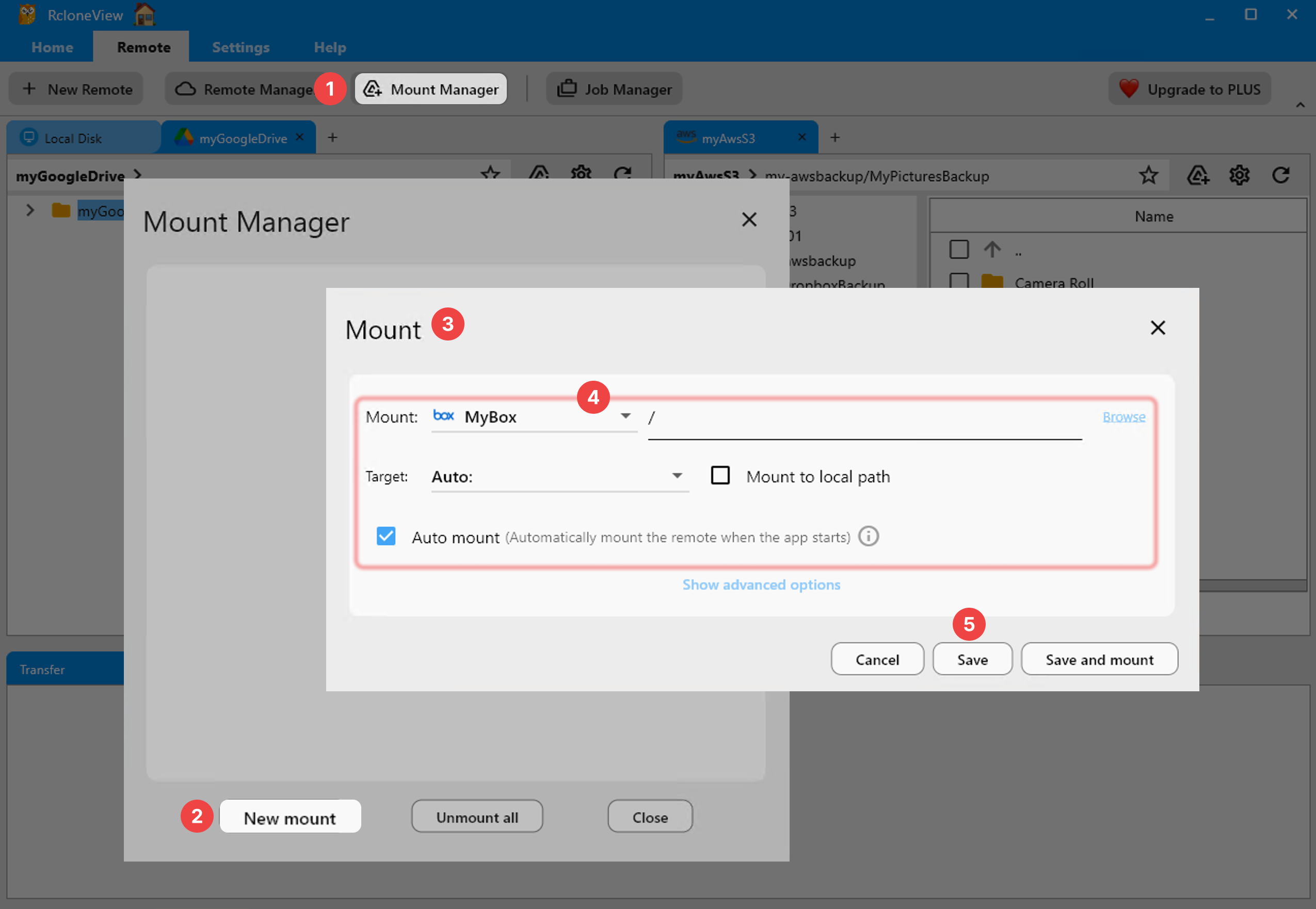
RcloneView supports mounting cloud storage as local directories on Debian using nfsmount. Ensure fuse3 is installed and your user is in the fuse group. From RcloneView's Mount Manager or file explorer toolbar, configure a mount point (e.g., /home/user/clouddrive/gdrive) and click Mount. The cloud storage appears as a regular folder accessible from any file manager.
PLUS license users can enable Auto Mount on Startup to have cloud drives available immediately after login.
Getting Started
- Download the
.debpackage for your architecture from rcloneview.com. - Install with
sudo dpkg -i <package>.deb && sudo apt-get install -f. - Launch RcloneView from your application menu and connect your cloud providers.
- Create sync jobs, mount cloud storage, and schedule automated backups.
Debian's stability makes it an excellent platform for running RcloneView's automated sync and backup workflows — with the .deb package, setup takes just a few minutes.
Related Guides:
- RcloneView on Linux Mint — Cloud Storage Sync and Backup
- RcloneView on Pop!_OS Linux — Cloud Storage Sync and Backup
- RcloneView on Alpine Linux — Cloud Storage Sync and Backup
Supported Cloud Providers





























