RcloneView Virtual Remotes: Combine, Union, and Alias to Build a Single Multi-Cloud Workspace
Multi-cloud sprawl makes folders hard to find. Virtual remotes in RcloneView let you unify views without moving or duplicating a single file.
Virtual remotes are one of the fastest ways to clean up your multi-cloud workflow. Instead of jumping between tabs or reconfiguring jobs, you can create a virtual view that points to existing remotes and folders. Your original data stays exactly where it is, but your workspace becomes easier to navigate and automate.

Manage & Sync All Clouds in One Place
RcloneView is a cross-platform GUI for rclone. Compare folders, transfer or sync files, and automate multi-cloud workflows with a clean, visual interface.
- One-click jobs: Copy · Sync · Compare
- Schedulers & history for reliable automation
- Works with Google Drive, OneDrive, Dropbox, S3, WebDAV, SFTP and more
Free core features. Plus automations available.
Why virtual remotes matter
- Stop digging through deep paths every time you run a job or compare folders.
- Present multiple clouds as one workspace without copying data.
- Keep your organization consistent across Explorer, Compare, Sync, and Jobs.
What are virtual remotes in RcloneView?
Virtual remotes sit on top of existing remotes and folders. They do not store data themselves. Instead, they point to locations you already have and present them as a new, cleaner view.
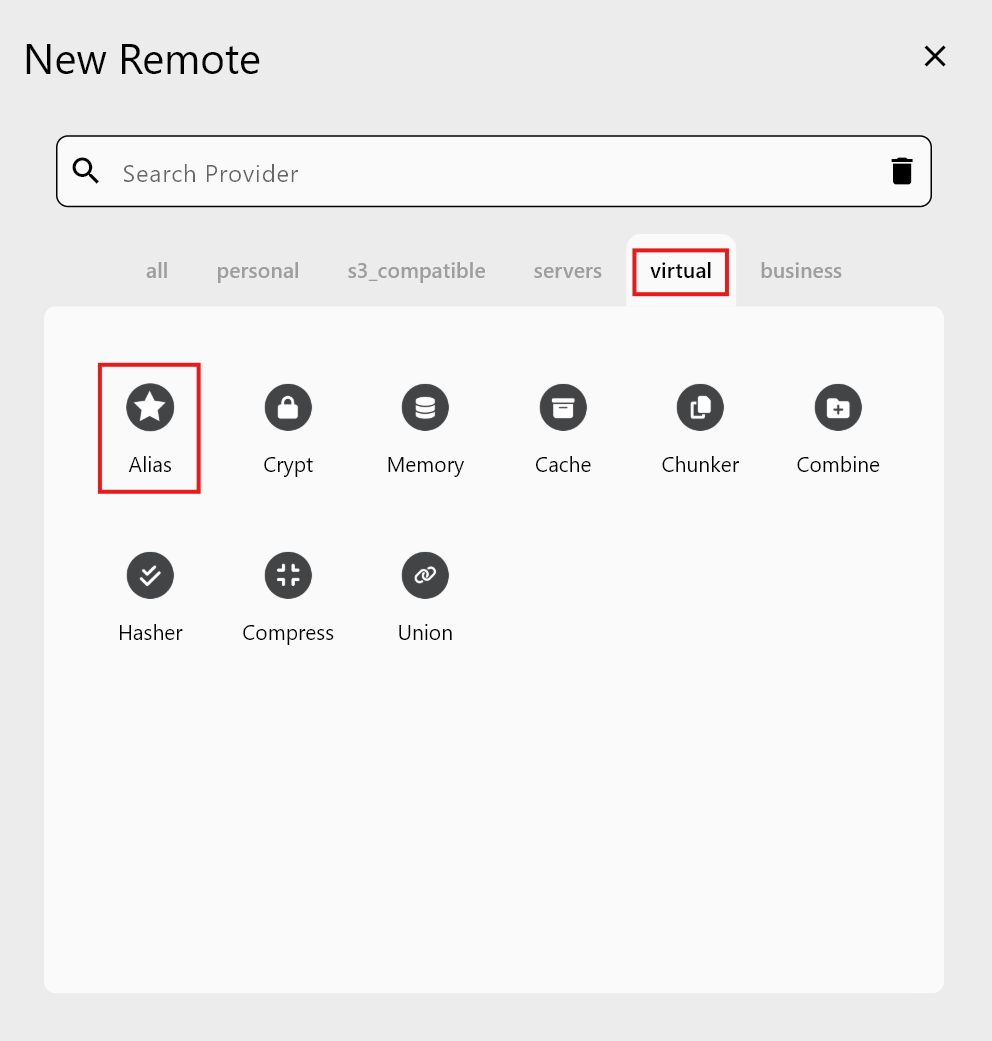
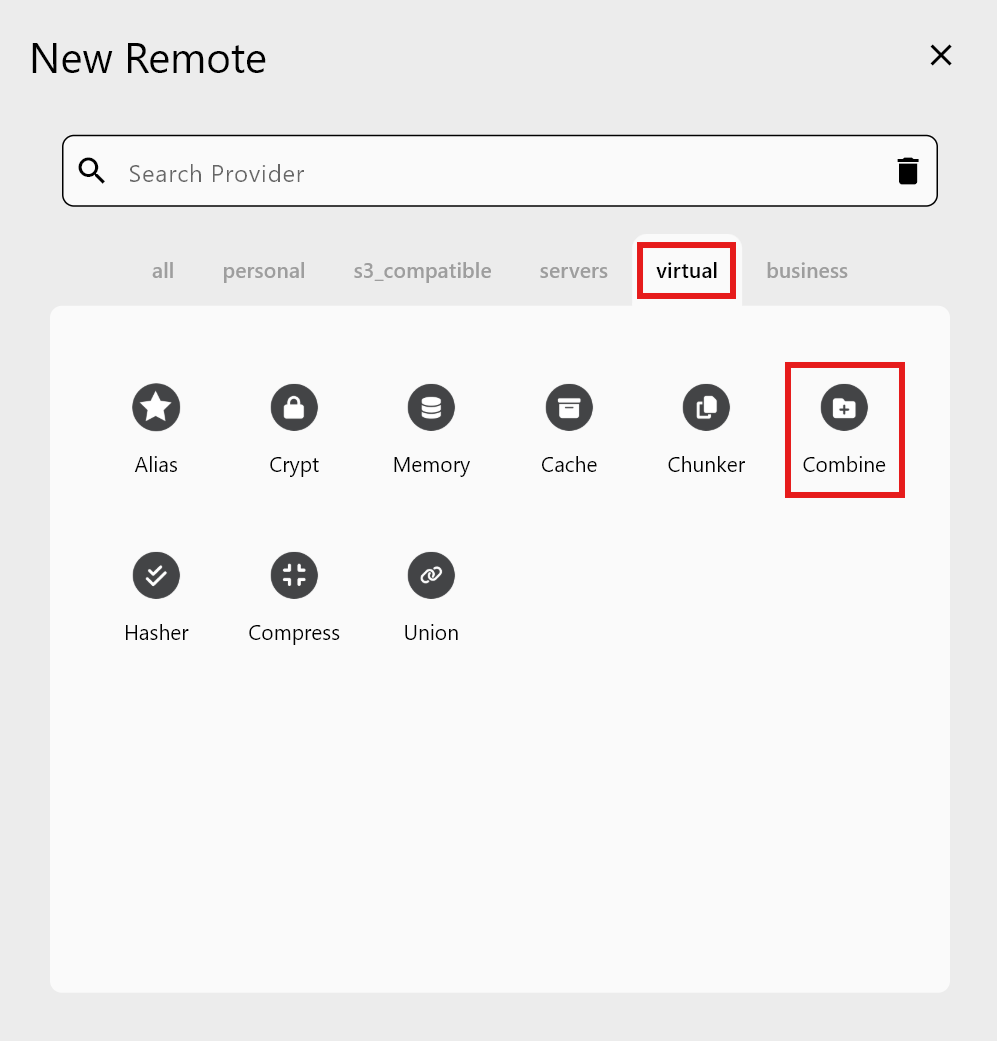
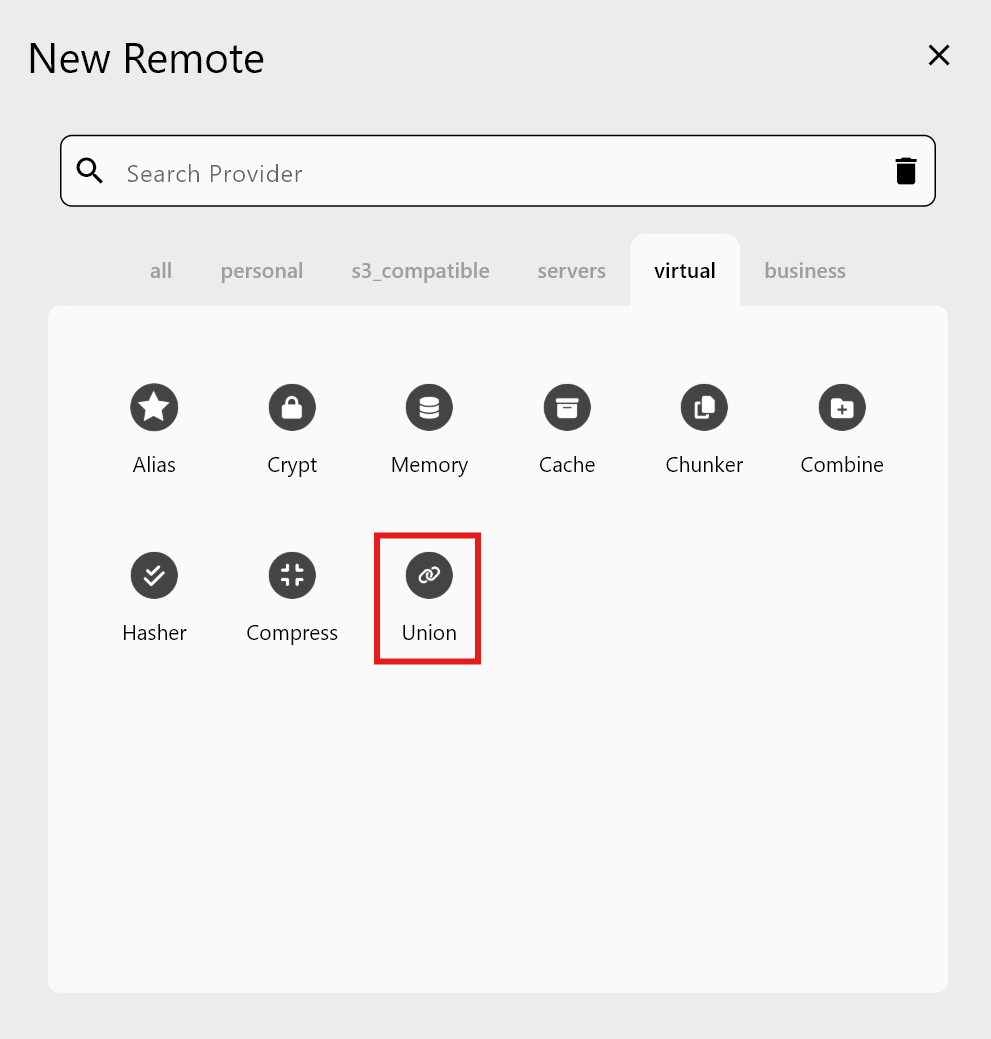
Create them from New Remote → Virtual:
- Alias: a shortcut to a deep folder.
- Combine: a single view that lists multiple folders side-by-side.
- Union: a single merged view that blends multiple folders together.

Alias remote: instant access to deep folders
Best for: jump-to folders you open every day.
Alias is a bookmark. It opens a specific folder instantly, which is perfect for recurring jobs or shared team paths.
Example: bookmark a shared team folder like Drive:Team/Projects/Client-A and open it as Alias_ClientA.

Guide: /support/howto/remote-storage-connection-settings/alias-remote
Combine remote: one view, multiple folders
Best for: dashboards and project collections.
Combine shows folders side-by-side inside a single remote. Each folder keeps its original structure, but you browse them in one place.
Example: create a Marketing_Assets Combine remote that contains:
Drive:MarketingDropbox:Assets

Guide: /support/howto/remote-storage-connection-settings/combine-remote
Union remote: one merged folder across clouds
Best for: pooled archives or multi-source ingestion.
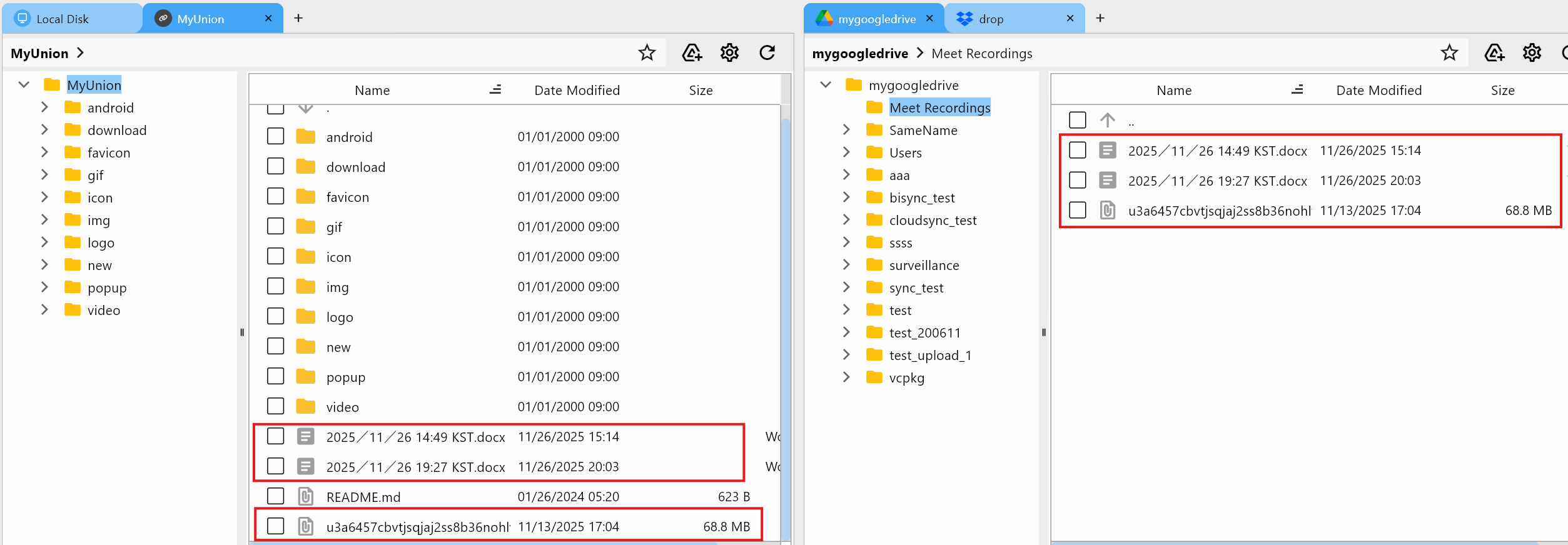
Union merges multiple folders into one blended view. This is ideal when you want everything to look like a single folder even if the files live in different clouds.
Example: combine monthly raw footage from two remotes into one Raw_Footage view.
Guide: /support/howto/remote-storage-connection-settings/union-remote
Quick decision guide: Alias vs Combine vs Union
| Need | Choose | Why |
|---|---|---|
| Jump to a deep folder fast | Alias | Single shortcut to a specific path |
| See multiple folders side-by-side | Combine | Preserves separate folder structure |
| Treat multiple folders as one | Union | Merged view for pooled data |
Practical workflows with virtual remotes
- Compare before syncing: run Compare on a Combine or Union view to see differences first.
Guide: /support/howto/rcloneview-basic/compare-folder-contents - Sync across multiple sources: Sync a Union remote to a backup destination to mirror a blended archive.
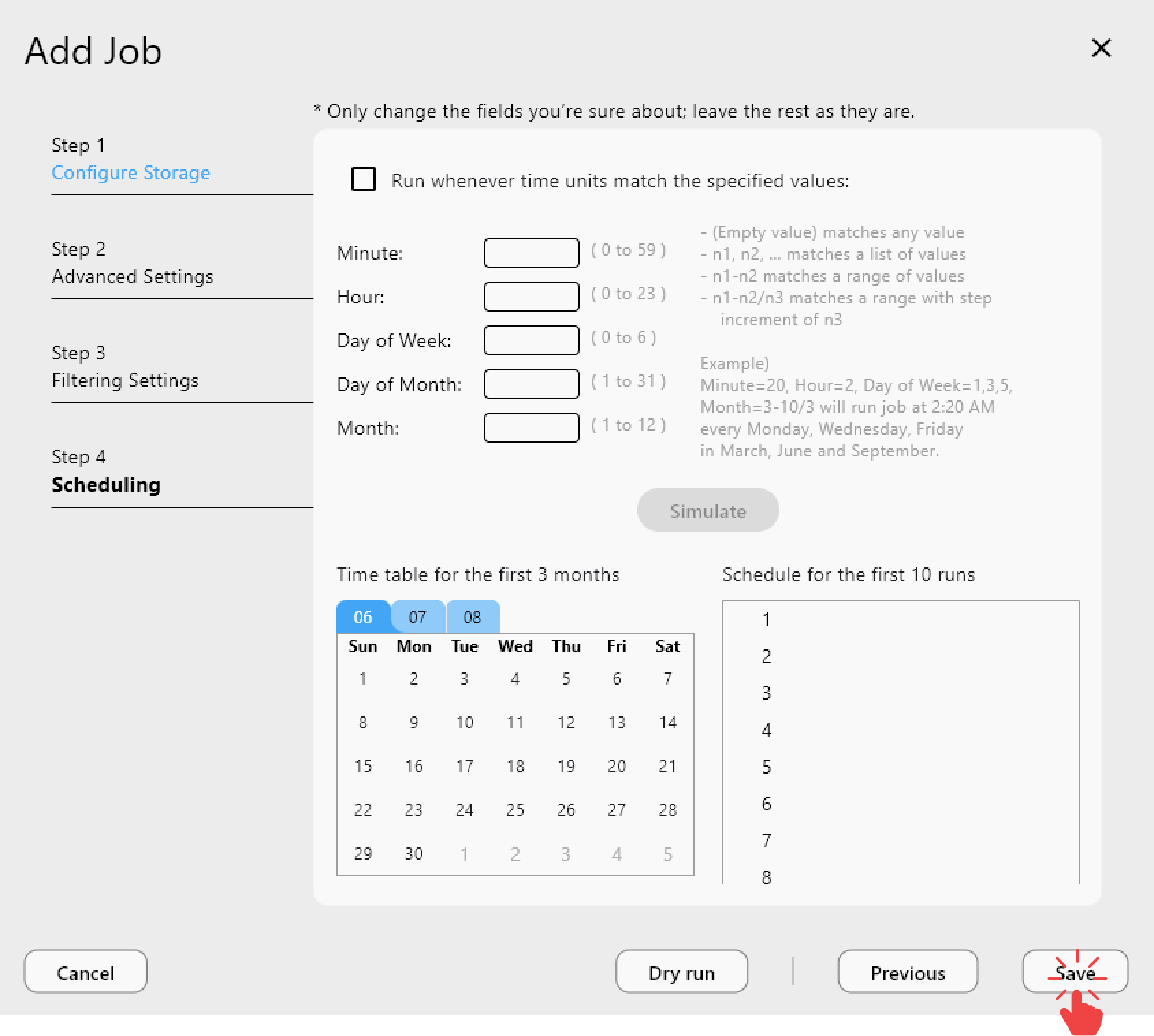
Guide: /support/howto/rcloneview-basic/synchronize-remote-storages - Save jobs once: use Job Manager to schedule a virtual remote Sync and keep it running automatically.
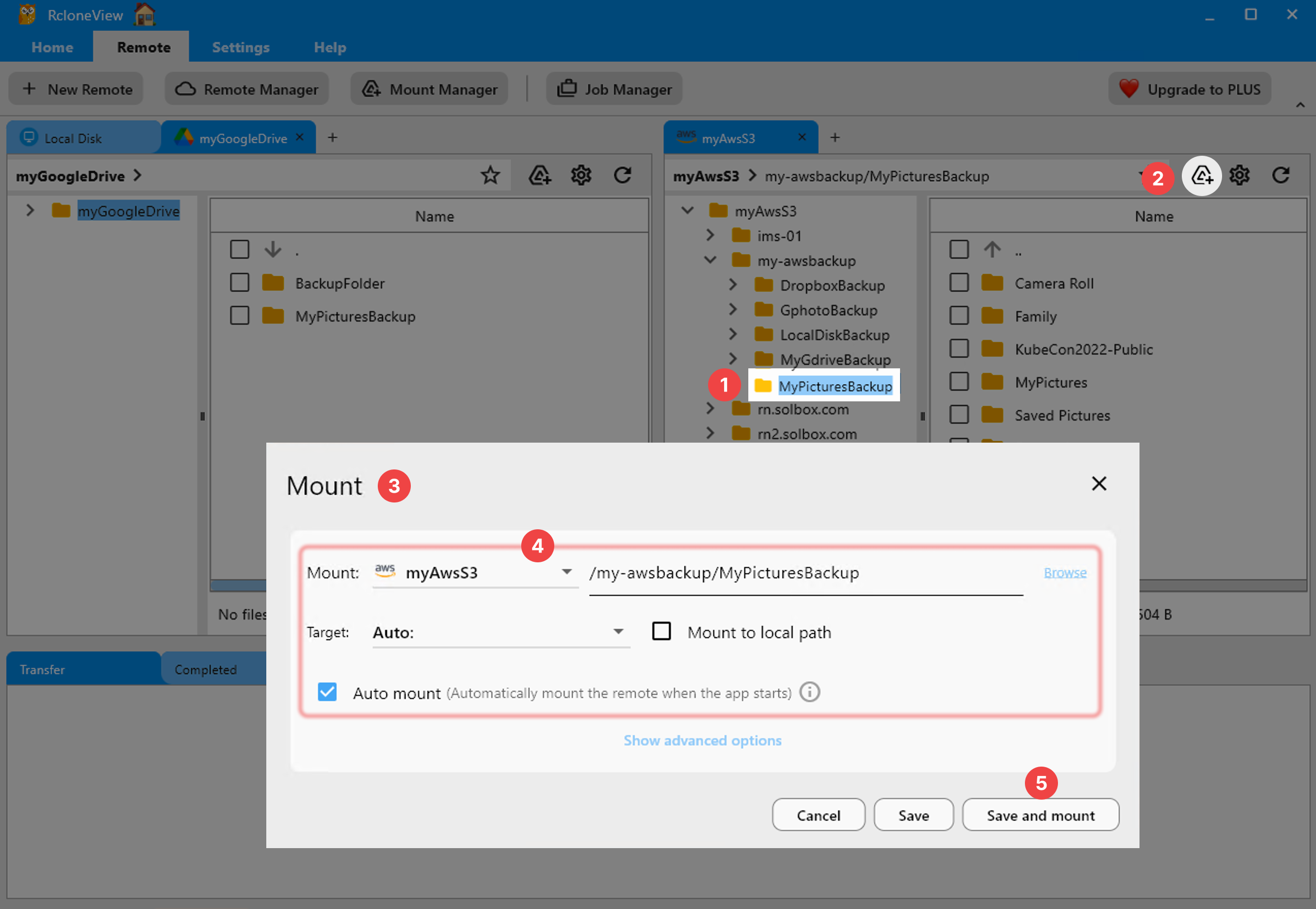
Guide: /support/howto/rcloneview-basic/create-sync-jobs - Optional mounts: mount a virtual remote and browse it as a local drive.
Guide: /support/howto/rcloneview-basic/mount-cloud-storage-as-a-local-drive

Best practices and naming conventions
- Use clear prefixes:
Alias_ProjectX,Combine_Marketing,Union_Archive. - Keep source notes in job names or Job Manager descriptions.
- Avoid mixing unrelated folders in one Union to reduce confusion.
- Use Combine when you want clarity, Union when you want simplicity.
Conclusion
Virtual remotes reduce friction across multi-cloud workflows. Alias, Combine, and Union let you build a clean workspace without copying data, so teams can move faster and keep their structure intact. Try one today and see how much easier your daily navigation becomes.