Back Up Nextcloud and WebDAV Drives with RcloneView: Visual Syncs, Schedules, and Integrity Checks
Keep your Nextcloud or any WebDAV drive safe by mirroring it to Google Drive, S3/Wasabi, or another cloud-no command line required. RcloneView previews changes, schedules jobs, and verifies integrity so backups stay trustworthy.
Nextcloud and other WebDAV services power team shares and self-hosted storage, but they still need off-site backups. RcloneView wraps the rclone engine in a GUI, letting you add WebDAV once, pair it with your destination cloud, and automate verified backups with Job Scheduler and Compare.

Manage & Sync All Clouds in One Place
RcloneView is a cross-platform GUI for rclone. Compare folders, transfer or sync files, and automate multi-cloud workflows with a clean, visual interface.
- One-click jobs: Copy · Sync · Compare
- Schedulers & history for reliable automation
- Works with Google Drive, OneDrive, Dropbox, S3, WebDAV, SFTP and more
Free core features. Plus automations available.
Why back up WebDAV/Nextcloud with RcloneView
- Visualize differences before syncing with Compare to avoid overwrites.
- Reuse the same WebDAV remote to back up to multiple targets (Drive, S3, Wasabi).
- Schedule recurring backups and keep logs in Job History.
- Enable checksum options in copy/sync flows to confirm data integrity (where supported).
Connect your WebDAV/Nextcloud remote
- Click
+ New Remote-> choose WebDAV. - Enter your URL, username, password/app password, and select the right vendor preset (e.g., Nextcloud).
- Name it clearly, like
Nextcloud_Main.
Need reference? See the WebDAV guide: Add WebDAV/Nextcloud remote.
Pick a backup destination
- Google Drive / Workspace for easy sharing and history.
- S3-compatible clouds (Amazon S3, Wasabi, R2) for predictable costs and lifecycle rules.
- Another WebDAV for simple mirror copies.
Add the destination remote with + New Remote, then open both in Explorer -> Browse side-by-side.
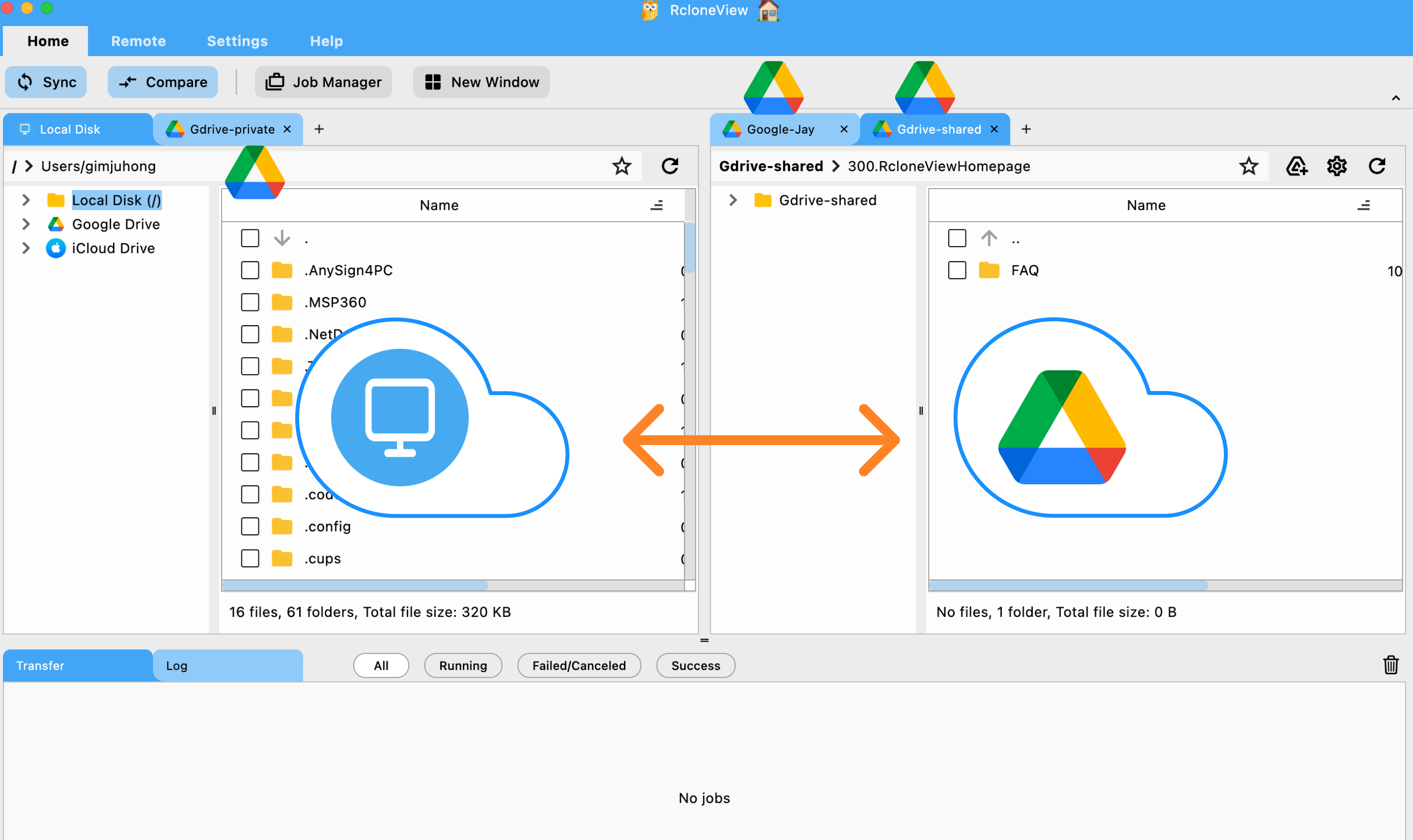
Preview before you copy
- Select source (WebDAV) and destination folders in Explorer.
- Click Compare to highlight missing, newer, or identical items.
- Use
Copy ->or<- Copyto move only what you need, or delete stray files safely.
Run a one-time backup with Sync
- Select source/destination folders.
- Click Sync and enable Dry run first to see planned changes.
- In the Sync options, keep concurrency moderate if your server throttles; you can raise transfers/checkers in Settings after testing.
- Watch progress in Transfer and Completed tabs; review logs for any API limits.
Schedule recurring backups (set it and forget it)
- In the Sync dialog, click Save to Jobs (or open Job Manager -> Add Job).
- Pick a schedule (daily or specific days) and point the destination to a dated folder if you want simple point-in-time copies.
- Enable notifications and watch Job History for success/fail details.
Quick FAQ
Does this work for any WebDAV, not just Nextcloud?
Yes - select WebDAV and the appropriate vendor/preset or “other” to match your service.
Can I back up to multiple destinations?
Yes - reuse the same WebDAV source in multiple jobs (e.g., Nextcloud -> Drive and Nextcloud -> Wasabi).
Do scheduled jobs run if the app is locked?
Jobs run as configured; App Lock simply protects UI access (see Enable App Lock).
Wrap-up
RcloneView makes WebDAV/Nextcloud backups visual and predictable: add the remote once, preview changes, tune performance, and schedule verified jobs. Protect your team’s files with off-site copies you can trust-no CLI fluency required.
Supported Cloud Providers





























