RcloneView vs MEGAsync: Cloud Storage Tools Compared
MEGAsync is a capable sync client for MEGA cloud storage, but it only works with one provider. RcloneView connects to over 70 cloud services, making it the more versatile choice for anyone managing files across multiple platforms.
MEGAsync is the official desktop client for MEGA, a cloud storage provider known for its end-to-end encryption and generous 20 GB free tier. MEGAsync handles syncing, selective sync, and file transfers between your local machine and your MEGA account. It does what it does well, but it is locked to a single ecosystem.
RcloneView is a graphical interface built on rclone that supports MEGA alongside 70+ other cloud storage providers. It offers cloud-to-cloud transfers, a two-pane file explorer, mount capabilities, sync job scheduling, and real-time monitoring. If you use MEGA as one of several cloud services -- or plan to migrate away from MEGA -- RcloneView gives you the tools to manage everything from one place.
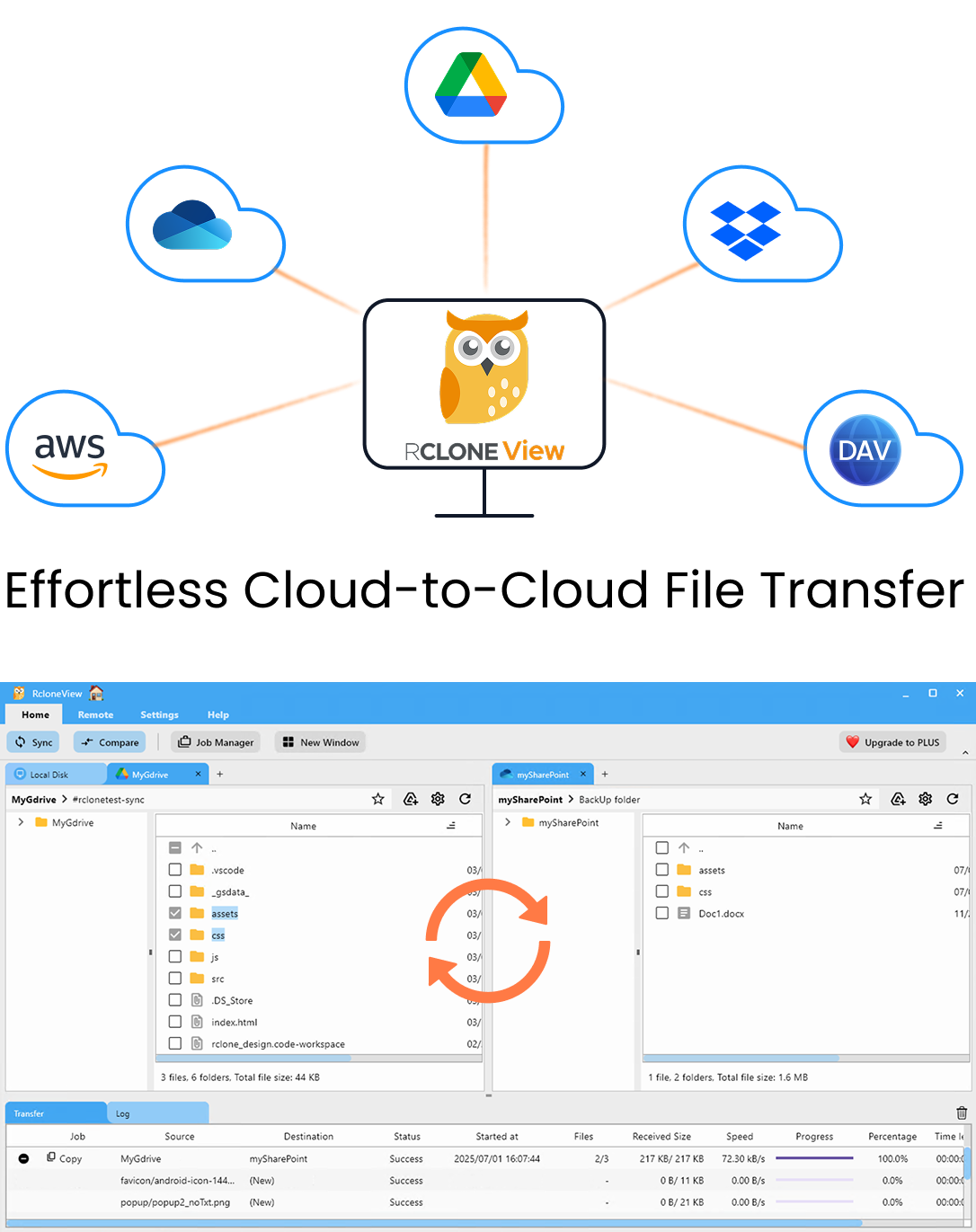
Manage & Sync All Clouds in One Place
RcloneView is a cross-platform GUI for rclone. Compare folders, transfer or sync files, and automate multi-cloud workflows with a clean, visual interface.
- One-click jobs: Copy · Sync · Compare
- Schedulers & history for reliable automation
- Works with Google Drive, OneDrive, Dropbox, S3, WebDAV, SFTP and more
Free core features. Plus automations available.