Gofile
如何使用 RcloneView 新增 Gofile(Windows)
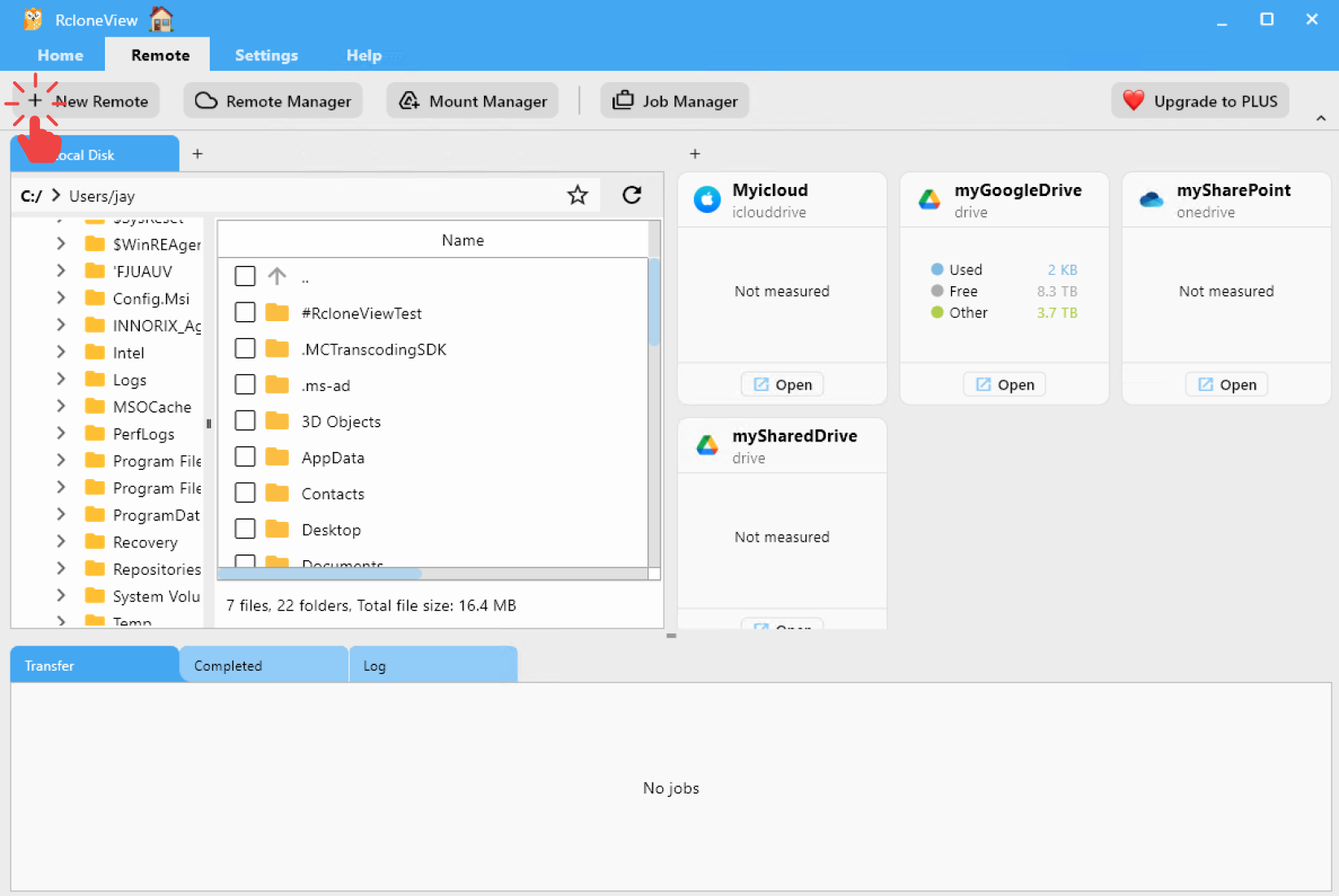
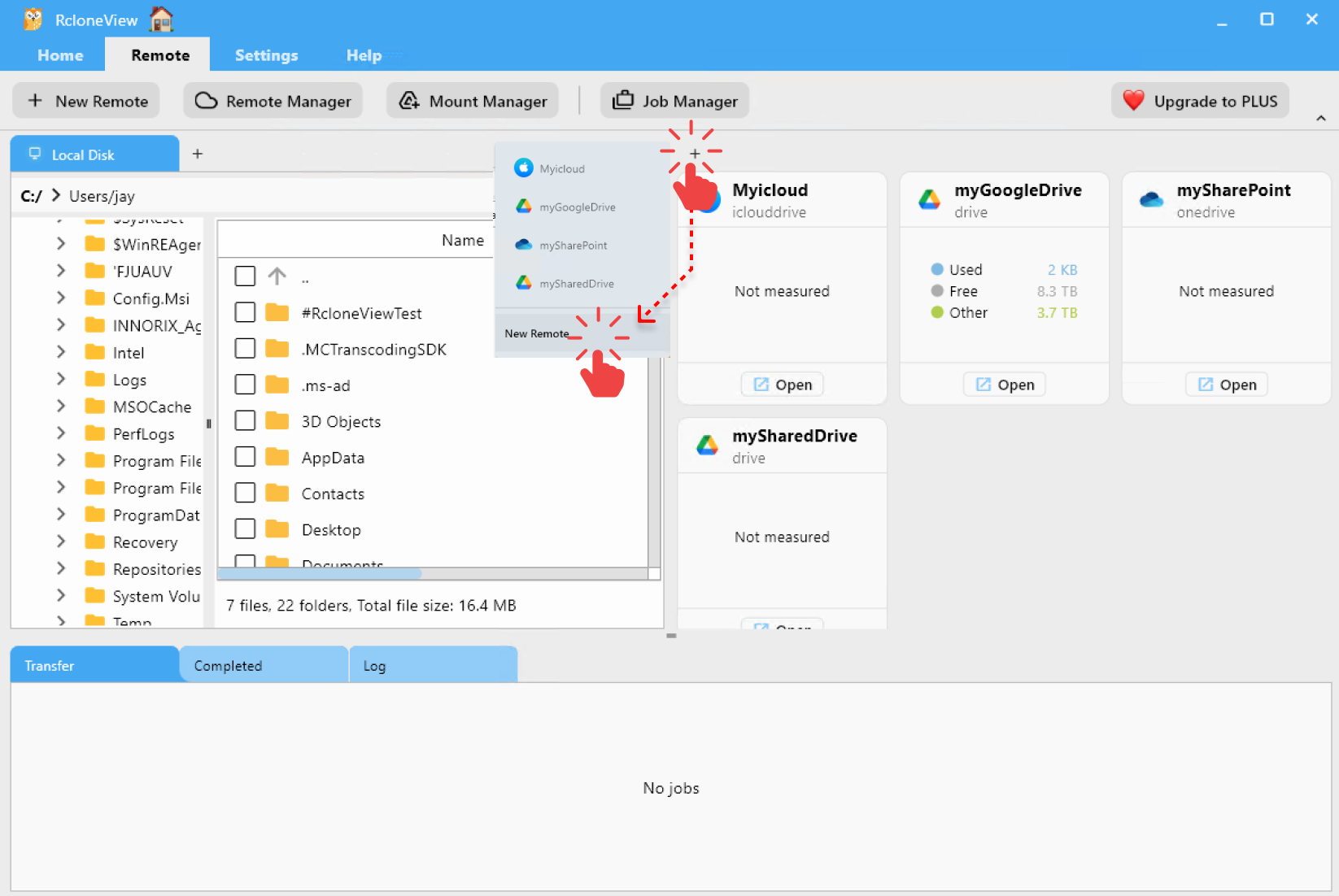
步驟 1:開啟新增遠端設定視窗
- 從頂端選單的
Remote下方點擊+ New Remote。 - 或者,點擊「總管」窗格中的
+按鈕並選擇New Remote以開始遠端設定。
步驟 2:新增 Gofile 遠端
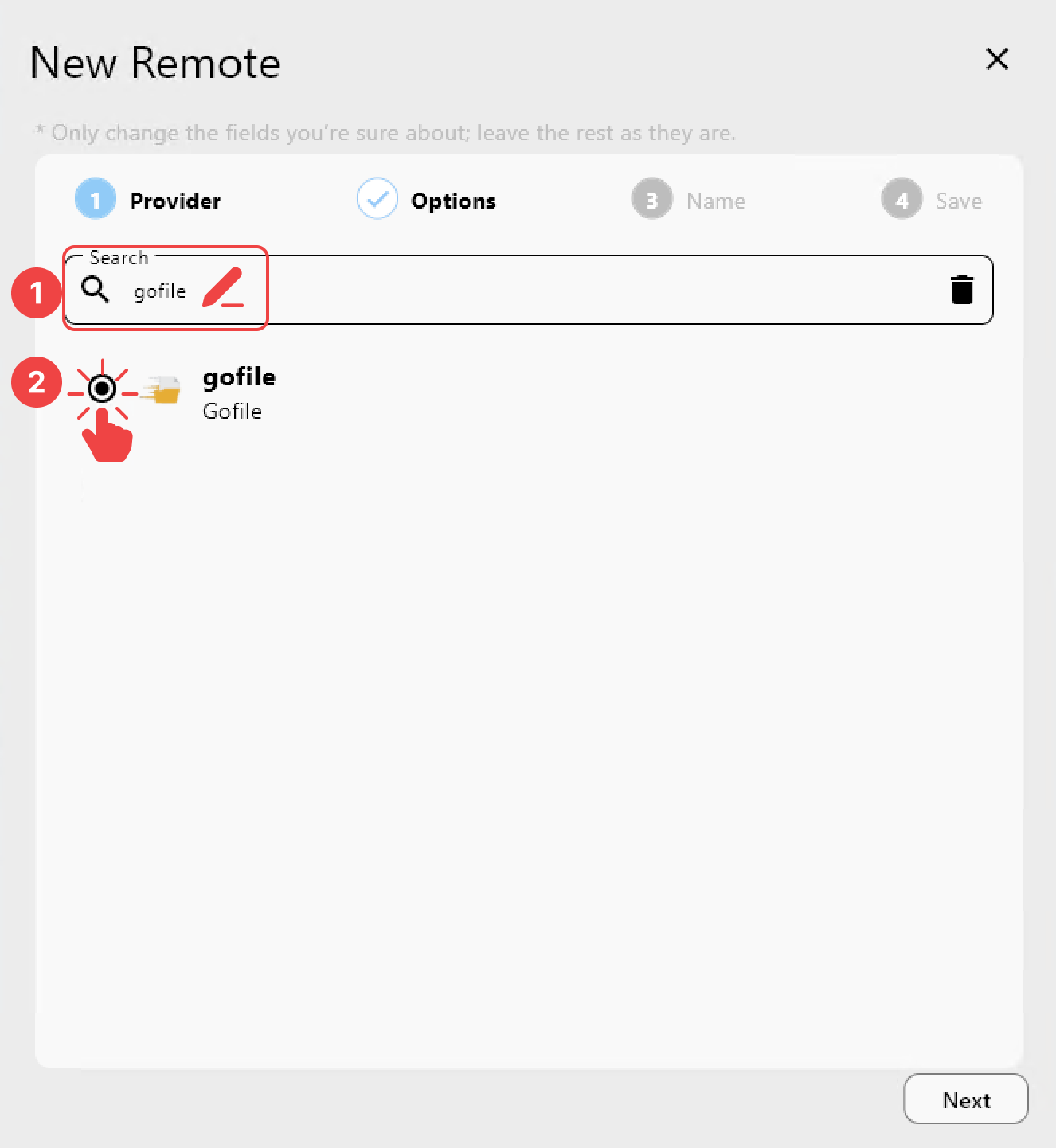
在 Provider 分頁中:
- 搜尋
gofile。 - 從清單中選擇
Gofile。
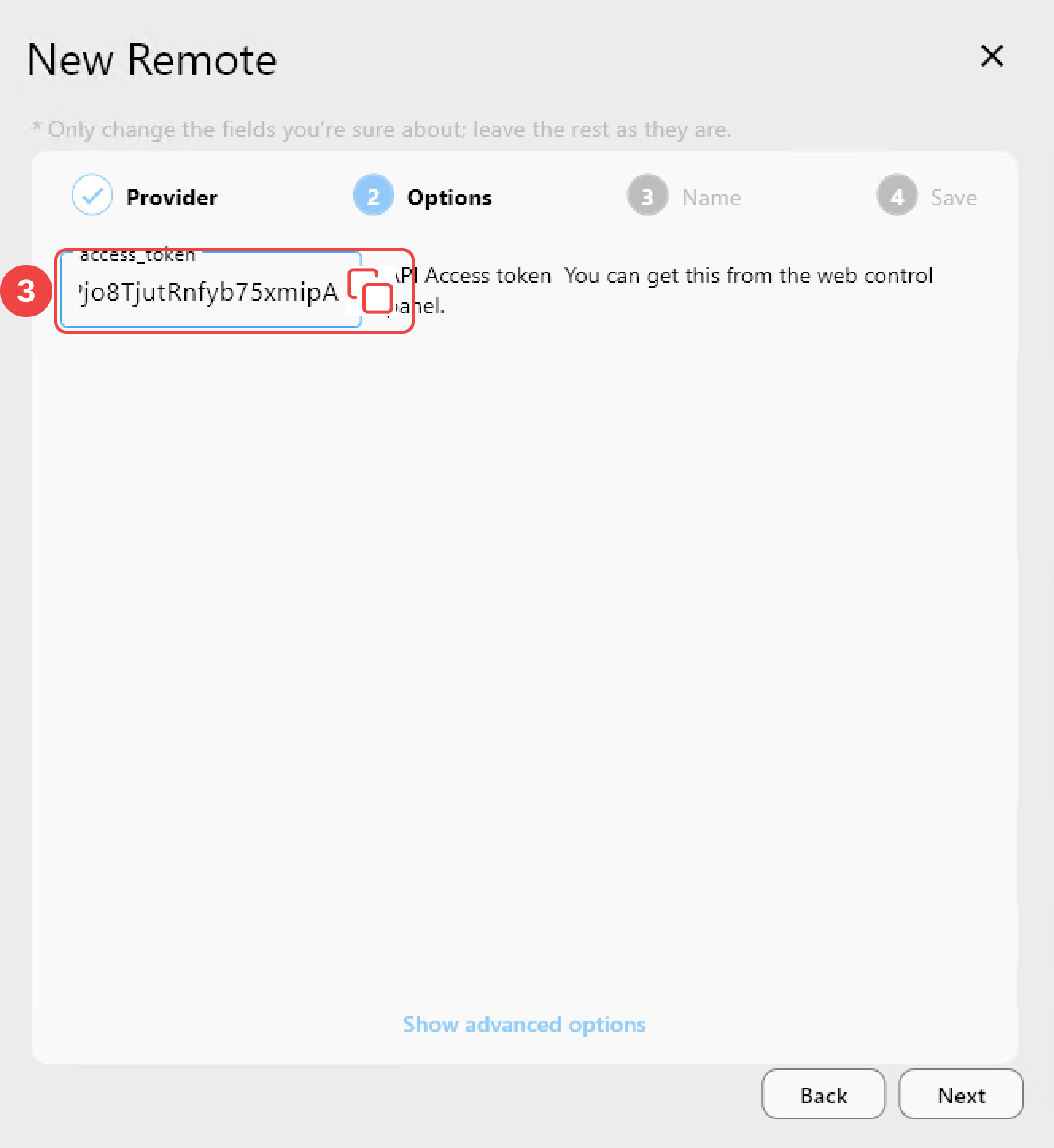
在 Options 分頁中:
- 輸入您的 Access Token。
如何取得 Access Token
- 造訪 https://gofile.io/myprofile
- 登入您的 Gofile 帳號。
- 向下捲動找到
Account API Token並複製它。
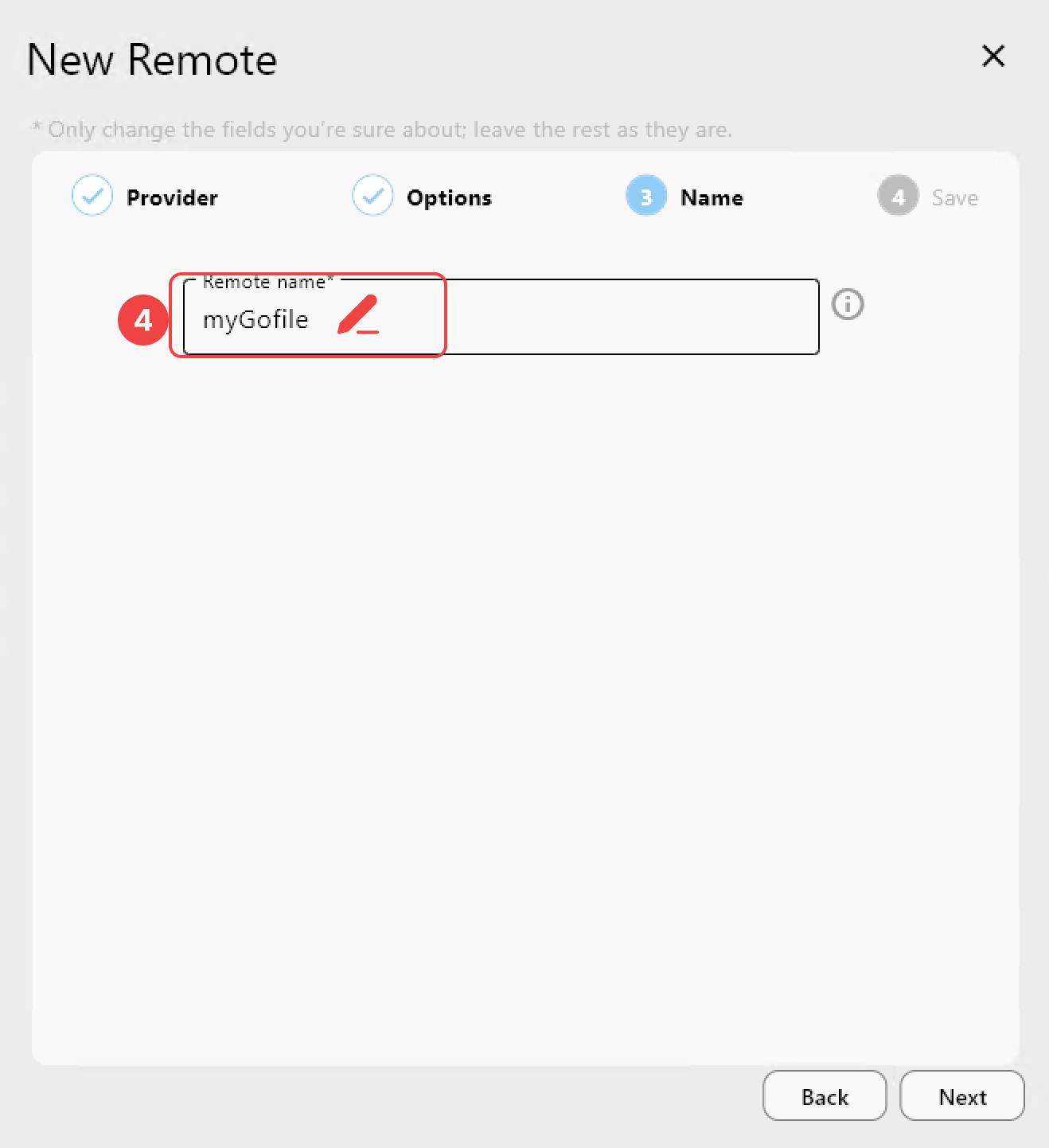
在 Name 分頁中:
- 為此遠端指定一個
Remote name(例如:myGofile)。
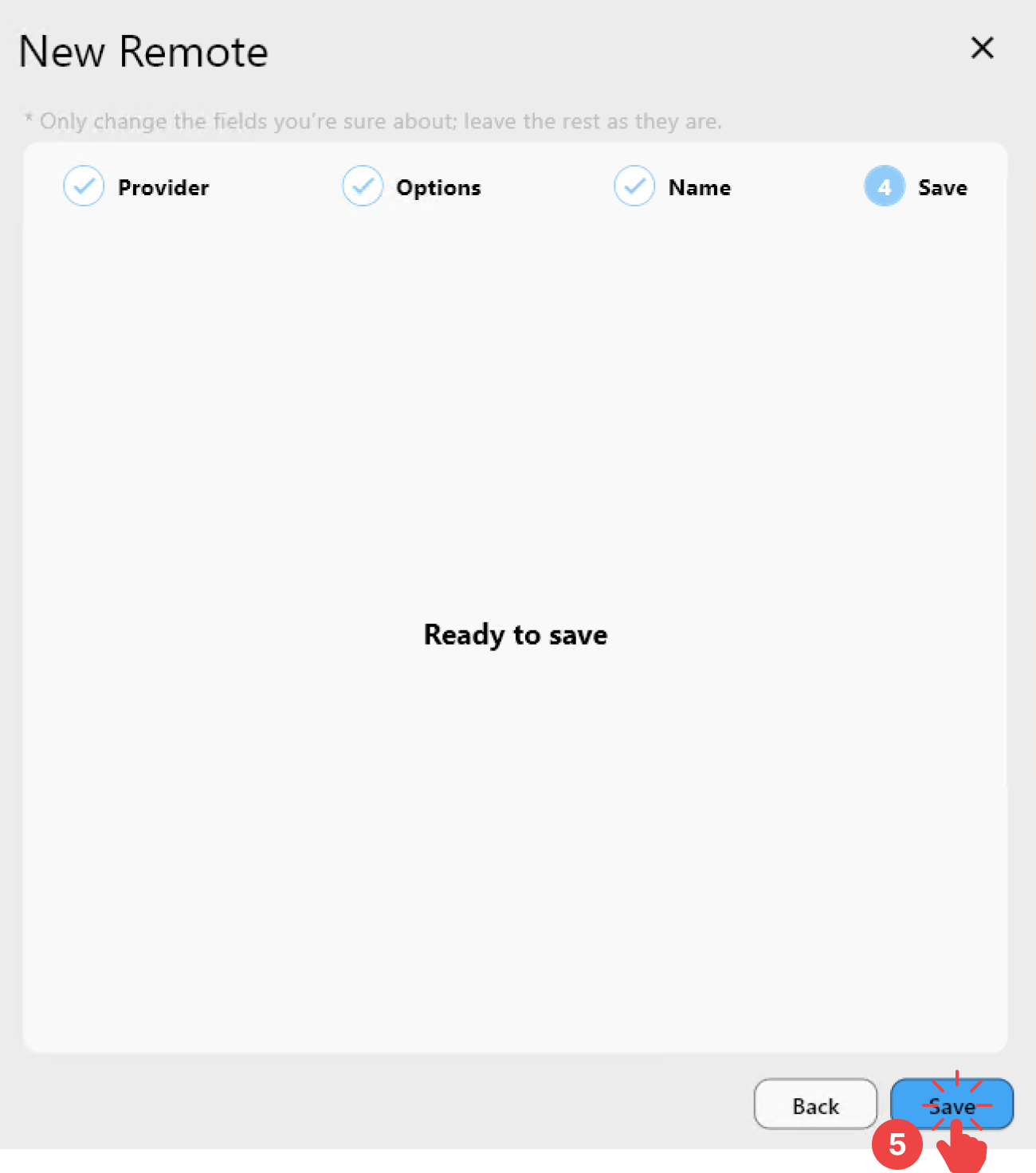
在 Save 分頁中:
- 點擊
Save以完成新增遠端。
步驟 3:在 RcloneView 中確認已新增的 Gofile 遠端
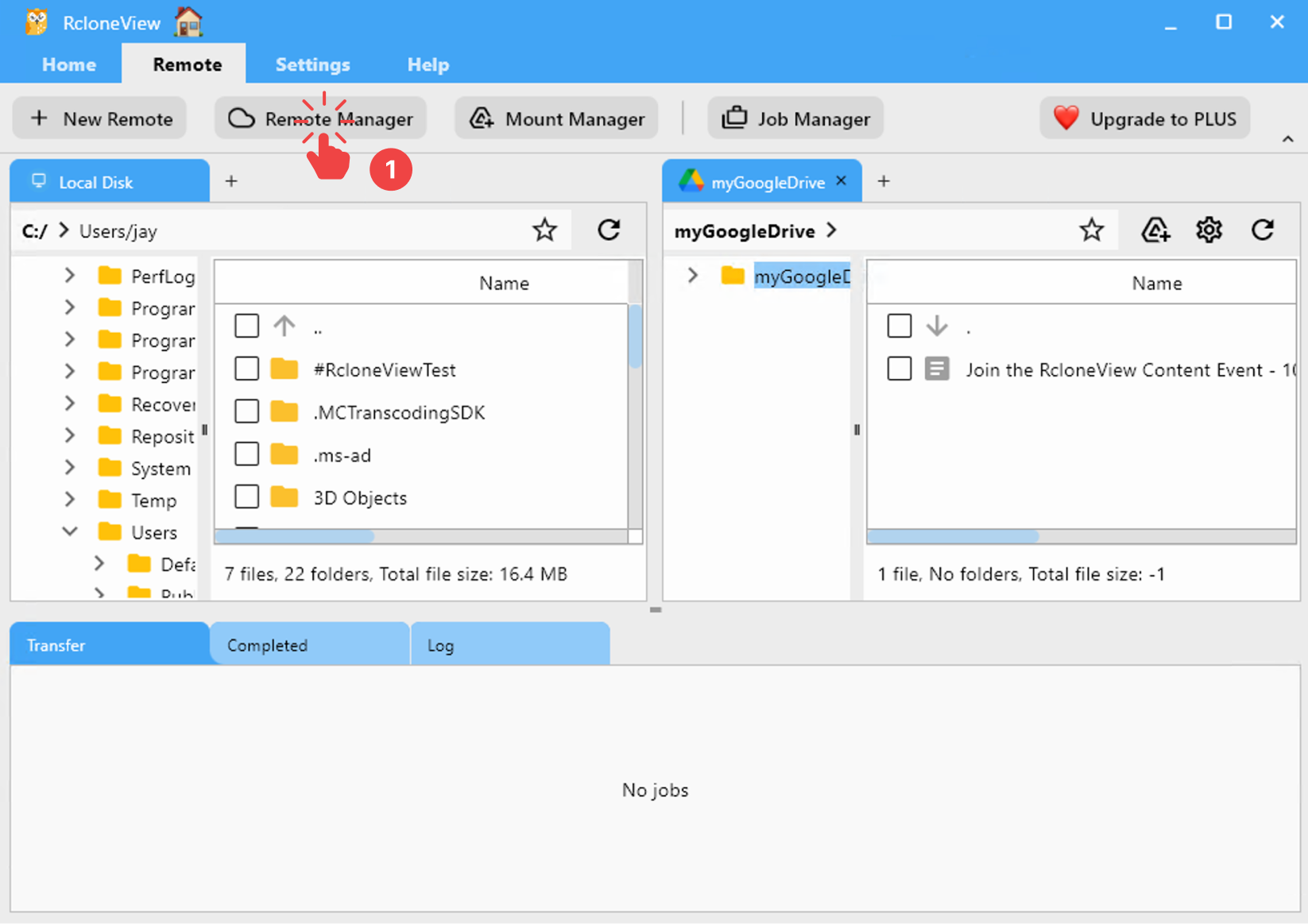
啟動 RcloneView。
- 從選單列中,點擊
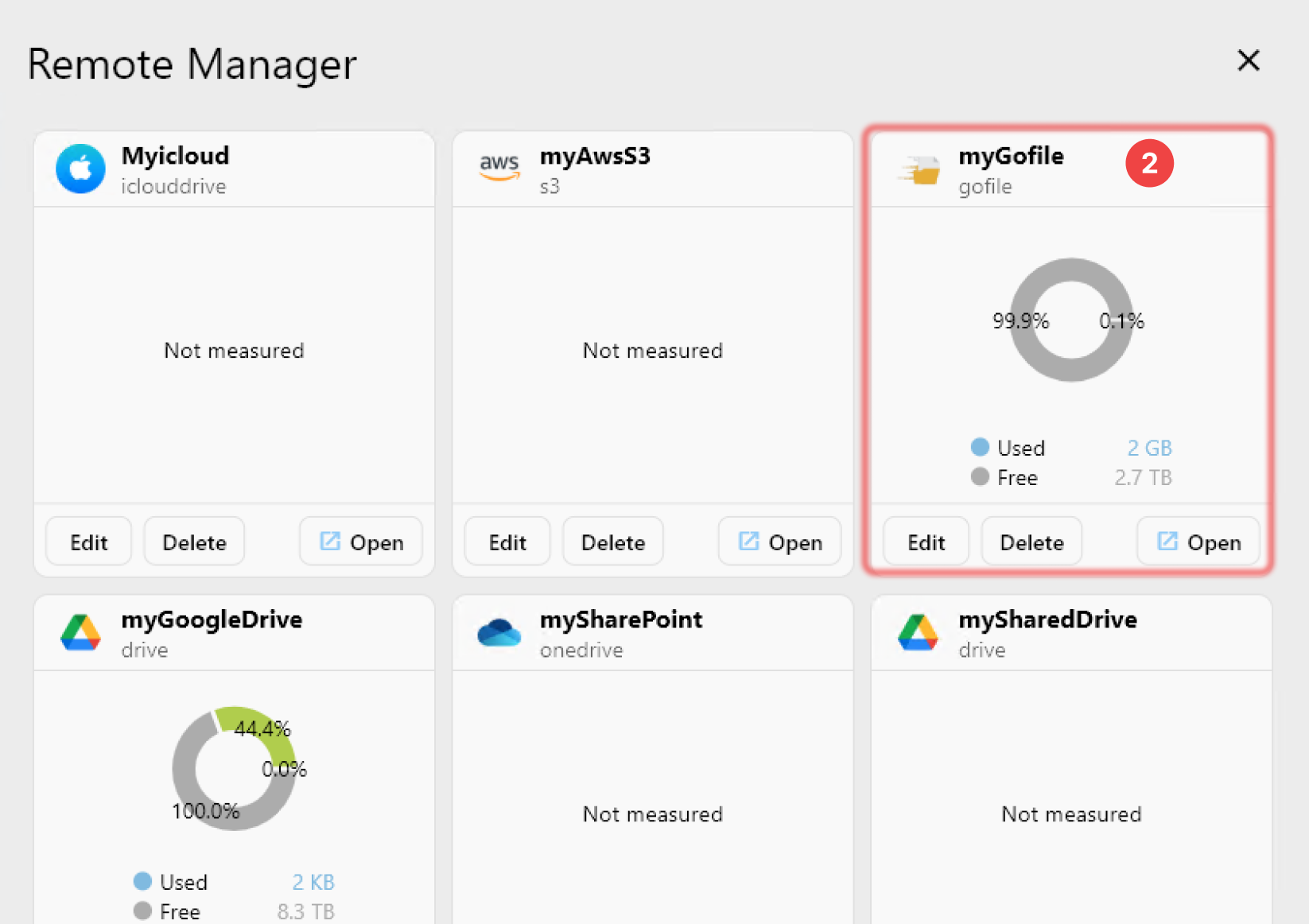
Remote分頁下的Remote Manager。 - 確認您的
Gofile遠端已出現在Remote Manager視窗中。
✅ 完成! 您的 Gofile 遠端現已成功設定,並可在 RcloneView 中使用。
🔗 其他資源
- 🔐 取得您的權杖:https://gofile.io/myprofile