Google Shared Drive (구 Team Drive)
Rclone CLI를 사용하여 Google Shared Drive 추가하는 방법 (Windows)
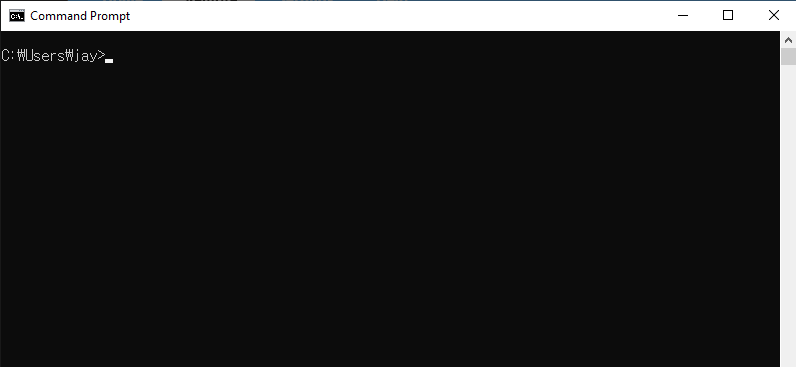
1단계: 명령 프롬프트 열기
- Win + R을 누르고 cmd를 입력한 후 Enter를 누릅니다.
2단계: Rclone 구성 시작
명령 프롬프트를 열고 Rclone 구성 프로세스를 시작합니다.
rclone config
다음과 같은 메뉴가 표시됩니다.
No remotes found - make a new one
n) New remote
s) Set configuration password
q) Quit config
n/s/q> n
n을 입력하고 Enter를 눌러 새 리모트를 생성합니다.
3단계: Google Shared Drive 설정
다음 안내를 따라 진행합니다.
- Name: 새 리모트에 이름을 지정합니다 (예: mySharedDrive).
Enter name for new remote.
name> mySharedDrive
- Storage: 저장소 옵션 목록에서
drive를 입력하거나 해당 번호(보통20)를 입력하여 Google Drive를 선택합니다.
Storage> 20
- client_id와 client_secret: 별도의 자격 증명이 없다면 비워 둡니다.
client_id> (press Enter)
client_secret> (press Enter)
- Scope: Google Drive에 대한 전체 액세스 권한을 부여하려면
1을 입력합니다.
scope> 1
- Service Account Credentials: 특별히 필요하지 않다면 비워 둡니다.
service_account_file> (press Enter)
- Advanced Config: 필요하지 않다면 고급 설정을 건너뜁니다.
Edit advanced config? (y/n)
y/n> n
- Auto Config: 더 쉬운 설정을 위해 자동 구성을 사용합니다.
If not sure try Y. If Y failed, try N.
y) Yes (default)
n) No
y/n> y
브라우저 창이 자동으로 열립니다. Google 계정으로 로그인하고 요청된 권한을 부여하세요.
4단계: Shared Drive 구성
Google 인증을 완료한 후:
- "Configure this as a Shared Drive?"라는 메시지가 표시됩니다.
y를 입력하여 확인합니다.
Configure this as a Shared Drive (Team Drive)?
y) Yes
n) No (default)
y/n> y
- Rclone이 사용자의 Shared Drive 목록을 표시합니다. 추가하려는 Shared Drive에 해당하는 번호를 입력합니다.
Choose a number from below, or type in your own value of type string.
Press Enter for the default (0APnCeqmeA1p1Uk9PVA).
 1 / Team shared drive
   \ (0APnCeqmeA1p1Uk9PVA)
config_team_drive> 1
- 표시된 구성 세부 정보를 검토하고 확인합니다.
Keep this "mySharedDrive" remote?
y) Yes this is OK (default)
e) Edit this remote
d) Delete this remote
y/e/d> y
- Rclone 구성 인터페이스를 종료합니다.
Current remotes:

Name                 Type
====                 ====
mySharedDrive        drive

e) Edit existing remote
n) New remote
d) Delete remote
r) Rename remote
c) Copy remote
s) Set configuration password
q) Quit config
e/n/d/r/c/s/q> q
완료! 이제 Google Shared Drive가 성공적으로 구성되어 Rclone과 함께 사용할 준비가 되었습니다.
5단계: 연결 테스트
Google Shared Drive의 내용을 나열하여 구성을 확인합니다.
rclone ls mySharedDrive:
모든 것이 올바르게 설정되었다면 Shared Drive의 파일 목록이 표시됩니다.
5단계: RcloneView에서 추가된 iCloud Drive 확인
RcloneView를 실행합니다.
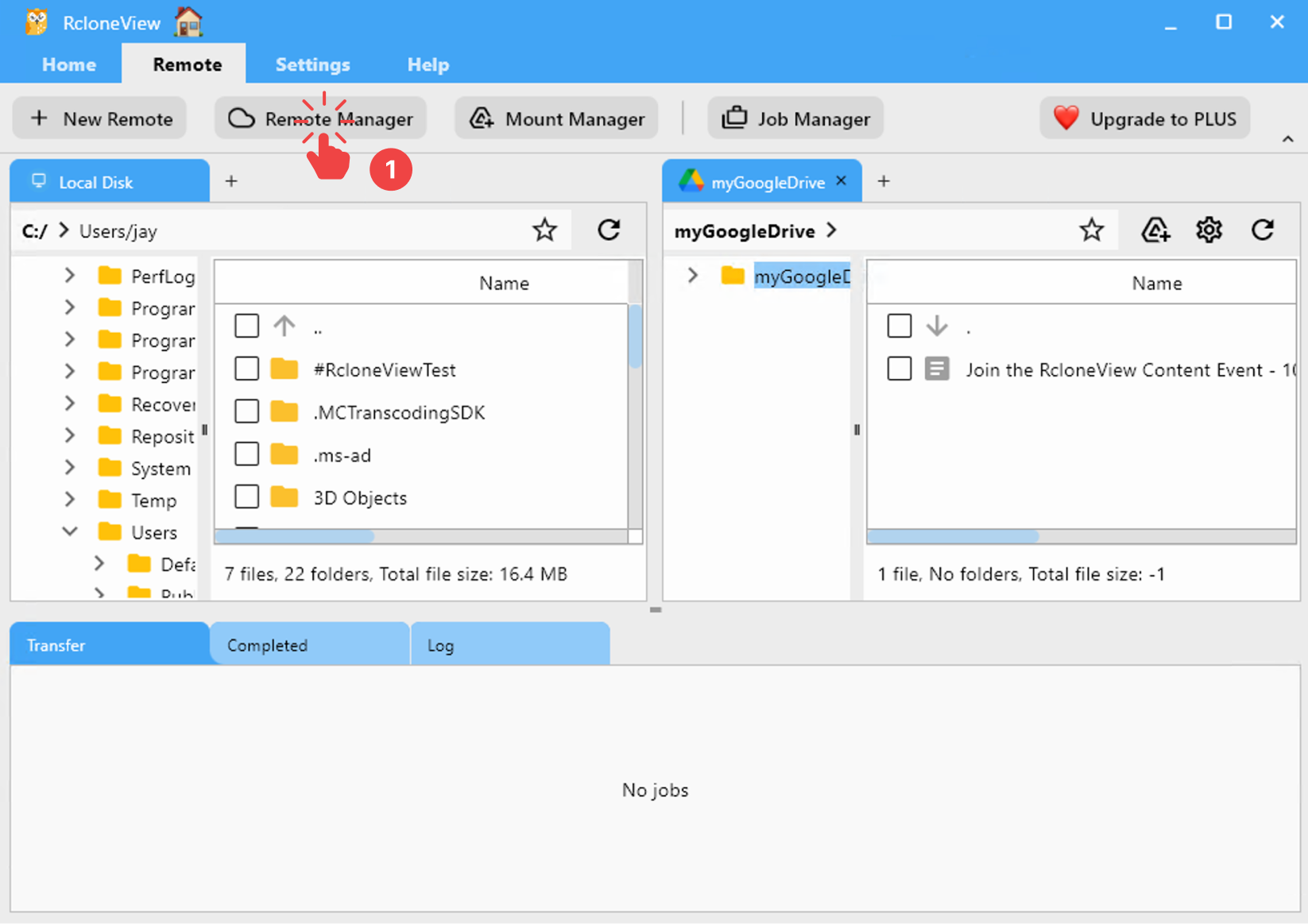
- 메뉴 바에서 Remote 탭 아래의 Remote Manager를 클릭합니다.
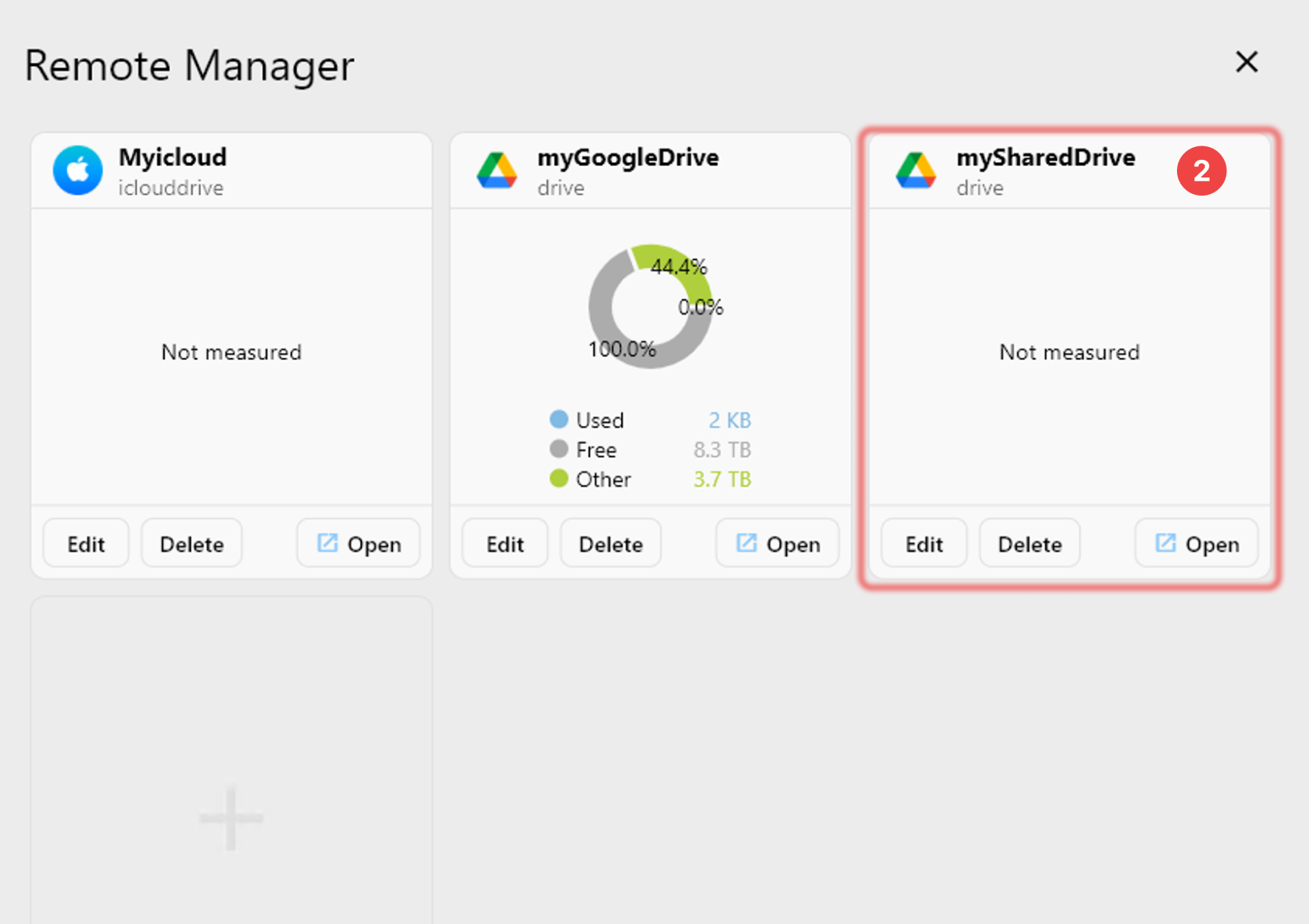
- Remote Manager 창에 Google Shared Drive가 표시되는지 확인합니다.