Google 共享云端硬盘(原 Team Drive)
如何使用 Rclone CLI 添加 Google 共享云端硬盘(Windows)
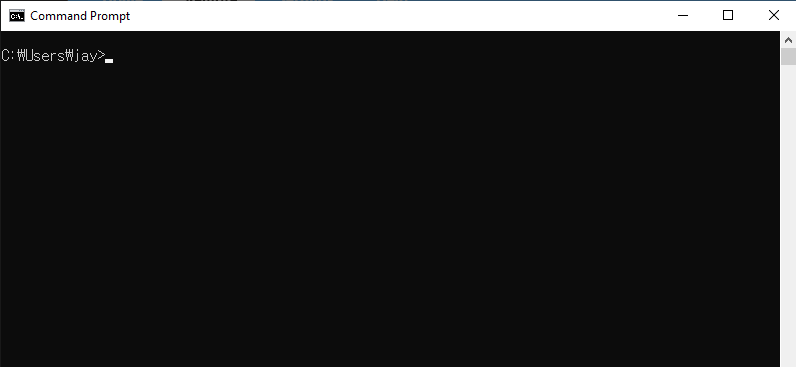
步骤 1:打开命令提示符
- 按 Win + R,输入 cmd,然后按 Enter。
步骤 2:启动 Rclone 配置
打开命令提示符并启动 Rclone 配置流程:
rclone config
你将看到一个菜单:
No remotes found - make a new one
n) New remote
s) Set configuration password
q) Quit config
n/s/q> n
输入 n 并按 Enter 创建新的远程。
步骤 3:设置 Google 共享云端硬盘
按照以下提示操作:
- 名称(Name):为新的远程指定一个名称(例如 mySharedDrive)。
Enter name for new remote.
name> mySharedDrive
- 存储(Storage):从存储选项列表中输入
drive或其对应的编号(通常为20)以选择 Google Drive。
Storage> 20
- client_id 和 client_secret:除非你有特定的凭据,否则请留空。
client_id> (press Enter)
client_secret> (press Enter)
- 范围(Scope):输入
1以授予对你的 Google Drive 的完全访问权限。
scope> 1
- 服务账户凭据(Service Account Credentials):除非有特殊需要,否则请留空。
service_account_file> (press Enter)
- 高级配置(Advanced Config):除非需要,否则跳过高级配置。
Edit advanced config? (y/n)
y/n> n
- 自动配置(Auto Config):使用自动配置以便更轻松地完成设置。
If not sure try Y. If Y failed, try N.
y) Yes (default)
n) No
y/n> y
浏览器窗口将自动打开。使用你的 Google 账户登录并授予所需的权限。
步骤 4:配置共享云端硬盘
完成 Google 身份验证后:
- 你将看到提示:"Configure this as a Shared Drive?"(是否将其配置为共享云端硬盘?)输入
y确认。
Configure this as a Shared Drive (Team Drive)?
y) Yes
n) No (default)
y/n> y
- Rclone 将显示你的共享云端硬盘列表。输入你要添加的共享云端硬盘对应的编号。
Choose a number from below, or type in your own value of type string.
Press Enter for the default (0APnCeqmeA1p1Uk9PVA).
 1 / Team shared drive
   \ (0APnCeqmeA1p1Uk9PVA)
config_team_drive> 1
- 检查显示的配置详情并确认。
Keep this "mySharedDrive" remote?
y) Yes this is OK (default)
e) Edit this remote
d) Delete this remote
y/e/d> y
- 退出 Rclone 配置界面。
Current remotes:

Name                 Type
====                 ====
mySharedDrive        drive

e) Edit existing remote
n) New remote
d) Delete remote
r) Rename remote
c) Copy remote
s) Set configuration password
q) Quit config
e/n/d/r/c/s/q> q
完成! 你的 Google 共享云端硬盘现已成功配置,可以在 Rclone 中使用。
步骤 5:测试连接
通过列出 Google 共享云端硬盘的内容来验证你的配置:
rclone ls mySharedDrive:
如果一切配置正确,你应该会看到共享云端硬盘中的文件列表。
步骤 5:在 RcloneView 中验证已添加的 iCloud Drive
启动 RcloneView。
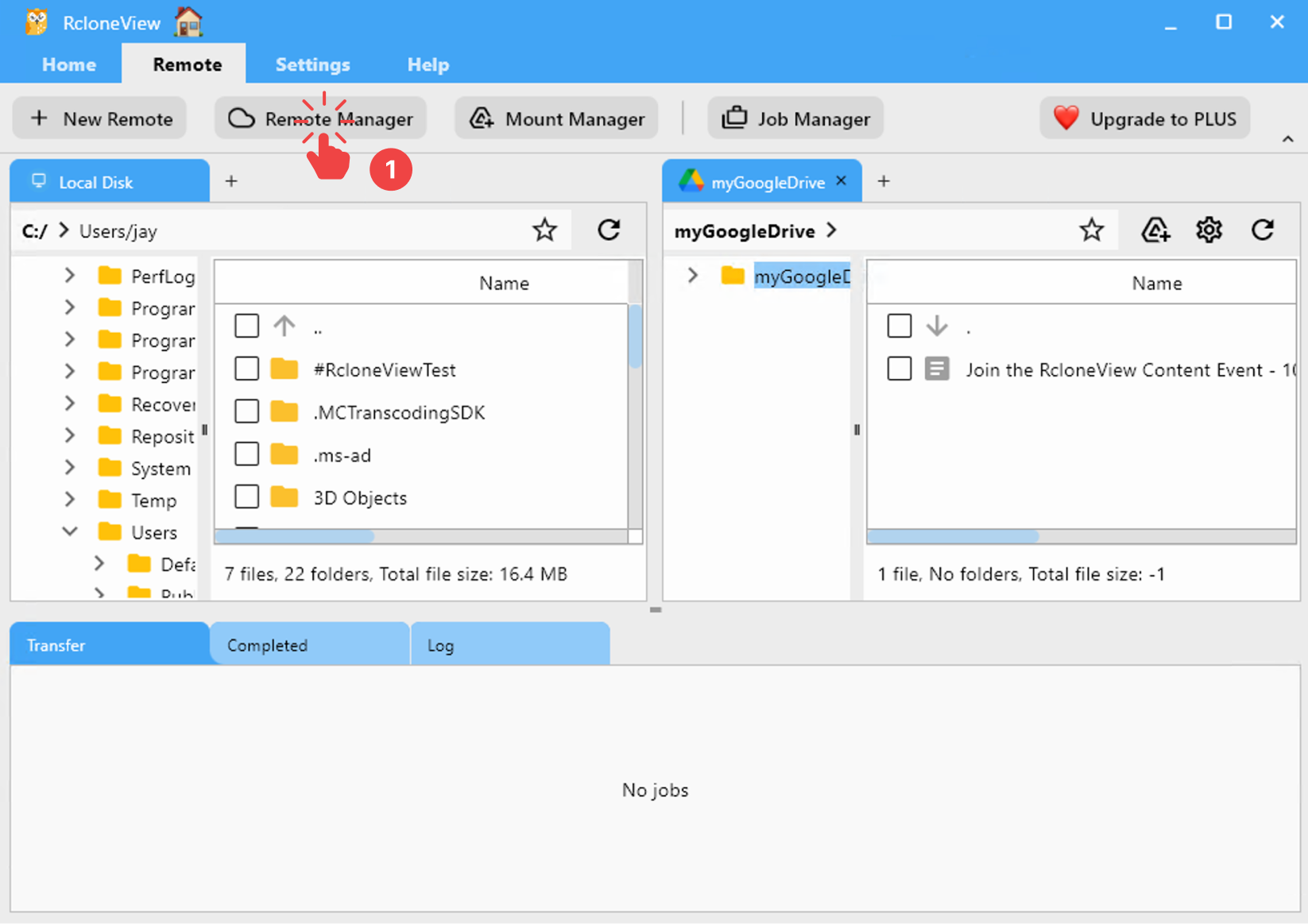
- 在菜单栏中,点击 Remote 选项卡下的 Remote Manager。
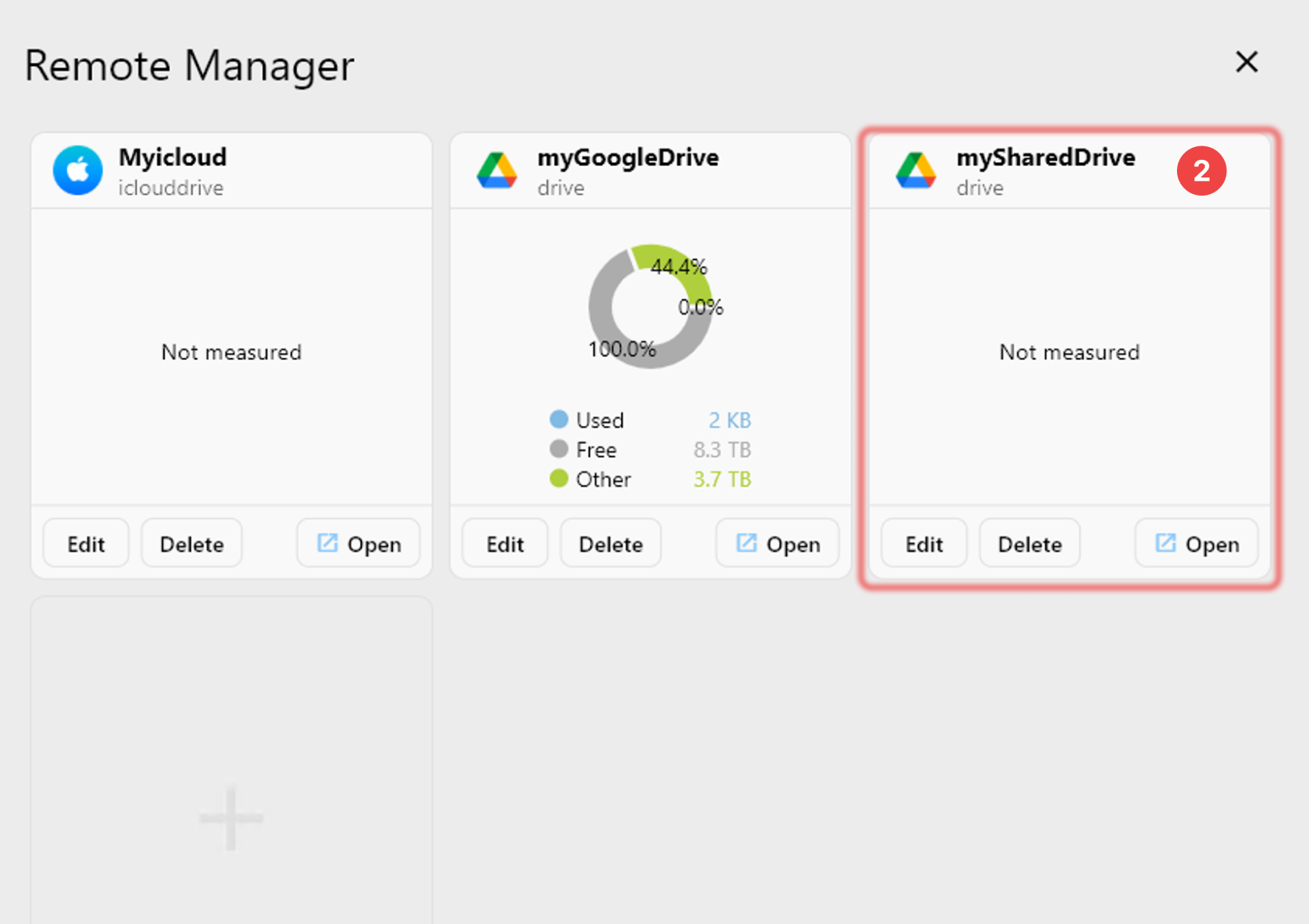
- 确认你的 Google 共享云端硬盘 出现在 Remote Manager 窗口中。