面向 Microsoft 365 商业用户的 SharePoint
如何使用 Rclone CLI 添加 SharePoint(Windows)
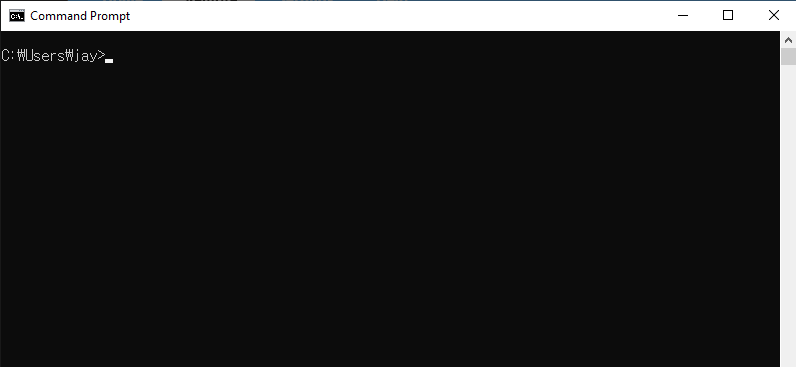
步骤 1:打开命令提示符
- 按
Win + R,输入cmd,然后按Enter。
步骤 2:启动 Rclone 配置
在命令提示符窗口中,输入:
rclone config
您将看到以下菜单:
No remotes found - make a new one
n) New remote
s) Set configuration password
q) Quit config
n/s/q> n
输入 n 并按 Enter 创建新的远程。
步骤 3:设置 SharePoint
按照以下提示操作:
- Name:为您的远程指定一个有意义的名称(例如
mySharePoint)。
Enter name for new remote.
name> mySharePoint
- Storage:通过输入
onedrive或其对应的编号(通常为36)从列表中选择 OneDrive。
Storage> onedrive
- client_id 和 client_secret:除非您有特定的凭据,否则请留空。
client_id> (press Enter)
client_secret> (press Enter)
- Region:默认选择 global。
Choose national cloud region for OneDrive.
Choose a number from below, or type in your own value of type string.
Press Enter for the default (global).
 1 / Microsoft Cloud Global
   \ (global)
 2 / Microsoft Cloud for US Government
   \ (us)
 3 / Microsoft Cloud Germany (deprecated - try global region first).
   \ (de)
 4 / Azure and Office 365 operated by Vnet Group in China
   \ (cn)
region> (press Enter)
- Option tenant:除非有特殊需要,否则留空。
Enter a value. Press Enter to leave empty.
tenant> (press Enter)
- Edit advanced config? 输入
n。
Edit advanced config? (y/n)
y/n> n
- Use auto config? 输入
y。
Use web browser to automatically authenticate rclone with remote?
....
y) Yes (default)
n) No
y/n> y
系统将自动打开浏览器窗口。使用您的 Microsoft 账户(商业账户)登录并授予所需的权限。
步骤 4:配置 SharePoint 站点
完成身份验证后,选择您的账户类型:
- 要添加 SharePoint 站点,请选择选项
2(Root SharePoint site,根 SharePoint 站点)或4(Search for a SharePoint site,搜索 SharePoint 站点):
Choose a number from below, or type in an existing value of type string.
Press Enter for the default (onedrive).
 1 / OneDrive Personal or Business
   \ (onedrive)
 2 / Root Sharepoint site
   \ (sharepoint)
   / Sharepoint site name or URL
 3 | E.g. mysite or https://contoso.sharepoint.com/sites/mysite
   \ (url)
 4 / Search for a Sharepoint site
   \ (search)
 5 / Type in driveID (advanced)
   \ (driveid)
 6 / Type in SiteID (advanced)
   \ (siteid)
   / Sharepoint server-relative path (advanced)
 7 | E.g. /teams/hr
   \ (path)
config_type> 2
-
输入您的 SharePoint 站点 URL,或从搜索结果中进行选择。
-
查看并确认显示的配置:
Keep this "mySharePoint" remote?
y) Yes this is OK (default)
e) Edit this remote
d) Delete this remote
y/e/d> y
- 退出 Rclone 配置:
Current remotes:

Name                 Type
====                 ====
mySharePoint         onedrive

e) Edit existing remote
n) New remote
d) Delete remote
r) Rename remote
c) Copy remote
s) Set configuration password
q) Quit config
e/n/d/r/c/s/q> q
完成! 您的 SharePoint 站点现已成功配置。
步骤 5:测试连接
通过列出您的 SharePoint 站点的内容来验证配置:
rclone ls mySharePoint:
如果配置正确,您将看到您的文件列表。
步骤 6:在 RcloneView 中验证 SharePoint
启动 RcloneView。
-
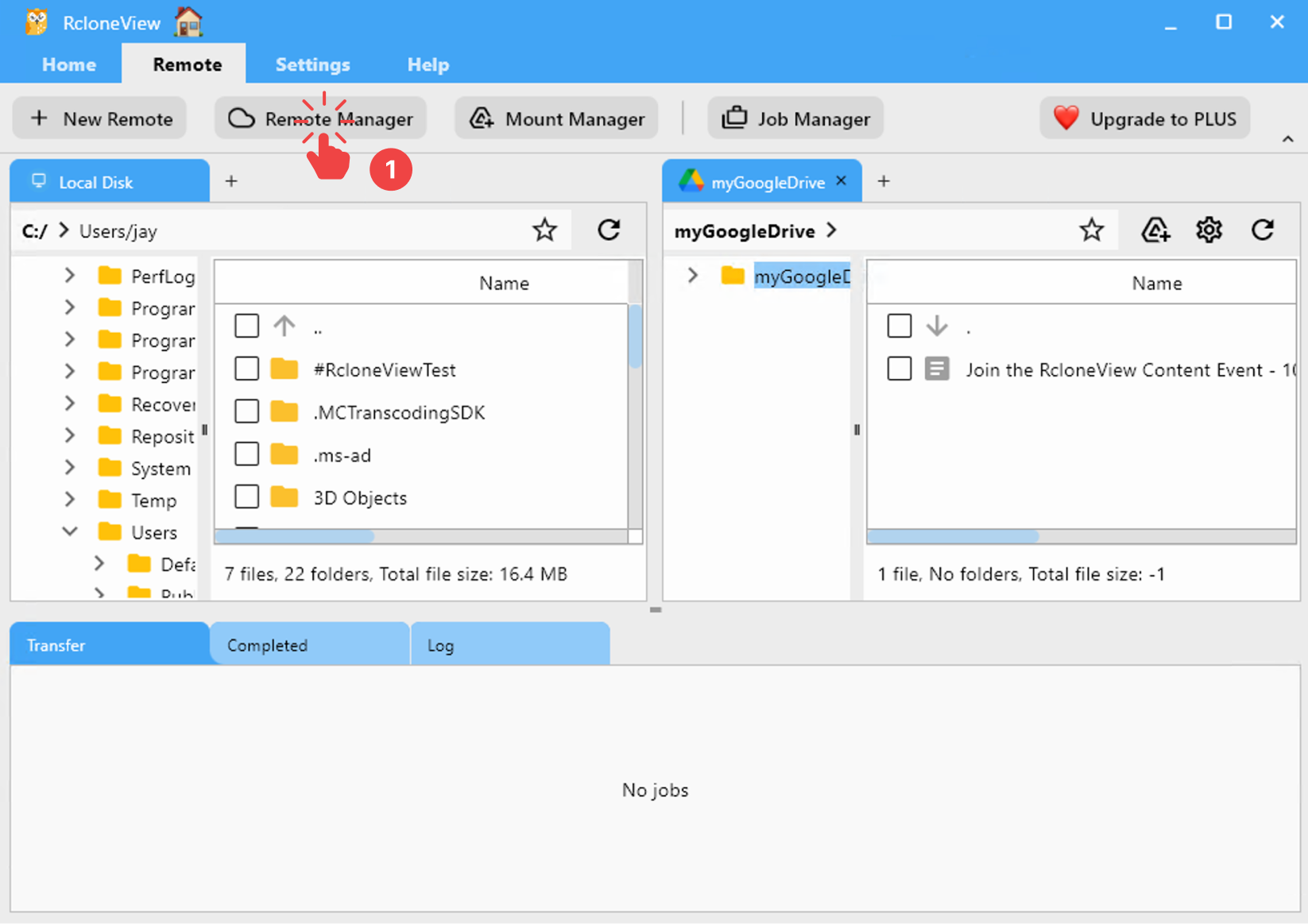
从菜单栏点击 Remote > Remote Manager。
-
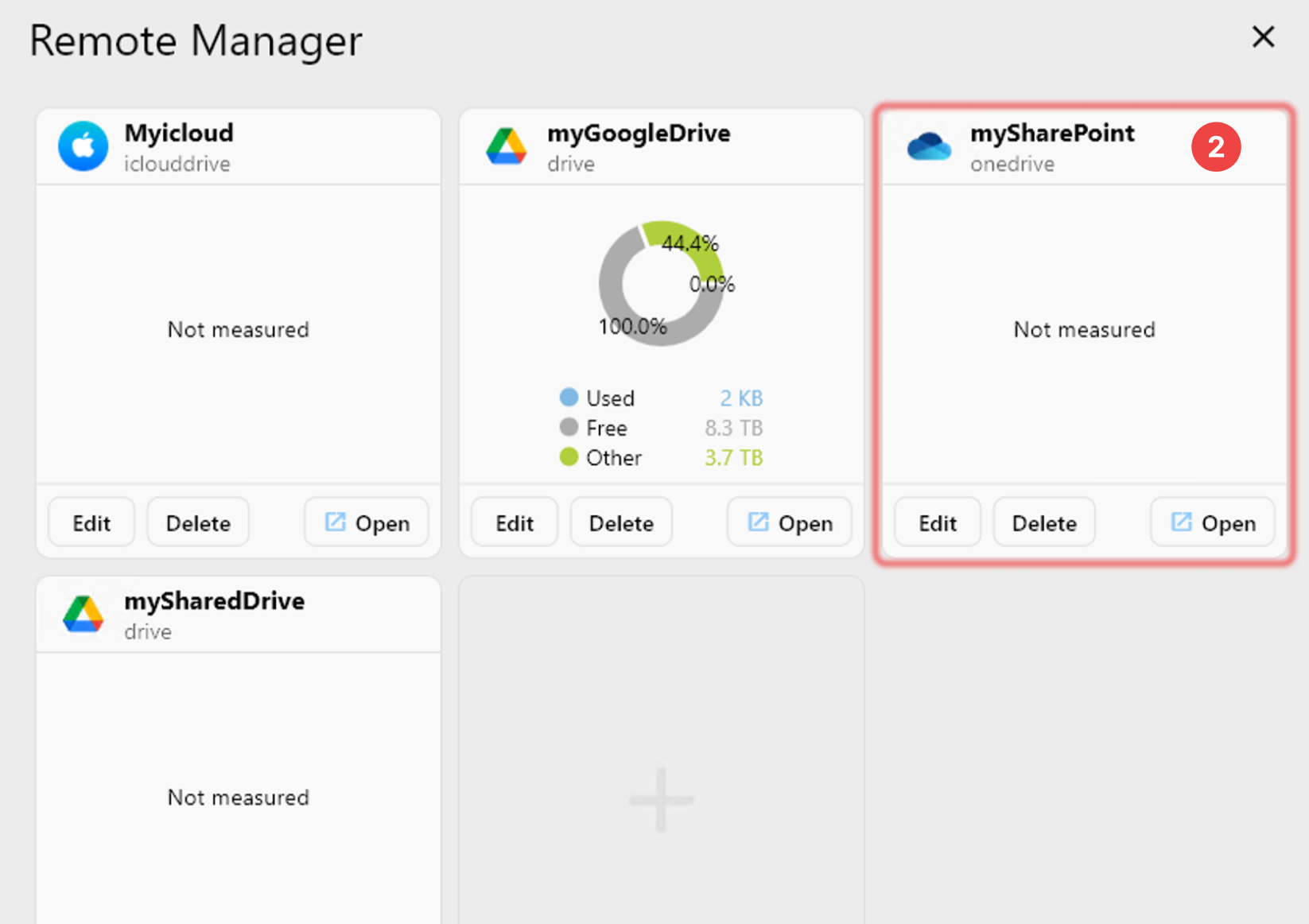
确认您的 SharePoint 出现在 Remote Manager 窗口中。